Formations
Tristan SALAÜN
Pour Kotlin, Android (Java et Kotlin)
premier niveau et avancé
Supports disponibles
Utilisation de cette présentation
La librairie utilisée est : https://revealjs.comAppuyons sur la touche ?
Android les bases, comment bien commencer
Le support en PDF.Android avancé, des bases à des techniques de développement plus avancées
Le support en PDF.Android expert : les techniques de développement plus poussées
Le support en PDF.Android méthodes de test :
les différentes techniques de tests d'une application Android
Le support en PDF.
Kotlin de A à Z : les différents aspects du langage
Le support en PDF.Kotlin, développer des applications pour Android

Kotlin, les bases et mise en œuvre pour Android
Présentations
- Qui suis-je.
- Qui êtes-vous ? Quelles sont vos attentes.
- Présentation du plan.
Qui suis-je
- Développeur d'applications mobiles Android (depuis 2009).
- Formateur Android/Java et Kotlin, et Javacard (scolaires et pros).
- Co-fondateur (1/7) de Startup Marseille.
![Logo Startup Marseille]()
- Fondateur de Light4Events.


Qui êtes-vous ?
Tour de table :- Prénom.
- Expérience (Java, Kotlin, Mobile Android/iOS).
- Attentes.
Android, pour bien commencer
- Jour 1
- Jour 2
- Jour 2
Kotlin, avancé
- Jour 1
- Introduction.
- Outils.
- Réseau.
- Persistance (Room).
- Injection.
- Tester.
- Jour 2
- Architecture moderne.
- Mise en pratique.
- Jour 3
- Mise en pratique.
- Nouveau plan : https://github.com/sum20156/TddApp
- Architecture moderne
- MVVM : application avec binding livedata
- Passage en Flow
- Affichage d'une liste + détail
- Binding image (attention).
- Binding double sens (attention => LiveTemplate).
- Persistance en local Room.
- Persistance à distance Retrofit
- Test application.
Kotlin
- Jour 1
Kotlin pour Android
Introduction
Introduction
Pourquoi le Kotlin ?
- Kotlin et Java sont 100 % interopérables.
- 2010 : idée (JetBrains).
- 2015 : naissance, disponible sur GitHub.
- Origine du nom : l'île de Kotlin.
- Concis, sûr et pragmatique.
- Statiquement typé, mais inférence de types.
- C'est aussi un langage fonctionnel.
Dates importantes
- 2010 : Lancement du projet Kotlin.
- juillet 2011 : communication officielle de JetBrain sur le projet Kotlin.
- février 2012 : mise à disposition du projet en open source.
- 15 février 2016 : Kotlin 1.0. Première version stable.
- 28 novembre 2017 : Kotlin 1.2. Partage du code entre la JVM et la plate-forme Javascript.
- 29 octobre 2018 : Kotlin 1.3. Coroutines.
Dates importantes (suite)
- 7 mai 2019 : Google annonce que Kotlin est le langage préféré pour développer des applications Android.
- 17 août 2020 : Kotlin 1.4. Mix des paramètres nommés et non nommés, virgule de fin, ...
- 5 mai 2021 : Kotlin 1.5. @JvmRecord, sealed interface, @JvmInline value class, ...
- 16 novembre 2021 : Kotlin 1.6. when exhaustif, ...
- 9 juin 2022 : Kotlin 1.7. Nouveau compilateur (K2 en Alpha), opérateur _ pour les types, ...
- 28 décembre 2022 : Kotlin 1.8. Meilleur support Swift et Objective-C, ajout
copyToRecursively()etdeleteRecursively(), ... - 25 avril 2023 : Dernière version de Kotlin : 1.8.21.
Inférence de type
val number = 123
val message = "Hello world !"
fun sayHello() = "Hello world !"
Avantages
- Performance.
- Fiabilité.
- Efficacité.
Langage fonctionnel
- First-class function.
- Immuabilité.
- Aucun effet de bord.
Introduction à la JVM (Java Virtual Machine)
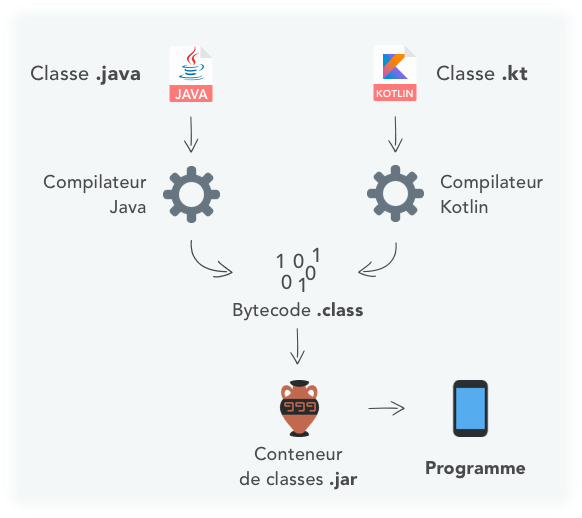
Lancer notre premier script
- En ligne de commande.
- En ligne (sur le web).
- Avec IntelliJ (plus tard).
En ligne de commande
Récupérons le compilateur sur GitHub, plus bas dans la catégorie assets, par exemple :kotlin-compiler-1.8.21.zip.Décompressions le fichier.
Nous pouvons ajouter le répertoire
/bin dans le path pour que cela soit plus pratique.Écrivons maintenant notre premier programme :
hello.kt :notepad hello.kt
fun main() {
    println("Hello, World!")
}
kotlinc hello.kt -include-runtime -d hello.jar
java -jar hello.jar
En ligne de commande
Nous pouvons aussi récupérer le compilateur natif windows, toujours sur GitHub, par exemplekotlin-native-windows-1.8.21.zip.Nous pouvons ajouter le répertoire
/bin dans le path pour que cela soit plus pratique.Reprenons notre premier programme :
hello.kt :notepad hello.kt
fun main() {
    println("Hello, World!")
}
kotlinc hello.kt
program.exe
En ligne de commande : REPL
Nous allons maintenant tester REPL (Read–Eval–Print Loop) qui permet de tester du code facilement.Pour cela lançons la commande :
kotlinc.
Testons quelques commandes, par exemple :
40+2
"Hello, World!"
println("Hello, World!")
1
1.0
En ligne
Nous pouvons utiliser le compilateur en ligne à l'adresse :https://play.kotlinlang.org.
fun main() {
    println("Hello, World!")
}
La structure d'une application Kotlin
Les répertoires
La structure des répertoires suit la structure des packages.Le package racine sera ignoré, par exemple :
Si le projet est dans le package
org.example.kotlin, alors les fichiers seront placés
directement dans le répertoire racine contenant les sources.Les fichiers dans le package
org.example.kotlin.network.socket
seront placés dans le sous répertoire : network/socket.
Les fichiers
Un fichier ne contenant qu'une seule classe, sera nommé du nom de celle-ci (en utilisant le pascal case), suivit de l'extension.kt.Si le fichier contient plusieurs classes, ou seulement des déclarations top niveau (top level declarations), alors, choisir un nom qui correspond le mieux au contenu du fichier.
Dans le fichier source
Généralement le contenu d'une classe est organisé de la manière suivante :- Déclaration des propriétés et des blocs d'initialiseurs.
- Les constructeurs secondaires.
- Les déclarations des méthodes.
- L'objet compagnon.
Regrouper les méthodes (classiques et d'extension) ensembles.
Gardez une organisation cohérente sur tout le projet.
L'implémentation d'une interface gardera l'ordre de déclaration dans celle-ci.
Kotlin et IntelliJ IDEA
Installation
Commençons par installer InteliJ : Télécharger.Optons pour la version Community.
Création du projet
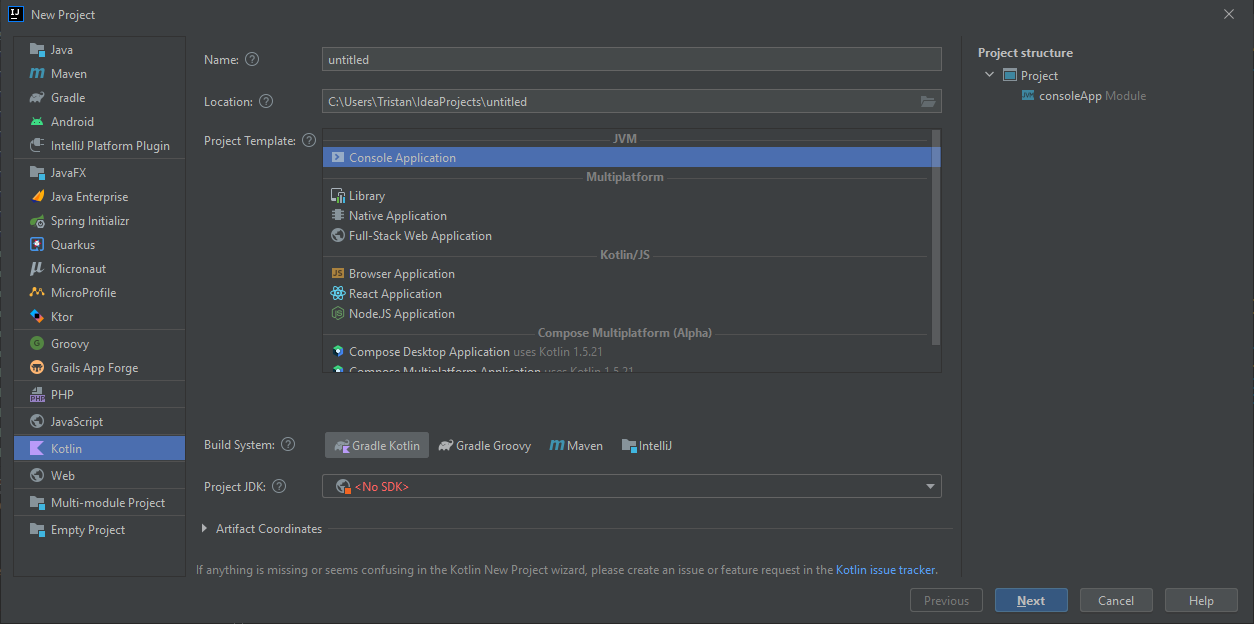
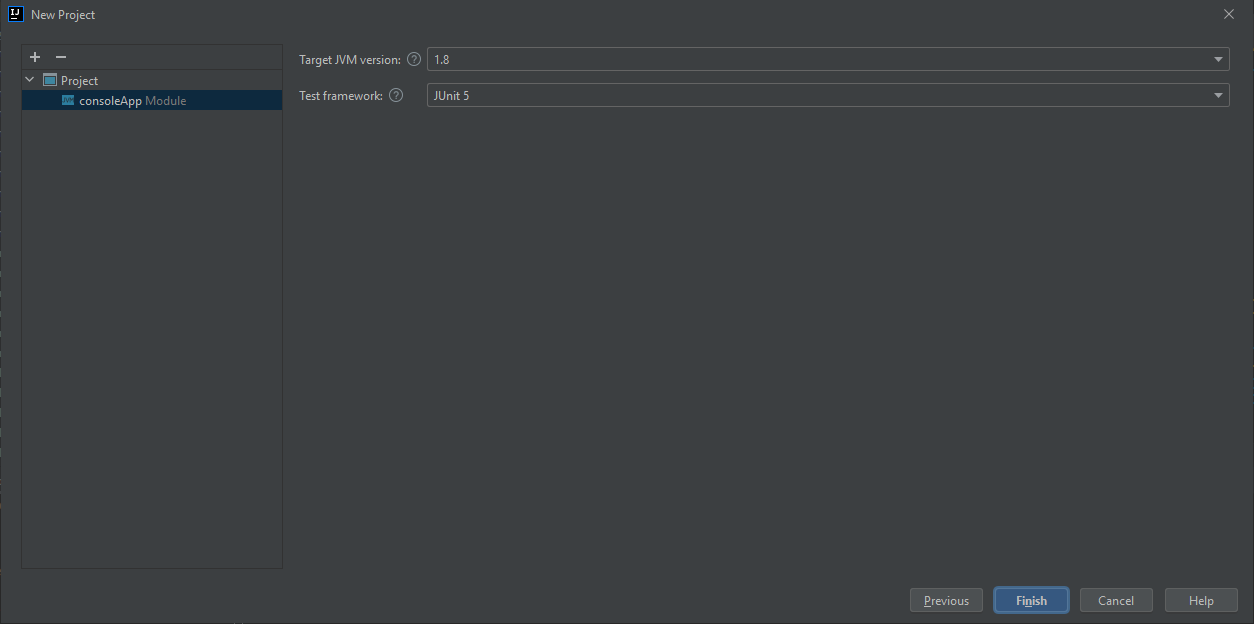
Il est temps de créer notre première application : File / New / Project. Sélectionner Kotlin / JVM | IDEA.Nouvelle version ici.
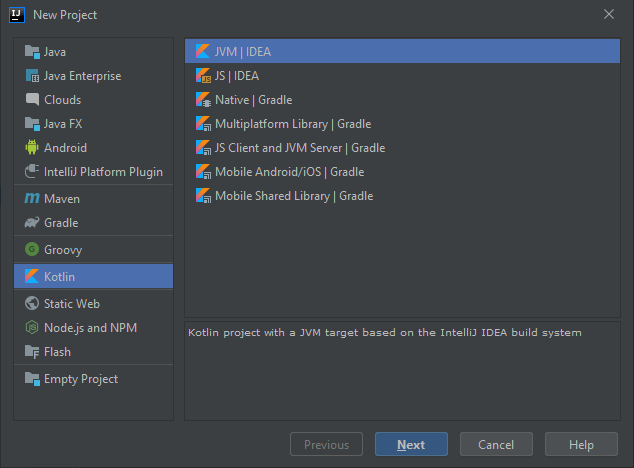
Nommage
Nommons notre projet, par exemple HelloWorld :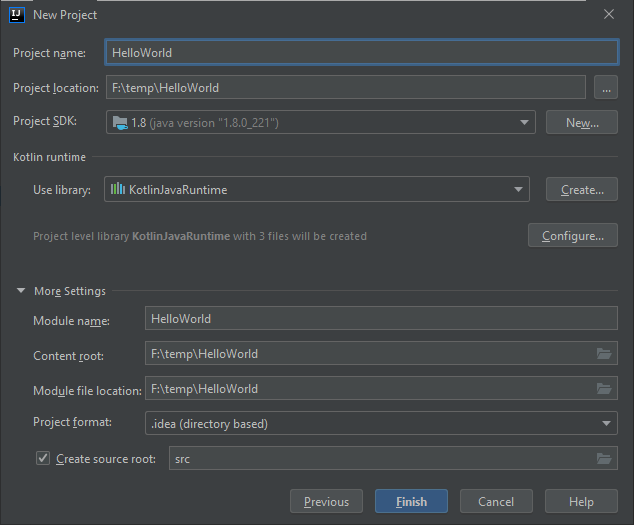
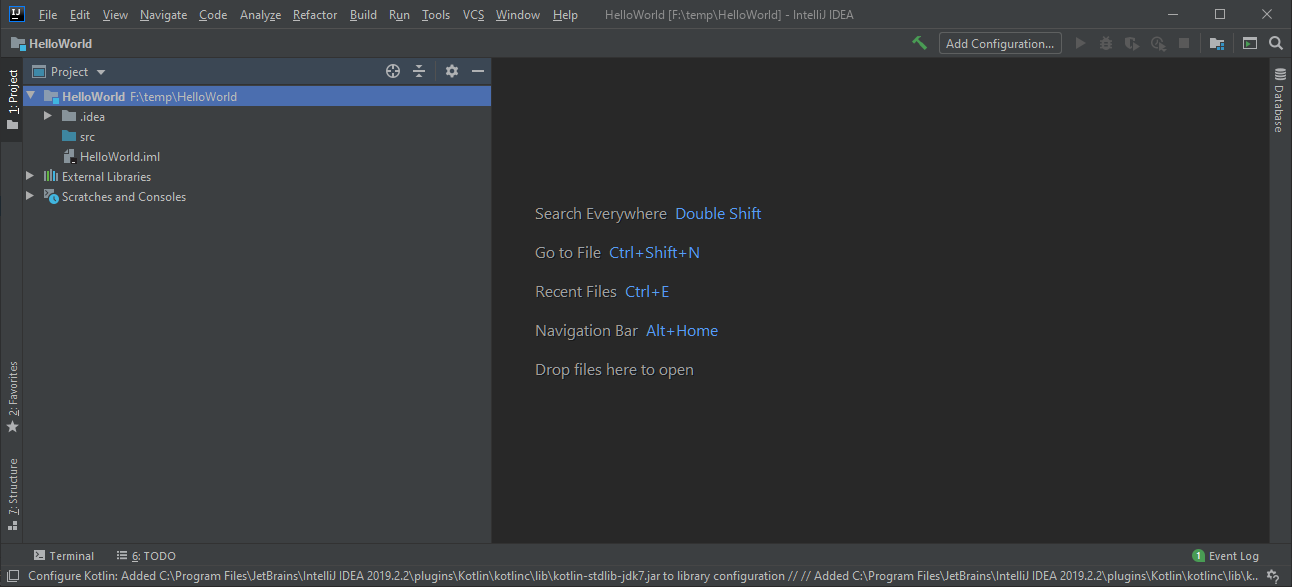
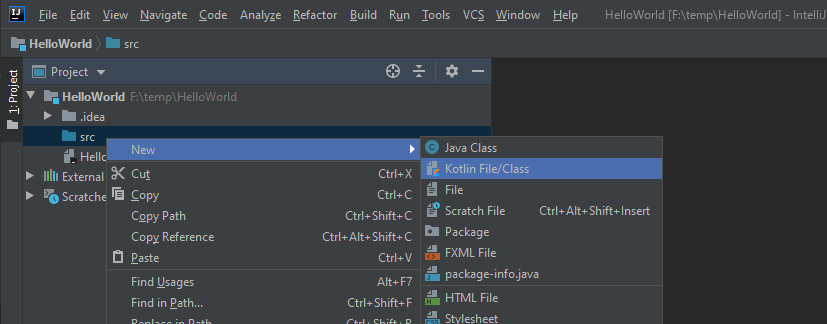
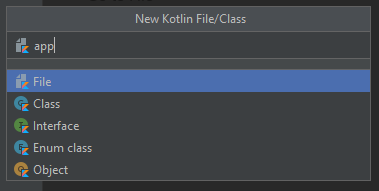
Taper
main, puis la touche TAB, pour lancer l'autocomplétion.Il reste juste à compléter le corps de la méthode pour obtenir le résultat suivant :
fun main() {
    println("Bonjour le monde")
}
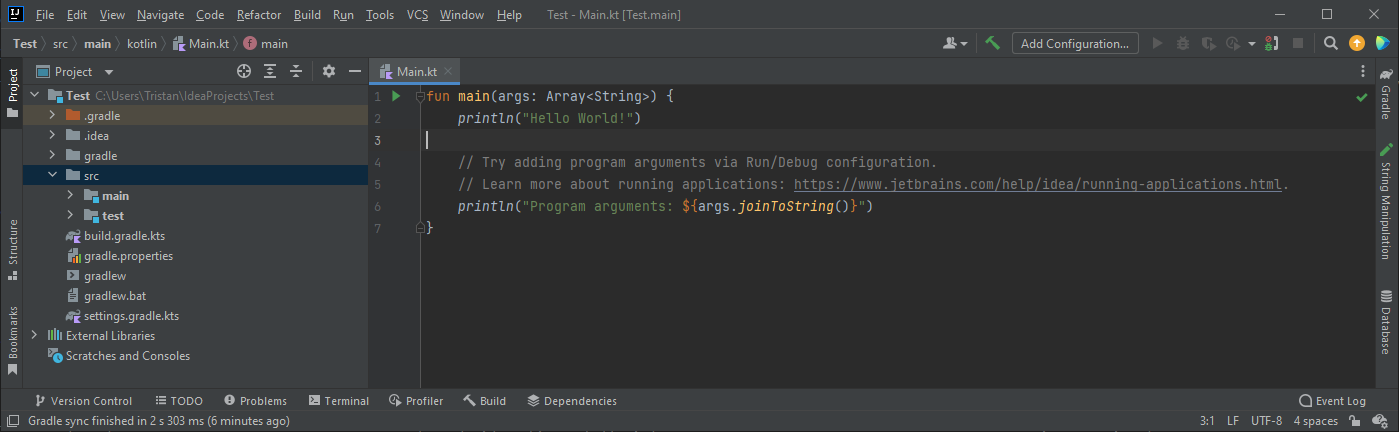
Exécuter le code
Il y a plusieurs façons de lancer le code, la plus rapide est de cliquer sur le bouton vert Run :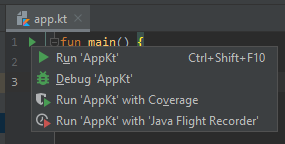
Exécuter le code
Ou encore :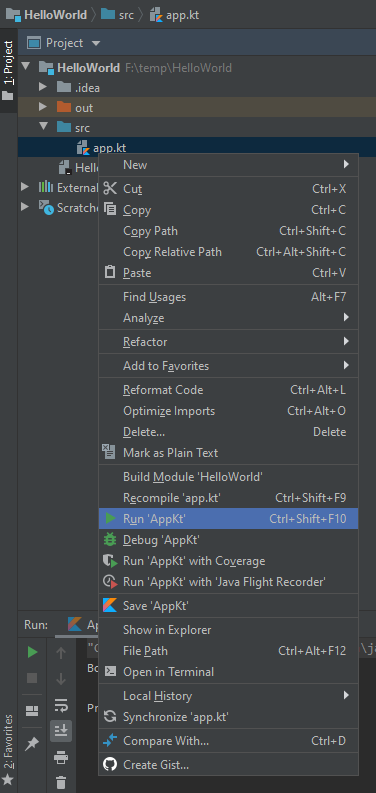
Exécuter le code
Ou bien :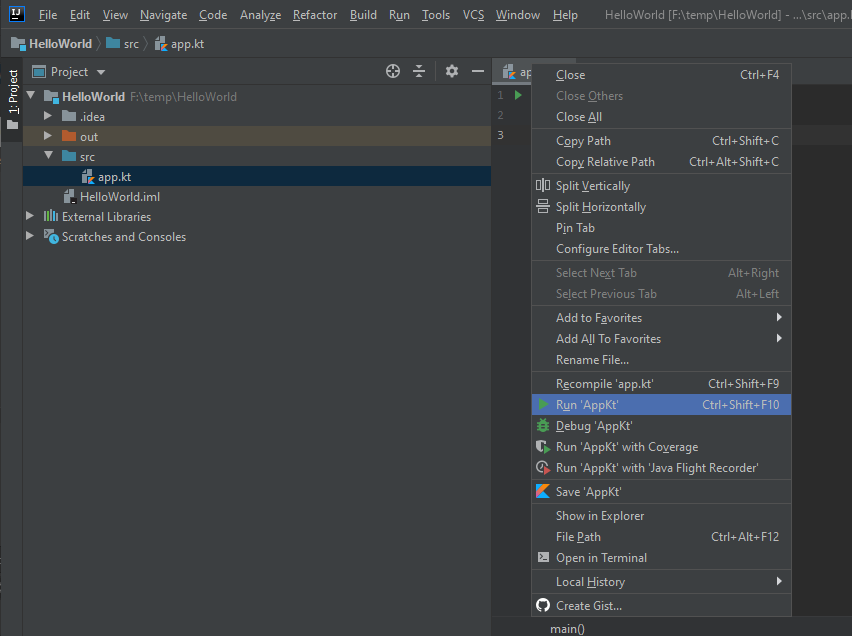
Exécuter le code
Ou bien encore :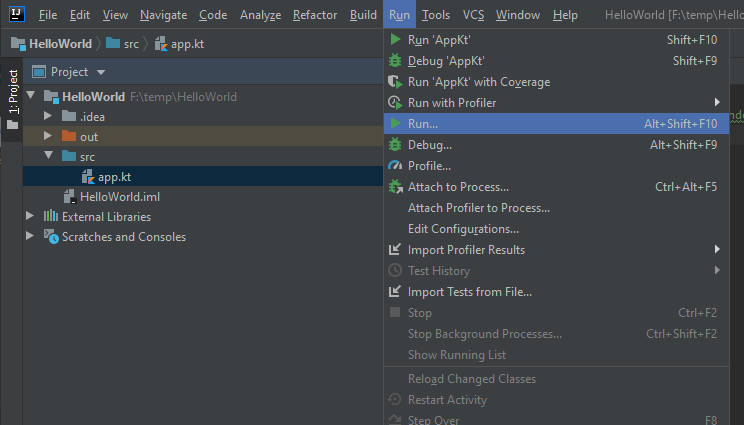
Exécuter le code
Ce qui permet d'avoir un nouveau raccourci :
Exécuter le code
Ce qui nous donnera le résultat :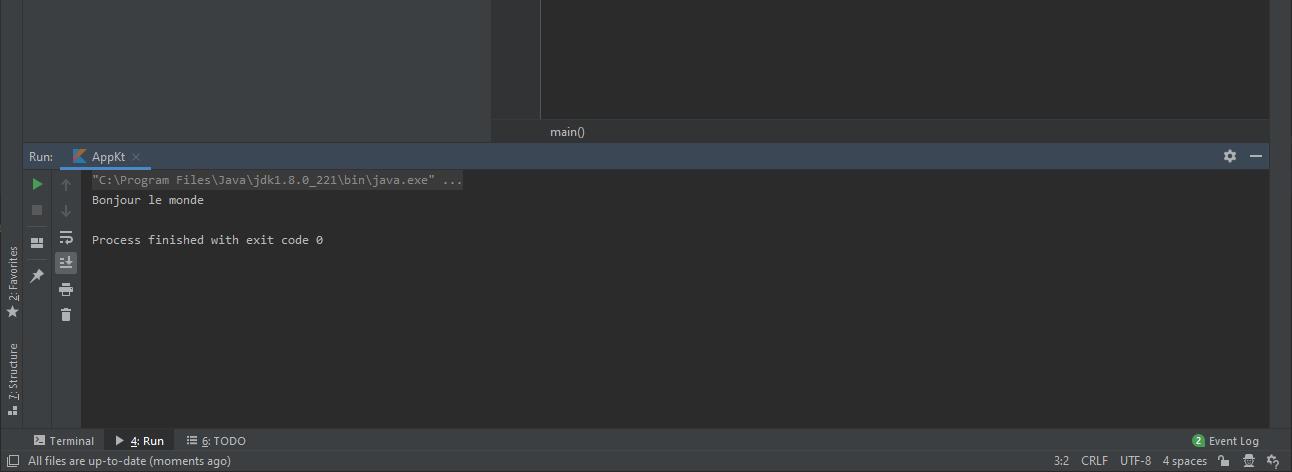
- Des Scratches : File | New | Scratch file et sélectionner le type Kotlin.
- Une fenêtre REPL : Tools | Kotlin | Kotlin REPL (Control + Return pour valider).
Le scratch
Commençons par ouvrir un espace pour faire nos tests : un scratch.Au choix :
- Menu : File | New | Scratch file.
- Ctrl + Alt + Shift + Inser.
- Sur Android Studio : Click droit sur app dans notre projet (par exemple), puis : New/Scratch File.
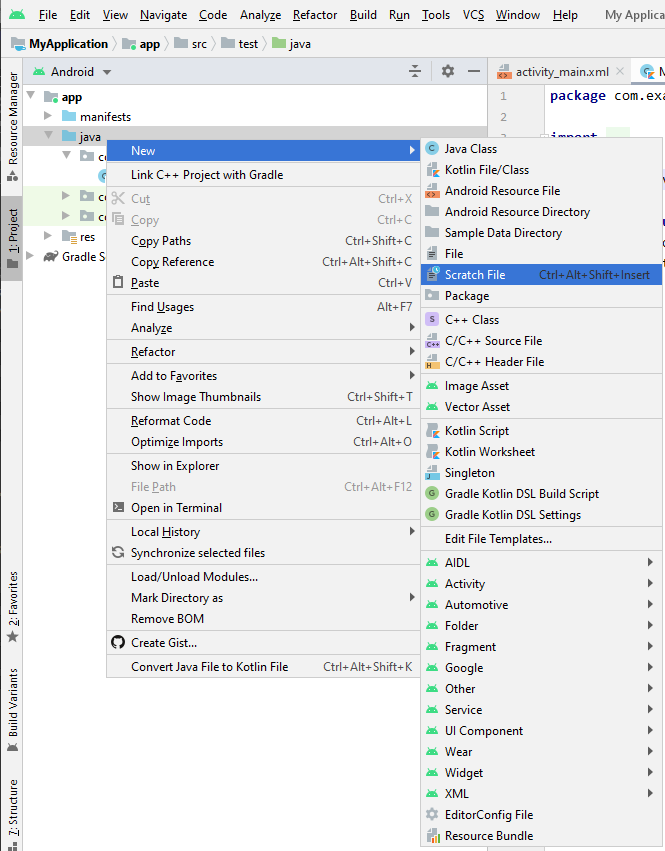
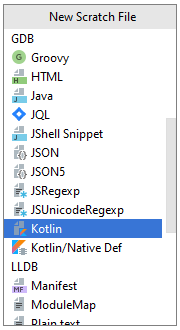

Référence vers les chaînes de caractère.
Les conventions utilisées avec Kotlin
Règles de nommage
Elles sont identiques à celles en Java (nom des packages et des méthodes). À une différence prête : le nom des méthodes de fabrique est identique à celui de la classe :
abstract class Foo { ... }

class FooImpl: Foo { ... }

fun Foo(): Foo { return FooImpl(...) }
Règles de nommage des méthodes de test
On peut utiliser des noms avec des espaces entourés de`. (Note : cela ne fonctionnera
pas
en Android).Les
_ sont aussi autorisés :
class MyTestCase {
     @Test fun `ensure everything works`() { ... }

     @Test fun ensureEverythingWorks_onAndroid() { ... }
}
Règles des espaces
Quelque unes des règles, qui sont nombreuses ; on utilise un espace :- Pour indenter (4 espaces).
- Pour séparer un mot clé et une "(" (par exemple
if,foroucatch. - Pour séparer un mot clé et une "{" (par exemple
else. - Avant toute "{".
- Avant et après tout opérateur binaire.
- Avant et après la flèche
->. - Avant et après l'opérateur d'intervalle
... - Après une virgule
,. - Avant et après le signe de commentaire ligne simple
//.
Nommage des propriétés
Les constantes (propriétés marquées avec unconst, les propriétés top level ou propriétés
val d'un objet sans fonction get
custom, qui contient une valeur profondément immuable), doit utiliser des majuscules, et _ comme
séparateur :
const val MAX_COUNT = 8
val USER_NAME_FIELD = "UserName"
val mutableCollection: MutableSet<String> = HashSet()
val PersonComparator: Comparator<Person> = /*...*/
Nommage des propriétés internes
Si une classe comporte deux propriétés qui conceptuellement parlant, représentent la même chose, mais l'une faits partis de l'API et l'autre est un détail de l'implémentation, dans ce cas, vous pouvez préfixer d'un _ la propriété privée :
class C {
    private val _elementList = mutableListOf<Element>()

    val elementList: List<Element>
         get() = _elementList
}
Choisir le bon nom
Le nom d'une classe est souvent un nom, qui définit la nature de la classe :List, PersonReader.Le nom des méthodes est plus souvent un verbe ou une phrase, décrivant son action :
close,
readPersons. Le nom doit aussi faire
comprendre s'il modifie l'objet ou s'il en retourne un nouveau. Par exemple : sort modifie
la collection, alors que sorted retournera
une copie de la collection triée.Les noms doivent être clairs, sur leur fonctionnement, ils doivent donc éviter de contenir des noms génériques tels que
Manager,
Wrapper, etc.Quand vous utilisez des acronymes dans un nom, mettre en majuscules si sa taille est de 2 lettres (
IOStream), mais ne mettez que la première lettre
en majuscule s'il est plus long (XmlFormatter, HttpInputStream).
Ordre des modifieurs
public / protected / private / internal
expect / actual
final / open / abstract / sealed / const
external
override
lateinit
tailrec
vararg
suspend
inner
enum / annotation
companion
inline
infix
operator
data
private val foo: Foo
Bases de Kotlin
Déclaration de variables en Kotlin
- val : valeur
- var : variable
val message = "Hello world !"
val message: String = "Hello world !"
var message: String = "Hello world !"
val name: String = "Tristan"
val age: Int = 41
val isDeveloper: Boolean = true
val name = "Tristan"
val age = 41
val isDeveloper = true
import kotlin.random.Random

fun isUserHappy() = Random.nextInt(0, 100) % 2 == 0
fun main() {
    val message: String
    if (isUserHappy())
        message = "That's great"
    else
        message = "What's going on?"

    println(message)
}
Null safety
En Kotlin, c'est à nous de préciser qu'une variable peut prendre une valeur nulle.Le code suivant, ne compilera pas.
var name: String = "Tristan"
name = null
Nous précisons que la variable peut prendre une valeur nulle avec le ?.
var name: String? = "Tristan"
name = null
Null safety (suite)
Pour utiliser une variable possiblement nulle, nous ne pouvons pas l'utiliser simplement.L'exemple suivant ne compilera pas :
var name: String? = "Tristan"
name.toUpperCase()
? :
var name: String? = "Tristan"
name?.toUpperCase()
Utilisation d'une variable dans une chaîne de caractère
Nous pouvons faire référence à une variable avec le symbole$, par exemple :
val name = "Tristan"
println("Hello $name")
Les constantes
Le mot clé static n'existe pas en Kotlin, donc pour déclarer une constante, on utilise le mot cléconst.Le code Java suivant :
public static final String SERVER_URL = "http://my.api.com/";
const val SERVER_URL = "http://my.api.com/"
Utilisation de variables "Basic Types" en Kotlin
Nombres
| Type | Size (bits) | Min value | Max value |
|---|---|---|---|
| Byte | 8 | -128 | 127 |
| Short | 16 | -32768 | 32767 |
| Int | 32 | -2,147,483,648 (-231) | 2,147,483,647 (231 - 1) |
| Long | 64 | -9,223,372,036,854,775,808 (-263) | 9,223,372,036,854,775,807 (263 - 1) |
val one = 1 // Int
val threeBillion = 3000000000 // Long
val oneLong = 1L // Long
val oneByte: Byte = 1
Nombres à virgule
| Type | Size (bits) | Significant bits | Exponent bits | Decimal digits |
|---|---|---|---|---|
| Float | 32 | 24 | 8 | 6-7 |
| Double | 64 | 53 | 11 | 15-16 |
val pi = 3.14 // Double
val e = 2.7182818284 // Double
val eFloat = 2.7182818284f // Float, actual value is 2.7182817
Conversion automatique des types.
fun main() {
    fun printDouble(d: Double) { println(d) }

    val i = 1
    val d = 1.1
    val f = 1.1f

    printDouble(d)
//    printDouble(i) // Error: Type mismatch
//    printDouble(f) // Error: Type mismatch
}
Conversion explicite.
Pour convertir les types numériques, il faudra utiliser une des méthodes suivantes :- toByte(): Byte
- toShort(): Short
- toInt(): Int
- toLong(): Long
- toFloat(): Float
- toDouble(): Double
- toChar(): Char
Exercice
Exercice : modifiez l'exemple, pour que l'on puisse afficher sa valeur, avec la fonctionprintDouble
(sans toucher au code de la
fonction).
fun main() {
    fun printDouble(d: Double) { println(d) }

    val i = 1
    val d = 1.1
    val f = 1.1f

    printDouble(d)
//    printDouble(i) // Error: Type mismatch
//    printDouble(f) // Error: Type mismatch
}
Solution
fun main() {
    fun printDouble(d: Double) { println(d) }

    val i = 1
    val d = 1.1
    val f = 1.1f

    printDouble(d)
    printDouble(i.toDouble())
    printDouble(f.toDouble())
}
Aller plus loin sur les numériques
- Décimaux : 123
- Long (marqués avec un L) : 123L
- Hexadécimaux : 0x0F
- Binaires : 0b10001001
- Doubles par défaut : 123.5, 123.5e10
- Floats (marqués avec un f ou F) : 123.5f
                val oneMillion = 1_000_000
                val creditCardNumber = 1234_5678_9012_3456L
                val socialSecurityNumber = 999_99_9999L
                val hexBytes = 0xFF_EC_DE_5E
                val bytes = 0b11010010_01101001_10010100_10010010
Opérations
Caractères
fun check(c: Char) {
    if (c == 1) { // ERROR: incompatible types
        // ...
    }
}
Pour écrire un caractère, on utilise la simple "quote" '.
Exemple : 't'.
Les caractères spéciaux sont préfixés par \.
Exemple : \t, \b, \n, \r, \', \", \\ and \$.
Pour les autres caractères, on peut utiliser la syntaxe Unicode : '\uFF00'.
fun decimalDigitValue(c: Char): Int {
    if (c !in '0'..'9')
        throw IllegalArgumentException("Out of range")
    return c.toInt() - '0'.toInt() // Explicit conversions to numbers
}
Les booléens
Les opérations sur les booléens sont les suivantes :
- || – opération logique OU
- && – opération logique ET
- ! - négation
Les tableaux
get et set(qui se transforment en
[] grâce à la convention de surcharge des opérateurs),et de la propriété size, entre autres.
class Array<T> private constructor() {
    val size: Int
    operator fun get(index: Int): T
    operator fun set(index: Int, value: T): Unit

    operator fun iterator(): Iterator<T>
        // ...
}
arrayOf(1, 2, 3) permet de créer des tableaux, arrayOfNulls() va
créer un tableau de valeurs
nulles.Le constructeur
Array prend en paramètre le nombre d'éléments et la fonction pour remplir
le tableau.
var array = arrayOf(1, 2, 3)
array.forEach { println(it) }
var arrayOfNull: Array<Int?> = arrayOfNulls(5)
arrayOfNull.forEach { println(it) }
val asc = Array(5) { i -> (i * i).toString() }
asc.forEach { println(it) }
[] est équivalent à l'appel des méthodes get() et
set().
var array = arrayOf(1, 2, 3)
println(array[2])
array[0] = 4
array.forEach { println(it) }
Exercice
Déclarez un tableau contenant les chiffres pair de 0 à 20.
val oddArray = TODO()
Solution
fun main() {
    val oddArray = Array(11) { i -> (i * 2) }

    for(i in oddArray) {
        print("$i ")
    }
}
Exercice
Déclarez un tableau contenant toutes les lettres de l'alphabet.
val alphabetArray = TODO()
Solution
fun main() {
    val alphabetArray = Array(26) { i -> (i+'a'.toInt()).toChar() }

    for (i in alphabetArray) {
        print("$i ")
    }
}
Aller plus loin sur les tableaux
val x: IntArray = intArrayOf(1, 2, 3)
x[0] = x[1] + x[2]

// Tableau d'int de taille 5 contenant les valeurs [0, 0, 0, 0, 0]
val arr = IntArray(5)

// Exemple : initialisation des valeurs contenues dans le tableau avec une constante
// Tableau d'int de taille 5 contenant les valeurs [42, 42, 42, 42, 42]
val arr = IntArray(5) { 42 }

// Exemple : initialisation des valeurs contenues dans le tableau en utilisant une lambda (fonction)
// Tableau d'int de taille 5 contenant les valeurs [0, 1, 2, 3, 4] (valeurs égales à leur position dans le tableau)
var arr = IntArray(5, { it * 1 })
Les chaînes de caractères (String)
[].Il est possible de concaténer des chaînes avec l'opérateur
+, même si l'on préférera les templates ($ dans les chaînes de caractères).
val s = "abc" + 1
println(s + "def")
val s = "abc" + 1
println("${s}def")
La valeur d'une chaîne de caractère.
Kotlin dispose de deux méthodes pour définir les valeurs des chaînes de caractères :- Avec échappement (avec
") - Brutes (avec
""")
val stringWithEscape = "Hello, world!\n"
println(stringWithEscape)

val stringRaw = """
    for (c in "foo")
        print(c)
"""
println(stringRaw)
val text = """
    |Tell me and I forget.
    |Teach me and I remember.
    |Involve me and I learn.
    |(Benjamin Franklin)
    """.trimMargin()
println(text)
Modèles (String templates)
Les chaînes de caractère peuvent contenir des expressions (des morceaux de code), qui sont préfixés par$.
val i = 10
println("i = $i") // affiche "i = 10"
println("$name.length is ${name.length}")
println("price: ${'$'}9.99")

val price = """
${'$'}9.99
"""
Exercice
Définir la fonctionhello qui doit retourner : Hello, <NAME>
fun hello(name: String): String = TODO()
Solution
fun main() {
    fun hello(name: String): String = "Hello, ${name.toUpperCase()}"
    print(hello("Tristan"))
}
Les types "spéciaux"
Les commentaires
/*
Les commentaires sur plusieurs
lignes, pour pouvoir bien s'exprimer.
Vous pouvez écrire autant que vous voulez.
*/
// ceci est un commentaire uniligne.
Structures conditionnelles If et When
L'expression if
En Kotlinif est une expression : il retourne une valeur. De ce fait l'opérateur
ternaire ? n'existe
plus.
// Usage traditionnel
var max = a
if (a < b) max = b

// Avec else
var max: Int
if (a > b) {
    max = a
} else {
    max = b
}

// Comme une expression
val max = if (a > b) a else b
L'expression if (suite)
Les branches duif, peuvent être des blocs, dont la dernière expression est la valeur du
bloc :
val max = if (a > b) {
    print("Choose a")
    a
} else {
    print("Choose b")
    b
}
if est utilisé comme expression (pour retourner une valeur ou pour assigner une
valeur),
l'expression doit obligatoirement comporter la branche else.
Selon le cas (when)
Lewhen est l'équivalent du switch en Java.
var apiReponse = 404
when (apiReponse) {
    200 -> "OK"
    404 -> "NOT FOUND"
    401 -> "UNAUTHORIZED"
    403 -> "FORBIDDEN"
    else -> "UNKNOWN"
}
Selon le cas (when) (aller plus loin)
Le when peut aussi être utilisé comme une expression
var apiReponse = 404
fun printResponse(apiReponse: Int) = when (apiReponse) {
    200 -> print("OK")
    404 -> print("NOT FOUND")
    401 -> print("UNAUTHORIZED")
    403 -> print("FORBIDDEN")
    else -> print("UNKNOWN")
}
printResponse(apiReponse)
Selon le cas (when) (aller plus loin)
Le when avoir plusieurs conditions pour une même branche, séparées par une virgule :
when (x) {
    0, 1 -> print("x == 0 or x == 1")
    else -> print("otherwise")
}
when (x) {
    parseInt(s) -> print("s encodes x")
    else -> print("s does not encode x")
}
when (x) {
    in 1..10 -> print("x is in the range")
    in validNumbers -> print("x is valid")
    !in 10..20 -> print("x is outside the range")
    else -> print("none of the above")
}
fun hasPrefix(x: Any) = when(x) {
    is String -> x.startsWith("prefix")
    else -> false
}
et remplacent un if-else if :
when {
    x.isOdd() -> print("x is odd")
    x.isEven() -> print("x is even")
    else -> print("x is funny")
}
fun Request.getBody() =
        when (val response = executeRequest()) {
            is Success -> response.body
            is HttpError -> throw HttpException(response.status)
        }
Boucles et ranges en Kotlin
Tant que faire se peut (while)
En Kotlin, la syntaxe duwhile est exactement la même qu'en Java :
var isRaining = true
while (isRaining){
    println("I don't like rain.")
}

do {
    println("I don't like rain.")
} while (isRaining)
While illustration

Boucle pour (for loop)
La bouclefor, peut itérer sur tout ce qui fournit un itérateur, sa syntaxe est la suivante :
for (item in collection) print(item)
val names = listOf("Jake WHARTON", "Joe BIRCH", "Robert MARTIN")

for(name in names) {
    println("This developer rocks: $name")
}
Les intervalles
Il est possible d'itérer sur des intervalles de valeur, qui sont définis avec la méthoderangeTo(),
correspondant à l'opérateur ...Cet opérateur est souvent complété par les fonctions
in ou !in. Exemple :
if (i in 1..4) {  // equivalent à 1 <= i && i <= 4
    println(i)
}
for (i in 1..4) println(i)
for (i in 4 downTo 1) println(i)
Les intervalles (suite)
Il est possible d'itérer sur un des nombres dont l'intervalle n'est pas nécessairement 1,en utilisant la méthode step :
for (i in 1..8 step 2) print(i)
println()
for (i in 8 downTo 1 step 2) print(i)
for (i in 1 until 10) {       // i in [1, 10), 10 is excluded
    print(i)
}
Boucle pour (for loop) (suite)
Il est possible d'itérer sur une liste en utilisant les indexes :
for (i in array.indices) {
    println(array[i])
}
for ((index, value) in array.withIndex()) {
    println("the element at $index is $value")
}
Break et continue
Ils fonctionnent de la même manière qu'en Java.Exercice
Écrivez une boucle qui affiche séparément toutes les lettres d'une chaîne de caractères.
var stringValue = "Une chaîne de caractères"
U n e c h a î n e d e c a r a c t è r e s
Solution
var stringValue = "Une chaîne de caractères"
for (c in stringValue) {
    print("$c ")
}
var stringValue = "Une chaîne de caractères"
stringValue.forEach { print("$it ")}
var stringValue = "Une chaîne de caractères"
stringValue.toCharArray().joinToString(" ")
Exercice
Afficher les nombres de 0 à 10, mais afficher Fizz si le nombre est divisible par 3, Buzz s'il est divisible par 5 et FizzBuzz s'il est divisible à la fois par 3 et par 5.Solution
fun main(args: Array<String>) {
    for (x in 0 until 10) {
        when {
            (x % 3 == 0 && x % 5 == 0) -> println("FizzBuzz")
            (x % 3 == 0) -> println("Fizz")
            (x % 5 == 0) -> println("Buzz")
            else -> println(x)
        }
    }
}
Solution bis
fun main(args: Array<String>) {
    for (x in 0 until 10) {
        println( when {
            (x % 3 == 0 && x % 5 == 0) -> "FizzBuzz"
            (x % 3 == 0) -> "Fizz"
            (x % 5 == 0) -> "Buzz"
            else -> x
        })
    }
}
Collections en Kotlin
Si vous êtes familiers de ces concepts, passons à la suite. Sinon continuons ...
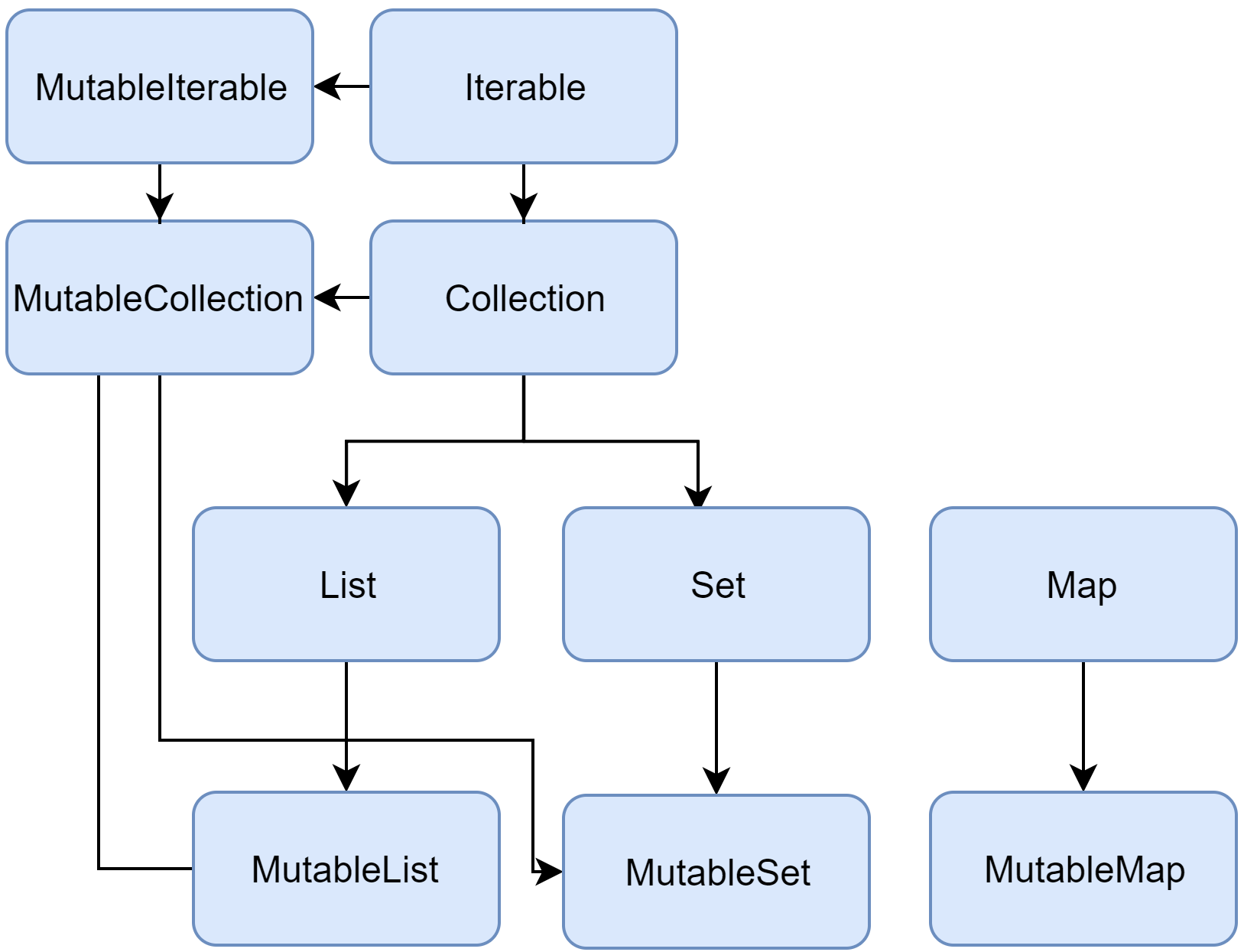
Une collection est une structure qui regroupe des objets de même type. Ces objets sont appelés des éléments ou des items.
Il existe plusieurs types de collection :
- Une liste (List), est une collection ordonnée d'objets auxquels nous pouvons accéder via leur position/index (un nombre entier). Un élément peut être présent une ou plusieurs fois dans la liste. Exemple d'une phrase qui comporte des mots, dont l'ordre est important, et qui peuvent se répéter.
- L'ensemble (Set), est une collection d'éléments uniques. L'ordre dans un ensemble n'a pas d'importance. Par exemple les lettres de l'alphabet.
- Le dictionnaire (Map), est un ensemble d'éléments composés d'une paire (clé-valeur). Les clés ont des valeurs uniques qui désignent un seul objet de la collection. Les valeurs peuvent apparaître en plusieurs fois. Cette structure est employée pour stocker une connexion logique entre 2 objets, par exemple, un numéro d'employé et sa fiche descriptive.
Le comportement de chaque type de collection sera toujours le même, peu importe le type des objets stockés dans ces structures.
- En lecture seule (read-only/immutable).
- En lecture/écriture (mutable) (ajout, retrait, modification des éléments).
Note : Une collection mutable peut être stockée dans une valeur (val) :
val numbers = mutableListOf("one", "two", "three", "four")
numbers.add("five")   // this is OK
//numbers = mutableListOf("six", "seven")      // compilation error
List et Set :
val listOfNames = listOf("Jake WHARTON", "Joe BIRCH", "Robert MARTIN")
listOfNames[0]
//listOfNames[0] = "Mathieu NEBRA" // Error: List is immutable

val mutableListOfNames = mutableListOf("Jake WHARTON", "Joe BIRCH", "Robert MARTIN")
mutableListOfNames[0]
mutableListOfNames[0] = "Mathieu NEBRA" // OK

val setOfNames = setOf("Jake WHARTON", "Joe BIRCH", "Robert MARTIN")
setOfNames.first()
//setOfNames.add("Mathieu NEBRA") // Error: Set is immutable

val mutableSetOfNames = mutableSetOf("Jake WHARTON", "Joe BIRCH", "Robert MARTIN")
mutableSetOfNames.first()
mutableSetOfNames.add("Mathieu NEBRA") // OK
Map :
var arrayOfNames = arrayOf("Jake WHARTON", "Joe BIRCH", "Robert MARTIN")
var mapOfNames = mapOf(0 to "Jake WHARTON", 1 to "Joe BIRCH", 2 to "Robert MARTIN")
Packages et imports en Kotlin
package org.example

fun printMessage() { /*...*/ }
class Message { /*...*/ }

// ...
printMessage() est org.example.printMessage(),
de la même manière, le nom complet de
Message est org.example.Message.Si le nom du package n'est pas précisé, le contenu du fichier appartient au package par défaut qui n'a pas de nom.
Imports par défaut
Kotlin importe par défaut les packages suivants :- kotlin.*
- kotlin.annotation.*
- kotlin.collections.*
- kotlin.comparisons.* (depuis 1.1)
- kotlin.io.*
- kotlin.ranges.*
- kotlin.sequences.*
- kotlin.text.*
Imports par défaut (suite)
Selon la plate-forme cible, des packages supplémentaires sont importés :- JVM
- java.lang.*
- kotlin.jvm.*
- JS
- kotlin.js.*
Imports
Chaque fichier peut faire appel à des classes externes, pour cela, on va faire appel à desimport :
import org.example.Message // Message is now accessible without qualification
* :
import org.example.* // everything in 'org.example' becomes accessible
Conflit de noms
Si deux classes importées ont le même nom (mais pas le même package), nous pouvons gérer le cas avec le mot cléas :
import org.example.Message // Message is accessible
import org.test.Message as TestMessage // TestMessage stands for 'org.test.Message'
Imports divers
Le mot cléimport est aussi utilisé pour importer d'autres types que des classes, telles
que :- Fonctions et propriétés top level
- Fonctions et propriétés déclarées dans des déclarations object
- Fonctions d'extensions
- Constantes d'un
ENUM
Les bonnes pratiques
- Ne pas utiliser le mot
Utilspour nommer un fichier source, qui apporte peu d'informations sur son contenu. - Regrouper les classes qui ont un sens proche, dans un même fichier est recommandé, sous condition que le fichier ne soit pas trop gros (quelques centaines de lignes).
- De même, il est recommandé de regrouper les extensions correspondant au même client, dans un unique fichier.
- Utiliser des val ou des collections en lecture seule autant que possible.
- Utiliser de préférence
untilau lieu d'un intervalle ouvert :
for (i in 0..n - 1) { ... }  // bad
for (i in 0 until n) { ... }  // good
Practice: Kotlin Fundamentals
Les fonctions - Partie 1
Les fonctions - Partie 1
Fonctions en Kotlin
Déclaration
On utilise le mot clé fun
fun double(x: Int): Int {
    return 2 * x
}
Utilisation
Appel traditionnel :
val result = double(2)
Appel d'une fonction membre d'un objet :
Stream().read() // créé une instance de la class Stream et appelle la fonction read()
Fonctions "expression seule"
Les fonctions "expression seule" (single-expression function)
Il n'est pas nécessaire d'utiliser les accolades, un simple = peut les remplacer :
fun double(x: Int): Int = x * 2
fun double(x: Int) = x * 2Paramètres des fonctions en Kotlin
Les paramètres simples
Chaque paramètre (explicitement typé), est séparé par une virgule :
fun powerOf(number: Int, exponent: Int) { /*...*/ }Paramètres par défauts
Les paramètres peuvent avoir une valeur par défaut (exprimée avec =) quand un argument n'est pas précisé :
fun read(b: Array<Byte>, off: Int = 0, len: Int = b.size) { /*...*/ }Paramètres par défauts : surcharge
Les fonctions surcharge utilisent la même valeur par défaut. Il ne faut pas répéter la valeur par défaut :
open class A {
    open fun foo(i: Int = 10) { /*...*/ }
}

class B: A() {
    override fun foo(i: Int) { /*...*/ }  // No default value authorized
}
Exercice
Écrivez une fonction qui prend en paramètre une chaîne de caractères et retourne sa valeur en majuscule. Si aucune valeur n'est passée en paramètre, alors utiliser la valeur par défaut"default" :
fun upper(): String = TODO()
Solution
fun upper(str:String? = "default") = str?.toUpperCase()
Ou :
fun upper(str:String = "default") = str.toUpperCase()
Exercice
Écrivez la fonctionadd qui additionne 2 Int passés en paramètre :
fun add(a: Int, b: Int): Int = TODO()
Solution
fun add(a: Int, b: Int): Int = a + b
Exercice
Écrivez les fonctions qui comparent 2 chaînes de caractères, en ignorant la casse ou pas.
fun strEq(s1: String, s2: String): Boolean = TODO()
fun strEq(s1: String, s2: String, ignoreCase: Boolean): Boolean = TODO()
Solution
fun strEq(s1: String, s2: String) = s1.equals(s2)
fun strEq(s1: String, s2: String, ignoreCase: Boolean) = if(ignoreCase) s1.toUpperCase().equals(s2.toUpperCase()) else s1.equals(s2)

fun main() {
    println(strEq("Tristan", "TRISTAN"))
    println(strEq("Tristan", "TRISTAN", true))
}
fun strEq(s1: String, s2: String, ignoreCase: Boolean): Boolean = s.equals(p, ignoreCase)
Exercice
Écrivez la fonction qui affiche la liste des langages présents dans le tableau.Note : le mot clé
Unit indique que la méthode ne retourne pas de valeur, c'est l'équivalent
à void en Java.
val languages = arrayOf("Java", "JavaScript", "Go", "Kotlin")
fun printLanguages(): Unit = TODO()
Solution
val languages = arrayOf("Java", "JavaScript", "Go", "Kotlin")
fun printLanguages(): Unit { for (language in languages) println(language) }

fun main() {
    printLanguages()
}
fun printLanguages() { languages.forEach { println(it) } }
fun printLanguages() = languages.forEach { println(it) }
Exercice
Écrivez les fonctions suivantes :- tenFirstNumber() qui affiche les 10 premiers chiffres (0-9).
- countdown() qui affiche les nombres de 10 à 0.
- firstEvenNumbers() qui affiche les 10 premiers nombres pairs.
- firstOddNumbers() qui affiche les 10 premiers nombres impairs.
fun tenFirstNumber(): Unit = TODO()
fun countdown(): Unit = TODO()
fun firstEvenNumbers(): Unit = TODO()
fun firstOddNumbers(): Unit = TODO()
Solution
fun tenFirstNumber(): Unit { for(i in 0 until 10) print("$i "); println()}
fun countdown(): Unit { for(i in 10 downTo 0) print("$i "); println()}
fun firstEvenNumbers(): Unit { for(i in 0 until 20 step 2) print("$i "); println()}
fun firstOddNumbers(): Unit { for(i in 1 .. 20 step 2) print("$i "); println()}

fun main() {
    tenFirstNumber()
    countdown()
    firstEvenNumbers()
    firstOddNumbers()
}
Solution bis
fun tenFirstNumber() = (0..9).forEach { println(it) }
fun countdown() = (10 downTo 0).forEach { println(it) }
fun firstEvenNumbers() = (1..20 step 2).forEach { println(it) }
fun firstOddNumbers() = (0..9).forEach { println(it * 2) }

fun main() {
    tenFirstNumber()
    countdown()
    firstEvenNumbers()
    firstOddNumbers()
}
Paramètres nommés
Chaque paramètre peut être nommé explicitement. Cela est particulièrement pratique pour les fonctions qui ont beaucoup de paramètres ou des paramètres par défauts :
fun reformat(str: String,
             normalizeCase: Boolean = true,
             upperCaseFirstLetter: Boolean = true,
             divideByCamelHumps: Boolean = false,
             wordSeparator: Char = ' ') {
/*...*/
}
Paramètres nommés utilisation
Nous pouvons utiliser les paramètres par défaut :
reformat(str)
reformat(str, true, true, false, '_')
reformat(str,
    normalizeCase = true,
    upperCaseFirstLetter = true,
    divideByCamelHumps = false,
    wordSeparator = '_'
)
Paramètres par défauts en premier
Si le paramètre par défaut est en premier : il faudra appeler la fonction avec des paramètres nommés :
fun foo(bar: Int = 0, baz: Int) { /*...*/ }

foo(baz = 1) // La valeur par défaut bar = 0 est utilisée
Paramètres par défauts : lambda
Si le dernier paramètre est une lambda, elle peut être passée via un paramètre nommé, ou à l'extérieur des parenthèses :
fun foo(bar: Int = 0, baz: Int = 1, qux: () -> Unit) { /*...*/ }

foo(1) { println("hello") }     // Utilise la valeur par défaut baz = 1
foo(qux = { println("hello") }) // Utilise les valeurs par défaut bar = 0 et baz = 1
foo { println("hello") }        // Utilise les valeurs par défaut bar = 0 et baz = 1
reformat(str, wordSeparator = '_')
f(1, y = 2)
f(x = 1, 2)Les paramètres variables
En Java 5 il est possible d'utiliser la notation... pour définir un nombre variable de
paramètres.
En Kotlin, c'est le mot clé vararg qui est utilisé (pour le
dernier paramètre généralement, autrement, il faudra nommer les paramètres).
fun <T> asList(vararg ts: T): List<T> {
    val result = ArrayList<T>()
    for (t in ts) // ts is an Array
        result.add(t)
    return result
}Nous pouvons aussi utiliser le déstructuring (opérateur *), si nous avons déjà une variable contenant une liste.
val a = arrayOf(1, 2, 3)
val list = asList(-1, 0, *a, 4)
Fonctions Infix en Kotlin
Les conditions sont :
- La fonction doit être une fonction membre ou une fonction extension.
- La fonction doit avoir un paramètre unique.
- Le paramètre ne doit pas accepter un nombre variable de valeurs, et ne doit pas avoir de valeur par défaut.
infix fun Int.shl(x: Int): Int { ... }

// appel de la méthode en utilisant la notation infix
1 shl 2

// est la même chose que
1.shl(2)
Fonctions Anonymes en Kotlin
fun(x: Int, y: Int): Int = x + y
fun(x: Int, y: Int): Int {
    return x + y
}
ints.filter(fun(item) = item > 0)Les fonctions récursives (Tail recursive functions)
Cela permet à certains algorithmes qui seraient écrits normalement avec des boucles for, d'être écrits en utilisant une fonction récursive, mais sans le risque de dépassement de pile (stack overflow). Quand une fonction est marquée avec le modifieur
tailrec et répond au format requis, le
compilateur optimise la récursion, en générant une boucle rapide et optimisée à la place :
val eps = 1E-10 // "good enough", could be 10^-15

tailrec fun findFixPoint(x: Double = 1.0): Double
        = if (Math.abs(x - Math.cos(x)) < eps) x else findFixPoint(Math.cos(x))
Le code appelle la fonction
Math.cos plusieurs fois, en partant de 1.0 jusqu'à ce que le
résultat ne
change plus, en arrivant au résultat de : 0.7390851331706995 pour la précision
eps.Le code est équivalent à la forme plus classique :
val eps = 1E-10 // "good enough", could be 10^-15

private fun findFixPoint(): Double {
    var x = 1.0
    while (true) {
        val y = Math.cos(x)
        if (Math.abs(x - y) < eps) return x
        x = Math.cos(x)
    }
}
Exercice
Modifions le code de la méthodefindFixPoint pour visualiser le nombre d'appels récursifs
effectués (par exemple en affichant un . à
chaque itération.
val eps = 1E-10 // "good enough", could be 10^-15

tailrec fun findFixPoint(x: Double = 1.0): Double
        = if (Math.abs(x - Math.cos(x)) < eps) x else findFixPoint(Math.cos(x))
Solution
Nous modifions le code de la condition else, pour afficher un '.' à chaque appel.
tailrec fun findFixPoint(x: Double = 1.0): Double
        = if (Math.abs(x - Math.cos(x)) < eps) x else {
    print('.')
    findFixPoint(Math.cos(x))
}
Returns en Kotlin
Retour d'une fonction
Une fonction qui ne retourne rien, retourne implicitement un typeUnit.Il n'est pas besoin de retourner explicitement la valeur :
fun printHello(name: String?): Unit {
    if (name != null)
        println("Hello ${name}")
    else
        println("Hi there!")
    // "return Unit" or "return" is optional
}
fun printHello(name: String?) {
    ...
}
Types de retours explicites
Les fonctions définies avec des accolades doivent explicitement préciser le type de retour(sauf si elles ne retournent rien, comme vu précédemment).
En effet, il n'est pas forcément très clair pour lecteur (et parfois même pour le compilateur) de déterminer le type de retour, en fonction de l'implémentation.
Fonctions locales
Kotlin gère les fonctions locales, c'est-à-dire des fonctions à l'intérieur d'autres fonctions :
fun dfs(graph: Graph) {
    fun dfs(current: Vertex, visited: MutableSet<Vertex>) {
        if (!visited.add(current)) return
        for (v in current.neighbors)
            dfs(v, visited)
    }

    dfs(graph.vertices[0], HashSet())
}
visited peut être définie comme variable locale :
fun dfs(graph: Graph) {
    val visited = HashSet<Vertex>()
    fun dfs(current: Vertex) {
        if (!visited.add(current)) return
        for (v in current.neighbors)
            dfs(v)
    }

    dfs(graph.vertices[0])
}
Exercice
Écrivez une fonction qui permet de déterminer si une valeur est paire en utilisant une fonction locale :
fun isMultiple(operand: Int): Boolean = TODO()
isMultiple retourne true si la valeur de n est
multiple de operand.
La méthode à implémenter est la suivante :
fun isEven(n: Int): Boolean = TODO()
Solution
fun isEven(n: Int): Boolean {
    fun isMultiple(operand: Int): Boolean = n % operand == 0
    return isMultiple(2)
}

fun main() {
    println(isEven(2))
    println(isEven(3))
}
Les smart casts
Classes en Kotlin
- La POO.
- Une classe.
- Les attributs.
- Méthodes (Functions Members).
- Visibilité des membres en Kotlin.
- Héritage en Kotlin.
- La surcharge.
- Abstract Classes en Kotlin.
- Interface en Kotlin.
- Polymorphisme en Kotlin.
- Data Classes en Kotlin.
- Enum Classes en Kotlin.
- Nested Classes en Kotlin.
- Sealed Classes en Kotlin.
La POO : Programmation Orientée Objet
Pour cela, nous utilisons l'encapsulation qui permet de :
- Rassembler dans une même structure :
- Attributs (données) ou "variables membres".
- Méthodes (fonctions).
- Garantir l’intégrité des données en :
- Ne laissant visible que ce qui doit être réellement utilisé (visibilité).
- N’accédant aux données que par des méthodes.
Instancier une classe = créer un objet sur son modèle (grâce au constructeur).
Propriété = attribut accessible par un getter et/ou setter.
Une classe
Déclaration
On utilise le mot clé class
class Invoice { /*...*/ }
Une déclaration de classe consiste en : un nom, un entête (qui spécifie le type des paramètres,
le
constructeur primaire, etc.) et le corps de la classe, le tout entouré d'accolades. L'entête et le
corps
de la classe sont optionnels.
Si la classe n'a pas de corps, les accolades sont optionnelles :
class Empty
Le constructeur
Une classe peut avoir un constructeur primaire et un ou plusieurs constructeurs secondaires. Le constructeur primaire fait partie intégrante de l'entête : il est placé juste après le nom de la classe.
class Person constructor(firstName: String) { /*...*/ }
constructor
n'est pas obligatoire :
class Person(firstName: String) { /*...*/ }
init. Les blocs sont exécutés dans
l'ordre d'apparition dans le code :
class InitOrderDemo(name: String) {
    val firstProperty = "First property: $name".also(::println)

    init {
        println("First initializer block that prints ${name}")
    }

    val secondProperty = "Second property: ${name.length}".also(::println)

    init {
        println("Second initializer block that prints ${name.length}")
    }
}
class Customer(name: String) {
    val customerKey = name.toUpperCase()
}
La forme concise du constructeur
C'est cette forme que l'on utilisera de préférence :
class Person(val firstName: String, val lastName: String, var age: Int) { /*...*/ }
Les propriétés peuvent être :
- En lecture seule :
val - En lecture ET écriture (mutable) :
var
Exemple de classe User
En Java une classe User serait écrite comme suit :
public class User {

    // PROPERTIES
    private String email;
    private String password;
    private int age;

    // CONSTRUCTOR
    public User(String email, String password, int age) {
        this.email = email;
        this.password = password;
        this.age = age;
    }

    // GETTERS
    public String getEmail() { return email; }
    public String getPassword() { return password; }
    public int getAge() { return age; }

    // SETTERS
    public void setEmail(String email) { this.email = email; }
    public void setPassword(String password) { this.password = password; }
    public void setAge(int age) { this.age = age; }
}
class User(var email: String, var password: String, var age: Int)
Les constructeurs secondaires
Les constructeurs secondaires sont préfixés parconstructor :
class Person {
    var children: MutableList<Person> = mutableListOf<Person>();
    constructor(parent: Person) {
        parent.children.add(this)
    }
}
this :
class Person(val name: String) {
    var children: MutableList<Person> = mutableListOf<Person>();
    constructor(name: String, parent: Person): this(name) {
        parent.children.add(this)
    }
}
class Constructors {
    init {
        println("Init block")
    }

    constructor(i: Int) {
        println("Constructor")
    }
}
Si vous ne voulez pas de constructeur public, alors il faut en déclarer un privé :
class DontCreateMe private constructor () { /*...*/ }
Les valeurs par défaut
En Kotlin, pas besoin de définir plusieurs constructeurs pour gérer les valeurs des paramètres par défaut, il suffit de préciser leur valeur avec le signe= dans le constructeur :
class Customer(val customerName: String = "")
Modification des accesseurs par défaut
Kotlin permet de modifier le comportement par défaut des getters et des setters générés pour les propriétés :
class User(email: String, var password: String, var age: Int) {

    var email: String = email
        get() { println("User email read access done."); return field}
        set(value) { println("User email write access done."); field = value}
}
Propriété privée
Par défaut en Kotlin les propriétés sont publiques, pour changer cela, il suffit d'ajouter le modifieur de visibilité :
class User(var email: String, private var password: String, var age: Int)
Utilisation (instantiation) d'une classe
En Kotlin, il n'y a pas denew, on utilise directement le nom de la classe :
val user = User("hello@gmail.com", "azerty", 41)
. est utilisée :
val user = User("hello@gmail.com", "azerty", 41)
println(user.email) // Getter
user.email = "my_new_email@gmail.com" // Setter
println(user.email) // Getter
Exercice
Écrivez une classePerson avec les propriétés firstName et
lastName dont les valeurs par défaut sont la chaîne
vide :"". La propriété lastName est en lecture seule. Vous afficherez le
nom complet (prénom nom) après avoir modifié le prénom
(affectation d'une nouvelle valeur pour le prénom de notre objet créé) et vérifiée que le nom est bien
en lecture seule (en essayant de modifier sa valeur).
class Person
Solution
class Person (var firstName: String = "", val lastName: String = "")

fun main() {
    var father = Person("Anakin", "Skywalker")
    println(father)
    println( "${father.firstName} ${father.lastName}")

    me.firstName = "Luke"
//    me.lastName = "Organa d'Alderaan"

    println( "${me.firstName} ${me.lastName}")
}
Exercice
Testez la classeUser, création d'une instance, changement de la valeur de l'email et
affichage de cette valeur.
Solution
class User(email: String, var password: String, var age: Int) {

    var email: String = email
        get() { println("User email read access done."); return field}
        set(value) { println("User email write access done."); field = value}
}

fun main() {
    var currentUser = User("tristan.salaun.pro@gmail.com", "azerty", 41)
    currentUser.email = "test@test.com"
    println(currentUser.email)
}
Les attributs
var,
ou en lecture seule (immutable) en utilisant le mot clé val :
class Address {
    var name: String = "Holmes, Sherlock"
    var street: String = "221b Baker Street"
    var city: String = "London"
    var state: String? = null
    var zip: String = "NW1 6XE"
}
fun copyAddress(address: Address): Address {
    val result = Address() // there's no 'new' keyword in Kotlin
    result.name = address.name // accessors are called
    result.street = address.street
    // ...
    return result
}
Méthodes (Functions Members)
class Sample() {
    fun foo() { print("Foo") }
}
Sample().foo() // creates instance of class Sample and calls foo
Visibilité des membres en Kotlin
public, les modifieurs de
visibilité disponibles sont :
private: Un membre déclaré commeprivatesera visible uniquement dans la classe où il est déclaré.protected: Un membre déclaré commeprotectedsera visible uniquement dans la classe où il est déclaré ET dans ses sous-classes (via l’héritage).internal: Un membre déclaré commeinternalsera visible par tous ceux du même module. Un module est un ensemble de fichiers compilés ensemble (comme une librairie Gradle ou Maven, par exemple).public: Un membre déclaré commepublicsera visible partout et par tout le monde.
Héritage en Kotlin
Any
(équivalent à
Object en Java), qui est la superclasse par défaut de toutes les
classes qui n'ont pas
déclaré de super type :
class Example // Implicitly inherits from Any
Any à 3 méthodes : equals(), hashCode() et toString().Pour déclarer un super type, la syntaxe est la suivante :
open class Base(p: Int)

class Derived(p: Int): Base(p)
Si la classe enfant n'a pas de constructeur primaire, alors chaque constructeur secondaire doit initialiser la classe parente en utilisant le mot clé
super, ou déléguer à un constructeur
secondaire qui le fera :
class MyView: View {
    constructor(ctx: Context): super(ctx)

    constructor(ctx: Context, attrs: AttributeSet): super(ctx, attrs)
}
La surcharge
La surcharge des méthodes
En Kotlin, tout doit être explicite, une méthode qui peut être surchargée sera marquée avec le modifieuropen :
open class Shape {
    open fun draw() { /*...*/ }
    fun fill() { /*...*/ }
}

class Circle(): Shape() {
    override fun draw() { /*...*/ }
}
final :
open class Rectangle(): Shape() {
    final override fun draw() { /*...*/ }
}
La surcharge des propriétés
La surcharge d'une propriété fonctionne de la même manière que la surcharge des méthodes :
open class Shape {
    open val vertexCount: Int = 0
}

class Rectangle: Shape() {
    override val vertexCount = 4
}
val avec une autre de type
var, mais pas l'inverse.En effet, la propriété
val déclare une méthode get, en la redéfinissant par
une var, on déclare une méthode set
de plus dans la
classe dérivée.
interface Shape {
    val vertexCount: Int
}

class Polygon: Shape {
    override var vertexCount: Int = 0  // Can be set to any number later
}
override :
interface Shape {
    val vertexCount: Int
}

class Rectangle(override val vertexCount: Int = 4): Shape // Always has 4 vertices

class Polygon: Shape {
    override var vertexCount: Int = 0  // Can be set to any number later
}
Ordre d'exécution
Pendant la construction de la nouvelle instance, la classe de base est initialisée en première, et ensuite l'initialisation de la classe enfant :
open class Base(val name: String) {

    init { println("Initializing Base") }

    open val size: Int =
        name.length.also { println("Initializing size in Base: $it") }
}

class Derived(
    name: String,
    val lastName: String
): Base(name.capitalize().also { println("Argument for Base: $it") }) {

    init { println("Initializing Derived") }

    override val size: Int =
        (super.size + lastName.length).also { println("Initializing size in Derived: $it") }
}
L'appel à la classe parente
Comme en Java, le mot clé pour appeler le parent estsuper :
open class Rectangle {
    open fun draw() { println("Drawing a rectangle") }
    val borderColor: String get() = "black"
}

class FilledRectangle: Rectangle() {
    override fun draw() {
        super.draw()
        println("Filling the rectangle")
    }

    val fillColor: String get() = super.borderColor
}
L'appel à la classe parent à partir d'une classe interne (inner class)
Dans une classe interne (inner class) l'accès à la classe englobante (outer class) est effectué avec le mot clésuper qualifié par le nom de cette classe : super:@Outer :
class FilledRectangle: Rectangle() {
    fun draw() { /* ... */ }
    val borderColor: String get() = "black"

    inner class Filler {
        fun fill() { /* ... */ }
        fun drawAndFill() {
            super@FilledRectangle.draw() // Calls Rectangle's implementation of draw()
            fill()
            println("Drawn a filled rectangle with color ${super@FilledRectangle.borderColor}") // Uses Rectangle's implementation of borderColor's get()
        }
    }
}
Règle de réécriture
En Kotlin, l'implémentation de l'héritage est régie par la règle suivante : si une classe hérite de plusieurs implémentations du même membre, en même temps, des classes parentes immédiates, elle doit redéfinir ce membre et fournir sa propre implémentation. Pour identifier l'origine du constructeur, nous utilisons le mot clésuper qualifié du nom de la classe parente avec des chevrons super<Base>
:
open class Rectangle {
    open fun draw() { /* ... */ }
}

interface Polygon {
    fun draw() { /* ... */ } // interface members are 'open' by default
}

class Square(): Rectangle(), Polygon {
    // The compiler requires draw() to be overridden:
    override fun draw() {
        super<Rectangle>.draw() // call to Rectangle.draw()
        super<Polygon>.draw() // call to Polygon.draw()
    }
}
Classes abstraites en Kotlin
abstract. Un membre abstrait n'a pas
d'implémentation dans la classe. Le mot clé open n'est pas nécessaire, dans le cas d'une
classe
ou méthode abstraite, car cela est évident.Note : il est possible de surcharger un membre non abstrait par un abstrait :
open class Polygon {
    open fun draw() {}
}

abstract class Rectangle: Polygon() {
    override abstract fun draw()
}
L'objet compagnon
class MyClass1 {
    companion object {
        private const val TAG = "MyClass1"
        fun myMethod() { ... }
    }
}
Interface en Kotlin
Elles peuvent comporter des propriétés, mais elles doivent être abstraites ou fournir une implémentation pour les accesseurs.
Une interface est définie en utilisant le mot clé
interface :
interface MyInterface {
    fun bar()
    fun foo() {
      // optional body
    }
}
class Child: MyInterface {
    override fun bar() {
        // body
    }
}
interface MyInterface {
    val prop: Int // abstract

    val propertyWithImplementation: String
        get() = "foo"

    fun foo() {
        print(prop)
    }
}

class Child: MyInterface {
    override val prop: Int = 29
}
Héritage d'interfaces
Une interface peut hériter d'une autre interface, qui va compléter la première interface. Elle peut fournir une implémentation pour ses membres, et déclarer des nouvelles fonctions et propriétés. Les classes implémentant ce genre d'interface n'a besoin de définir que les implémentations manquantes :
interface Named {
    val name: String
}

interface Person: Named {
    val firstName: String
    val lastName: String

    override val name: String get() = "$firstName $lastName"
}

data class Employee(
    // implementing 'name' is not required
    override val firstName: String,
    override val lastName: String,
    val position: Position
): Person
Résolution des conflits de surcharge
Quand plusieurs types sont déclarés en tant que super-type, il peut y avoir un conflit si deux (ou plus) interfaces déclarent la même méthode, par exemple :
interface A {
    fun foo() { print("A") }
    fun bar()
}

interface B {
    fun foo() { print("B") }
    fun bar() { print("bar") }
}

class C: A {
    override fun bar() { print("bar") }
}

class D: A, B {
    override fun foo() {
        supe<A>.foo()
        super<B>.foo()
    }

    override fun bar() {
        super<B>.bar()
    }
}
A et B déclarent toutes les deux les fonctions
foo() et bar(). Note : par défaut les méthodes dans une interface, sans
corps,
sont marquées comme abstraites, c'est pour cela que la méthode bar(')) de la classe A,
n'est pas explicitement marquée.La classe concrète
Cdoit surcharger la méthode bar() et l'implémenter.Si nous dérivons D depuis A et B, nous devons implémenter toutes les méthodes héritées de ces interfaces et spécifier exactement comment
D doit les implémenter. Cette règle s'applique aux méthodes
héritées avec une implémentation simple (tel que bar()) ou multiples (foo()).
Polymorphisme en Kotlin
open class User (var name: String, var firstName: String, var age: Int) {
    open fun displayInformations() = println("$firstName $name is $age old")
}
class Admin(name: String, firstName: String, age: Int, var phoneNumber: String): User(name, firstName, age) {
    override fun displayInformations() = println("$firstName $name is $age old, phone number: $phoneNumber")
}

fun main() {
    var currentUser = User(firstName = "Tristan", name = "SALAUN", age = 41)
    currentUser.displayInformations()
    currentUser = Admin(firstName = "Tristan", name = "SALAUN", age = 41, phoneNumber = "0123456789")
    currentUser.displayInformations()
}
Exercice
Écrivez les classesDog, Bird, Duck et Snake avec
les cris respectifs : "Waf", "Cui cui", "Coin coin" et
"Ssssssss". Validez, en appellant la méthode speak sur les différentes instances d'animaux
référencées par un même objet, de type Animal.
interface Animal {
  fun speak()
}

class Dog: Animal
class Bird: Animal
class Duck: Animal
class Snake: Animal
Solution
interface Animal {
    fun speak()
}

class Dog: Animal { override fun speak() = println("Waf") }
class Bird: Animal { override fun speak() = println("Cui cui") }
class Duck: Animal { override fun speak() = println("Coin coin") }
class Snake: Animal { override fun speak() = println("Ssssssss") }

fun main() {
    var myPet: Animal = Dog()
    myPet.speak()
    myPet = Bird()
    myPet.speak()
    myPet = Duck()
    myPet.speak()
    myPet = Snake()
    myPet.speak()
}
Surcharge de fonctions
Les fonctions définies ci-dessous, diffèrent uniquement par leur signature :
fun printNumber(n: Number){
    println("Using printNumber(n: Number)")
    println(n.toString() + "\n")
}

fun printNumber(n: Int){
    println("Using printNumber(n: Int)")
    println(n.toString() + "\n")
}

fun printNumber(n: Double){
    println("Using printNumber(n: Double)")
    println(n.toString() + "\n")
}
Surcharge de fonctions
Quelles seront les méthodes appelées lors de l'exécution ?
fun main() {
    val a: Number = 99
    val b = 1
    val c = 3.1

    printNumber(a) //Which version of printNumber is getting used?
    printNumber(b) //Which version of printNumber is getting used?
    printNumber(c) //Which version of printNumber is getting used?
}
- printNumber(a) => Using printNumber(n: Number).
- printNumber(b) => Using printNumber(n: Int).
- printNumber(c) => Using printNumber(n: Double).
Data Classes en Kotlin
data :
data class User(val name: String, val age: Int)
equals()/hashCode().toString()sous la forme"User(name=Tristan, age=40)".- Les fonctions
componentN()correspondant aux propriétés dans leur ordre de déclaration. - La fonction
copy().
Les conditions
Afin d'assurer la consistance et le sens du code généré, la classe data doit se conformer aux conditions suivantes :- Le constructeur primaire doit avoir au moins un paramètre.
- Tous les paramètres du constructeur primaire doivent être marqués
varouval. - La classe data ne doit pas être abstraite (abstract), ouverte (open), scélée (sealed) ou interne (inner).
- (avant 1.1) Les classes data, peuvent seulement implémenter des interfaces.
- S'il y a une implémentation explicite des méthodes
equals(),hashCode()outoString()dans le corps de la classe, ou une implémentation marquéefinaldans la classe parente, alors ces fonctions ne sont pas générés : c'est le code existant qui est utilisé. - Si un type parent comporte les fonctions
componentN()qui sont open et retournent des types compatibles, la fonction correspondante est générée pour la classe data et surcharge celles du type parent. Si les fonctions du parent ne peuvent pas êtres surchargées, à cause d'une signature incompatible, ou si elles sont finales, alors une erreur est signalée. - Étendre une classe qui comporte déjà une fonction
copy(...)avec une signature correspondante est déprécié en Kotlin 1.2 et interdit en Kotlin 1.3. - Fournir une implémentation explicite pour les fonctions
componentN()etcopy()n'est pas autorisé.
Sur la JVM, si les classes générées ont besoin d'un constructeur par défaut (sans paramètre) alors, il faut spécifier les valeurs par défaut de toutes les propriétés.
data class User(val name: String = "", val age: Int = 0)
Les propriétés déclarées dans le corps de la classe
Le compilateur utilise seulement les propriétés définies dans le constructeur primaire pour générer automatiquement les fonctions. Pour exclure une propriété de la génération de code, il suffit de la déclarer dans le corps de la classe :
data class Person(val name: String) {
    var age: Int = 0
}
name sera utilisée dans les fonctions toString(), equals(),
hashCode() et copy()n et il n'y aura qu'une seule fonction
component1(). De ce fait, deux objets de type Person qui auraient des valeurs
pour la propriété age différentes, seront considérés comme égales.
data class Person(val name: String) {
    var age: Int = 0
}
fun main() {
    val person1 = Person("John")
    val person2 = Person("John")
    person1.age = 10
    person2.age = 20
    println("person1 == person2: ${person1 == person2}")
    println("person1 with age ${person1.age}: ${person1}")
    println("person2 with age ${person2.age}: ${person2}")
}
La copie
Il arrive régulièrement de devoir copier un objet, et de modifier quelques-unes de ses propriétés, tout en gardant le reste intact. C'est le but de la fonction généréecopy(). Pour la classe
User ci-dessous, l'implémentation serait la suivante :
fun copy(name: String = this.name, age: Int = this.age) = User(name, age)
val jack = User(name = "Jack", age = 1)
val olderJack = jack.copy(age = 2)
La destructuration
Les fonctions du composant générées permettent le "destructuring" :
val jane = User("Jane", 35)
val (name, age) = jane
println("$name, $age years of age") // prints "Jane, 35 years of age"
Classes standards
La librairie standard met à disposition les classesPair et Triple. Dans la
majorité des cas, les classes data sont plus appropriées, car elles permettent de nommer les propriétés,
ce qui rend le code beaucoup plus compréhensible.
Exercice
Reprenez la classe Person, ajoutez le modifieurdata et utiliser la copie pour changer
uniquement le prénom (pour déclarer un parent par
exemple) :
data class Person (var firstName: String = "", var lastName: String = "")
Solution
data class Person (var firstName: String = "", var lastName: String = "")

fun main() {
    var personTristan = Person("Tristan", "SALAUN")
    var personMelody = personTristan.copy(firstName = "Mélody")
    println(personTristan)
    println(personMelody)
}
Les listes dans les data classes
Ajoutons un attribut de classe qui sera de typeList, et regardons comment l'affichage va
se comporter.
data class Person (var firstName: String = "", var lastName: String = "", var list: List<Int>)

fun main() {
    val listValue = listOf(1,2,3,4,5,6)
    var personTristan = Person("Tristan", "SALAUN", listValue)
    var personMelody = personTristan.copy(firstName = "Mélody")
    println(personTristan)
    println(personMelody)
}
L'affichage sera :
Person(firstName=Tristan, lastName=SALAUN, list=[1, 2, 3, 4, 5, 6])
Person(firstName=Mélody, lastName=SALAUN, list=[1, 2, 3, 4, 5, 6])
Enum Classes en Kotlin
enum class Direction {
    NORTH, SOUTH, WEST, EAST
}
Initialisation
Chaque valeur de l'énumération est une instance de la classe enum, elles peuvent être initialisées de la façon suivante :
enum class Color(val rgb: Int) {
        RED(0xFF0000),
        GREEN(0x00FF00),
        BLUE(0x0000FF)
}
Les classes anonymes
Les constantes peuvent déclarer leur propre classe anonyme, avec leurs valeurs correspondantes, mais aussi surcharger les méthodes de base :
enum class ProtocolState {
    WAITING {
        override fun signal() = TALKING
    },

    TALKING {
        override fun signal() = WAITING
    };

    abstract fun signal(): ProtocolState
}
Les valeurs d'une énumération, ne peut pas contenir d'imbrications autres que des inner classes (déprécié en Kotlin 1.2).
Implémenter les interfaces dans les classes enum
Une classe enum peut implémenter une interface (mais ne dérive pas d'une classe), fournir une unique implémentation de l'interface pour toutes les valeurs ou une implémentation different pour chaque, via sa classe anonyme. Cela est fait en ajoutant une interface à la déclaration de la classe enum, comme ci-dessous :
import java.util.function.BinaryOperator
import java.util.function.IntBinaryOperator

enum class IntArithmetics: BinaryOperator<Int>, IntBinaryOperator {
    PLUS {
        override fun apply(t: Int, u: Int): Int = t + u
    },
    TIMES {
        override fun apply(t: Int, u: Int): Int = t * u
    };

    override fun applyAsInt(t: Int, u: Int) = apply(t, u)
}

fun main() {
    val a = 13
    val b = 31
    for (f in IntArithmetics.values()) {
        println("$f($a, $b) = ${f.apply(a, b)}")
    }
}
Travailler avec des constantes de la classe enum
Les classes enum, en Kotlin, disposent de fonctions qui permettent de lister les valeurs des constantes définies dans la classe, et d'obtenir un enum avec son nom. Les signatures de ces méthodes sont (en supposant que le nom de la classe est :EnumClass) :
EnumClass.valueOf(value: String): EnumClass
EnumClass.values(): Array<EnumClass>
valueOf() lève une IllegalArgumentException si le nom passé en
paramètre ne correspond pas à une valeur définie dans la classe.Depuis Kotlin 1.1, il est possible d'accéder à une constante d'une classe enum via une méthode générique, en utilisant les fonctions ;
enumValues<T>() et
enumValueOf<T>() :
enum class RGB { RED, GREEN, BLUE }

inline fun <reified T: Enum<T>> printAllValues() {
    print(enumValues<T>().joinToString { it.name })
}

printAllValues<RGB>() // prints RED, GREEN, BLUE
val name: String
val ordinal: Int
Comparable, avec un ordre
naturel qui est l'ordre de déclaration dans la classe.
Exercice
Utilisez la classe énumérationDirection précédente, et utilisez un "switch" (when) pour
afficher en clair la direction prise.
enum class Direction {
    NORTH, SOUTH, WEST, EAST
}
fun main() {
    val direction = Direction.NORTH
    when{
        true -> TODO()
    }
}
Solution
enum class Direction {
    NORTH, SOUTH, WEST, EAST
}
fun main() {
    val direction = Direction.NORTH;
    when(direction){
        Direction.NORTH -> println("On va au Nord.")
        Direction.SOUTH -> println("On va au Sud.")
        Direction.EAST -> println("On va à l'Est.")
        Direction.WEST -> println("On va à l'Ouest.")
    }
}
Solution bis
enum class Direction {
    NORTH, SOUTH, WEST, EAST
}

fun main() {
    val direction = Direction.NORTH;
    println(
        when (direction) {
            Direction.NORTH -> "On va au Nord."
            Direction.SOUTH -> "On va au Sud."
            Direction.EAST -> "On va à l'Est."
            Direction.WEST -> "On va à l'Ouest."
        }
    )
}
Nested Classes en Kotlin
class Outer {
    private val bar: Int = 1
    class Nested {
        fun foo() = 2
    }
}

val demo = Outer.Nested().foo() // == 2
Classes imbriquées
Une classe peut être marquée commeinner pour avoir la possibilité d'accéder aux membres de
la classe englobante (outer class). Une classe imbriquée peut référencer un objet de la classe
englobante :
class Outer {
    private val bar: Int = 1
    inner class Inner {
        fun foo() = bar
    }
}

val demo = Outer().Inner().foo() // == 1
Classes imbriquées anonymes
Les classes imbriquées anonymes sont créées en utilisant une expression object
window.addMouseListener(object: MouseAdapter() {

    override fun mouseClicked(e: MouseEvent) { ... }

    override fun mouseEntered(e: MouseEvent) { ... }
})
val listener = ActionListener { println("clicked") }
Sealed Classes en Kotlin
Pour déclarer une classe scellée, il suffit d'utiliser le modifieur
sealed avant le nom de
la
classe. Une classe scellée, peut avoir des sous classes, mais toutes doivent être déclarées dans le même
fichier où celle-ci est déclarée. (Avant Kotlin 1.1, la règle était encore plus stricte : les
classes
devaient être des classes imbriquées dans la déclaration de la classe scellée).
sealed class Expr
data class Const(val number: Double): Expr()
data class Sum(val e1: Expr, val e2: Expr): Expr()
object NotANumber: Expr()
Les classes scellées ne peuvent pas avoir de constructeurs non privés (private) : leurs constructeurs sont privés par défaut).
Notez que les classes qui étendent d'une sous-classe d'une classe scellée (héritage indirect), peuvent être déclarés n'importe où : pas obligatoirement dans le même fichier.
when. S'il est possible de vérifier que les cas, couvrent toutes les possibilités, alors
il n'est pas nécessaire d'ajouter la clause else. Toutefois, cela ne fonctionne que si vous
utilisez when en tant qu'expression et non comme une déclaration :
fun eval(expr: Expr): Double = when(expr) {
    is Const -> expr.number
    is Sum -> eval(expr.e1) + eval(expr.e2)
    NotANumber -> Double.NaN
    // the `else` clause is not required because we've covered all the cases
}
Exemple sans classe scellée
Résolvons l'exercice situé ici.Que pouvons-nous remarquer concernant l'usage de l'interface Expr ?
data class Substract(val e1: Expr, val e2: Expr): Expr
data class Multiply(val e1: Expr, val e2: Expr): Expr
data class Divide(val e1: Expr, val e2: Expr): Expr
Que constatons-nous, et que devons-nous corriger ?
Solution
fun eval(expr: Expr): Double = when(expr) {
    is Const -> expr.number
    is Sum -> eval(expr.e1) + eval(expr.e2)
    is Substract -> eval(expr.e1) - eval(expr.e2)
    is Multiply -> eval(expr.e1) * eval(expr.e2)
    is Divide -> eval(expr.e1) / eval(expr.e2)
    NotANumber -> Double.NaN
    // the `else` clause is not required because we've covered all the cases
}
Les fonctions - Partie 2
Surcharge d'opérateurs en Kotlin
+ ou *) et des règles de
priorité
figées. Pour définir un opérateur, il suffit de coder la méthode membre ou une fonction d'extension,
correspondant au nom de l'opérateur à définir. Les fonctions doivent être marquées avec le modifieur
operator.
Les opérations unaires
| Expression | Traduites en |
|---|---|
+a |
a.unaryPlus() |
-a |
a.unaryMinus() |
!a |
a.not() |
+a, il
suit les étapes suivante :
- Détermine le type de
a, par exemple le typeT. - Il cherche une fonction
unaryPlus()marquée avec le modifieuroperatorsans paramètre, pour le typeT. - Si la fonction est introuvable, ou s'il y a une ambiguïté, alors c'est une erreur de compilation.
- Si la fonction est présente et que le type de la valeur retournée est
R, alors l'expression+asera de typeR.
Point :
        data class Point(val x: Int, val y: Int)

        operator fun Point.unaryMinus() = Point(-x, -y)

        val point = Point(10, 20)

        fun main() {
            println(-point)  // prints "Point(x=-10, y=-20)"
        }
Les opérations incrément et décrément
| Expression | Traduites en |
|---|---|
a++ |
a.inc() |
a-- |
a.dec() |
a.inc() et a.dec() doivent retourner une valeur, qui sera
assignée à la variable sur laquelle l'opérateur ++ ou -- à été utilisé. Il ne
faut pas changer la valeur de l'objet original.
a++ :
- Détermine le type de
a, par exemple le typeT. - Il cherche une fonction
inc()marquée avec le modifieuroperatorsans paramètre, pour le typeT. - Vérifie que le type de retour de la fonction est bien un sous type de
T.
- Stocker la valeur initiale de
adans une variable temporairea0. - Affecter le résultat de
a.inc()àa - Retourner la valeur de
a0comme résultat de l'expression.
a++ les étapes sont identiques.Pour les formes préfixées
++a et --a, la résolution fonctionne de la même
manière et l'effet est le suivant :
- Affecter le résultat de
a.inc()àa - Retourner la valeur de
acomme résultat de l'expression.
Exercice
Écrivez l'opérateur ++ et -- pour la classePoint.
data class Point(var x: Int, var y: Int)
Solution
        data class Point(var x: Int, var y: Int) {
            operator fun inc(): Point {
                return Point(this.x + 1, this.y + 1)
            }
        }
        fun main() {
            var point1 = Point(1,1)
            println(point1)
            point1++
            println(point1)
            println(++point1)
            println(point1)
            println(point1++)
            println(point1)

            // Compare with Int behaviour.
            var value = 2
            println(value)
            println(++value)
            println(value)
            println(value++)
            println(value)
        }
Les opérations binaires
On parle ici d'opérations qui nécessitent deux valeurs.Les opérations arithmétiques
| Expression | Traduites en |
|---|---|
a + b |
a.plus(b) |
a - b |
a.minus(b) |
a * b |
a.times(b) |
a / b |
a.div(b) |
a % b |
a.rem(b), a.mod(b) (deprecated) |
a..b |
a.rangeTo(b) |
Exemple
Implémentation de l'opérateur+ pour la classe Counter.
        data class Counter(val dayIndex: Int) {
            operator fun plus(increment: Int): Counter {
                return Counter(dayIndex + increment)
            }
        }
Solution
        fun main() {
            var counter: Counter = Counter(10)

            println(counter)
            println(counter + 3)
        }
        data class Point(var x: Int, var y: Int)
        operator fun Point.plus(other: Point): Point { return Point(this.x + other.x, this.y + other.y) }
Exercice
Écrivez l'opérateur + pour la classePoint qui permet d'additionner 2 points (on additionne
le x1 avec le x2 et le y1 avec le y2).
data class Point(var x: Int, var y: Int)
Solution
        data class Point(var x: Int, var y: Int) {
            operator fun plus(other: Point): Point {
                return Point(this.x + other.x, this.y + other.y)
            }
        }
        data class Point(var x: Int, var y: Int)
        operator fun Point.plus(other: Point): Point { return Point(this.x + other.x, this.y + other.y) }
L'opérateur 'In'
| Expression | Traduites en |
|---|---|
a in b |
b.contains(a) |
a !in b |
!b.contains(a) |
in et !in par rapport aux
précédents opérateurs.
Opérateur d'accès indexé
| Expression | Traduites en |
|---|---|
a[i] |
a.get(i) |
a[i, j] |
a.get(i, j) |
a[i_1, ..., i_n] |
a.get(i_1, ..., i_n) |
a[i] = b |
a.set(i, b) |
a[i, j] = b |
a.set(i, j, b) |
a[i_1, ..., i_n] = b |
a.set(i_1, ..., i_n, b) |
get et set avec le nombre
d'arguments correspondant.
Opérateur d'invocation
| Expression | Traduites en |
|---|---|
a() |
a.invoke() |
a(i) |
a.invoke(i) |
a(i, j) |
a.invoke(i, j) |
a(i_1, ..., i_n) |
a.invoke(i_1, ..., i_n) |
invoke avec
le nombre de paramètres approprié.
Opérateur d'affectation étendu
| Expression | Traduites en |
|---|---|
a += b |
a.plusAssign(b) |
a -= b |
a.minusAssign(b) |
a *= b |
a.timesAssign(b) |
a /= b |
a.divAssign(b) |
a %= b |
a.remAssign(b), a.modAssign(b) (deprecated) |
a += b, le compilateur effectue les
étapes suivantes :
- Si la fonction de la colonne de droite est disponible :
- Si la fonction binaire correspondante est aussi disponible (par exemple
plus()pourplusAssign(), alors remonter une erreur (car il y a une ambiguïté). - Vérifier que le type de retour est bien
Unit. - Générer le code pour
a.plusAssign(b).
- Si la fonction binaire correspondante est aussi disponible (par exemple
- Sinon, essayer de générer le code pour
a = a + b(avec une vérification du type dea + bqui doit retourner un sous type dea.
Opérateurs d'égalité et d'inégalité
| Expression | Traduites en |
|---|---|
a == b |
a?.equals(b) ?: (b === null) |
a != b |
!(a?.equals(b) ?: (b === null)) |
equals(other: Any?): Boolean qui peut
être surchargée pour fournir une fonction personnalisée de comparaison d'égalité. Toute autre fonction
avec le même nom (par exemple equals(other: Foo)) ne sera pas appelée.Note : Il n'est pas possible de surcharger les fonctions
=== et !==
(tests
d'identité), donc aucune convention n'existe pour ces opérateurs.L'opération
== est spéciale : elle est traduite en une expression complexe qui
recherche les
valeurs nulles. null == null est toujours vrai, et x == null est toujours
faux, et n'invoque pas x.equals().
        fun main() {
            val first = Integer(10)
            val second = Integer(10)

            println(first == second)       // 1
            println(first.equals(second))  // 2
            println(first === second)      // 3
        }
- 1 => true
- 2 => true
- 3 => false
Opérateurs de comparaison
| Expression | Traduites en |
|---|---|
a > b |
a.compareTo(b) > 0 |
a < b |
a.compareTo(b) < 0 |
a >= b |
a.compareTo(b) >= 0 |
a <= b |
a.compareTo(b) <= 0 |
compareTo, qui doit
nécessairement retourner un Int.
Lambda expression en Kotlin
Fonctions d'ordre supérieur
Une fonction d'ordre supérieur est une fonction qui prend en paramètre ou retourne une fonction.Un très bon exemple est la fonctionnalité
fold pour les collections, qui prend une valeur
initiale pour l'accumulateur et une fonction pour combiner
les items. Le
résultat est obtenu en appliquant la fonction sur l'item courant et l'accumulateur, pour en faire
changer la valeur. Exemple :
fun <T, R> Collection<T>.fold(
    initial: R,
    combine: (acc: R, nextElement: T) -> R
    ): R {
    var accumulator: R = initial
    for (element: T in this) {
        accumulator = combine(accumulator, element)
    }
    return accumulator
}
combine à un type de fonction (R, T) -> R,
donc il accepte une fonction qui prend 2 arguments, de
types R
et T et retourne une valeur de type R. Cette fonction est appelée dans une
boucle for, et la valeur de retour est ensuite
assignée à l'accumulateur.
fold, nous devons passer une instance de type fonction en argument
et les expressions lambdas sont couramment utilisées à cet
usage :
val items = listOf(1, 2, 3, 4, 5)

// Lambdas are code blocks enclosed in curly braces.
items.fold(0, {
    // When a lambda has parameters, they go first, followed by '->'
    acc: Int, i: Int ->
    println("acc = $acc, i = $i, ")
    val result = acc + i
    println("result = $result")
    // The last expression in a lambda is considered the return value:
    result
})
// Parameter types in a lambda are optional if they can be inferred:
val joinedToString = items.fold("Elements:", { acc, i -> "$acc $i" })

// Function references can also be used for higher-order function calls:
val product = items.fold(1, Int::times)
Les types fonctions
Instantiation des types fonctions
Invoquer un type fonction
La valeur d'un type fonction peut être appelée en utilisant son opérateurinvoke(...)
: par exemple f.invoke(x) ou
simplement
f(x).Si la valeur à un type receveur, alors, l'objet receveur doit être passé en premier paramètre. Une autre façon d'invoquer la valeur de type fonction avec un type de receveur est de préfixer avec l'objet receveur, comme s'il s'agissait d'une fonction d'extension, exemple :
1.foo(2).
fun main() {
    val stringPlus: (String, String) -> String = String::plus
    val intPlus: Int.(Int) -> Int = Int::plus

    println(stringPlus.invoke("<-", "->"))
    println(stringPlus("Hello, ", "world!"))

    println(intPlus.invoke(1, 1))
    println(intPlus(1, 2))
    println(2.intPlus(3)) // extension-like call
}
Expression lambda et fonctions anonymes
Une expression lambda ou une fonction anonyme, sont des fonctions littérales, c'est-à-dire des fonctions qui ne sont pas déclarées, mais qui sont passées directement comme expression. Dans l'exemple suivant :
max(strings, { a, b -> a.length < b.length })
max est une fonction d'ordre supérieur, qui prend une fonction en second
paramètre. Cet argument est une expression, qui est elle-même
une fonction : une
fonction littérale qui correspond à la fonction nommée suivante :
fun compare(a: String, b: String): Boolean = a.length < b.length
Syntaxe de l'expression lambda
La syntaxe complète d'une expression lambda est la suivante :
val sum: (Int, Int) -> Int = { x: Int, y: Int -> x + y }
->. Si le type de retour inféré de la lambda n'est pas Unit, la
dernière (et possiblement seule) expression dans le corps de la
lambda est
considéré comme la valeur de retour.En retirant toutes les annotations optionnelles, le code devient :
val sum = { x: Int, y: Int -> x + y }
Passer une lambda en paramètre
En Kotlin, il y a une convention : si le dernier paramètre d'une fonction est une fonction, alors l'expression lambda, passée en paramètre peut être placée à l'extérieur des parenthèses :
val product = items.fold(1) { acc, e -> acc * e }
Si la lambda, est le seul argument, alors les parenthèses peuvent être complètement omises :
run { println("...") }
it : le nom implicite du paramètre unique
Il est courant qu'une expression lambda ait un unique paramètre. Si le compilateur peut déterminer la signature de lui-même, alors il n'est pas obligatoire de déclarer le paramètre unique et omettre par la même occasion->. Le paramètre sera implicitement déclaré avec le
nom it :
var ints = listOf(0, 1,-2,3,-1)
ints.filter { it > 0 } // this literal is of type '(it: Int) -> Boolean'
Retourner une valeur depuis une expression lambda
Caractère souligné (underscore) pour les paramètres non utilisés
Si un paramètre de la lambda est inutilisé, alors on peut utiliser_ à la place du
paramètre :
map.forEach { _, value -> println("$value!") }
Destructuration dans une lambda (depuis 1.1)
Exercice
Écrivez la lambda qui permet d'additionner deuxInt et stockez-la dans une variable.
Appelez cette lambda stockée à partir de la variable avec la
fonction invoke().
val sum = TODO()
Solution
fun main() {
    val sum = { x: Int, y: Int -> x + y }
    println(sum.invoke(3, 5))
}
fun main() {
    val sum = { x: Int, y: Int -> x + y }
    println(sum(3, 5))
}
Exercice
Supposons que nous ayons besoin de développer une calculatrice. Commençons par écrire les lambdas correspondant aux opérations de base (addition, soustraction, multiplication et division), stockons les dans des variables et testons leur usage avec la fonctionexecuteOperation écrite ci-dessous.
inline fun executeOperation(x: Int, y: Int, operation: (Int, Int) -> Int) = operation(x, y)
inline permet d'optimiser l'appel de la méthode (il est optionnel).
Exercice
val addition: (Int, Int) -> Int = TODO()
val subtraction: (Int, Int) -> Int  = TODO()
val multiplication: (Int, Int) -> Int  = TODO()
val division: (Int, Int) -> Int  = TODO()

inline fun executeOperation(x: Int, y: Int, operation: (Int, Int) -> Int) = operation(x, y)

fun main() {
    println(executeOperation(10, 5, addition))
    println(executeOperation(10, 5, subtraction))
    println(executeOperation(10, 5, multiplication))
    println(executeOperation(10, 5, division))
}
Solution
val addition = { x: Int, y: Int -> x + y }
val subtraction = { x: Int, y: Int -> x - y }
val multiplication = { x: Int, y: Int -> x * y }
val division = { x: Int, y: Int -> x / y }

inline fun executeOperation(x: Int, y: Int, operation: (Int, Int) -> Int) = operation(x, y)

fun main() {
    println(executeOperation(10, 5, addition))
    println(executeOperation(10, 5, subtraction))
    println(executeOperation(10, 5, multiplication))
    println(executeOperation(10, 5, division))
}
Simplification d'une méthode Java en Kotlin
button.setOnClickListener(new View.OnClickListener() {
    @Override
    public void onClick(View v) {
        Log.d(TAG, "User clicked button");
    }
});
button.setOnClickListener(new View.OnClickListener() {
    @Override
    public void onClick(View v) {
        Log.d(TAG, "User clicked button");
    }
});
button.setOnClickListener ( v -> {
    Log.d(TAG, "User clicked button");
});
button.setOnClickListener( { v: View -> Log.d(TAG, "User clicked button"); })
button.setOnClickListener( { v: View -> Log.d(TAG, "User clicked button"); } )
button.setOnClickListener( { v: View -> Log.d(TAG, "User clicked button") } )
button.setOnClickListener() { v: View -> Log.d(TAG, "User clicked button") }
button.setOnClickListener { v: View -> Log.d(TAG, "User clicked button") }
button.setOnClickListener { v -> Log.d(TAG, "User clicked button") }
button.setOnClickListener { Log.d(TAG, "User clicked button") }
button.setOnClickListener{ Log.d( TAG, "User clicked button" ) }
button.setOnClickListener(new View.OnClickListener() {
    @Override
    public void onClick(View v) {
        Log.d(TAG, "User clicked button");
    }
});
button.setOnClickListener ( v -> {
    Log.d(TAG, "User clicked button");
});
Practice: Kotlin Fundamentals
Extensions
Extensions de fonctions en Kotlin
Pour déclarer une fonction d'extension, nous devons la préfixer par le nom du type receveur, c'est-à-dire le type qui va être étendu. L'exemple ci-dessous ajoute la fonctionswap à MutableList<Int>
fun MutableList<Int>.swap(index1: Int, index2: Int) {
    val tmp = this[index1] // 'this' corresponds to the list
    this[index1] = this[index2]
    this[index2] = tmp
}
this, dans la fonction d'extension, fait référence à l'objet receveur (qui est
juste avant le point). Maintenant, nous pouvons appeler cette fonction sur tous les objets de
type MutableList<Int>.
val list = mutableListOf(1, 2, 3)
list.swap(0, 2) // 'this' inside 'swap()' will hold the value of 'list'
Exercice
Écrivez une extension à la classeString qui permet de mettre la première lettre d'une
chaîne de caractère en majuscule et le reste en minuscule
(pour afficher par exemple un prénom, non composé).
fun String.firstUpper(): Any = TODO()

// Exemple d'appel :
fun main() {
    println("tristan".firstUpper()) // => Tristan
    println("TRISTAN".firstUpper()) // => Tristan
}
Solution
fun String.firstUpper() = this.first().toUpperCase() + this.substring(1).toLowerCase()

fun main() {
    println("tristan".firstUpper())
    println("TRISTAN".firstUpper())
}
fun String.firstUpper() = this.toLowerCase().capitalize()
fun String.firstUpper() = toLowerCase().capitalize()
MutableListMutableList <T>, et
peut donc être générique :
fun <T> MutableList<T>.swap(index1: Int, index2: Int) {
    val tmp = this[index1] // 'this' corresponds to the list
    this[index1] = this[index2]
    this[index2] = tmp
}
Les extensions sont résolues de manière statique
Les extensions ne modifient pas les classes qu'elles étendent. En définissant une extension, vous n'ajoutez pas de membres à une classe, mais vous déclarez uniquement des nouvelles fonctions que l'on peut appeler avec la notation point.Les fonctions sont distribuées de manière statique. De ce fait, la fonction d'extension appelée, est déterminée par le type de l'expression sur laquelle la fonction est appelée, et non pas par le type de l'évaluation de l'expression lors de l'exécution du code. Par exemple :
fun main() {
    open class Shape

    class Rectangle: Shape()

    fun Shape.getName() = "Shape"

    fun Rectangle.getName() = "Rectangle"

    fun printClassName(s: Shape) {
        println(s.getName())
    }

    printClassName(Rectangle())
}
s, qui est de type Shape.Si une classe comporte une fonction membre, et qu'une fonction d'extension est définie, avec le même type de receveur, le même nom et les mêmes types d'arguments, alors la fonction membre gagne toujours. Par exemple :
class Example {
    fun printFunctionType() { println("Class method") }
}

fun Example.printFunctionType() { println("Extension function") }

Example().printFunctionType()
class Example {
    fun printFunctionType() { println("Class method") }
}

fun Example.printFunctionType(i: Int) { println("Extension function") }

Example().printFunctionType(1)
Receveur pouvant être null
Note : une extension peut être définie pour un receveur étant de type pouvant être null. Ce genre d'extension peut être appelé sur un objet, même si sa valeur est nulle, et peut testerthis ==
null dans le corps de la fonction. C'est ce qui nous permet de toujours pouvoir faire appel à la
méthode toString() en Kotlin, sans avoir besoin de tester la nullité. La vérification
s'effectue dans la fonction d'extension.
fun Any?.toString(): String {
    if (this == null) return "null"
    // after the null check, 'this' is autocast to a non-null type, so the toString() below
    // resolves to the member function of the Any class
    return toString()
}
Extensions de propriétés en Kotlin
De manière similaire, Kotlin permet l'extension de propriétés. Mais il faut garder en tête que nous ne pouvons pas vraiment ajouter des propriétés à un objet. En pratique, c'est plus un moyen de récupérer et/ou modifier un élément de la classe que l'on souhaite étendre. Exemple
val <T> List<T>.lastIndex: Int
    get() = size - 1
Exercice
Écrivez une propriété d'extensionfirstLetter pour la classe StringBuilder qui
permet d'accéder à la première lettre contenue dans
l'objet.
var StringBuilder.firstLetter: Char
    get() = TODO()
    set(value) = TODO()
Solution
            import java.lang.StringBuilder

            var StringBuilder.firstLetter: Char
                get() = get(0)
                set(value) = this.setCharAt(0, value)

            fun main() {
                val message = StringBuilder("hello world !")
                println("${message.firstLetter} is the first letter of $message")
                message.firstLetter = 'H'
                println("${message.firstLetter} is the first letter of $message")
            }
this dans this.setCharAt(0, value) est optionnel.
Solution bis
            import java.lang.StringBuilder

            var StringBuilder.firstLetter: Char
                get() = this.first()
                set(value) { this[0] = value }

            fun main() {
                val message = StringBuilder("hello world !")
                println("${message.firstLetter} is the first letter of $message")
                message.firstLetter = 'H'
                println("${message.firstLetter} is the first letter of $message")
            }
this dans this.setCharAt(0, value) est optionnel.
Closures en Kotlin
        var ints = listOf(1, 2, -2, 3, 4, -15, 5, 6, -1)
        var sum = 0
        ints.filter { it > 0 }.forEach {
            sum += it
        }
        println(sum)
Exercice
Reprenez l'exemple précédent, et tester l'accès de la lambda à la variablesum située en
dehors des accolades.N'oubliez pas de déclarer la liste d'
Ints contenus dans la variable ints.
        var ints = listOf(1, 2, -2, 3, 4, -15, 5, 6, -1)
        var sum = 0
        ints.filter { it > 0 }.forEach {
            sum += it
        }
        println(sum)
Solution
        fun main() {
            var ints = listOf(1, 2, -2, 3, 4, -15, 5, 6, -1)
            var sum = 0
            ints.filter { it > 0 }.forEach {
                sum += it
            }
            println(sum)
        }
Délégation
Concept de délégation en Kotlin
B ait les mêmes fonctionnalités que
la classe A et que la classe B
soit une classe A. Dans ce cas-là, vous pouvez utiliser
l'héritage. Cela donne une relation permanente entre les
classes. En utilisant
la délégation, vous pouvez passer en paramètre un autre objet d'un autre type, un sous type de la classe
A, par exemple, à l'instance de B. Ce qui rend le mécanisme
de délégation extrêmement puissant.
Délégation de fonctions en Kotlin
interface Showable {
    void show();
}

class View implements Showable {

    @Override
    public void show() {
        System.out.println("View.show()");
    }

}

class CustomView implements View {

    @Override
    public void show() {
        System.out.println("CustomView.show()");
    }

}

class Screen implements Showable {

    private Showable showable;

    Screen(Showable showable) {
        this.showable = showable;
    }

    @Override
    public void show() {
        showable.show();
    }

}

Showable view = new View();
Showable customView = new CustomView();
new Screen(view).show(); //View.show()
new Screen(customView).show(); //CustomView.show()
Exemple en Kotlin
interface Nameable {
    var name: String
}

class JackName: Nameable {
    override var name: String = "Jack"
}

class LongDistanceRunner: Runnable {
    override fun run() {
        println("long")
    }
}

class Person(name: Nameable, runner: Runnable): Nameable by name, Runnable by runner
fun main(args: Array<String>) {
    val person = Person(JackName(), LongDistanceRunner())
    println(person.name) //Jack
    person.run() //long
}
Il est alors possible de faire de l'héritage multiple, tel que dans l'exemple précédent.
Pour cela, il suffit d'utiliser le mot clé
by.
Exercice
Reprenez l'exemple précédent, implémentez une nouvelle classeclass TristanName: Nameable
et class ShortDistanceRunner: Runnable qui
seront utilisées par la classe Person :
fun displayPerson(person: Person){
println(person.name)
person.run()
}
Solution
interface Nameable {
var name: String
}
class JackName: Nameable {
override var name: String = "Jack"
}
class TristanName: Nameable {
override var name: String = "Tristan"
}
class LongDistanceRunner: Runnable {
override fun run() {
println("long")
}
}
class ShortDistanceRunner: Runnable {
override fun run() {
println("short")
}
}
class Person(name: Nameable, runner: Runnable): Nameable by name, Runnable by runner
fun displayPerson(person: Person){
println(person.name)
person.run()
}
fun main(args: Array<String>) {
val person = Person(JackName(), LongDistanceRunner())
displayPerson(person)
val person2 = Person(TristanName(), ShortDistanceRunner())
displayPerson(person2)
}
Exercice
Reprenez l'exemple précédent, ajoutez des attributs à l'interfaceNameable, par exemple
firstName, companyName et
cityName, il faut implémenter ces nouveaux attributs dans les classes dérivées et tester
que notre objet Person à bien hérité de
ces nouvelles propriétés .
Solution
interface Nameable {
var name: String
var firstName: String
var companyName: String
var cityName: String
}
class JackName: Nameable {
override var name: String = "Jack"
override var firstName: String = "Terence"
override var companyName: String = "IBM"
override var cityName: String = "London"
}
class TristanName: Nameable {
override var name: String = "SALAUN"
override var firstName: String = "Tristan"
override var companyName: String = "STDev"
override var cityName: String = "Marseille"
}
class LongDistanceRunner: Runnable {
override fun run() {
println("long")
}
}
class ShortDistanceRunner: Runnable {
override fun run() {
println("short")
}
}
class Person(name: Nameable, runner: Runnable): Nameable by name, Runnable by runner
fun displayPerson(person: Person){
println("${person.firstName} ${person.name} of ${person.companyName} from ${person.cityName}")
person.run()
}
fun main(args: Array<String>) {
val person = Person(JackName(), LongDistanceRunner())
displayPerson(person)
val person2 = Person(TristanName(), ShortDistanceRunner())
displayPerson(person2)
}
Délégation de propriétés en Kotlin
. :
class Foo {
var prop: String? = null
}
val foo = Foo()
foo.prop = "something"
val another = foo.prop
var str: String
get() = this.toString()
set(value) {
println(value)
field = value
}
import kotlin.reflect.KProperty
class Example {
val someName by NameDelegate()
val otherName by NameDelegate()
}
class NameDelegate {
operator fun getValue(thisRef: Any?, property: KProperty<*>): String {
return property.name
}
}
fun main() {
val example = Example()
println(example.someName)
println(example.otherName)
}
Est-il possible d'affecter une valeur à l'attribut
someName, et pourquoi ?
import kotlin.reflect.KProperty
class Delegate {
operator fun getValue(thisRef: Any?, property: KProperty<*>): String {
return "$thisRef, thank you for delegating '${property.name}' to me!"
}
operator fun setValue(thisRef: Any?, property: KProperty<*>, value: String) {
println("$value has been assigned to '${property.name}' in $thisRef.")
}
}
main et remplacer la délégation
NameDelegate par la délégation
Delegate ci-dessus. Que constatez vous ?
Delegate standards
Kotlin fournit plusieurs classes de délégations standards :- "lazy properties" : les valeurs sont calculées lors du premier accès.
- "observable properties" : les listeners sont notifiés lors des changements de la propriété.
- "vetoable properties" : il est possible de mettre un veto sur le changement d'une valeur.
- "notNull properties" : permet de vérifier que la valeur est définie avant un premier accès.
Delegate lazy
Exemple de mise en œuvre de la délégation lazy :
val myVar: String by lazy {
println("Lazy init")
"Hello"
}
println("myVar is not initialized yet")
println("$myVar My dear friend")
val myString by lazy { "Some Value" }
Delegate observable
Comme toutes les délégations standards, la classe de délégation observable se trouve dans
la classe Delegates. Elle prend en paramètre une
valeur initiale
et une lambda qui sera exécutée à chaque fois que la valeur du champ sera modifiée, sa signature est la
suivante :
inline fun <T> observable(
initialValue: T,
crossinline onChange: (property: KProperty<*>, oldValue: T, newValue: T) -> Unit
): ReadWriteProperty<Any?, T>
Exemple d'utilisation
var updated = false
var max: Int by Delegates.observable(0) { property, oldValue, newValue ->
updated = true
}
println(max) // 0
println("updated is ${updated}")
max = 10
println(max) // 10
println("updated is ${updated}")
Exercice
Écrivez une délégationby observable pour la variable maxCount qui affichera
le nom de la propriété modifiée, son ancienne valeur
et la nouvelle.
fun main() {
var maxCount: Int = 0
maxCount = 5
maxCount = 10
maxCount = 20
}
Solution
import kotlin.properties.Delegates
fun main() {
var maxCount: Int by Delegates.observable(initialValue = 0) { property, oldValue, newValue ->
println("${property.name} is being changed from $oldValue to $newValue")
}
maxCount = 5
maxCount = 10
maxCount = 20
}
Delegate vetoable
La syntaxe est pratiquement la même que observable, sauf que la lambda, doit retourner un
Boolean, qui indique si la valeur doit être
modifiée, ou non.Cette délégation est parfaite pour garantir qu'une valeur est comprise dans un interval cohérent, ou pour implémenter un framework de validation simplement.
var age: Int by vetoable(initialValue = 0) { property, oldValue, newValue ->
newValue > 0
}
Exercice
Essayez d'affecter les valeurs suivantes à la variableage déclarée comme vu précédemment :
- 10
- -1
- 30
- 0
var age: Int by vetoable(initialValue = 0) { property, oldValue, newValue ->
newValue > 0
}
Solution
import kotlin.properties.Delegates.vetoable
fun main() {
var age: Int by vetoable(initialValue = 0) { property, oldValue, newValue ->
newValue > 0
}
age = 10
println(age)
age = -1
println(age)
age = 30
println(age)
age = 0
println(age)
}
Exercice
Modifiez la condition de test pour afficher un message quand la valeur est rejetée.Solution
import kotlin.properties.Delegates
fun main() {
var age: Int by Delegates.vetoable(initialValue = 0) { property, oldValue, newValue ->
if (newValue > 0) true else {println("${property.name} rejected value $newValue staying at value $oldValue"); false}
}
age = 10
println(age)
age = -1
println(age)
age = 30
println(age)
age = 0
println(age)
}
Delegate notNull
C'est le plus simple des délégations standards. Il fonctionne comme lateinit, dans le sens
où il lève une IllegalStateException si la
variable est accédé avant d'être initialisée.
var age by notNull<Int>()
fun main() = println(age)
Exercice
Modifions le code pour le rendre valide (indiquons au compilateur que nous allons initialiser la variable tardivement) :
var person1: Person // Erreur sur cette ligne. à corriger.
fun main(args: Array<String>) {
// initializing variable lately
person1 = Person("Ted",28)
println("${person1.name} is ${person1.age.toString()}")
}
data class Person(var name:String, var age:Int)
Solution
var person1 by notNull<Person>()
fun main(args: Array<String>) {
// initializing variable lately
person1 = Person("Ted",28)
println("${person1.name} is ${person1.age.toString()}")
}
data class Person(var name:String, var age:Int)
Exercice
Écrivez une classe de délégation, qui permet d'afficher un message, quand une propriété est accédé ou modifiée. Héritez de la classeReadWriteProperty.
Pour tester son usage, nous écrirons une classe Demo contenant un attribut var
name qui sera déléguée à notre
class LogDelegate<T> :
class LogDelegate<T>: ReadWriteProperty<Any, T?> {}
Solution
import kotlin.properties.ReadWriteProperty
import kotlin.reflect.KProperty
class LogDelegate<T>: ReadWriteProperty<Any, T?> {
private var value: T? = null
override fun getValue(thisRef: Any, property: KProperty<*>): T? {
println("LOG get $value")
return value
}
override fun setValue(thisRef: Any, property: KProperty<*>, value: T?) {
println("LOG set: $value")
this.value = value
}
}
class Demo {
var name by LogDelegate<String>()
}
val d = Demo()
fun main() {
d.name = "Tristan"
println(d.name)
}
Bonnes et mauvaises pratiques
- Utiliser la délégation pour factoriser le code pour adhérer à la bonne pratique "DRY" (Don't Repeat Yourself).
- Utiliser la délégation notNull pour les types primitifs, car lateinit ne peut pas
s'appliquer
(essayezlateinit var age: Int)
Generics
Generics en Kotlin
class Box<T>(t: T) {
var value = t
}
val box: Box<Int> = Box<Int>(1)
val box = Box(1) // 1 est de type Int, donc le compilateur peut en déduire que nous utilisons un type: Box<Int>
fun <T> singletonList(item: T): List<T> {
// ...
}
fun <T> T.basicToString(): String { // extension function
// ...
}
val l = singletonList<Int>(1)
val l = singletonList(1)
Generics et invariance en Kotlin
Invariance
Quand on utilise des classes simples, étendre de ces classes est simple. Mais quand on commence à utiliser des classes génériques, alors les règles se compliquent un peu.L'invariance exprime le fait que bien que 2 classes aient une relation de hiérarchie, un type complexe (un générique) ne suit pas cette même hiérarchie. Pour que cela soit plus clair, prenons un exemple :
open class A
open class B: A()
MutableList<A>
MutableList<B>
Relation ?
Quelle est la relation entre les deuxMutableList ?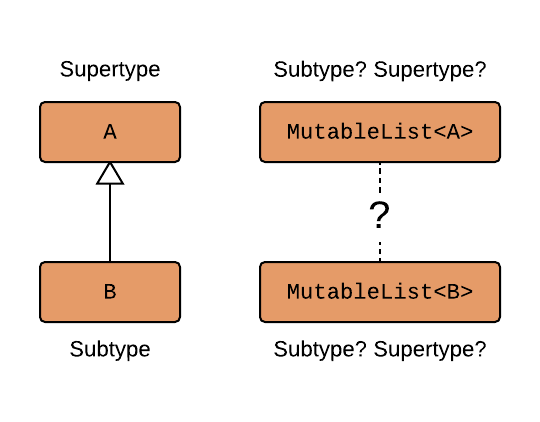
Testons
open class A
open class B: A()
fun main() {
var objectA = A()
var objectB = B()
var listofA: MutableList<A> = mutableListOf<A>()
var listofB: MutableList<B> = mutableListOf<B>()
println("objectA is A ${(objectA is A)}")
println("objectB is B ${(objectB is B)}")
println("objectA is B ${(objectA is B)}")
println("objectB is A ${(objectB is A)}")
println("listofA is MutableList<A> ${(listofA is MutableList<A>)}")
println("listofB is MutableList<B> ${(listofB is MutableList<B>)}")
println("listofA is MutableList<B> ${(listofA is MutableList<B>)}")
println("listofB is MutableList<A> ${(listofB is MutableList<A>)}")
}
Réponse
Comme nous avons pu le constater, les 2 listes n'ont aucune liaison entre elles, laMutableList est invariante.
Aller plus loin sur l'invariance
Covariance en Kotlin
open class A
open class B: A()
List<A>
List<B>
Relation ?
Quelle est la relation entre les deuxList ?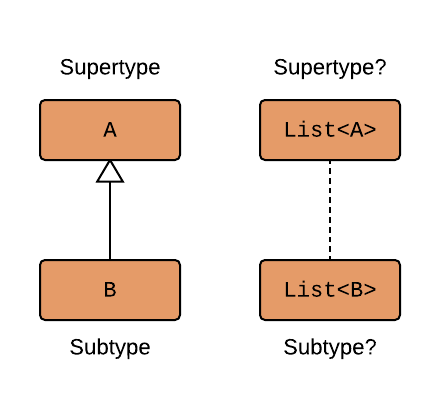
Testons
open class A
open class B: A()
fun main() {
var objectA = A()
var objectB = B()
var listofA: List<A> = listOf<A>()
var listofB: List<B> = listOf<B>()
println("objectA is A ${(objectA is A)}")
println("objectB is B ${bjectB is B)}} ${intln("objectA${s B $}"{bjectA is B)}} ${intln("objectB${s A ${bjectB is A)}} ${intln("listofA${s List<A> ${(listofA is List<A>)}")
println("listofB is List<B> ${(listofB is List<B>)${println("li}"stofA is List<B> ${(listofA is List<B>)}")
println("listofB is List<A> ${(listofB is List<A>)}")
}
Réponse
Comme nous avons pu le constater, le typeList est covariant : List<B> est
un sous-type de List<A>.Cela fonctionne car la
List<T> étant immutable, lors de l'affectation de List<B>
dans une variable de type List<A>,
une copie de la liste est effectuée.
Exercice
Prenons les classes suivantes :
abstract class Animal(val size: Int)
class Dog(val cuteness: Int): Animal(100)
class Spider(val terrorFactor: Int): Animal(1)
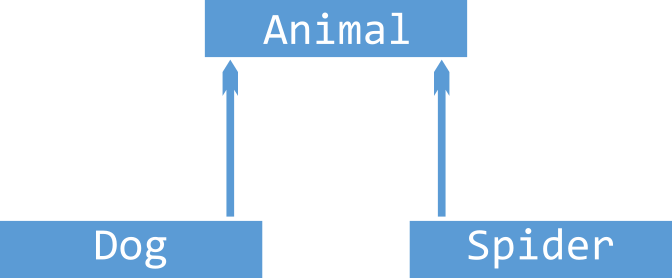
Validons la hiérarchie
Vérifions queDog et Spider sont bien des sous types de Animal :
val dog: Dog = Dog(10)
val spider: Spider = Spider(9000)
var animal: Animal = dog
animal = spider
Test avec les List
Faisons le même test que précédemment, en utilisant des List :
val dogList: List<Dog> = listOf(Dog(10), Dog(20))
val animalList: List<Animal> = dogList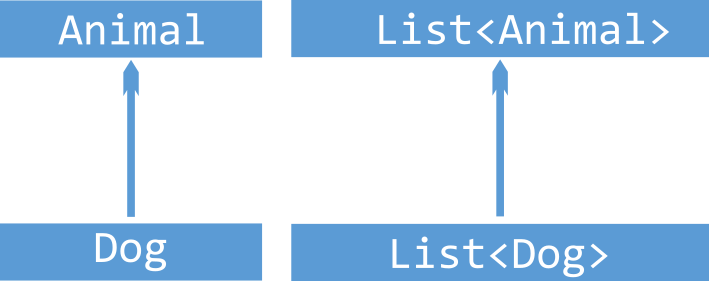
Aller plus loin sur la covariance
Contravariance en Kotlin
interface Compare<T> avec une méthode
compare(T item1, T item2), qui permet de comparer deux items.Comparons les chiens du plus mignon au moins mignon. Le code du comparateur sera :
val dogCompare: Compare<Dog> = object: Compare<Dog> {
override fun compare(first: Dog, second: Dog): Int {
return first.cuteness - second.cuteness
}
}
Animal :
val animalCompare: Compare<Animal> = dogCompare // Compiler error
Comparaison d'animaux
Si nous voulons comparer tous les animaux, le mécanisme doit fonctionner pour tous les chiens et les araignées :
val animalCompare: Compare<Animal> = object: Compare<Animal> {
override fun compare(first: Animal, second: Animal): Int {
return first.size - second.size
}
}
val spiderCompare: Compare<Spider> = animalCompare // Works nicely!
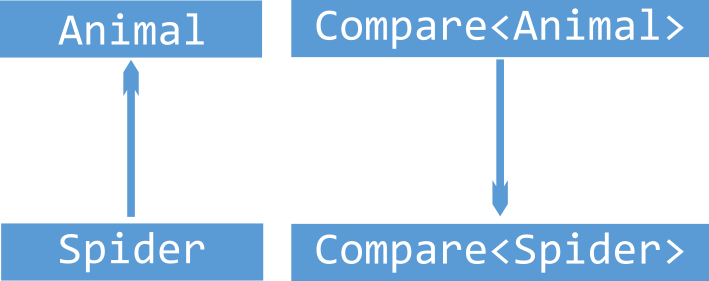
Autre exemple avec des fruits
Prenons un autre exemple avec des fruits
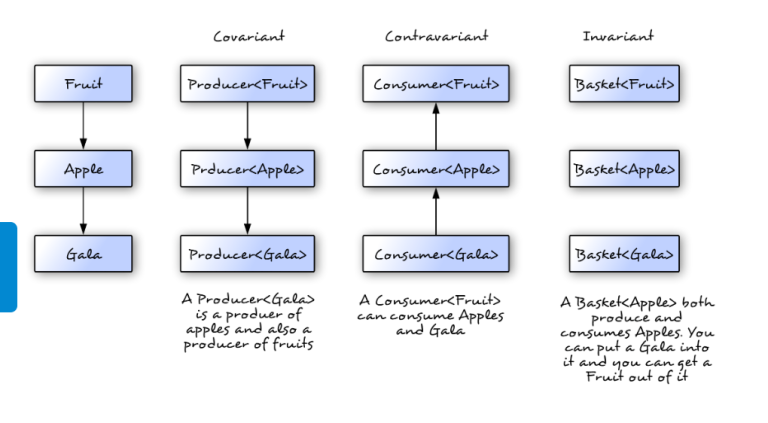
Définition des fruits
open class Fruit
open class Apple: Fruit() // Apple extends Fruit
class Gala: Apple() // Gala extends Apple
Expression des variances
class Variance{
val fruitProducer: () -> Fruit = ::Fruit
val appleProducer: () -> Apple = ::Apple
val galaProducer: () -> Gala = ::Gala
val fruitConsumer: (Fruit) -> Unit = ::eatFruit
val appleConsumer: (Apple) -> Unit = ::eatApple
val galaConsumer: (Gala) -> Unit = ::eatGala
val newFruitProducer1: () -> Fruit = appleProducer
val newFruitProducer2: () -> Fruit = galaProducer
val newAppleProducer: () -> Apple = galaProducer
val newGalaConsumer1: (Gala) -> Unit = appleConsumer
val newGalaConsumer2: (Gala) -> Unit = fruitConsumer
val newAppleConsumer: (Fruit) -> Unit = fruitConsumer
}
Fonctions utilitaires
fun eatFruit(fruit: Fruit) {}
fun eatApple(apple: Apple) {}
fun eatGala(fruit: Gala) {}
Autres fonctionnalités
Conversion de types en Kotlin
fun foo(x: Any) {
if (x is Person) {
println("${x.name}") // This wouldn't compile outside the if
}
}
x, pour quelle raison, à votre avis
?Pour changer le type d'une variable, il est possible de le faire explicitement :
val p = x as Person
Person (ou d'une sous classe), alors l'exception
ClassCastException sera levée.Si vous n'êtes pas sûr du type, mais que vous pouvez vous satisfaire d'un null, si l'instance n'est pas de type
Person, vous pouvez utiliser
as?. Notez que le
type de retour sera Person? :
val p = x as? Person
x as Person? pour caster un type qui peut être null. La différence
entre cette solution et la précédente as? est que
celle-ci échouera si
x est une instance non nulle d'un autre type que Person :
val p = x as Person?
Exercice
Tester le cast de la variablex avec les 2 méthodes (as et
as?).Une première fois avec
x de type Any contenant une instance de
Person, et ensuite contenant une instance de
Other.
class Person(var name: String)
class Other()
String en
Int) :
val value = "Message"
println(value as? Int)
println(value as Int?)
Solution
class Person(var name: String)
class Other()
fun main() {
fun foo(x: Any) {
if (x is Person) {
println("${x.name}") // This wouldn't compile outside the if
}
}
var x: Any = Person("SALAUN")
var p = x as Person
var pNull = x as? Person
x = Other()
p = x as Person
pNull = x as? Person
val value = "Message"
println(value as? Int)
println(value as Int?)
}
Exercice
Prenons le code en Java, et convertissons-le en Kotlin :
import java.util.ArrayList;
import java.util.List;
public class Test {
private static int getDefaultSize(Object object){
if(object instanceof String) {
return ((String) object).length();
} else if(object instanceof List) {
return ((List) object).size();
}
return 0;
}
public static void main(String[] args) {
List list = new ArrayList();
list.add(1);
list.add(2);
list.add(3);
System.out.println(getDefaultSize(list));
System.out.println(getDefaultSize("list"));
}
}
Solution
private fun getDefaultSize(anyObject: Any): Int {
if (anyObject is String) {
return anyObject.length
} else if (anyObject is List<*>) {
return anyObject.size
}
return 0
}
private fun getDefaultSize(anyObject: Any) = when (anyObject) {
is String -> anyObject.length
is List<*> -> anyObject.size
else -> 0
}
Tuples
Les types standards
Kotlin propose dans la librairie standard des Tuples :Pair: qui contient 2 éléments.Triple: qui contient 3 éléments.
Pair
Tous les
détails sur la page officielle.La classe peut contenir 2 éléments. Pratique lorsque l'on doit retourner deux valeurs dans une fonction.
firstcontient la première valeur.secondcontient la seconde valeur.
Triple
Tous
les détails sur la page officielle.La classe peut contenir 3 éléments. Pratique lorsque l'on doit retourner trois valeurs dans une fonction.
firstcontient la première valeur.secondcontient la seconde valeur.thirdcontient la troisième valeur.
Exercice
Écrivez une variable référençant unePair de valeur, et les afficher séparément.Procédez de la même manière avec
Triple.Les signatures des classes sont rappelées ci-dessous :
data class Pair<out A, out B>: Serializable
data class Triple<out A, out B, out C>: Serializable
Solution
fun main() {
val pairValue= Pair(1, "x")
val tripleValue = Triple("Tristan","SALAUN", 40)
println(pairValue.first)
println(pairValue.second)
println(tripleValue.first)
println(tripleValue.second)
println(tripleValue.third)
}
Aller plus loin sur les Tuples
Tuples multiples
Deconstructing (Destructuring) Values
data class Person(var name:String, var age: Int)
val tristan = Person("Tristan", 44)
val (name, age) = tristan
println(name)
println(age)
val name = person.component1()
val age = person.component2()
component1() et component2() est un nouvel exemple des
conventions utilisées dans Kotlin (tout comme +,
*,
...).Il est aussi possible d'utiliser le "destructuring" dans une boucle for :
for ((a, b) in collection) { ... }
component3(), component4(), etc.
Exemple : retourner deux valeurs depuis une fonction
Vous avez deux valeurs à retourner depuis une fonction, par exemple un objetresult et un
status. Une façon pratique de le faire, en
Kotlin, est de déclarer une classe data, et retourner une instance de cet objet.
data class Result(val result: Int, val status: Status)
fun function(...): Result {
// computations
return Result(result, status)
}
// Now, to use this function:
val (result, status) = function(...)
data déclarent automatiquement les fonctions componentN(), donc la
déstructuration fonctionne directement dans notre cas.
Exercice
Reprenons l'exemple avec les tuples et destructurons lesPair dans des variables
a et b.Faisons de même pour
Triple avec c, d et e.
Solution
fun main() {
val (a, b) = Pair(1, "x")
val (c, d, e) = Triple("Tristan","SALAUN", 40)
println(a)
println(b)
println(c)
println(d)
println(e)
println("a = $a, b = $b, c = $c, d = $d and e = $e")
}
Destructuring des Map
Ignorer des valeurs avec _
Destructuring dans les lambdas
Gestion des exceptions
Les classes d'exception
Toutes les classes d'exceptions sont des descendantes de la classeThrowable. Toutes les
exceptions ont un message, une pile d'exécution (stack
trace), et une cause optionnelle.Pour lever une exception, il faut utiliser l'expression
throw :
throw Exception("Hi There!")
try :
try {
// some code
}
catch (e: SomeException) {
// handler
}
finally {
// optional finally block
}
catch, le block finally est optionnel.
Toutefois, il doit y avoir au moins un block catch ou un block
finally.
Try est une expression
Try est une expression, et en tant que telle, elle doit avoir une valeur de retour.
val numValue: Int? = try { parseInt(input) } catch (e: NumberFormatException) { null }
Exercice
Testez différentes valeurs d'input ( "2005" et "azerty") pour
affecter la valeur à numValue :
val numValue: Int? = try { parseInt(input) } catch (e: NumberFormatException) { null }
Solution
import java.lang.Integer.parseInt
fun main() {
var input = "2005"
var numValue: Int? = try { parseInt(input) } catch (e: NumberFormatException) { null }
println(numValue)
input = "azerty"
numValue = try { parseInt(input) } catch (e: NumberFormatException) { null }
println(numValue)
}
Déclaration de constantes
const.Elle peut être utilisée dans les annotations :
const val SUBSYSTEM_DEPRECATED: String = "This subsystem is deprecated"
@Deprecated(SUBSYSTEM_DEPRECATED) fun foo() { ... }
L'objet compagnon
Pour les méthodes
Étudions l'exemple situé à l'adresse : https://odelia-technologies.com/blog/object-companion-kotlin.htmlUne autre utilisation de l'objet companion est pour déclarer nos constantes, étant donné que le mot clé static n'existe pas en Kotlin :
companion object {
private const val TAG = "ClassName"
}
Initialisation tardive
setup dans un test unitaire. Nous ne voulons
toutefois pas que la variable puisse avoir une valeur nulle, pour ce faire, nous pouvons utiliser le
modifieur lateinit :
public class MyTest {
lateinit var subject: TestSubject
@SetUp fun setup() {
subject = TestSubject()
}
@Test fun test() {
subject.method() // dereference directly
}
}
var, déclarées dans le corps de la
classe (pas dans le constructeur primaire, et seulement si la propriété n'a pas d'accesseurs sur mesures
(custom getter or setter).Accéder à cette propriété avant son initialisation, lève une exception :
lateinit var allByDefault: String // error: explicit initializer required, default getter and setter implied
print(allByDefault) // KO, Exception : kotlin.UninitializedPropertyAccessException: lateinit property allByDefault has not been initialized
Vérification initialisation tardive
Depuis Kotlin 1.2, pour vérifier qu'une variablelateinit var à bien été initialisée, on
peut
utiliser .isInitialized :
if (foo::bar.isInitialized) {
println(foo.bar)
}
Exercice : utilisation de lateinit
Étant donné le code suivant, que ce passe-t-il quand nous l'exécutons, pourquoi, et comment corriger le problème ?
class MyTest() {
lateinit var subject: String
fun displaySubject() {
println(subject)
}
}
fun main() {
var myTest = MyTest()
myTest.displaySubject()
}
Solution
Respectons notre contrat : initialisons la variable, comme promis :
fun main() {
var myTest = MyTest()
myTest.subject = "The best subject"
myTest.displaySubject()
}
Annotation en Kotlin
Définition
Les annotations sont utilisées pour attacher des méta-données aux classes, interfaces, paramètres, etc., lors de la compilation. Ces annotations peuvent avoir un impact sur l'exécution du code.Méta annotation en Kotlin
Lors de la déclaration d'une annotation, il est possible d'ajouter des méta-informations. Ci-dessous en voici quelques-unes :| Nom de l'annotation | Usage |
|---|---|
| @Target | Liste de tous les types d'éléments possibles qui peuvent être annotés avec cette annotation. |
| @Retention | Définie si l'annotation est stockée dans le fichier de la classe compilée, et s'il est visible via la réflexion lors de l'éxécution du programme. |
| @Repeatable | Définie si l'annotation est applicable plusieurs fois sur un même bloc de code. |
| @MustBeDocumented | Spécifie que l'annotation fait partie d'une API publique et doit donc être inclus dans la classe ou méthode. |
Exemple d'annotation
@Target(AnnotationTarget.CLASS, AnnotationTarget.FUNCTION,
AnnotationTarget.VALUE_PARAMETER, AnnotationTarget.EXPRESSION)
@Retention(AnnotationRetention.SOURCE)
@MustBeDocumented
annotation class MyClass
Déclaration d'une annotation
L'annotation est déclarée en utilisant le modifieurannotation avant la class.
annotation class MyClass
Annoter un constructeur
Il est possible d'annoter un constructeur d'une classe, pour cela, il faut préciser le mot cléconstructor
lors de la déclaration et placer
l'annotation avant ce mot clé.
class MyClass @Inject constructor( dependency: MyDependency){
//. . .
}
Exemple d'une annotation
Déclaration de l'annotation :
import java.lang.annotation.ElementType
import java.lang.annotation.RetentionPolicy
@Target(AnnotationTarget.CLASS)
@Retention(AnnotationRetention.RUNTIME)
annotation class Ann(val value: Int)
@Ann(value = 10)
class MyClass
fun main(args: Array<String>) {
val c = MyClass()
val x = c.javaClass.getAnnotation(Ann::class.java)
println("Value:${x?.value}")
}
Bonnes et mauvaises pratiques
Les annotations peuvent être mises en place pour générer du code standard lors de la précompilation.
Exercice récapitulatif
1 - Définition des structures de données
Dans un premier temps, nous allons déclarer nos structures de données :Une classe parente
Person :
- Un champ texte,
firstNamede type chaîne de caractère en lecture/écriture. - Un champ texte,
lastNamede type chaîne de caractère en lecture.
Classes filles
Une classe filleFriend qui hérite de Person qui contient en plus :
- Un champ de type
Short:ageen lecture/écriture.
Une classe fille
Colleague qui hérite de Person qui contient en plus :
- Un champ
rolequi ne peut prendre que les valeurs suivantes : MANAGER, CEO, WORKER.
Une classe fille
Contact qui hérite de Person qui contient en plus :
- Un champ texte,
phoneNumberde type chaîne de caractère en lecture seule. - Un champ texte,
emailde type chaîne de caractère en lecture seule.
Solution proposée
open class Person(var firstName: String, val lastName: String)
class Friend(firstName: String, lastName: String, var age: Short): Person(firstName, lastName)
class Colleague(firstName: String, lastName: String, var role: Role): Person(firstName, lastName)
class Contact(firstName: String, lastName: String, var phoneNumber: String, var email: String): Person(firstName, lastName)
enum class Role {
MANAGER, CEO, WORKER
}
2 - Gestion avancée du numéro de téléphone
Ajoutons un peu plus de détails pour la gestion du numéro de téléphone : il sera composé maintenant deux champs :- Le
typedu numéro, qui ne peut prendre que les valeurs suivantes : MOBILE, FIX, FAX. - Un champ texte,
valuede type chaîne de caractère, avec une valeur initiale de "0000000000", qui ne peut prendre comme valeur qu'une chaîne de caractère, composée de 10 chiffres (utilisation de vetoable).
Solution proposée
import kotlin.properties.Delegates
open class Person(var firstName: String, val lastName: String)
class Friend(firstName: String, lastName: String, var age: Short): Person(firstName, lastName)
class Colleague(firstName: String, lastName: String, var role: Role): Person(firstName, lastName)
class Contact(firstName: String, lastName: String, var phoneNumber: PhoneNumber, var email: String): Person(firstName, lastName)
enum class Role {
MANAGER, CEO, WORKER
}
class PhoneNumber(type: PhoneType, value: String = "0000000000") {
var value: String by Delegates.vetoable(value) { property, oldValue, newValue ->
newValue.length == 10 && isNumber(newValue)
}
}
fun isNumber(s: String?): Boolean {
return if (s.isNullOrEmpty()) false else s.all { Character.isDigit(it) }
}
enum class PhoneType {
MOBILE, FIX, FAX
}
3 - Gestion avancée de l'age
Modifions notre classeFriend afin de ne pouvoir définir un age qu'avec une
valeur valide :
- Un nombre positif.
- Inférieur à une constante
MAX_AGEdéfinie avec la valeur : 150.
Solution
import kotlin.properties.Delegates
open class Person(var firstName: String, val lastName: String)
class Friend(firstName: String, lastName: String, age: Short): Person(firstName, lastName) {
val age: Short by Delegates.vetoable(age) { property, oldValue, newValue ->
newValue in 0..MAX_AGE
}
}
class Colleague(firstName: String, lastName: String, var role: Role): Person(firstName, lastName)
class Contact(firstName: String, lastName: String, var phoneNumber: PhoneNumber, varemail: String): Person(firstName, lastName)
enum class Role {
MANAGER, CEO, WORKER
}
class PhoneNumber(type: PhoneType, value: String) {
var value: String by Delegates.vetoable("0000000000") { property, oldValue, newValue ->
newValue.length == 10 && isNumber(newValue)
}
}
fun isNumber(s: String?): Boolean {
return if (s.isNullOrEmpty()) false else s.all { Character.isDigit(it) }
}
enum class PhoneType {
MOBILE, FIX, FAX
}
const val MAX_AGE = 150
4 - Affichage
Afin d'afficher nos objets, redéfinissons l'affichage pour les 3 classes filles.Pour cela :
- Ajoutons une méthode
toStringabstraite à notre classePerson. - Implémentons la méthode dans les classes filles.
Au lieu d'afficher l'age, nous allons afficher le stade de la vie, correspondant à l'age :
- Bébé : de la naissance à 2 ans.
- Enfant : de 2 ans à 10 ans.
- Adolescent : de 10 ans à 18 ans.
- Adulte : de 18 ans à 70 ans.
- Personne âgée : à partir de 70 ans.
Solution proposée
import kotlin.properties.Delegates
abstract class Person(var firstName: String, val lastName: String) {
abstract override fun toString(): String
}
class Friend(firstName: String, lastName: String, age: Short): Person(firstName, lastName) {
val age: Short by Delegates.vetoable(age) { property, oldValue, newValue ->
newValue in 0..MAX_AGE
}
override fun toString() = "$firstName $lastName ${age.lifeStep()}"
}
class Colleague(firstName: String, lastName: String, var role: Role): Person(firstName, lastName) {
override fun toString() = "$firstName $lastName $role"
}
class Contact(firstName: String, lastName: String, var phoneNumber: PhoneNumber, var email: String):
Person(firstName, lastName) {
override fun toString() = "$firstName $lastName $phoneNumber $email"
}
enum class Role {
MANAGER, CEO, WORKER
}
class PhoneNumber(type: PhoneType, value: String) {
var value: String by Delegates.vetoable("0000000000") { property, oldValue, newValue ->
newValue.length == 10 && isNumber(newValue)
}
}
fun isNumber(s: String?): Boolean {
return if (s.isNullOrEmpty()) false else s.all { Character.isDigit(it) }
}
enum class PhoneType {
MOBILE, FIX, FAX
}
const val MAX_AGE = 150
fun Short.lifeStep() =
when (this) {
in 0..2 -> "Bébé"
in 2..10 -> "Enfant"
in 10..18 -> "Adolescent"
in 18..70 -> "Adulte"
else -> "Personne âgée"
}
5 - Affichage liste
- Définissons une liste qui contiendra plusieurs
Person. - Affichons cette liste.
- Préfixons l'affichage de l'objet, par son type ("Amis, Collègue ou Contact") (Nous allons
définir une méthode
fun getType(person:Person)qui retournera le type enStringde l'objet passé en paramètre. - Préfixons l'affichage de l'objet par sa position dans la liste.
Solution proposée
import kotlin.properties.Delegates
abstract class Person(var firstName: String, val lastName: String) {
abstract override fun toString(): String
}
class Friend(firstName: String, lastName: String, age: Short): Person(firstName, lastName) {
val age: Short by Delegates.vetoable(age) { property, oldValue, newValue ->
newValue in 0..MAX_AGE
}
override fun toString() = "$firstName $lastName ${age.lifeStep()}"
}
class Colleague(firstName: String, lastName: String, var role: Role): Person(firstName, lastName) {
override fun toString() = "$firstName $lastName $role"
}
class Contact(firstName: String, lastName: String, var phoneNumber: PhoneNumber, var email: String):
Person(firstName, lastName) {
override fun toString() = "$firstName $lastName $phoneNumber $email"
}
enum class Role {
MANAGER, CEO, WORKER
}
class PhoneNumber(val type: PhoneType, value: String) {
var value: String by Delegates.vetoable(value) { property, oldValue, newValue ->
newValue.length == 10 && isNumber(newValue)
}
override fun toString() = "$type $value"
}
fun isNumber(s: String?): Boolean {
return if (s.isNullOrEmpty()) false else s.all { Character.isDigit(it) }
}
enum class PhoneType {
MOBILE, FIX, FAX
}
const val MAX_AGE = 150
fun Short.lifeStep() =
when (this) {
in 0..2 -> "Bébé"
in 2..10 -> "Enfant"
in 10..18 -> "Adolescent"
in 18..70 -> "Adulte"
else -> "Personne âgée"
}
fun getType(person:Person) = when (person) {
is Friend -> "Amis"
is Colleague -> "Collègue"
is Contact -> "Contact"
else -> "Inconnu"
}
fun main() {
val person: Person = Friend("Tristan", "SALAUN", 42.toShort())
val person2: Person = Friend("Melody", "SALAUN", 25.toShort())
val person3: Person = Colleague("Nicolas", "DUPOND", Role.MANAGER)
val person4: Person = Colleague("Jean-Christophe", "ANDRE", Role.WORKER)
val person5: Person = Contact("John", "DOE", PhoneNumber(PhoneType.MOBILE, "0612345678"), "john.doe@test.com")
val personList = listOf(person, person2, person3, person4, person5)
// Old version
//var counter = 0
//personList.forEach { println("${counter++} ${getType(it)} $it") }
personList.forEachIndexed { index, element -> println("${index} ${getType(element)} $element") }
}
6 - Sécurisation du code
Nous remarquons que dans la méthodegetType, qui nous permet d'afficher le type d'objet en
français, nous avons dû utiliser le else.
Si nous avons besoin d'implémenter une nouvelle classe fille, il est fort probable, que nous oublions
d'ajouter ce cas dans cette méthode.
Pour fiabiliser le code, nous allons mettre en place une classe scellée
pour la classe Person.
Solution proposée
import kotlin.properties.Delegates
sealed class Person(var firstName: String, val lastName: String) {
abstract override fun toString(): String
}
class Friend(firstName: String, lastName: String, age: Short): Person(firstName, lastName) {
val age: Short by Delegates.vetoable(age) { property, oldValue, newValue ->
newValue in 0..MAX_AGE
}
override fun toString() = "$firstName $lastName ${age.lifeStep()}"
}
class Colleague(firstName: String, lastName: String, var role: Role): Person(firstName, lastName) {
override fun toString() = "$firstName $lastName $role"
}
class Contact(firstName: String, lastName: String, var phoneNumber: PhoneNumber, var email: String):
Person(firstName, lastName) {
override fun toString() = "$firstName $lastName $phoneNumber $email"
}
enum class Role {
MANAGER, CEO, WORKER
}
class PhoneNumber(val type: PhoneType, value: String) {
var value: String by Delegates.vetoable(value) { property, oldValue, newValue ->
newValue.length == 10 && isNumber(newValue)
}
override fun toString() = "$type $value"
}
fun isNumber(s: String?): Boolean {
return if (s.isNullOrEmpty()) false else s.all { Character.isDigit(it) }
}
enum class PhoneType {
MOBILE, FIX, FAX
}
const val MAX_AGE = 150
fun Short.lifeStep() =
when (this) {
in 0..2 -> "Bébé"
in 2..10 -> "Enfant"
in 10..18 -> "Adolescent"
in 18..70 -> "Adulte"
else -> "Personne âgée"
}
fun getType(person:Person) = when (person) {
is Friend -> "Amis"
is Colleague -> "Collègue"
is Contact -> "Contact"
}
fun main() {
val person: Person = Friend("Tristan", "SALAUN", 42.toShort())
val person2: Person = Friend("Melody", "SALAUN", 25.toShort())
val person3: Person = Colleague("Nicolas", "DUPOND", Role.MANAGER)
val person4: Person = Colleague("Jean-Christophe", "ANDRE", Role.WORKER)
val person5: Person = Contact("John", "DOE", PhoneNumber(PhoneType.MOBILE, "0612345678"), "john.doe@test.com")
val personList = listOf(person, person2, person3, person4, person5)
personList.forEachIndexed { index, element -> println("${index} ${getType(element)} $element") }
}
7 - Gestion des valeurs nulles
Ajoutons une classeAddress qui sera une propriété optionnelle de la classe
Friend, avec les propriétés suivantes :
- Un champ texte
line1de type chaîne de caractère, obligatoire. - Un champ texte
line2de type chaîne de caractère, qui peut prendre une valeur nulle. - Un champ texte
cpde type chaîne de caractère, au format similaire au numéro de téléphone : longueur de 5, ne contenant que des chiffres. - Un champ texte
cityde type chaîne de caractère, obligatoire. - Un champ texte
countryde type chaîne de caractère, prenant la valeur "France", par défaut.
Solution proposée
import kotlin.properties.Delegates
sealed class Person(var firstName: String, val lastName: String) {
abstract override fun toString(): String
}
class Friend(firstName: String, lastName: String, age: Short, var address: Address? = null): Person(firstName, lastName) {
val age: Short by Delegates.vetoable(age) { property, oldValue, newValue ->
newValue in 0..MAX_AGE
}
override fun toString() = "$firstName $lastName ${age.lifeStep()}${if (address != null) "\n$address" else ""}"
}
class Colleague(firstName: String, lastName: String, var role: Role): Person(firstName, lastName) {
override fun toString() = "$firstName $lastName $role"
}
class Contact(firstName: String, lastName: String, var phoneNumber: PhoneNumber, var email: String):
Person(firstName, lastName) {
override fun toString() = "$firstName $lastName $phoneNumber $email"
}
enum class Role {
MANAGER, CEO, WORKER
}
class PhoneNumber(val type: PhoneType, value: String) {
var value: String by Delegates.vetoable(value) { property, oldValue, newValue ->
newValue.length == 10 && isNumber(newValue)
}
override fun toString() = "$type $value"
}
class Address(val line1: String, val line2: String? = null, cp: String, val city: String, val country: String = "France") {
var cp: String by Delegates.vetoable(cp) { property, oldValue, newValue ->
newValue.length == 5 && isNumber(newValue)
}
override fun toString() = "$line1\n${if (!line2.isNullOrEmpty()) "$line2\n" else ""}$cp $city\n$country"
}
fun isNumber(s: String?): Boolean {
return if (s.isNullOrEmpty()) false else s.all { Character.isDigit(it) }
}
enum class PhoneType {
MOBILE, FIX, FAX
}
const val MAX_AGE = 150
fun Short.lifeStep() =
when (this) {
in 0..2 -> "Bébé"
in 2..10 -> "Enfant"
in 10..18 -> "Adolescent"
in 18..70 -> "Adulte"
else -> "Personne âgée"
}
fun getType(person:Person) = when (person) {
is Friend -> "Amis"
is Colleague -> "Collègue"
is Contact -> "Contact"
}
fun main() {
val person: Person = Friend("Tristan", "SALAUN", 42.toShort())
val person2: Person = Friend("Melody", "SALAUN", 25.toShort())
val person2b: Person = Friend("Jean", "DUPONT", 55.toShort(), Address("36, quai des Orfèvres", cp = "75001", city = "Paris"))
val person3: Person = Colleague("Nicolas", "DUPOND", Role.MANAGER)
val person4: Person = Colleague("Jean-Christophe", "ANDRE", Role.WORKER)
val person5: Person = Contact("John", "DOE", PhoneNumber(PhoneType.MOBILE, "0612345678"), "john.doe@test.com")
val personList = listOf(person, person2, person3, person4, person5, person2b)
var counter = 0
personList.forEach { println("${counter++} ${getType(it)} $it") }
}
8 - La fabrique
Afin de créer des instances de personnes, plus facilement, nous allons mettre en place une fabrique :- Nous allons ajouter une méthode "statique" à notre classe
Person, qui retourne une instance d'une des classes fille. - Nous allons passer le constructeur des classes filles en private.
- Nous allons ajouter une méthode statique, qui retourne une instance de la classe fille dans chaque classe fille.
- Nous allons utiliser une classe de génération de valeurs aléatoires pour générer des prénoms, noms, ...
import kotlin.random.Random
class RandomValues {
companion object {
val firstNameList = listOf("Jean", "Pierre", "Clément")
val lastNameList = listOf("DUPOND", "DUPONT", "MARTIN")
fun getFirstName(): String {
return firstNameList[Random.nextInt(0, firstNameList.size)]
}
fun getLastName(): String {
return lastNameList[Random.nextInt(0, lastNameList.size)]
}
fun getRole(): Role {
return Role.values()[Random.nextInt(0, Role.values().size)]
}
fun getPhoneNumber(): PhoneNumber {
return PhoneNumber(PhoneType.MOBILE, "0000000000")
}
fun getEmail(): String {
return "test@test.com"
}
}
}
Solution proposée
import kotlin.properties.Delegates
import kotlin.random.Random
sealed class Person(var firstName: String, val lastName: String) {
abstract override fun toString(): String
companion object {
fun getPerson(): Person {
val typeId = Random.nextInt(0, 3)
return when (typeId) {
0 -> Friend.getFriend()
1 -> Colleague.geColleague()
2 -> Contact.getContact()
else -> Friend.getFriend()
}
}
}
}
class Friend private constructor(firstName: String, lastName: String, age: Short, var address: Address? = null):
Person(firstName, lastName) {
val age: Short by Delegates.vetoable(age) { property, oldValue, newValue ->
newValue in 0..MAX_AGE
}
override fun toString() = "$firstName $lastName ${age.lifeStep()}${if (address != null) "\n$address" else ""}"
companion object {
fun getFriend() =
Friend(
firstName = RandomValues.getFirstName(),
lastName = RandomValues.getLastName(),
age = Random.nextInt(0, MAX_AGE).toShort()
)
}
}
class Colleague private constructor(firstName: String, lastName: String, var role: Role): Person(firstName, lastName) {
override fun toString() = "$firstName $lastName $role"
companion object {
fun geColleague() =
Colleague(
firstName = RandomValues.getFirstName(),
lastName = RandomValues.getLastName(),
role = RandomValues.getRole()
)
}
}
class Contact private constructor(
firstName: String,
lastName: String,
var phoneNumber: PhoneNumber,
var email: String
):
Person(firstName, lastName) {
override fun toString() = "$firstName $lastName $phoneNumber $email"
companion object {
fun getContact() =
Contact(
firstName = RandomValues.getFirstName(),
lastName = RandomValues.getLastName(),
phoneNumber = RandomValues.getPhoneNumber(),
email = RandomValues.getEmail()
)
}
}
enum class Role {
MANAGER, CEO, WORKER
}
class PhoneNumber(val type: PhoneType, value: String) {
var value: String by Delegates.vetoable(value) { property, oldValue, newValue ->
newValue.length == 10 && isNumber(newValue)
}
override fun toString() = "$type $value"
}
class Address(
val line1: String,
val line2: String? = null,
cp: String,
val city: String,
val country: String = "France"
) {
var cp: String by Delegates.vetoable(cp) { property, oldValue, newValue ->
newValue.length == 5 && isNumber(newValue)
}
override fun toString() = "$line1\n${if (!line2.isNullOrEmpty()) "$line2\n" else ""}$cp $city\n$country"
}
fun isNumber(s: String?): Boolean {
return if (s.isNullOrEmpty()) false else s.all { Character.isDigit(it) }
}
enum class PhoneType {
MOBILE, FIX, FAX
}
const val MAX_AGE = 150
fun Short.lifeStep() =
when (this) {
in 0..2 -> "Bébé"
in 2..10 -> "Enfant"
in 10..18 -> "Adolescent"
in 18..70 -> "Adulte"
else -> "Personne âgée"
}
fun getType(person: Person) = when (person) {
is Friend -> "Amis"
is Colleague -> "Collègue"
is Contact -> "Contact"
}
fun main() {
val randomPersonList = mutableListOf<Person>()
for (i in 0..10) {
randomPersonList.add(Person.getPerson())
}
var counter = 0
randomPersonList.forEach { println("${counter++} ${getType(it)} $it") }
}
9 - Interface
Ajoutons une interfaceJsonExport qui comporte une méthode toJson qui va nous
permettre d'exporter nos contacts en JSON.
interface JsonExport {
fun toJson(): String
}
sealed class Person(var firstName: String, val lastName: String): JsonExport {
....
}
Solution proposée
import kotlin.properties.Delegates
import kotlin.random.Random
interface JsonExport {
fun toJson(): String
}
sealed class Person(var firstName: String, val lastName: String): JsonExport {
abstract override fun toString(): String
companion object {
fun getPerson(): Person {
val typeId = Random.nextInt(0, 3)
return when (typeId) {
0 -> Friend.getFriend()
1 -> Colleague.geColleague()
2 -> Contact.getContact()
else -> Friend.getFriend()
}
}
}
}
class Friend private constructor(firstName: String, lastName: String, age: Short, var address: Address? = null):
Person(firstName, lastName) {
val age: Short by Delegates.vetoable(age) { property, oldValue, newValue ->
newValue in 0..MAX_AGE
}
override fun toString() = "$firstName $lastName ${age.lifeStep()}${if (address != null) "\n$address" else ""}"
companion object {
fun getFriend() =
Friend(
firstName = RandomValues.getFirstName(),
lastName = RandomValues.getLastName(),
age = Random.nextInt(0, MAX_AGE).toShort()
)
}
override fun toJson() = """
{
"type": "Friend",
"firstName": "$firstName",
"lastName": "$lastName",
"age": "$age"
${if (address != null) """, "line2": "${address?.toJson()}\n" """ else "" }
}
""".trimIndent()
}
class Colleague private constructor(firstName: String, lastName: String, var role: Role): Person(firstName, lastName) {
override fun toString() = "$firstName $lastName $role"
companion object {
fun geColleague() =
Colleague(
firstName = RandomValues.getFirstName(),
lastName = RandomValues.getLastName(),
role = RandomValues.getRole()
)
}
override fun toJson() = """
{
"type": "Colleague",
"firstName": "$firstName",
"lastName": "$lastName",
"role": "$role"
}
""".trimIndent()
}
class Contact private constructor(
firstName: String,
lastName: String,
var phoneNumber: PhoneNumber,
var email: String
):
Person(firstName, lastName) {
override fun toString() = "$firstName $lastName $phoneNumber $email"
companion object {
fun getContact() =
Contact(
firstName = RandomValues.getFirstName(),
lastName = RandomValues.getLastName(),
phoneNumber = RandomValues.getPhoneNumber(),
email = RandomValues.getEmail()
)
}
override fun toJson() = """
{
"type": "Contact",
"firstName": "$firstName",
"lastName": "$lastName",
"phoneNumber": "$phoneNumber",
"email": "$email"
}
""".trimIndent()
}
enum class Role {
MANAGER, CEO, WORKER
}
class PhoneNumber(val type: PhoneType, value: String): JsonExport {
var value: String by Delegates.vetoable(value) { property, oldValue, newValue ->
newValue.length == 10 && isNumber(newValue)
}
override fun toString() = "$type $value"
override fun toJson() = """
"phone": {
"type": "$type",
"value": "$value"
}
""".trimIndent()
}
class Address(
val line1: String,
val line2: String? = null,
cp: String,
val city: String,
val country: String = "France"
): JsonExport {
var cp: String by Delegates.vetoable(cp) { property, oldValue, newValue ->
newValue.length == 5 && isNumber(newValue)
}
override fun toString() = "$line1\n${if (!line2.isNullOrEmpty()) "$line2\n" else ""}$cp $city\n$country"
override fun toJson() = """
"address": {
"line1": "$line1",
${if (!line2.isNullOrEmpty()) """ "line2": "$line2\n" """ else "" }
"cp": "$cp",
"city": "$city",
"country": "$country"
}
""".trimIndent()
}
fun isNumber(s: String?): Boolean {
return if (s.isNullOrEmpty()) false else s.all { Character.isDigit(it) }
}
enum class PhoneType {
MOBILE, FIX, FAX
}
const val MAX_AGE = 150
fun Short.lifeStep() =
when (this) {
in 0..2 -> "Bébé"
in 2..10 -> "Enfant"
in 10..18 -> "Adolescent"
in 18..70 -> "Adulte"
else -> "Personne âgée"
}
fun getType(person: Person) = when (person) {
is Friend -> "Amis"
is Colleague -> "Collègue"
is Contact -> "Contact"
}
fun main() {
val randomPersonList = mutableListOf<Person>()
for (i in 0..10) {
randomPersonList.add(Person.getPerson())
}
var counter = 0
randomPersonList.forEach { println("${counter++} ${getType(it)} $it") }
println("""{ "personList": [ """)
randomPersonList.forEach { println("${it.toJson()},") }
println(""" ] }""")
}
10 - Fold
Nous allons maintenant utiliser la méthodefold,
pour obtenir des statistiques sur notre liste d'éléments :
- La taille moyenne du prénom (en nombre de lettres).
- L'age cumulé des
Friend.
Solution proposée
val firstNameCumulatedSize = randomPersonList.fold(0) { acc, person ->
acc + person.firstName.length
}
println("$firstNameCumulatedSize / ${randomPersonList.size} = ${firstNameCumulatedSize.toFloat() / randomPersonList.size.toFloat()}")
val ageCumulated = randomPersonList.fold(0) { acc, person ->
if(person is Friend) {
acc + person.age
} else {
acc
}
}
println("$ageCumulated")
11 - Opérateur
Nous allons maintenant définir l'opérateur +, pour notre classePerson qui :
- Prend un prénom aléatoire.
- Concatène les deux noms.
- Définis un âge à 0.
Friend.
Solution proposée
operator fun Person.plus(other:Person) = Friend(RandomValues.getFirstName(), "${this.lastName}-${other.lastName}", 0 )
Interopérabilité
Interopérabilité avec Java
import java.util.*
fun demo(source: List<Int>) {
val list = ArrayList<Int>()
// 'for'-loops work for Java collections:
for (item in source) {
list.add(item)
}
print(list)
// Operator conventions work as well:
for (i in 0..source.size - 1) {
list[i] = source[i] // get and set are called
}
print(list)
}
fun main() {
demo(listOf(1,3,5,74,1,-2,5,98))
}
Getters et Setters
Les méthodes qui suivent la convention Java de nommage pour les getters et les setters (pas d'argument, avec un nom commençant parget et un seul
argument avec un nom
commençant par set) sont représentées comme des propriétés en Kotlin. Les accesseurs pour
les valeurs de type Boolean (le nom du getter
commence par
is et le nom du setter commence par set) sont représentés aussi comme des
propriétés. Par exemple :
import java.util.Calendar
fun calendarDemo() {
val calendar = Calendar.getInstance()
if (calendar.firstDayOfWeek == Calendar.SUNDAY) { // call getFirstDayOfWeek()
calendar.firstDayOfWeek = Calendar.MONDAY // call setFirstDayOfWeek()
}
if (!calendar.isLenient) { // call isLenient()
calendar.isLenient = true // call setLenient()
}
}
fun main() {
calendarDemo()
}
Un autre exemple
Écrivez la classe JAVA suivante (en ajoutant les getters/setters avec le menu) :
public class Customer {
private String firstName;
private String lastName;
private int age;
//standard setters and getters
}
Utilisation en Kotlin
Nous pouvons utiliser la classeCustomer directement dans notre code en Kotlin :
fun main() {
val customer = Customer()
customer.firstName = "Frodo"
customer.lastName = "Baggins"
println("${customer.firstName} ${customer.lastName}")
}
Remarques
Nous devons nous rappeler que si une classe Java ne comporte que des méthodes setter, la propriété ne sera pas accessible, car Kotlin ne prend pas en charge les propriétés en écriture seule (set-only).Si une méthode retourne
void, alors quand elle est appelée depuis Kotlin elle retournera
Unit.
De Kotlin au Java
Appeler du Kotlin en Java
Il est assez facile d'appeler du code écrit en Kotlin depuis du code Java. Il y a cependant certains points qui méritent une attention particulière, nous allons développer certains points ci-dessous.Les propriétés
Une propriété Kotlin sera compilée en Java, de la manière suivante :- Une méthode getter, sera formatée en préfixant le nom de la propriété par
get. - Une méthode setter, sera formatée en préfixant le nom de la propriété par
set(pour les propriétés de typevar). - Un champ privé aura le même nom que le nom de la propriété.
Par exemple :
var firstName: String sera compilée en Java de la manière suivante :
private String firstName;
public String getFirstName() {
return firstName;
}
public void setFirstName(String firstName) {
this.firstName = firstName;
}
Propriétés (suite)
Si le nom de la propriété commence paris, alors la règle diffère : le nom du getter sera
le même que la propriété et le nom du setter sera obtenu en
replaçant le
is par set. Par exemple, une propriété isOpen, le getter sera
isOpen() et le setter : setOpen.
Cette règle est
valable pour toutes les propriétés, peu importe leur type, pas seulement pour les propriétés de type
Boolean.
Exercice
Déclarer les 2 variables suivantes en Kotlin, dans un fichier séparé.
var firstName = ""
var isOpen = false
Cliquez ensuite sur le bouton
Decompile, pour obtenir le code Java équivalent.Que constatez vous ?
Les fonctions au niveau du package
Toutes les fonctions et propriétés déclarées dans un fichierapp.kt dans un package org.example,
incluant toutes les fonctions
d'extension, sont compilées
dans des méthodes statiques d'une classe nommée org.example.AppKt. Exemple :
// app.kt
package org.example
class Util
fun getTime(): Int { println("10h21"); return 10 }
// Java
import org.example.AppKt;
import org.example.Util;
public class Test {
Util utilVar = new Util();
int timeValue = AppKt.getTime();
}
Nom de la classe Java générée
Nous pouvons changer le nom de la classe Java généré en utilisant l'annotation@JvmName :
@file:JvmName("DemoUtils")
package org.example
class Util
fun getTime() { /*...*/ }
// Java
new org.example.Util();
org.example.DemoUtils.getTime();
Multiples noms de classes identiques
Avoir plusieurs fichiers avec le même nom de classe Java généré (même package, et même nom, ou la même annotation@JvmName) est normalement une erreur.
Toutefois, nous
pouvons indiquer au compilateur de générer une classe facade qui aura le nom correspondant et contiendra
toutes les déclarations dans une même fichier. Pour cela,
nous devons
utiliser l'annotation @JvmMultifileClass dans tous les fichiers.
// oldutils.kt
@file:JvmName("Utils")
@file:JvmMultifileClass
package org.example
fun getTime() { /*...*/ }
// newutils.kt
@file:JvmName("Utils")
@file:JvmMultifileClass
package org.example
fun getDate() { /*...*/ }
// Java
org.example.Utils.getTime();
org.example.Utils.getDate();
Les champs d'instances
Si vous voulez exposer une propriété Kotlin en tant que champs d'instance en Java, il faut l'annoter avec@JvmField. Le champ aura alors la même
visibilité que la propriété d'origine.
class User(id: String) {
@JvmField val ID = id
}
// Java
class JavaClient {
public String getID(User user) {
return user.ID;
}
}
lateinit sera aussi exposée en tant que champs d'instance. La
visibilité du champ sera la même que la visibilité du setter
de la propriété.
Champs statiques (statics)
Les propriétés en Kotlin, déclarées dans un objet nommé ou un objet compagnon sont par défaut privées, mais peuvent être rendues publiques en Java en utilisant une de ces méthodes :- L'annotation
@JvmField - Le modifieur
lateinit - Le modifieur
const
statics / @JvmField
En annotant la propriété avec @JvmField, cela donnera un champ "static" avec la même
visibilité que la propriété elle même :
class Key(val value: Int) {
companion object {
@JvmField
val COMPARATOR: Comparator<Key> = compareBy<Key> { it.value }
}
}
// Java
Key.COMPARATOR.compare(key1, key2);
// public static final field in Key class
statics / lateinit
En modifiant la propriété avec lateinit, cela donnera un champ "static" avec la même
visibilité que la propriété elle même :
object Singleton {
lateinit var provider: Provider
}
// Java
Singleton.provider = new Provider();
// public static non-final field in Singleton class
statics / const
Une propriété déclarée avec const (dans une classe ou au top niveau (top level)), seront
traduites en champs statiques en Java :
// file example.kt
object Obj {
const val CONST = 1
}
class C {
companion object {
const val VERSION = 9
}
}
const val MAX = 239
// Java
int const = Obj.CONST;
int max = ExampleKt.MAX;
int version = C.VERSION;
Les méthodes statiques
Les méthodes default dans les interfaces
La visilibité
| Visibilité en Kotlin | Visibilité en Java | Commentaire |
|---|---|---|
| private (members) | ||
| private (top level) | ||
| protected | ||
| internal | ||
| public | public | RAS |
Surcharges
Normalement, si vous écrivez une fonction Kotlin avec des paramètres par défauts, en Java, c'est la version avec tous les paramètres qui sera disponible. Si vous voulez exposer de multiples méthodes (surcharge) avec des signatures différentes, vous pouvez utiliser l'annotation@JvmOverloads.Cette annotation fonctionne de partout : constructeurs, méthodes statiques, etc. Toutefois, elle ne peut pas être utilisée sur des méthodes abstraites, ni dans les interfaces.
Exemple :
class Circle @JvmOverloads constructor(centerX: Int, centerY: Int, radius: Double = 1.0) {
@JvmOverloads fun draw(label: String, lineWidth: Int = 1, color: String = "red") { /*...*/ }
}
// Constructors:
Circle(int centerX, int centerY, double radius)
Circle(int centerX, int centerY)
// Methods
void draw(String label, int lineWidth, String color) { }
void draw(String label, int lineWidth) { }
void draw(String label) { }
Nulls de Java
null, mais comme nous le savons,
ce n’est pas le cas pour Java, ce qui le rend peu pratique
pour les objets qui en proviennent. Un exemple très simple permet de mettre cela en relief. Prenez le
code suivant :
// Java
public class Nullable {
public String get(){
return null;
}
}
fun main() {
Nullable().get().length
}
Que pouvons-nous faire pour éviter l'erreur ?
Solution
fun main() {
Nullable().get()?.length
}
Le Kotlin dans Java
La classe Kotlin
Dans cette section, nous allons voir comment appeler du Kotlin en Java. Créons une classShape, en Kotlin, avec des propriétés : height,
width et
area, et deux fonctions : shapeMessage et draw :
// Shape.kt
class Shape(var width: Int, var height: Int, val shape: String) {
var area: Int = 0
fun shapeMessage() {
println("Hi i am $shape, how are you doing")
}
fun draw() {
println("$shape is drawn")
}
fun calculateArea(): Int {
area = width * height
return area
}
}
L'appel en Java
Vous pouvez instancier la classe Kotlin de la même manière que si vous instanciez une classe en Java. Par exemple :
public class FromKotlinClass {
public static void callShapeInstance() {
Shape shape = new Shape(5,5,"Square");
shape.shapeMessage();
shape.setHeight(10);
System.out.println(shape.getShape() + " width " + shape.getWidth());
System.out.println(shape.getShape() + " height " + shape.getHeight());
System.out.println(shape.getShape() + " area " + shape.calculateArea());
shape.draw();
}
public static void main(String[] args) {
callShapeInstance();
}
}
Appel d'un Singleton Kotlin
Il est possible d'appeler une classe Singleton Kotlin en Java, en utilisant le mot cléobject :
// Kotlin
object Singleton {
fun happy() {
println("I am Happy")
}
}
INSTANCE :
// Java
public static void main(String args[]) {
Singleton.INSTANCE.happy();
}
Appel d'un Singleton (suite)
Il est possible d'éviter l'utilisation du mot cléINSTANCE en utilisant l'annotation @JvmStatic :
object Singleton {
fun happy() {
println("I am Happy")
}
@JvmStatic fun excited() {
println("I am very Excited")
}
}
public static void main(String args[]) {
Singleton.INSTANCE.happy();
Singleton.excited();
}
Appel de fonctions top level
Les fonctions en Kotlin, n'ont pas besoin d'être déclarées dans une Classe, comme c'est le cas en Java. Nous allons voir en détail comment appeler ce genre de fonctions.Prenons par exemple un fichier
utils.kt :
fun logD(message: String) {
Log.d("", message)
}
fun logE(message: String) {
Log.e("", message)
}
UtilsKt.logD("Debug");
UtilsKt.logE("Error");
Extensions de fonctions à partir du Java
Exemple d'extension
Supposons que nous avons le code suivant :
fun String.firstUpper() = this.first().toUpperCase() + this.substring(1).toLowerCase()
println("tristan".firstUpper())
println("TRISTAN".firstUpper())
System.out.println(ExtensionKt.firstUpper("Tristan"));
Interopérabilité avec Java 7 et Java 8
default
dans les interfaces, ne sont disponibles que pour la JVM 1.8, et l'annotation
@JvmDefault correspondante
est expérimentale en Kotlin 1.3.
Java Réflexion avec Kotlin
Exercice
Reprenons notre classe JavaCustomer :
public class Customer {
private String firstName;
private String lastName;
private int age;
//standard setters and getters
}
Testons la classe
Customer avec les méthodes de réflexion Kotlin :
- <ClassName>::class.java permet de récupérer la classe.
- La propriété
constructorsdeClass<T>contient le tableau des constructeurs. - La propriété
nameduConstructorcontient le nom du constructeur.
Solution
fun main() {
val type = Customer::class.java
val constructors = type.constructors
println(constructors.size)
println(constructors[0].name)
}
Customer::class.constructors.forEach { println(it) }
Appel d'instances, et champs statiques
Appel d'une data class
Appel d'une sealed class
Les fonctions inline
Kotlin Réflexion
reflexion Java en Kotlin
La réflexion fonctionne de manière équivalente en Java et en Kotlin. Prenons un exemple :
MyClass::class.java.methods
MyClass::classnous donne une représentation de la classMyClass.javanous donne l'équivalent dejava.lang.Class.methodsappelle la méthodejava.lang.Class.getMethods()
data class ExampleDataClass(
val name: String, var enabled: Boolean)
fun main() {
ExampleDataClass::class.java.methods.forEach(::println)
}
Reflexion avancée en Kotlin
Correspondance des types
| Java type | Kotlin type |
|---|---|
byte |
kotlin.Byte |
short |
kotlin.Short |
int |
kotlin.Int |
long |
kotlin.Long |
char |
kotlin.Char |
float |
kotlin.Float |
double |
kotlin.Double |
boolean |
kotlin.Boolean |
Types non primitifs
| Java type | Kotlin type |
|---|---|
java.lang.Object |
kotlin.Any! |
java.lang.Cloneable |
kotlin.Cloneable! |
java.lang.Comparable |
kotlin.Comparable! |
java.lang.Enum |
kotlin.Enum! |
java.lang.Annotation |
kotlin.Annotation! |
java.lang.CharSequence |
kotlin.CharSequence! |
java.lang.String |
kotlin.String! |
java.lang.Number |
kotlin.Number! |
java.lang.Throwable |
kotlin.Throwable! |
Types encapsulés
| Java type | Kotlin type |
|---|---|
java.lang.Byte |
kotlin.Byte? |
java.lang.Short |
kotlin.Short? |
java.lang.Integer |
kotlin.Int? |
java.lang.Long |
kotlin.Long? |
java.lang.Character |
kotlin.Char? |
java.lang.Float |
kotlin.Float? |
java.lang.Double |
kotlin.Double? |
java.lang.Boolean |
kotlin.Boolean? |
Standard Library
Kotlin Standard Library et collections dans Kotlin
- Les fonctions d'ordre supérieur, pour gérer les cas classiques (let, apply, use, synchronized, ...).
- Des fonctions d'extension, qui fournissent des opérations pour interroger des collections et des séquences.
- Des outils pour travailler avec les chaînes de caractères et les caractères.
- Des extensions pour les classes du JDK pour que cela soit plus pratique de travailler avec des fichiers, les Entrées/Sorties (IO), et les fils d'exécutions (threading).
Les collections
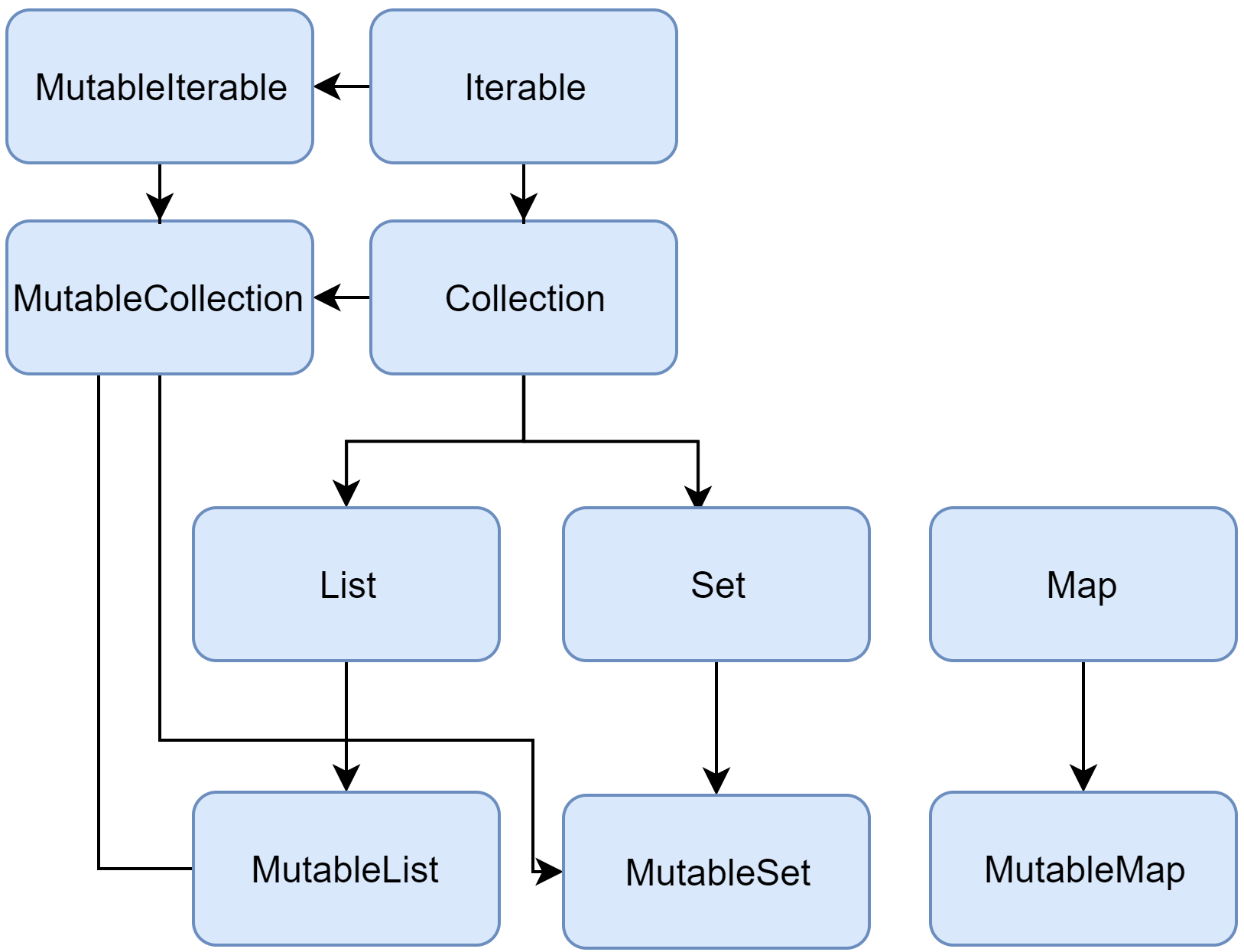
Collection<T> est parente de toute la hiérarchie des collections. Elle définit le
comportement commun d'une collection en lecture seule : la récupération de la taille de la liste,
la
vérification d'appartenance d'un objet à la collection, etc.Collection hérite d'Iterable<T> qui
définie les opérations pour itérer sur les éléments. C'est le type à utiliser pour gérer les différents
types de collections. Dans les cas plus précis, préférer List ou Set.
fun printAll(strings: Collection<String>) {
for(s in strings) print("$s ")
println()
}
fun main() {
val stringList = listOf("one", "two", "one")
printAll(stringList)
val stringSet = setOf("one", "two", "three")
printAll(stringSet)
}
add et remove.
fun List<String>.getShortWordsTo(shortWords: MutableList<String>, maxLength: Int) {
this.filterTo(shortWords) { it.length <= maxLength }
// throwing away the articles
val articles = setOf("a", "A", "an", "An", "the", "The")
shortWords -= articles
}
fun main() {
val words = "A long time ago in a galaxy far far away".split(" ")
val shortWords = mutableListOf<String>()
words.getShortWordsTo(shortWords, 3)
println(shortWords)
}
Différences et similitudes entre List<T> et Array<T>
Exemples d'utilisation :
// Initializing array and list
val array = arrayOf(1, 2, 3)
val list = listOf("apple", "ball", "cow")
val mixedArray = arrayOf(true, 2.5, 1, 1.3f, 12000L, 'a') // mixed Array
val mixedList = listOf(false, 3.5, 2, 1.4f, 13000L, 'b') // mixed List
Les deux semblent similaires, ...
Définition de List<T>
Une liste est une interface. C'est une collection générique et ordonnée d'éléments. Les méthodes dans
cette interface permettent un accès en lecture seule aux éléments.Les opérations de lecture et écriture sont définies dans l'interface
MutableList.
Définition de Array<T>
Les tableaux sont un conteneur d'objets qui regroupe un nombre fixe d'éléments d'un seul et même
type.La taille d'un tableau est établie de manière définitive lors de sa création.
Les tableaux peuvent être concaténés pour donner un nouveau tableau :
val array1 = arrayOf(1, 2, 3, 4, 5, 6)
val array2 = arrayOf(7, 8, 9, 10, 11, 12)
val newArray = array1 + array2
for(element in newArray) {
println("$element - ")
} // 1 - 2 - 3 - 4 - 5 - 6 - 7 - 8 - 9 - 10 - 11 - 12
Les similitudes
- Les 2 comportent un nombre finit d'éléments. Il n'est pas possible d'ajouter des éléments après
initialisation. Leur taille est fixe et ne peut pas augmenter ni diminuer :
Notons que les listes mutables peuvent changer de taille.array.add(1) // cannot be expanded or shrank list.add("dog") // cannot be expanded or shrank
- Les 2 permettent de stocker plusieurs éléments et font partis de la famille des collections :
val array = arrayOf(1, 2, 3) val list = listOf("apple", "ball", "cow")
Les différences
- Les
Arraysont modifiables (mutable), leur contenu peut changer de valeur, contrairement auxListqui sont en lecture seule (immutable) :val array = arrayOf(1, 2, 3) array[2] = 4 // OK for (element in array){ println("$element, ") // 1, 2, 4 } val list = listOf("apple", "ball", "cow") list[2] = "cat" //will not compile, lists are immutable // println(list) = {apple, ball, cow} val m = mutableListOf(1, 2, 3) m[0] = m[1] // OK
Les différences (suite)
- Les tableaux sont optimisés pour les types primitifs (
IntArray,DoubleArray,CharArray, etc) : qui utilisent directement les tableaux Java primitifs (int[], double[], char[], etc.)
Les listes en général n'ont pas d'implémentations optimisées pour les types primitifs.val optimisedIntegerArray = intArrayOf(1, 2, 3, 4, 5, 6) // optimised for Integer Array val optimisedDoubleArray = doubleArrayOf(1.2, 2.3, 3.4, 4.5, 5.6, 6.7, 7.8) // Optimised for Double Array val optimisedCharacterArray = charArrayOf('a', 'b', 'c', 'd') // Optimised for Character Array //List does not have intListOf, charListOf as such it is not optimised for primitive arrays
Les différences (suite)
Array<T>est une classe dont l'implémentation est connue : c'est une région de mémoire séquentielle de taille fixe qui stocke les éléments. Dans la JVM, elle est représentée parJava array
List<T>etMutableList<T>sont des interfaces qui peuvent avoir plusieurs implémentations :ArrayList<T>,LinkedList<T>, etc.Array<T>est invariant (Array<Int>n'est pas unArray<Number>, idem pourMutableList<T>
Par contreList<T>est covariant (List<Int>est uneList<Number>).val a: Array<Number> = Array<Int>(0) { 0 } // won't compile val l: List<Number> = listOf(1, 2, 3) // OK
Les différences (suite)
- Au niveau de l'interopérabilité JAVA, les 2 ne sont pas gérés de la même manière.
- Certains types de tableaux sont utilisés dans les annotations, alors que pour les listes et autres collections cela n'est pas possible.
- L'usage veut que l'on utilise de préférence les liste au lieu des tableaux, sauf dans le cas où la performance est un critère critique.
Filtering, Mapping et Flatmapping en Kotlin
Entraînement en ligne
Plutôt que de réinventer la roue, je vous propose de vous entraîner sur les collections directement en ligne Filter et FlatMap.Kotlin lazy evaluation
fun main() {
printValue(getValue())
}
private fun printValue(value: Lazy<Int>) = println("Nothing")
private fun getValue() = lazy {
println("Returning 5")
return@lazy 5
}
Changez la valeur du
println en :
"Nothing ${value.value}"
Programmation asynchrone
Le problème de la programmation asynchrone
Plusieurs approches sont possibles pour résoudre ce problème :
- Traitements en parallèle (Threading).
- Les "callbacks".
- Futures, Promises et al.
- Les extensions réactives.
- Coroutines.
Coroutines en Kotlin
Mise en place du projet
Créez un nouveau projet : File / New / Project. Sélectionner Gradle / Kotlin / JVM.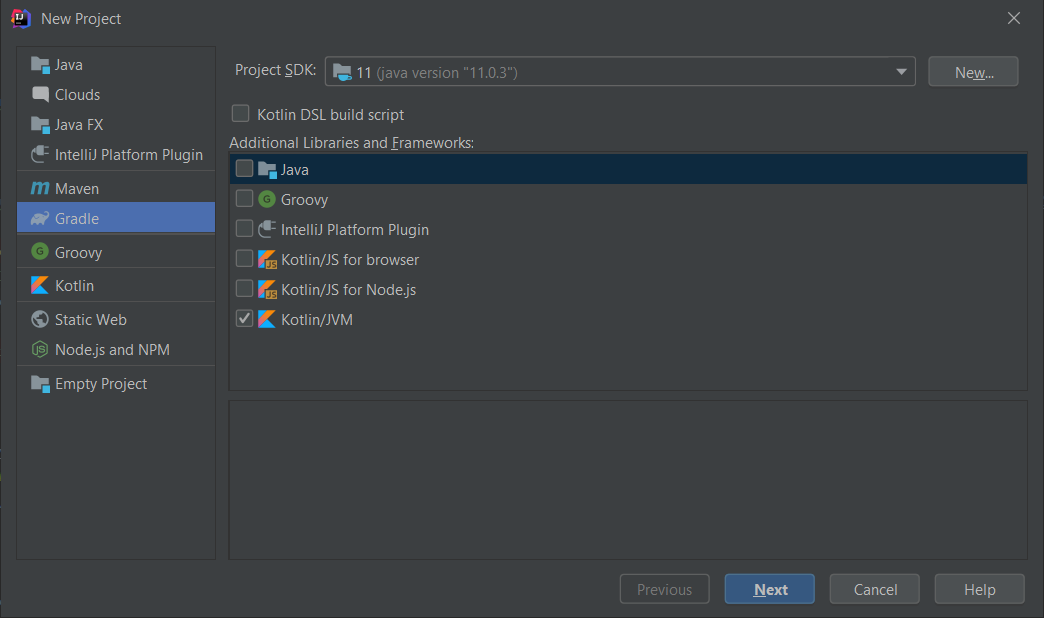
Nommage du module
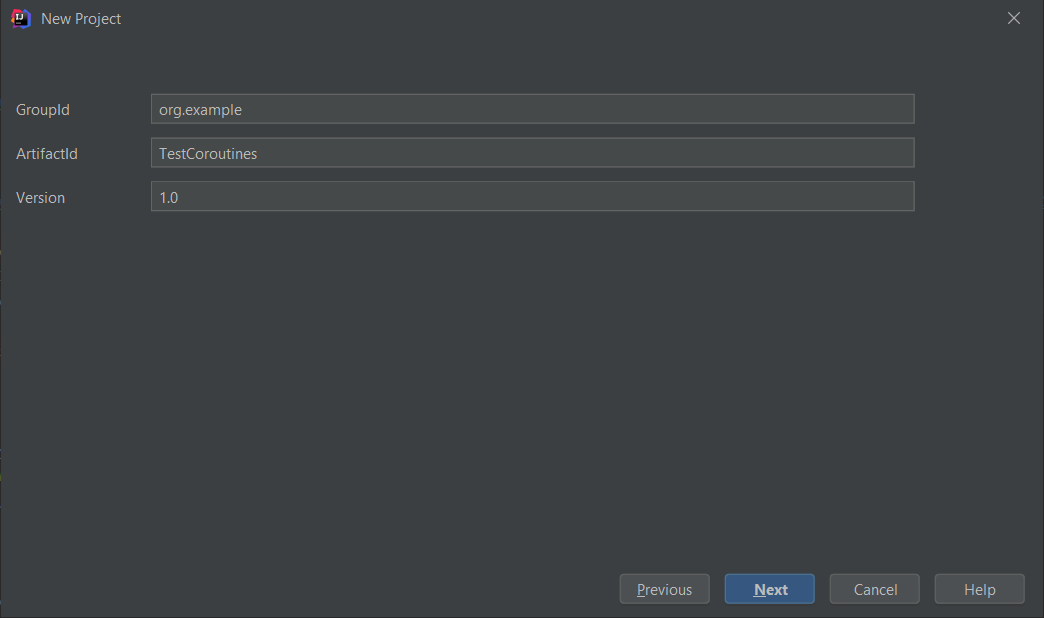
Nommage du projet
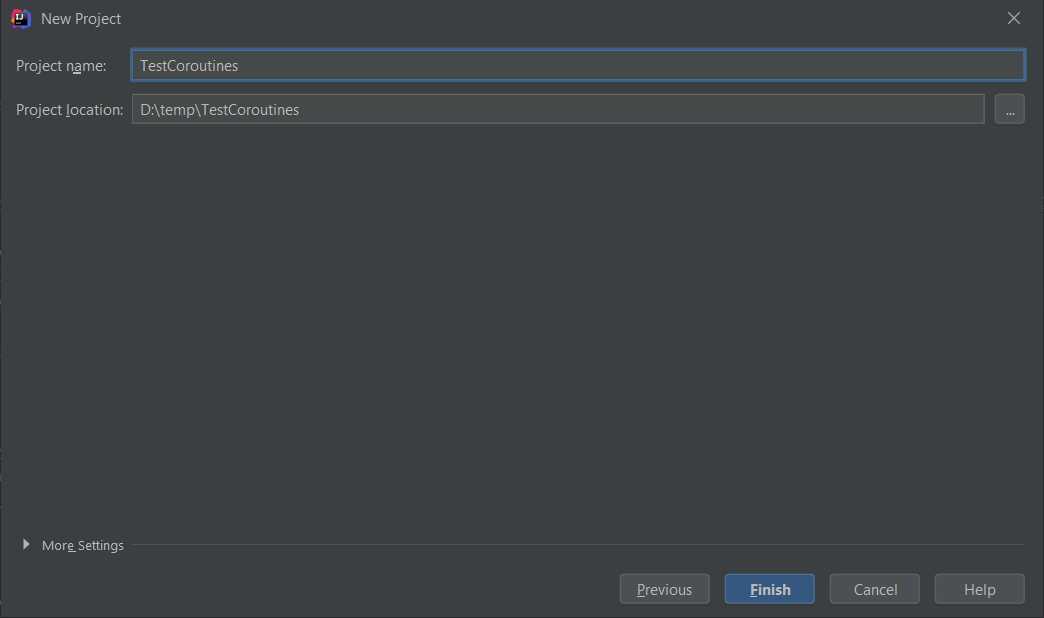
build.gradle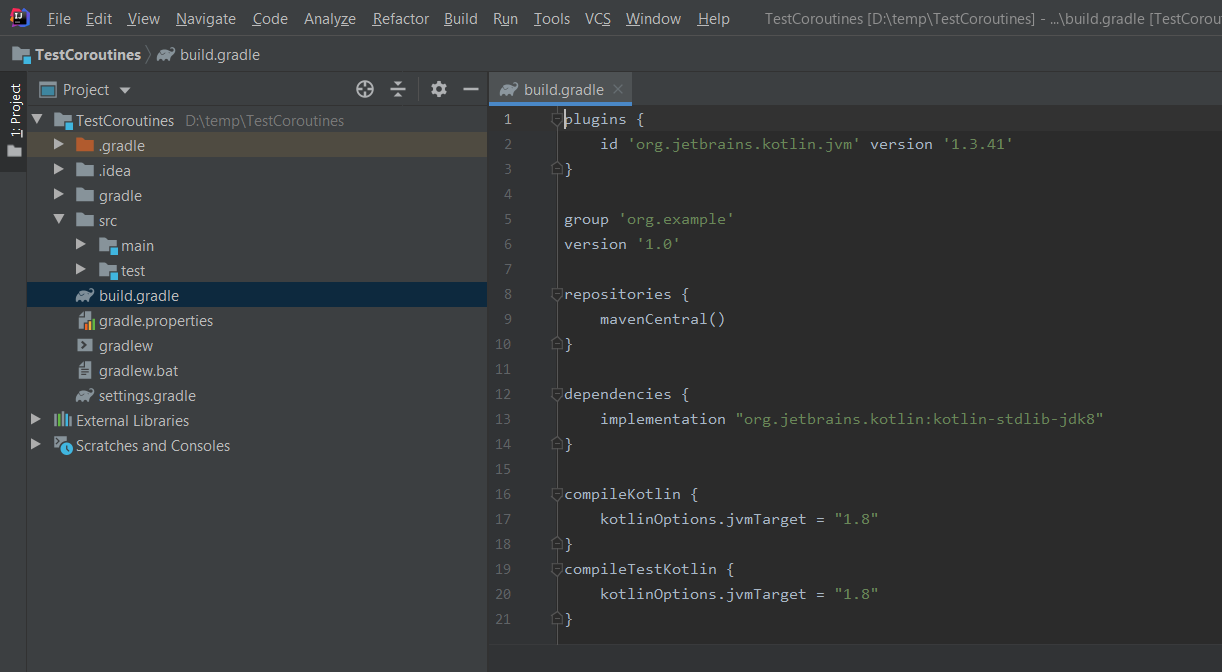
Ajoutez la dépendance
dependencies {
...
implementation("org.jetbrains.kotlinx:kotlinx-coroutines-core:1.8.1")
}
Pour lancer une coroutine, le point de départ est la fonction
launch {} :
launch {
// ...
}
println("Start")
// Start a coroutine
GlobalScope.launch {
delay(1000)
println("Hello")
}
Thread.sleep(2000) // wait for 2 seconds
println("Stop")
delay() fonctionne comme la fonctions Thread.sleep(), mais elle ne
bloque pas le thread, elle suspend simplement la
coroutine. Le thread retourne dans le pool de thread. Et la coroutine, reprendra son fonctionnement sur
un thread disponible.Q1 - Que se passe-t-il si l'on supprime la ligne
Thread.sleep(2000) ?Q2 - Que se passe-t-il si l'on remplace
Thread.sleep(2000) par delay(2000) ?
Lint
Nous avons une note qui nous informe que nous n'avons pas le droit d'utiliser les coroutines de la sorte.Pour retirer le "warning" nous pouvons ajouter
@OptIn(DelicateCoroutinesApi::class) :
@OptIn(DelicateCoroutinesApi::class)
fun main() {
...
Blocage du thread principal
Pour pouvoir utiliser la fonctiondelay(...), nous allons l'appeler dans une fonction
runBlocking {} :
runBlocking {
delay(2000)
}
import kotlinx.coroutines.GlobalScope
import kotlinx.coroutines.delay
import kotlinx.coroutines.launch
import kotlinx.coroutines.runBlocking
fun main() {
println("Start")
// Start a coroutine
GlobalScope.launch {
delay(1000)
println("Hello")
}
// Step 1
//Thread.sleep(2000) // wait for 2 seconds
// Step 2
// delay(2000)
// Step 3
runBlocking {
delay(2000)
}
println("Stop")
}
Lançons beaucoup d'opérations
Nous allons lancer 1 000 000 d'opérationsCommençons avec une simple boucle :
val c = AtomicLong()
for (i in 1..1_000_000L) {
c.addAndGet(i)
}
println(c.get())
Par exemple en mettant en place une pause avec
Thread.sleep(1000)
Cela prendrait environ 11 jours, 13 heures, 46 minutes et 40 secondes.
Lançons beaucoup de thread
Nous allons comparer les threads et les coroutines, en lançant, disons 1 million de processus en parallèleCommençons avec les
threads :
val c = AtomicLong()
for (i in 1..1_000_000L)
thread(start = true) {
c.addAndGet(i)
}
println(c.get())
Lançons beaucoup de thread
Écrivez le même code avec des coroutines :
val c = AtomicLong()
for (i in 1..1_000_000L)
GlobalScope.launch {
c.addAndGet(i)
}
println(c.get())
Si l'on ajoute une pause (en Coroutine on utilise
delay(1000)), que ce passe-t-il ? Et pourquoi ?Les coroutines n'ont pas terminé, quand la fonction
main se termine.
Async et Await en Kotlin
async {}. C'est comme launch
{} mais cela retourne une instance de
Deferred<T> qui comporte une fonction await() qui retourne le résultat de
la coroutine. Deferred<T> est une sorte de
future très basique.Nous allons donc maintenant lancer de nouveau le million de coroutines et attendre leur retour. La variable de type
AtomicLong n'est plus nécessaire
val deferred = (1L..1_000_000L).map { n ->
GlobalScope.async {
n
}
}
val sum = deferred.sumBy { it.await() }
println("Sum: $sum")
await() dans un contexte de coroutine, nous utilisons de
nouveau runBlocking {}
val deferred = (1L..1_000_000L).map { n ->
GlobalScope.async {
n
}
}
runBlocking {
val sum: Long = deferred.sumOf { it.await() }
println("Sum: $sum")
}
Sum: 1784293664
Parallèle
Cela fonctionne vraiment en parallèle ? Pour en être convaincu, ajoutons un délai à notre traitement
val deferred = (1..1_000_000).map { n ->
GlobalScope.async {
delay(1000)
n
}
}
runBlocking {
val sum = deferred.sumOf { it.await() }
println("Sum: $sum")
}
Fonctions suspendues
Nous voulons extraire le code fonctionnel dans une fonction :
fun workload(n: Long): Long {
delay(1000)
return n
}
delay ne peut être utilisé que dans une cadre de
coroutine. Marquons la fonction avec le mot clé
suspend :
suspend fun workload(n: Long): Long {
delay(1000)
return n
}
Code final
Nous obtenons le code final, suivant :
import kotlinx.coroutines.GlobalScope
import kotlinx.coroutines.async
import kotlinx.coroutines.runBlocking
fun main() {
suspend fun workload(n: Long): Long {
//delay(3000)
return n
}
val deferred = (1..1_000_000).map { n ->
GlobalScope.async {
workload(n)
}
}
runBlocking {
val sum = deferred.sumOf { it.await() }
println("Sum: $sum")
}
}
Code final version bis
Nous obtenons le code final, suivant :
import kotlinx.coroutines.GlobalScope
import kotlinx.coroutines.async
import kotlinx.coroutines.runBlocking
fun main() {
val deferred: List<Deferred<Long>> = (1..1_000_000L).map { n ->
GlobalScope.async { n }
}
runBlocking {
val sum = deferred.sumOf { it.await() }
println("Sum: $sum")
}
}
Aller plus loin sur les coroutines
Le guide officielLes exercices
https://blog.ineat-conseil.fr/2018/05/kotlin-les-coroutines/
Yield en Kotlin
Construction de séquences
Nous allons construire une séquence, de manière paresseuse, par exemple la suite de fibonacci en utilisant la fonctionsequence qui utilise
yield :
fun main(args: Array<String>) {
val fibonacciSeq = sequence {
var a = 0
var b = 1
yield(1)
while (true) {
yield(a + b)
val tmp = a + b
a = b
b = tmp
}
}
// Print the first five Fibonacci numbers
println(fibonacciSeq.take(8).toList())
}
[1, 1, 2, 3, 5, 8, 13, 21]
fun main(args: Array<String>) {
val lazySeq = sequence {
print("START ")
for (i in 1..5) {
yield(i)
print("STEP ")
}
print("END")
}
// Print the first three elements of the sequence
lazySeq.take(3).forEach { print("$it ") }
}
- Combien de fois est affiché le message
END? - Que faudrait-il faire pour qu'il s'affiche ?
- Que se passe-t-il si l'on demande par exemple 10 éléments de la séquence ?
Generation complète de la séquence
Si nous voulons générer la séquence d'un coup, nous utiliserons alorsyieldAll, par exemple :
fun main(args: Array<String>) {
val lazySeq = sequence {
yield(0)
yieldAll(1..10)
}
lazySeq.forEach { print("$it ") }
}
Génération filtrée de la séquence
Il est possible de décomposer notre génération de séquence :
suspend fun SequenceScope<Int>.yieldIfOdd(x: Int) {
if (x % 2 != 0) yield(x)
}
val lazySeq = sequence<Int> {
for (i in 1..10) yieldIfOdd(i)
}
fun main(args: Array<String>) {
lazySeq.forEach { print("$it ") }
}
Filtrer une séquence
Nous pouvons filter une séquence en utilisant la méthodefilter. Par exemple prenons les 8
premières valeurs de la suite de fibonacci qui sont
supérieures à 20 :
fun main(args: Array<String>) {
val fibonacciSeq = sequence {
var a = 0
var b = 1
yield(1)
while (true) {
yield(a + b)
val tmp = a + b
a = b
b = tmp
}
}
// Print the first five Fibonacci numbers
println(fibonacciSeq.filter { it > 20 }.take(8).toList())
}
Exercice
- Reprenons l'exercice sur les personnes.
- Créons une suite (sequence) de personnes, en appelant la fabrique.
- Affichons les 10 premières personnes.
- Avec un prénom de 4 lettres.
Solution proposée
val personSequence = sequence {
while (true)
yield(Person.getPerson())
}
fun main() {
println(personSequence.filter { it.firstName.length == 4 }.take(10).toList())
}
Reactive extension en Kotlin
Librairies
Il existe plusieurs projets permettant de gérer l'asynchronisme plus facilement :Bonnes et mauvaises pratiques
- N'oubliez pas de stopper toutes les coroutines en quittant votre programme. Exemple en Android :
override fun onDestroy() { super.onDestroy() async.cancelAll() } - Utilisez les coroutines, uniquement quand cela est nécessaire.
Scripts en Kotlin
Kotlin peut être utilisé pour écrire des scripts. Exemple :
// list_folders.kts
import java.io.File
val folders = File(args[0]).listFiles { file -> file.isDirectory() }
folders?.forEach { folder -> println(folder) }
-script et passer le chemin du script à lancer :
$ kotlinc -script list_folders.kts "path_to_folder_to_inspect"
Les fonctions génériques
Les fonctions peuvent avoir un paramètre générique qui est défini en utilisant des chevrons <> avant le nom de la méthode.
fun <T> singletonList(item: T): List<T> { /*...*/ }Les fonctions inline
Dans plusieurs cas, il est possible d'éliminer cette contrainte en mettant en ligne (inlining) une expression lambda. Voici un très bon exemple de fonction à "inliner" : la fonction
lock()
lock(l) { foo() }
l.lock()
try {
foo()
}
finally {
l.unlock()
}
lock()
avec le modifieur inline:
inline fun <T> lock(lock: Lock, body: () -> T): T { ... }
Utiliser cette technique pourra augmenter la taille du code compilé, il faut donc faire attention à son usage (éviter d'inliner des grosses fonctions), mais l'on gagnera en performances, particulièrement lors d'appel dans des boucles.
noinline
Non-local returns
Reified type parameters
Mise en place
Étapes de mise en place :
Android Studio
Pour commencer, nous allons vérifier que nous avons bien Android Studio fonctionnel avec la dernière version :
ADB
Vérifions que ADB est bien accessible en ligne de commande, cela nous sera utile par la suite.- Ouvrons une invite de commande (Windows + R, cmd).
- Saisissons :
adb version.
Téléphone en mode développeur
Nous vérifions que notre téléphone est en mode développeur :- En ligne de commande tapons :
adb devices - Vérifions dans Android Studio que le device apparaît bien.
Coloration de logcat
Nous allons colorer le logcat afin qu'il soit plus lisible :- File / Settings
- Cherchons : "logcat"
- Editor / Color Scheme / Android Logcat
- Les couleurs que j'ai définies (à titre d'exemple) :
Assert C00000 Debug 41BB2E Error FF6B68 Info F5F550 Verbose BBBBBB Warning F4AC40
LiveTemplates
Les LiveTemplates, sont des raccourcis qui permettent d'écrire rapidement des bouts de code. Je vous fournis une série de LiveTemplates que nous utiliserons dans la suite de la formation. Procédons comme suit :- Récupération des templates :
- Projet GitHub LiveTemplates
- Cliquons sur le bouton Code
- Download ZIP
- Les copier dans :
- Windows :
C:\Users<your_user>\AppData\Roaming\Google\AndroidStudio2022.3\templates(par ex, selon la version installée) - Linux :
~/.AndroidStudio"version"/config/templates - macOS :
~/Library/Preferences/AndroidStudio"version"/templates - Exemple :
Macintosh HD> Utilisateurs> "USER_NAME"> Bibliothèque> Application Support> Google>AndroidStudio"version"> templates
- Windows :
LiveTemplates
Notes :- Le dossier template doit être créé à la main.
- Si l'on ne trouve pas le dossier, il est possible de suivre la méthode suivante :
- Ouvrir le menu : File/Settings
- Ouvrir le menu Editor/Live Templates
- Cliquer sur le plus pour ajouter un "Template group..."
- Le nommer "dummy".
- Cliquer sur le plus pour ajouter un "Live Template"
- Peu importe le nom et le contenu
- Fermer Android Studio (pour enregistrer les paramètres)
- Rechercher sur le disque dur, un fichier nommé "dummy.xml"
- Les fichier doivent se trouver directement dans le dossier template et pas dans un sous dossier.
LiveTemplates
Puis relancer Android Studio et vérifier que tout est OK :- File/Invalidate caches/Restart...
- Just Restart.
- File/Settings.
- Editor/LiveTemplates.
- AndroidTristanCompose, AndroidTristanGradle, AndroidTristanJava, AndroidTristanKotlin, AndroidTristanTestUIAutomator et AndroidTristanXML.
Utilisation
Pour utiliser les LiveTemplates, il suffit de taper le début de l'abréviation, lancer l'autocomplétion et le LiveTemplate sera exécuté.- Par exemple tous les lives templates pour compose
and_compose_. - Par exemple tous les lives templates pour les tests UIAutomator commencent par
and_uia_. - Les autres templates commencent tous par
and_et sont filtrés par le type de fichier dans lequel on se trouve (XML, Java, Kotlin).
Shell scripts
Afin d'automatiser certaines tâches, il est possible de les scripter. Pour cela je vous propose une série de scripts que vous pourrez utiliser après la formation :Récupération des scripts :
- Projet GitHub AndroidBashScripts
- Cliquons sur le bouton Code
- Download ZIP
scrcpy
Nous allons installerscrcpy qui nous permettra de partager l'affichage de notre téléphone.
- Téléchargeons la dernière version sur GitHub.
- Décompressons le fichier ZIP dans un répértoire (
C:\toolspar exemple) ce qui donnera dans notre cas :C:\tools\scrcpy-win64-v2.3.1. - Lançons l'utilitaire avec
scrcpy.
winget est d'utiliser la commande suivante :
winget install --silent --id=Genymobile.scrcpy -e
Réalisation d'une application Android simple en Kotlin
Nous allons suivre les étapes suivantes :
Installer et lancer Android Studio
Il suffit d'avoir une bonne connexion internet, et d'aller sur https://developer.android.com/studio.Créer un projet : IMC
Mettre en place le view binding
Pour cela, nous allons suivre les indications de la page : View Binding.Modifions le build.gradle (Module :app)
android {
...
buildFeatures {
viewBinding true
}
}
android {
...
buildFeatures {
viewBinding = true
}
}
Modifions la méthode onCreate de notre Activity
lateinit var binding: ActivityMainBinding
override fun onCreate(savedInstanceState: Bundle?) {
super.onCreate(savedInstanceState)
binding = ActivityMainBinding.inflate(layoutInflater)
val view = binding.root
setContentView(view)
}
Modifions la méthode onCreate de notre Activity (en Java)
private ActivityMainBinding binding;
@Override
protected void onCreate(Bundle savedInstanceState) {
super.onCreate(savedInstanceState);
binding = ActivityMainBinding.inflate(getLayoutInflater());
View view = binding.getRoot();
setContentView(view);
}
Usage
Nous pouvons maintenant utiliser nos éléments graphiques directement depuis la classe binding, par exemple :
binding.name.text = viewModel.name
binding.button.setOnClickListener { viewModel.userClicked() }
Définir une première interface graphique
Solution proposée
Utilisons un ConstraintLayout :
<?xml version="1.0" encoding="utf-8"?>
<androidx.constraintlayout.widget.ConstraintLayout xmlns:android="http://schemas.android.com/apk/res/android"
xmlns:app="http://schemas.android.com/apk/res-auto"
xmlns:tools="http://schemas.android.com/tools"
android:layout_width="match_parent"
android:layout_height="match_parent"
tools:context=".MainActivity">
<Button
android:id="@+id/button"
android:layout_width="wrap_content"
android:layout_height="wrap_content"
android:text="BTN1"
app:layout_constraintBottom_toBottomOf="parent"
app:layout_constraintEnd_toStartOf="@+id/button2"
app:layout_constraintStart_toStartOf="parent" />
<Button
android:id="@+id/button2"
android:layout_width="wrap_content"
android:layout_height="wrap_content"
android:text="BTN2"
app:layout_constraintBottom_toBottomOf="parent"
app:layout_constraintEnd_toStartOf="@+id/button3"
app:layout_constraintStart_toEndOf="@+id/button" />
<Button
android:id="@+id/button3"
android:layout_width="wrap_content"
android:layout_height="wrap_content"
android:text="BTN3"
app:layout_constraintBottom_toBottomOf="parent"
app:layout_constraintEnd_toEndOf="parent"
app:layout_constraintStart_toEndOf="@+id/button2" />
</androidx.constraintlayout.widget.ConstraintLayout>
Implémenter les méthodes de base
- Ajouter un tag aux boutons avec des valeurs différentes.
- Définit une callback qui sera appelée par le
setOnClickListener. - Assigner la callback à nos 3 boutons en utilisant
with.
Solution proposée
Ajoutons un tag aux boutons :
<Button
android:id="@+id/button2"
android:layout_width="wrap_content"
android:layout_height="wrap_content"
android:tag="Salut"
android:text="btn2"
app:layout_constraintBottom_toBottomOf="parent"
app:layout_constraintEnd_toStartOf="@+id/button3"
app:layout_constraintStart_toEndOf="@+id/button1" />
Solution proposée
Définissons la callback :buttonCallback :
val buttonCallback: (View) -> Unit = { localView ->
if (BuildConfig.DEBUG) {
Log.d(TAG, "onCreate ${localView.tag}")
}
}
Solution proposée
Assignons la callback aux boutons en utilisant le mot cléwith :
with(binding) {
button1.setOnClickListener(buttonCallback)
button2.setOnClickListener(buttonCallback)
button3.setOnClickListener(buttonCallback)
}
L'application IMC
Définir notre interface graphique
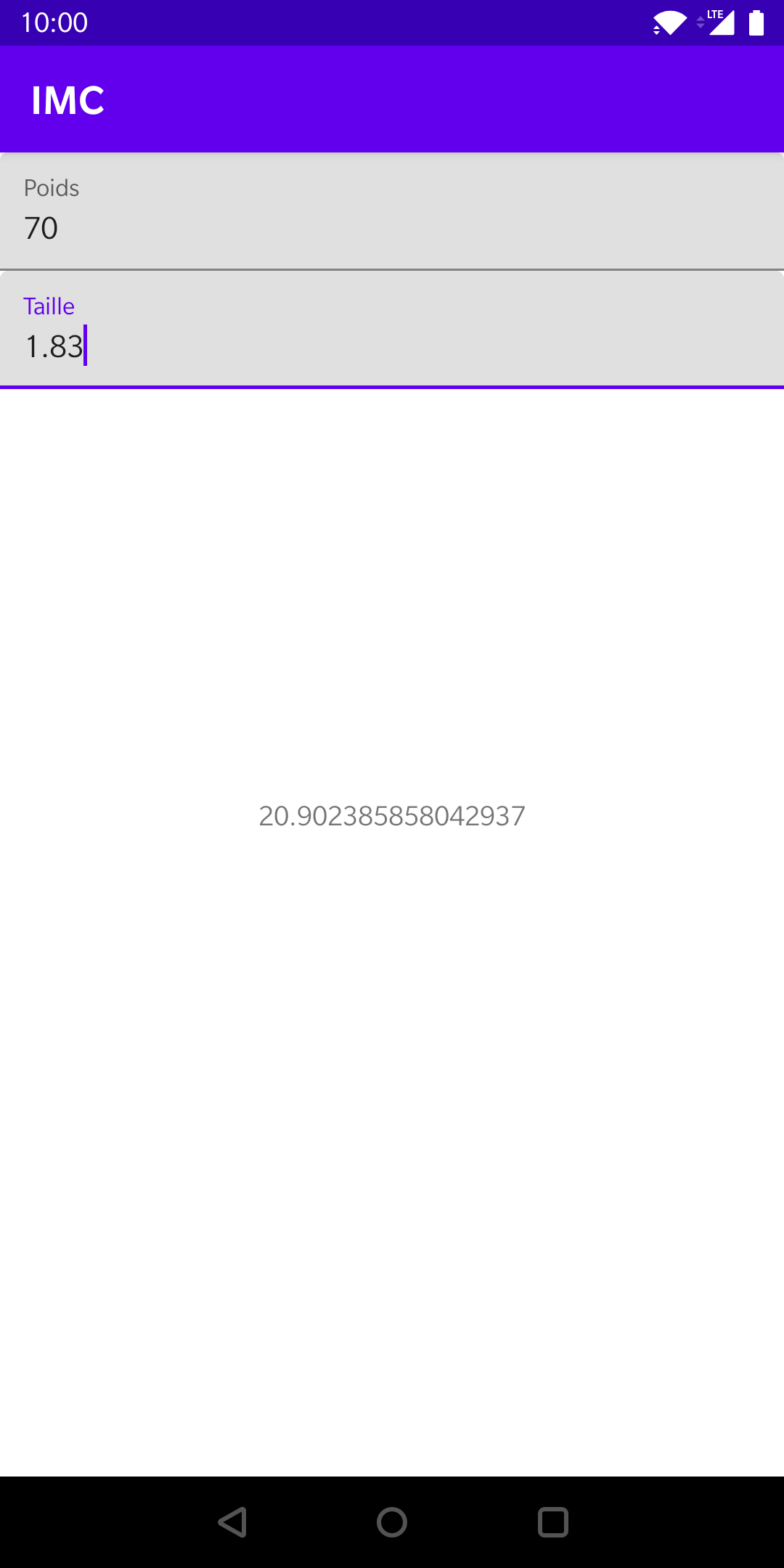
Solution proposée
Utilisons un ConstraintLayout :
<?xml version="1.0" encoding="utf-8"?>
<androidx.constraintlayout.widget.ConstraintLayout xmlns:android="http://schemas.android.com/apk/res/android"
xmlns:app="http://schemas.android.com/apk/res-auto"
xmlns:tools="http://schemas.android.com/tools"
android:layout_width="match_parent"
android:layout_height="match_parent"
tools:context=".MainActivity">
<com.google.android.material.textfield.TextInputLayout
android:id="@+id/activity_main_editText_weight_layout"
android:layout_width="match_parent"
android:layout_height="wrap_content"
app:layout_constraintEnd_toEndOf="parent"
app:layout_constraintStart_toStartOf="parent"
app:layout_constraintTop_toTopOf="parent"
android:hint="Poids">
<com.google.android.material.textfield.TextInputEditText
android:id="@+id/activity_main_editText_weight"
android:layout_width="match_parent"
android:layout_height="wrap_content" />
</com.google.android.material.textfield.TextInputLayout>
<com.google.android.material.textfield.TextInputLayout
android:id="@+id/activity_main_editText_height_layout"
android:layout_width="match_parent"
android:layout_height="wrap_content"
app:layout_constraintEnd_toEndOf="parent"
app:layout_constraintStart_toStartOf="parent"
app:layout_constraintTop_toBottomOf="@id/activity_main_editText_weight_layout"
android:hint="Taille">
<com.google.android.material.textfield.TextInputEditText
android:id="@+id/activity_main_editText_height"
android:layout_width="match_parent"
android:layout_height="wrap_content" />
</com.google.android.material.textfield.TextInputLayout>
<TextView
android:layout_width="wrap_content"
android:layout_height="wrap_content"
app:layout_constraintBottom_toBottomOf="parent"
app:layout_constraintEnd_toEndOf="parent"
app:layout_constraintStart_toStartOf="parent"
app:layout_constraintTop_toTopOf="parent"
tools:text="20"/>
Implémenter le code métier
- Écouter les changements de valeur des champs textes.
- Calculer et afficher la valeur de l'IMC avec la formule : poids / taille (en m)².
- Afficher des indications supplémentaires.
- Enregistrer la taille.
Solution proposée
Pour écouter les changements de valeur des champs textes, nous allons utiliser la méthodeaddTextChangedListener :
binding.editTextHeight.addTextChangedListener { v ->
calcIMC()
}
binding.editTextWeight.addTextChangedListener { v ->
calcIMC()
}
Solution proposée
Nous allons implémenter la méthodecalcIMC() :
fun calcIMC() {
val weight = try {
binding.editTextWeight.text.toString().toInt()
} catch (e: NumberFormatException) {
binding.textViewResult.text = "ERROR"
0
}
val height: Float = try {
binding.editTextHeight.text.toString().toFloat()
} catch (e: NumberFormatException) {
binding.textViewResult.text = "ERROR"
0f
}
if (weight != 0 && height != 0f) {
binding.textViewResult.text = (weight / (height * height)).toString()
}
}
Solution proposée
Pour afficher la page web, nous allons utiliser le LiveTemplate :and_webview.
Solution proposée
Pour enregistrer et stocker la valeur du poids, nous allons utiliser les 2 LiveTemplates :and_SharedPreferences_loadand_SharedPreferences_save
La plate-forme Android
Android dans le monde

https://backlinko.com/iphone-vs-android-statistics#iphone-vs-android-market-share
https://backlinko.com/iphone-vs-android-statistics#iphone-vs-android-market-share
https://gs.statcounter.com/os-market-share/mobile/worldwide

L'histoire d'Android
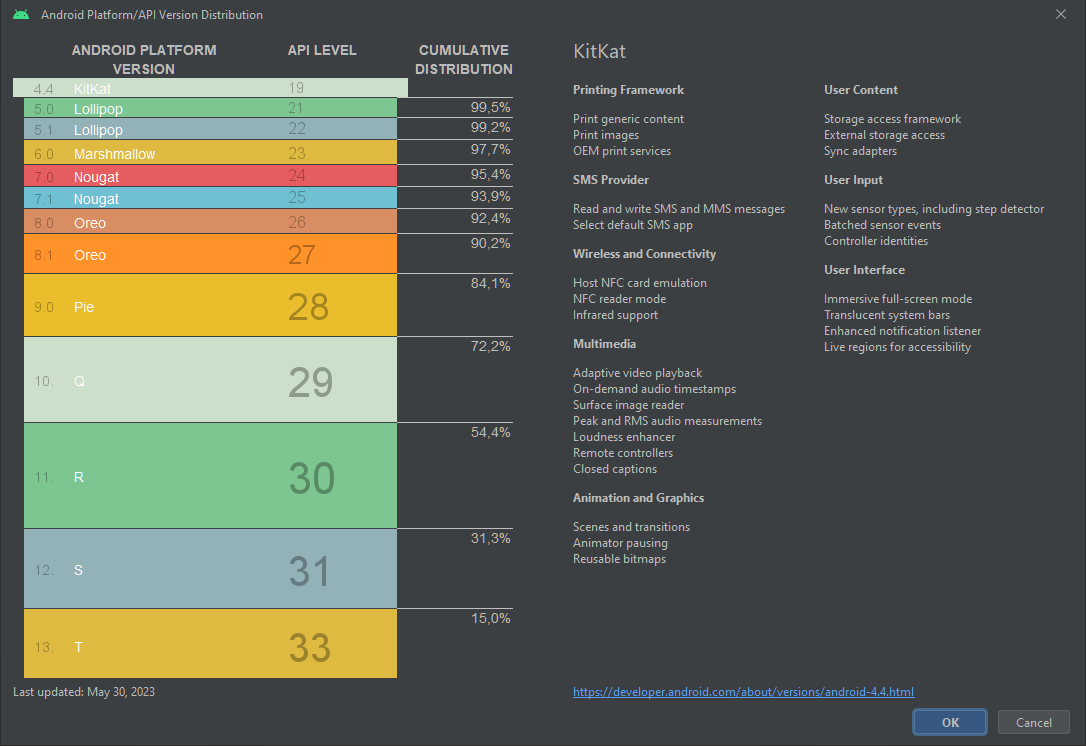
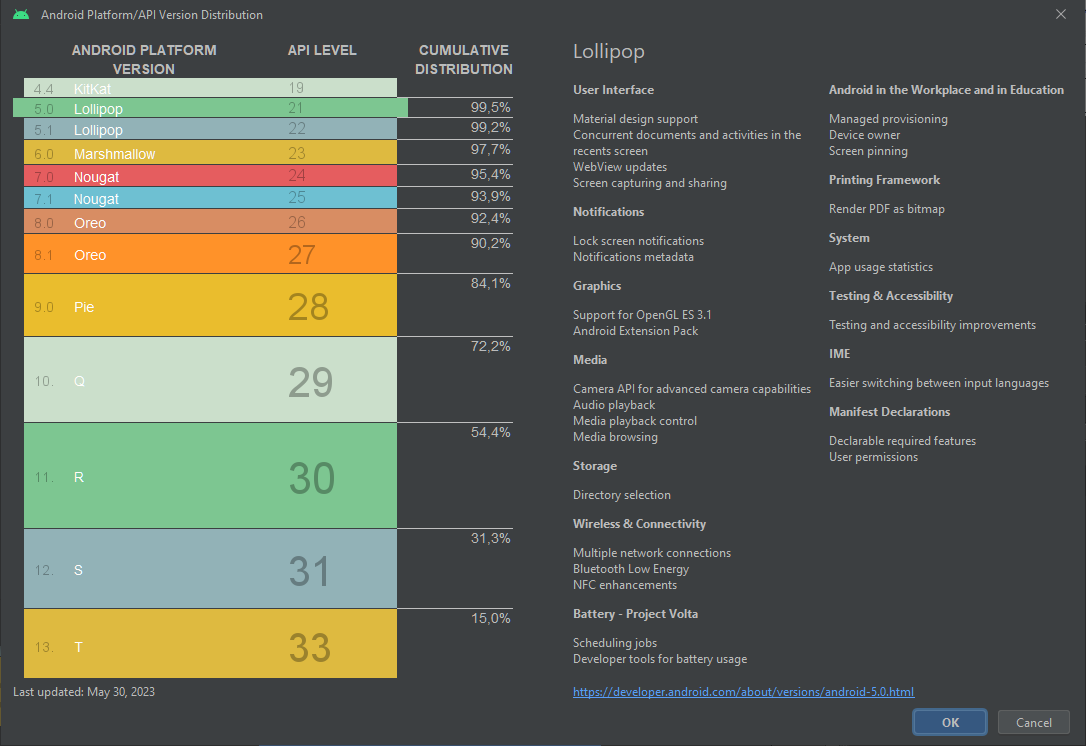
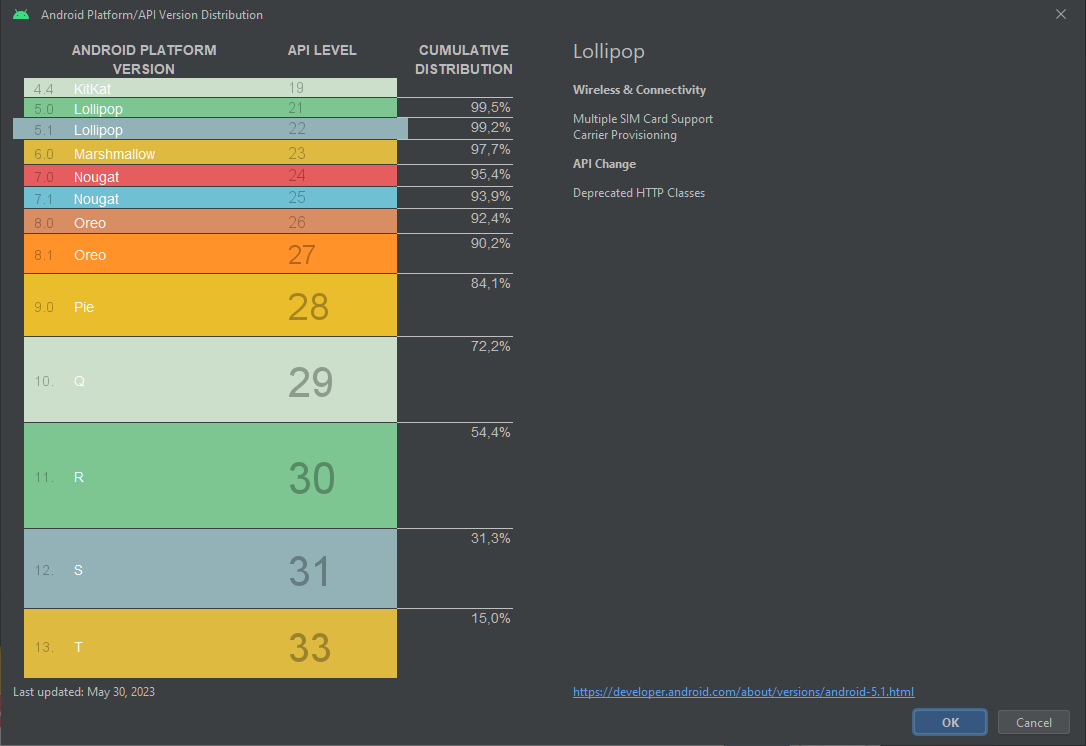
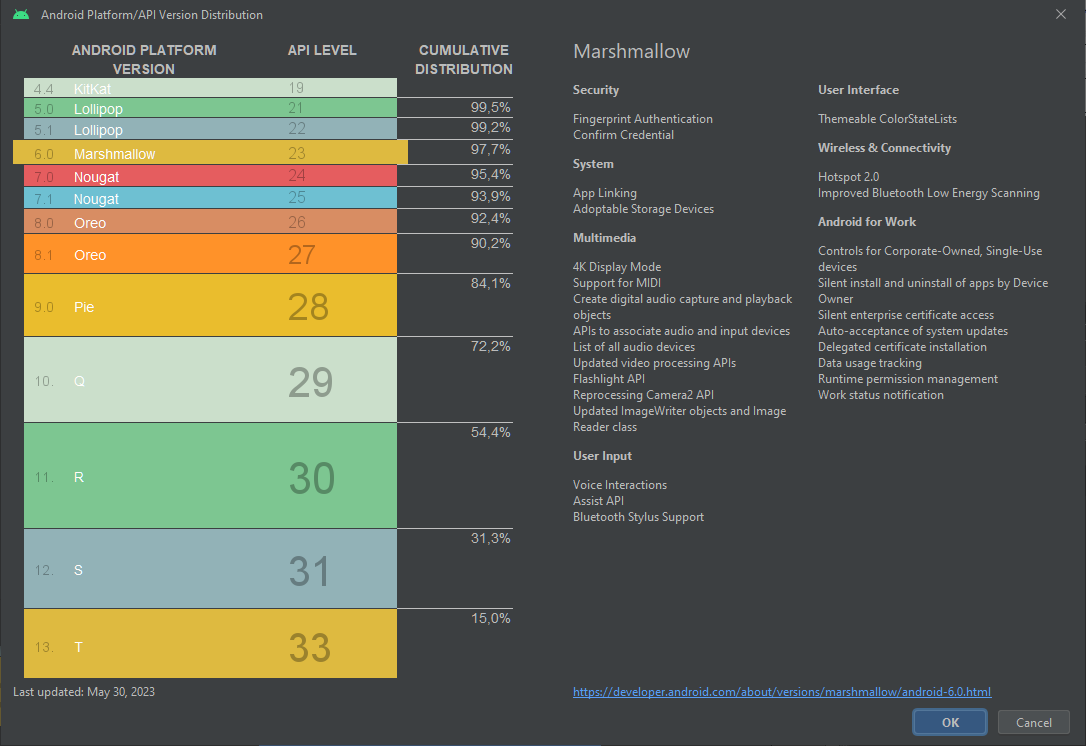
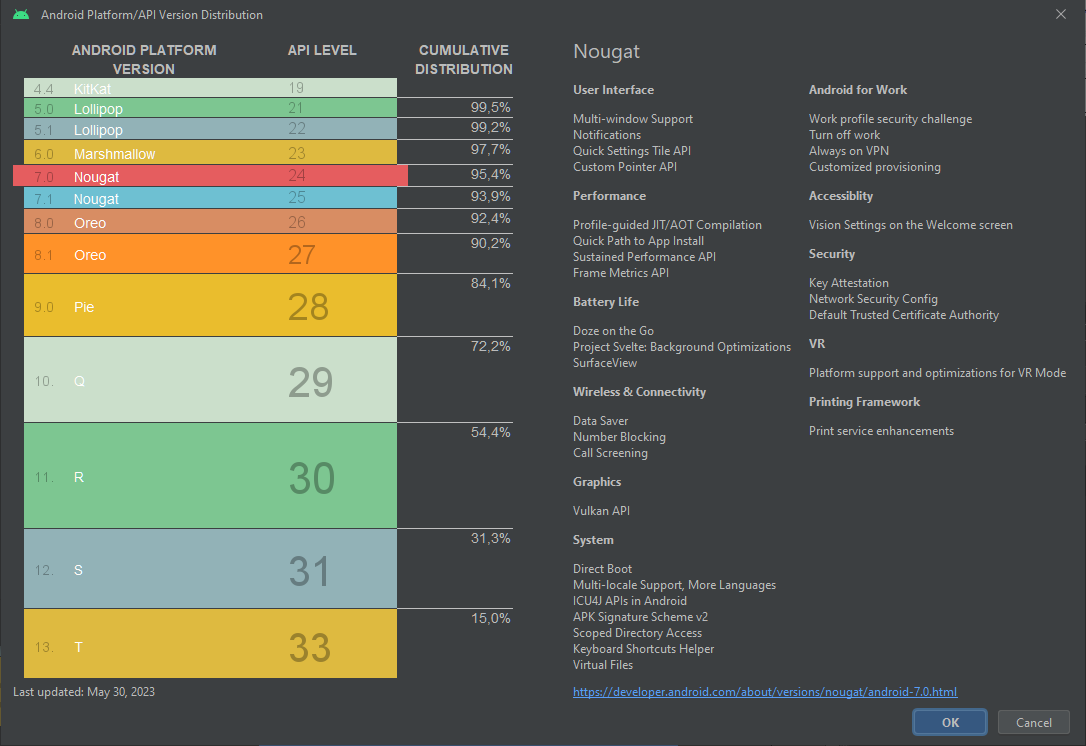
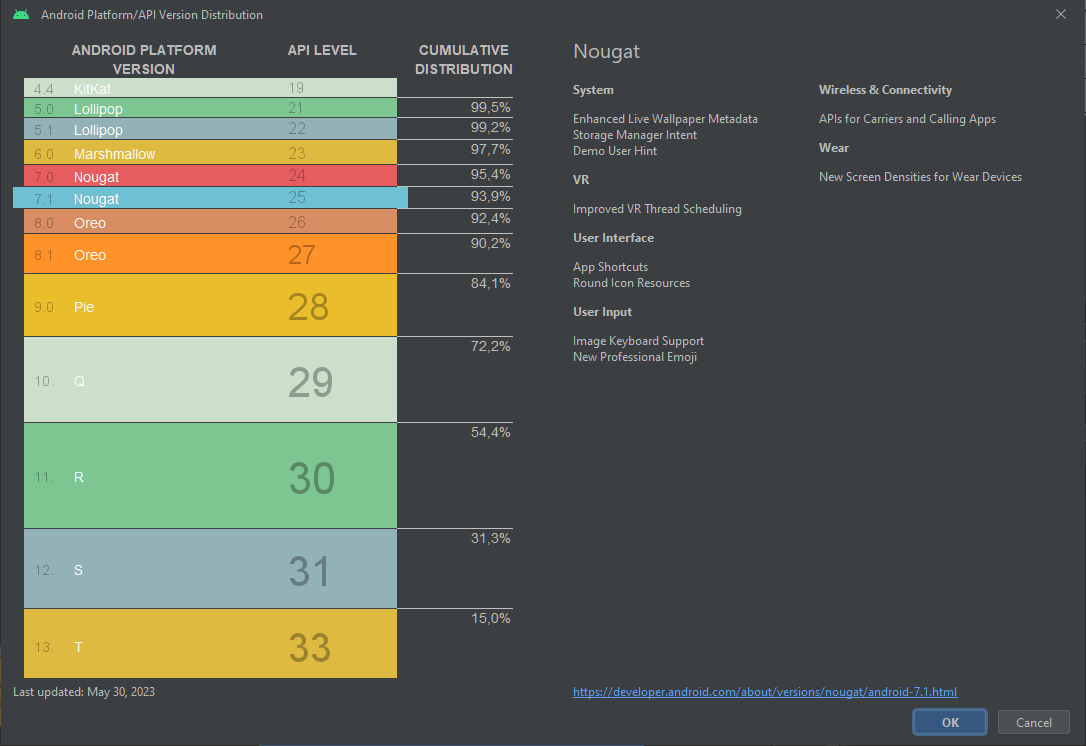
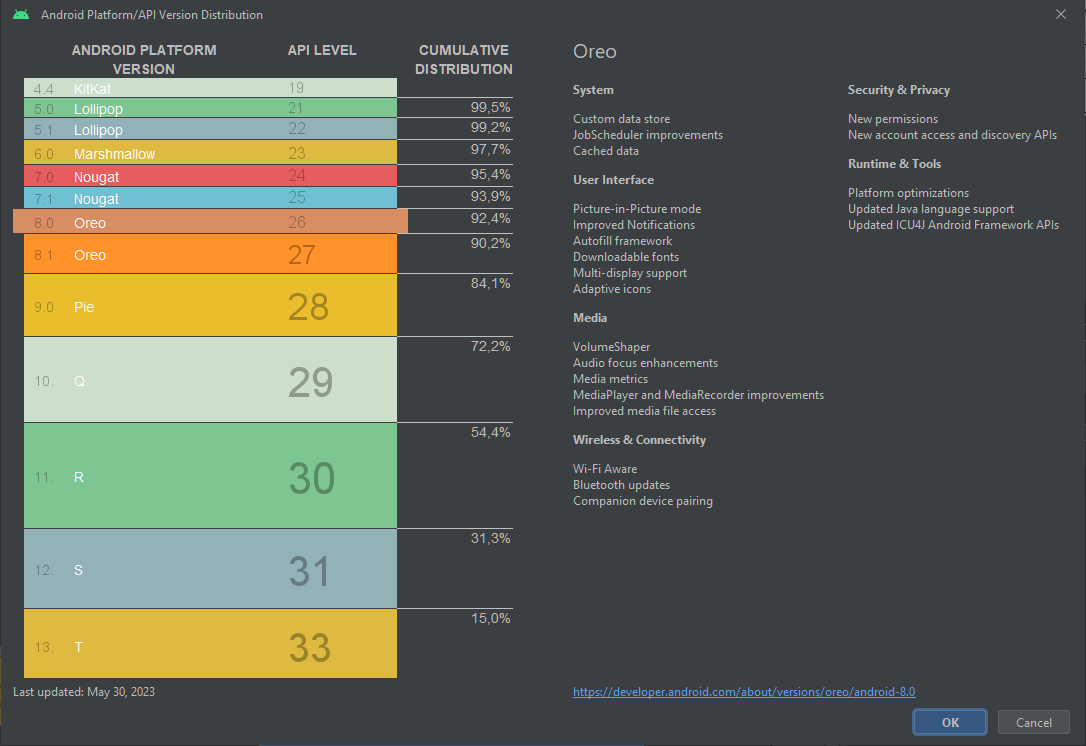
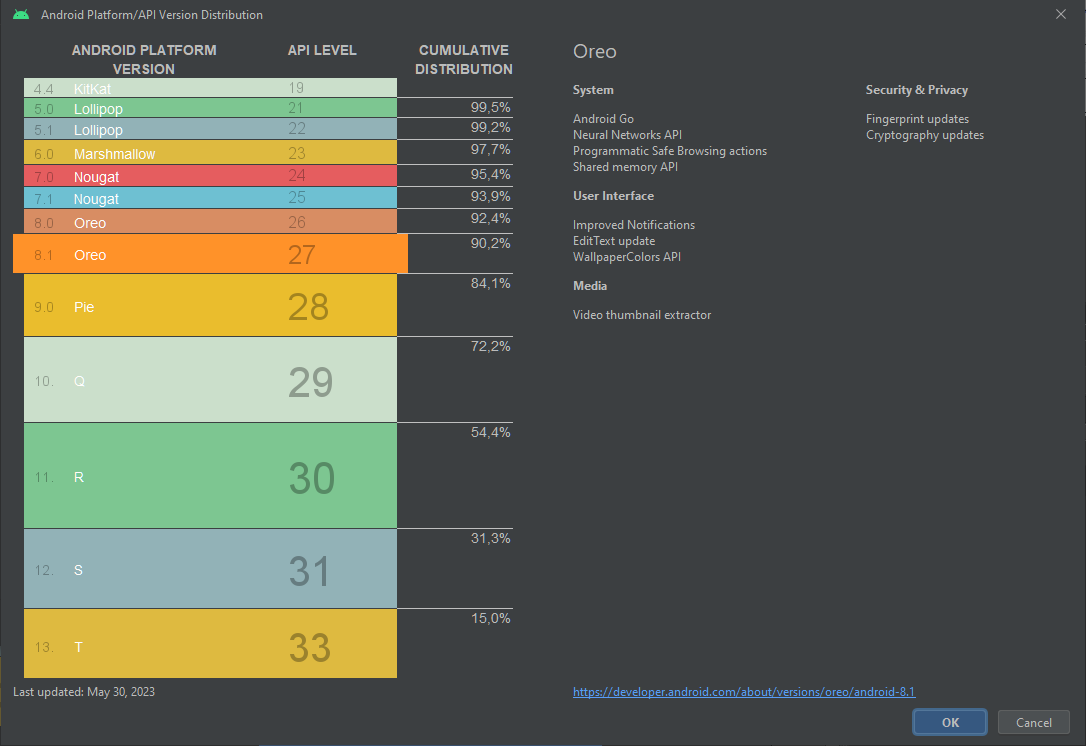
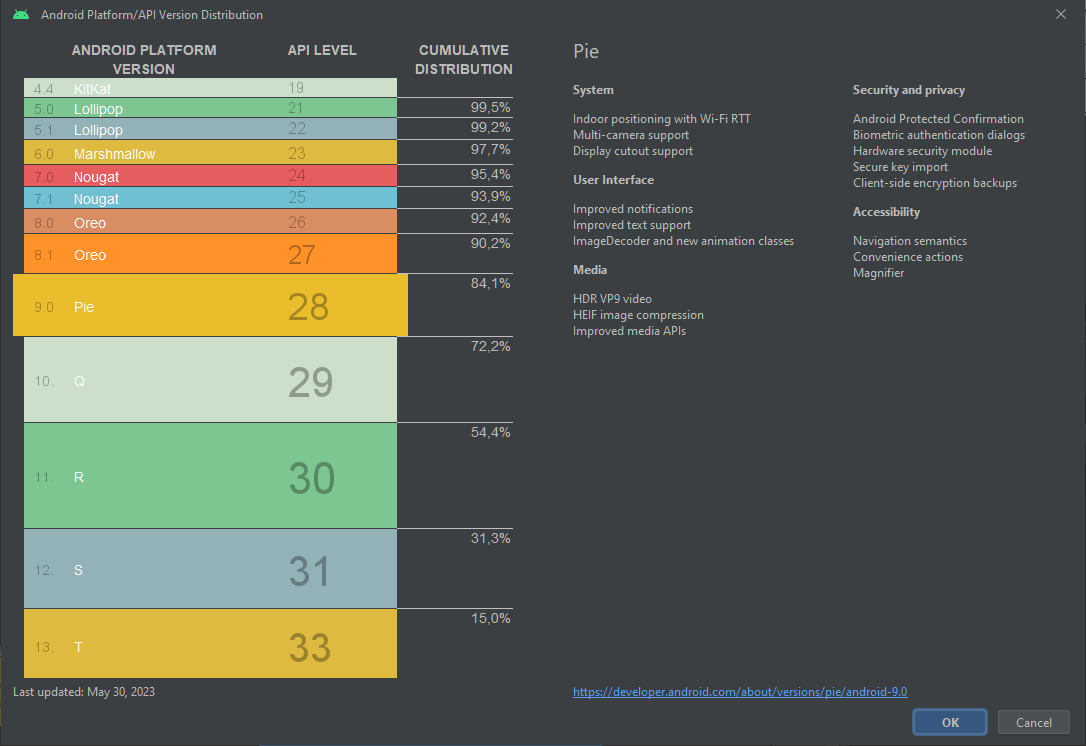
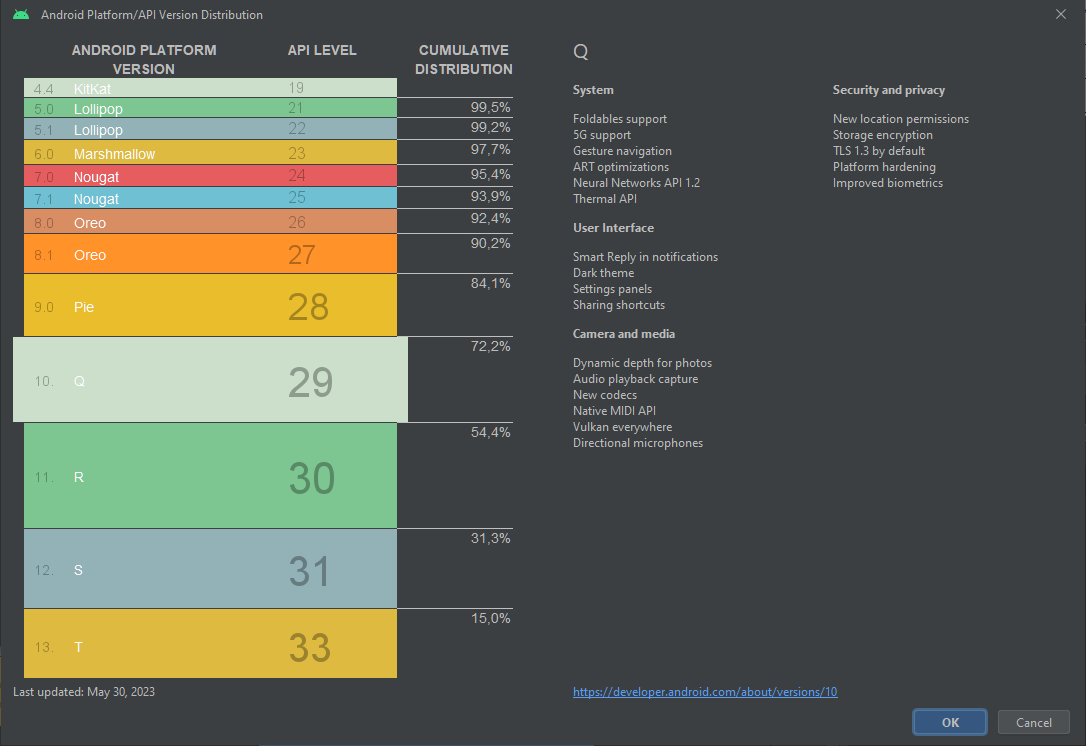
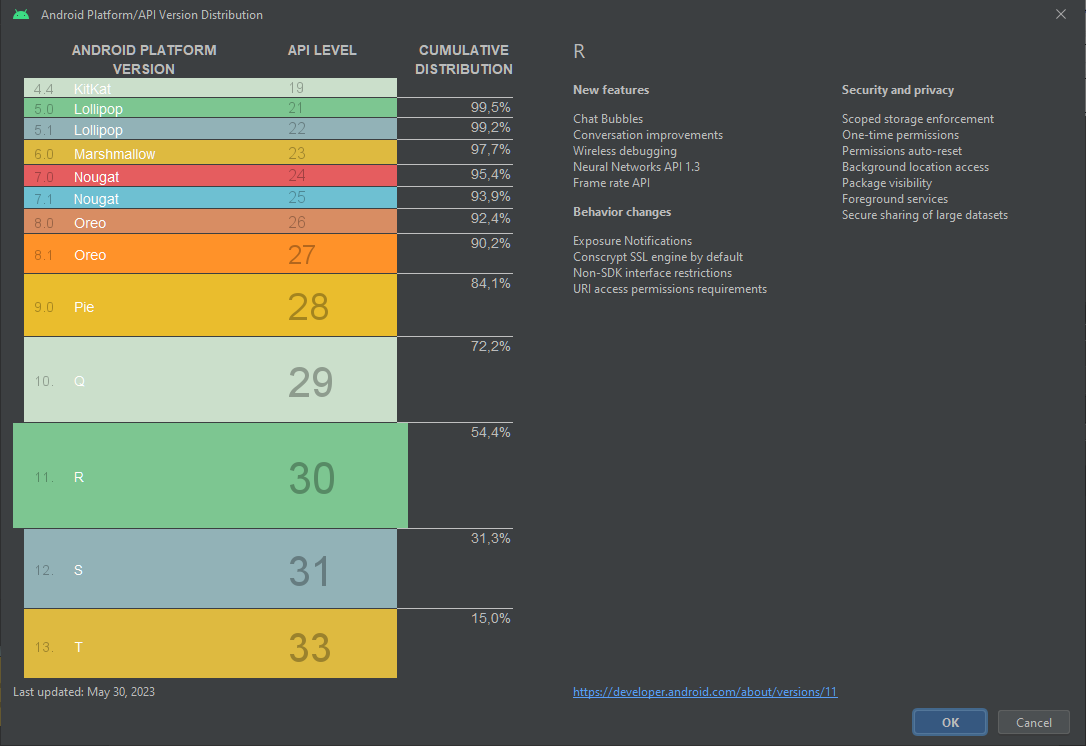
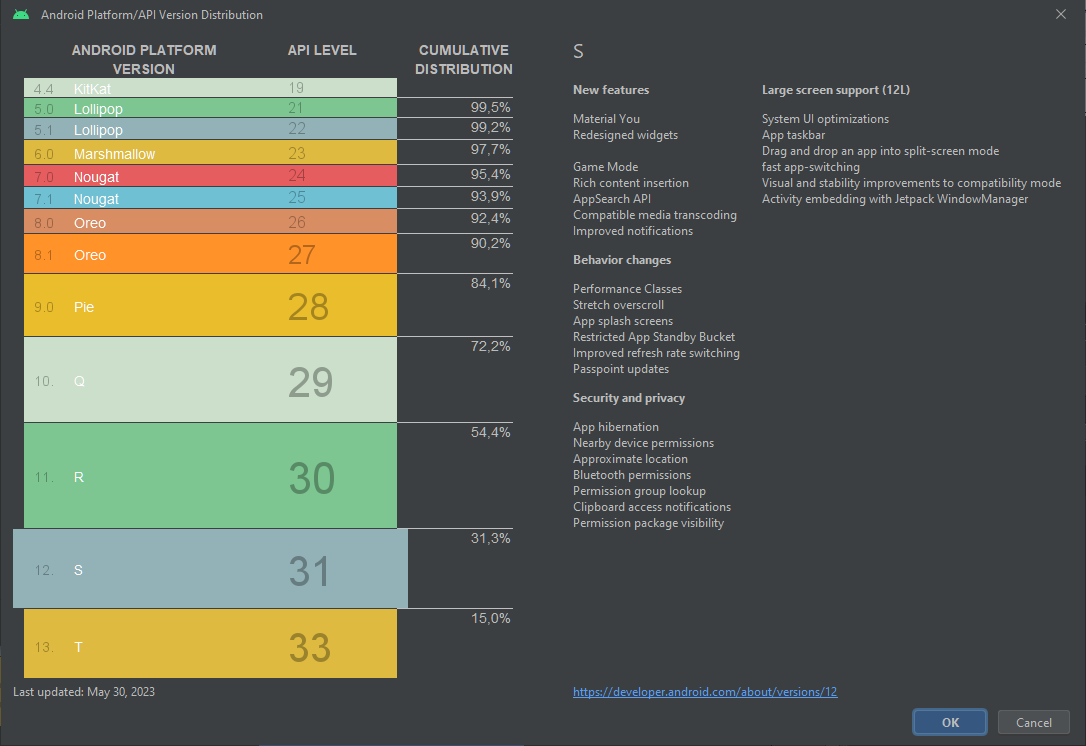
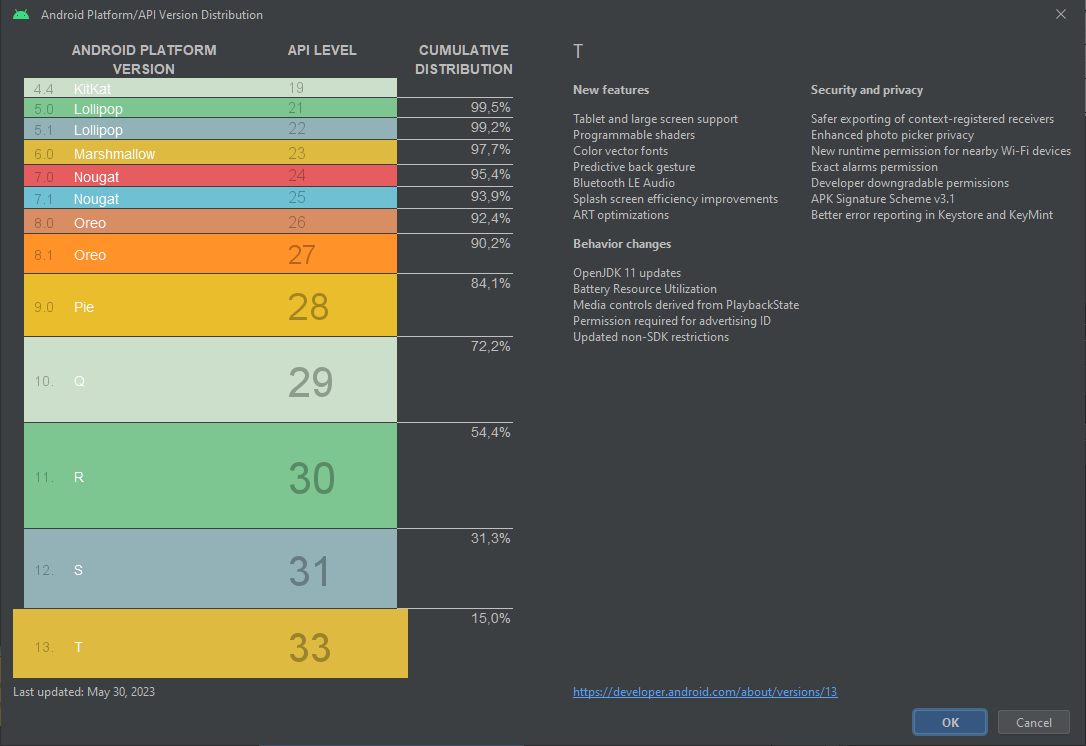
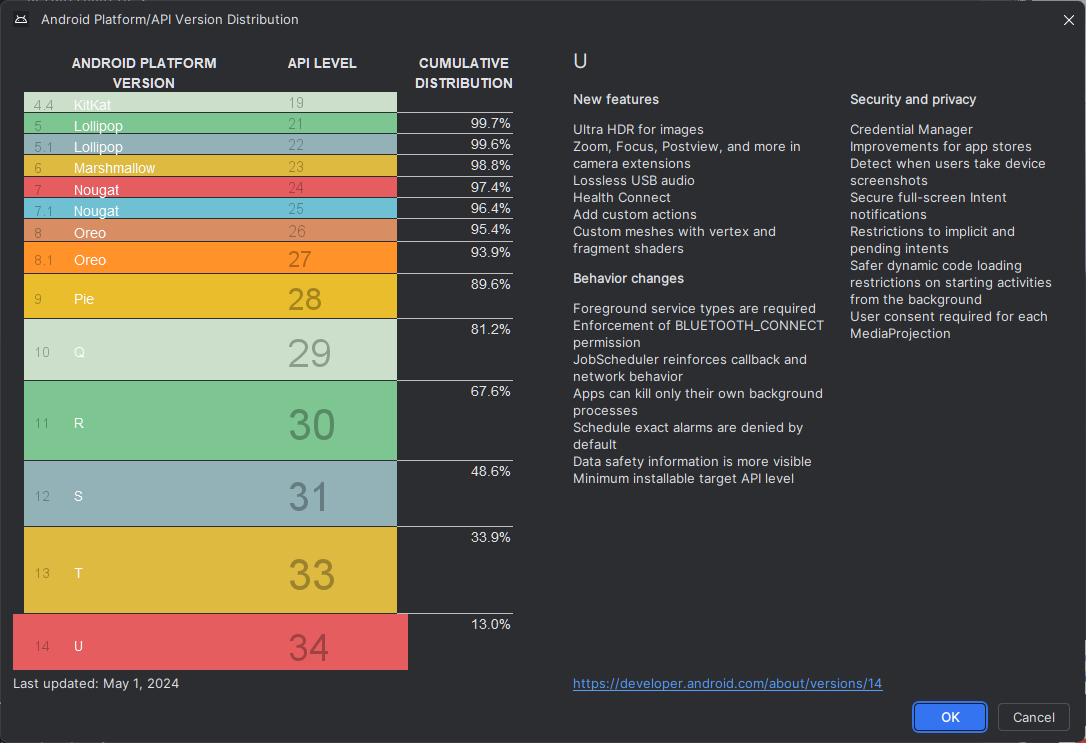
Les terminaux cibles
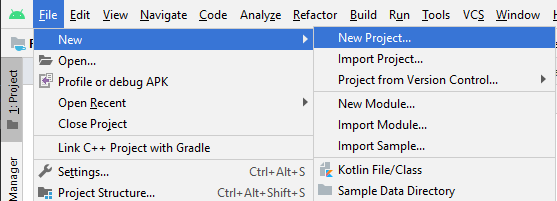
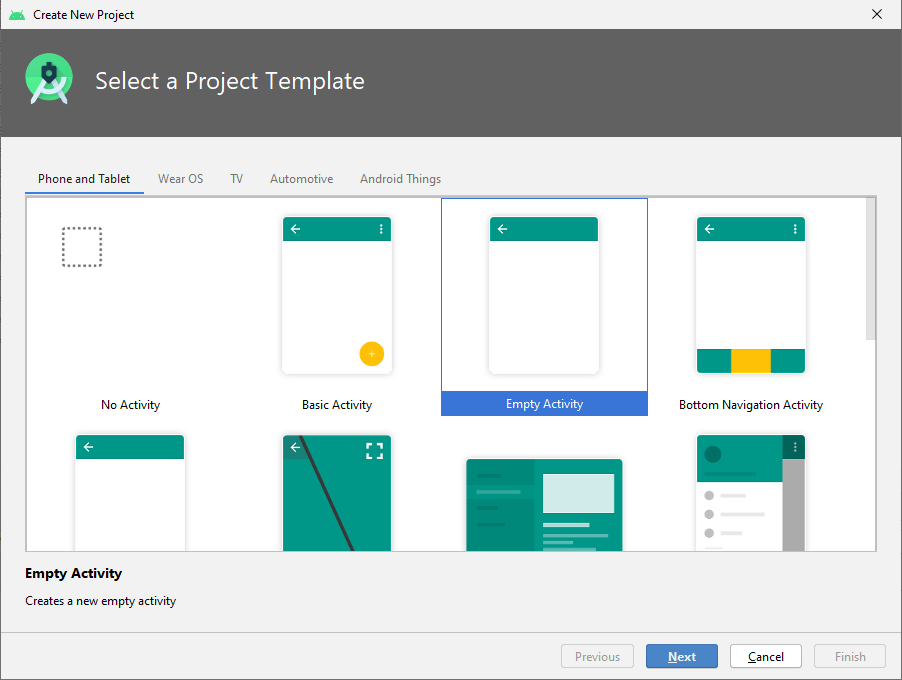
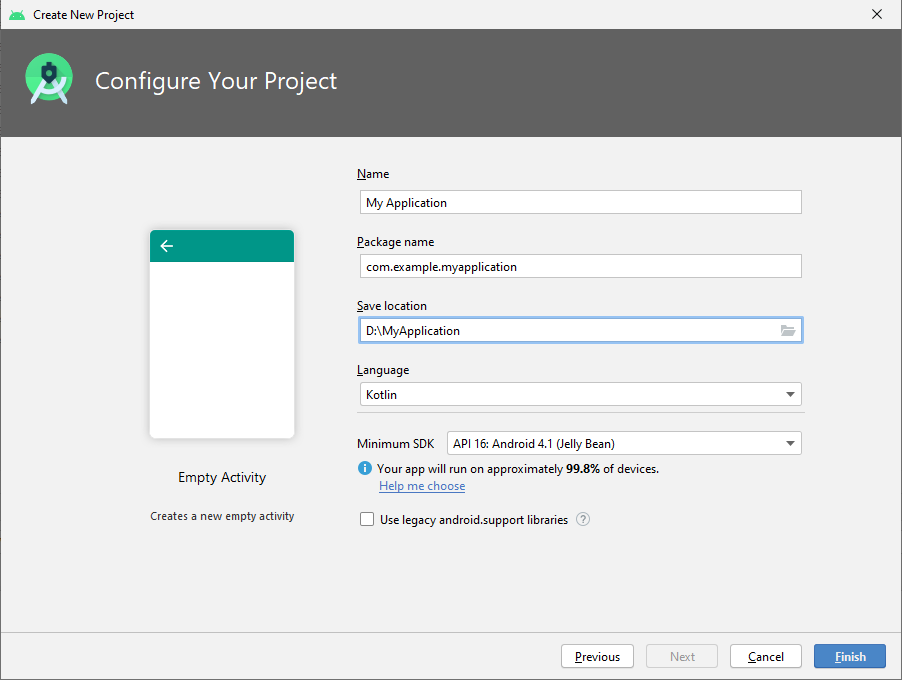
Développement Android
- Les concepts de base. Le cycle développement.
- Les classes de base du framework.
- Le projet sous Android Studio.
- L'émulateur du SDK. Les outils du SDK, SDK manager, AVD manager.
- L'utilisation des outils sous Android Studio : debugger, profiler, etc.
- Les paramètres du manifest.
- La production de l'application, la publication.
Les concepts de base
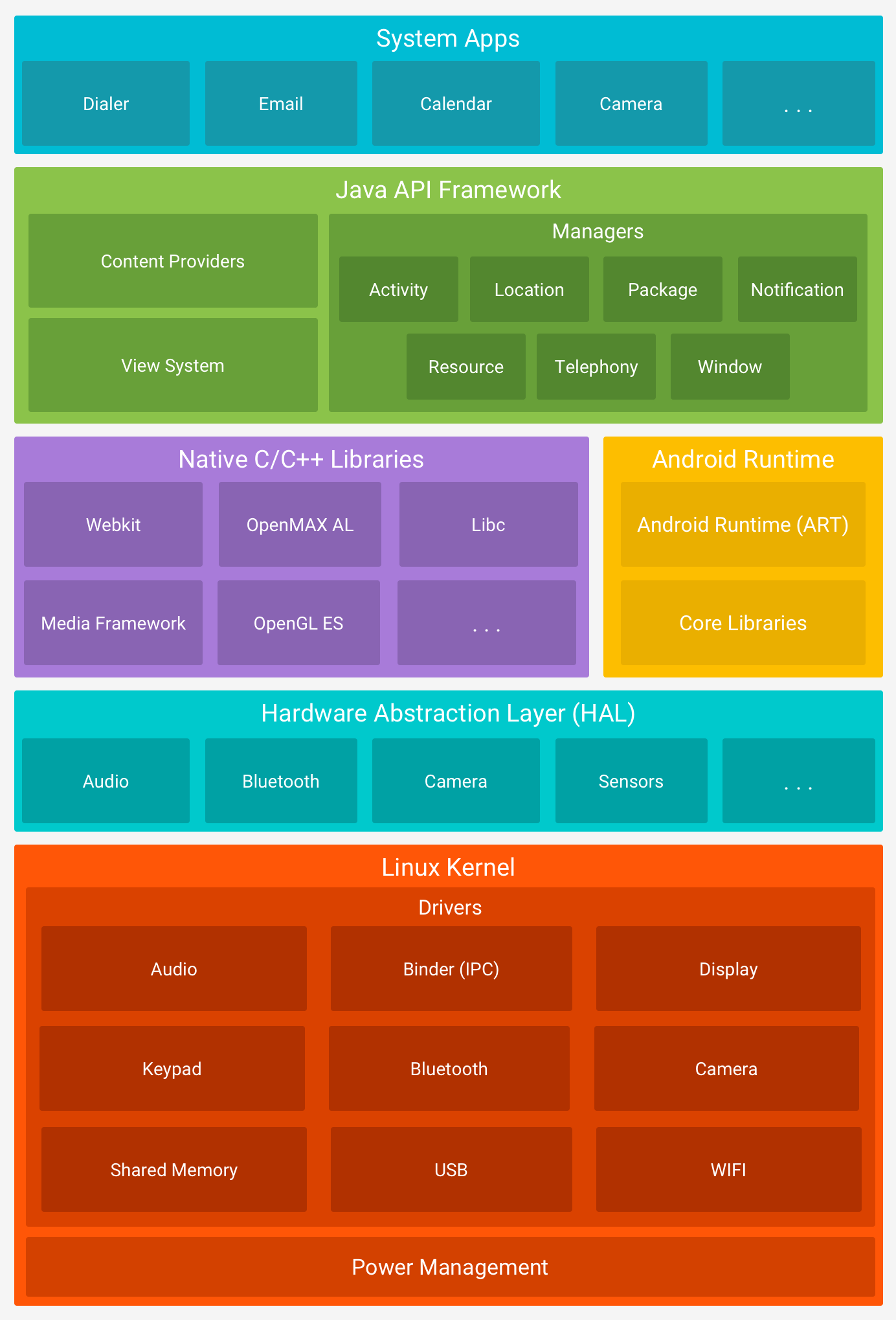
Source : https://developer.android.com/guide/platform
Optimisation
Les applications sur smartphone doivent veiller à optimiser tous les points, tels quel :- Mémoire.
- Processeur.
- Radio (WiFi, 3G, BT).
- Graphique.
Le cycle développement
Le développement d'une application peut suivre plusieurs schémas, nous allons en détailler une possibilité :- Lancement : toutes les applications commencent par une idée. Cette idée est généralement affinée jusqu’à constituer une base solide pour une application.
- Conception : la phase de conception consiste à définir l’expérience utilisateur de l’application, comme la présentation générale, son fonctionnement, etc., ainsi que la conversion de cette expérience utilisateur en une interface utilisateur appropriée, généralement avec l’aide d’un infographiste.
- Développement : généralement la phase la plus consommatrice de ressources, c’est la phase de création réelle de l’application.
- Stabilisation : quand le développement est suffisamment avancé, l’assurance qualité commence généralement à tester l’application et les bogues sont corrigés. Le plus souvent, une application passe par une phase bêta limitée, durant laquelle un public plus large a la possibilité de l’utiliser, de fournir des commentaires et d’obtenir des modifications.
- Déploiement
Conception des interfaces utilisateur
Afin de définir notre interface utilisateur, Google fournit des guides pour bien réaliser cette tâche :https://developer.android.com/design/index.html
Il nous appartiendra à bien qualifier notre cible (type de terminaux : smartphone, tablette, TV, montre, ordinateur de voiture, ...).
Phases de développement
Nous pouvons passer par plusieurs phases pour réaliser l'application finale :- Prototype/MVP : l’application est toujours en phase de preuve de concept, et seules les fonctionnalités principales ou des parties spécifiques de l’application fonctionnent. Des bogues majeurs y sont présents.
- Alpha : les fonctionnalités principales sont généralement entièrement présentes dans le code (qui est généré, mais pas entièrement testé). Des bogues majeurs sont encore présents, des fonctionnalités périphériques peuvent ne pas encore être présentes.
- Bêta : la plupart des fonctionnalités sont maintenant terminées, une partie des tests et de la correction des bogues a été effectuée. Des problèmes majeurs connus peuvent encore être présents.
- Version Release Candidate : toutes les fonctionnalités sont terminées et testées. Sauf si de nouveaux bogues apparaissent, l’application est candidate à la publication.
Les classes de base du framework
- Activity
- Fragment (3.0+)
- Service
- Content providers
- Broadcast receivers
- Intent
Le projet sous Android Studio
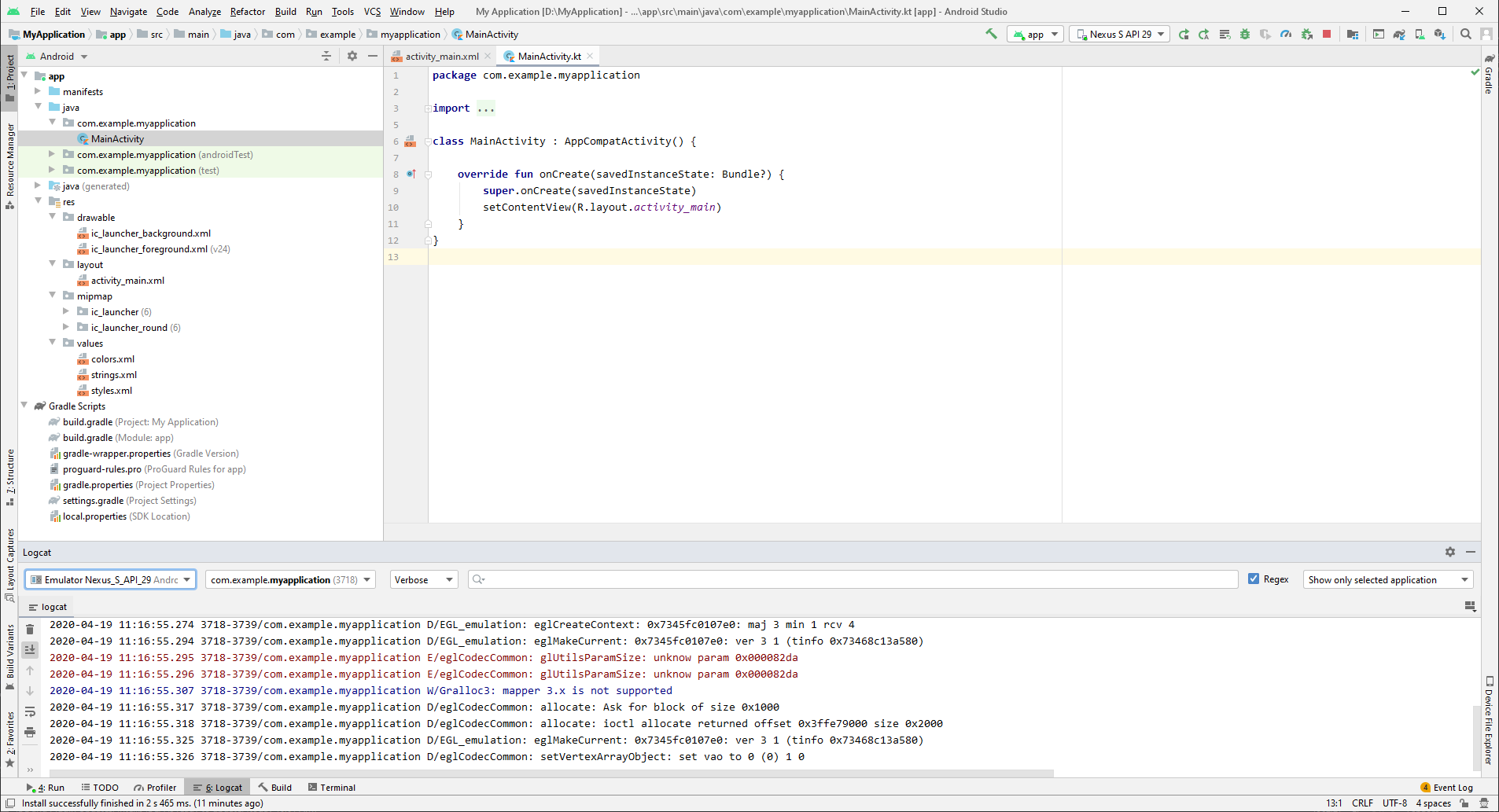
- La liste des fichiers.
- La zone d'édition.
- Les logs.
- Le code de notre application.
- Le répertoire des ressources.
- Le répertoire contenant les mises en forme des écrans (les layouts).
- Le répertoire contenant les versions des icônes de l'application.
- Le répertoire contenant les autres ressources.
- Le chemin complet du fichier courant sélectionné.
- Le choix de la cible pour lancer le programme.
- Relancer l'application.
- Relancer l'activity.
- Relancer en mode débug.
- Attacher à la volée le debugger.
- Nous pouvons choisir le device sur lequel se connecter.
- Sélectionner le process pour filtrer les messages.
- Sélectionner le type de log des messages.
- Filtrer les messages.
- Activer le filtre.
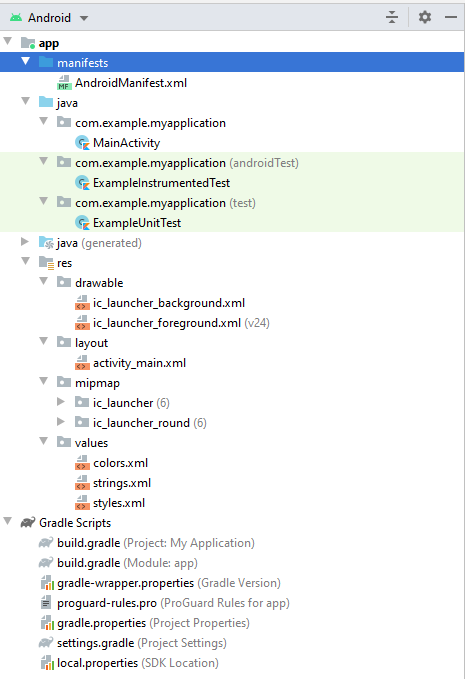
- Le manifest (AndroidManifest.xml), qui contient la carte d'identité de notre application.
- Le code de l'application.
- Le code des tests graphiques.
- Le code des tests unitaires.
- Les ressources graphiques.
- Les écrans (layouts) de notre application.
- Les ressources (texte, couleurs, dimensions, styles, ...) de notre application.
- Le fichier de configuration global du système de compilation (gradle).
- Le fichier de configuration de notre projet (celui qui sera le plus souvent modifié).
Émulateur
Tools/AVD Manager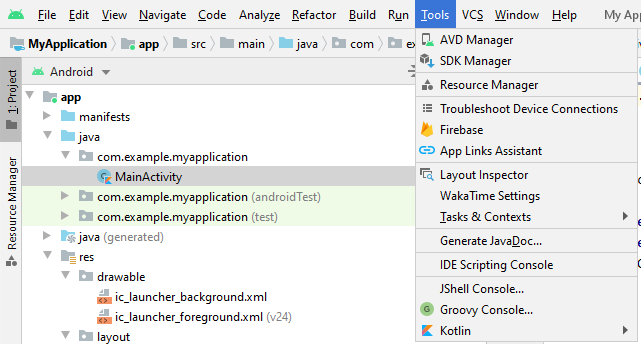
Choix de la machine virtuelle
Sur cet écran, nous pouvons choisir la machine virtuelle à lancer/configurer/supprimer.Nous pouvons aussi en créer une nouvelle, en cliquant sur le bouton "Create Virtual Device..."
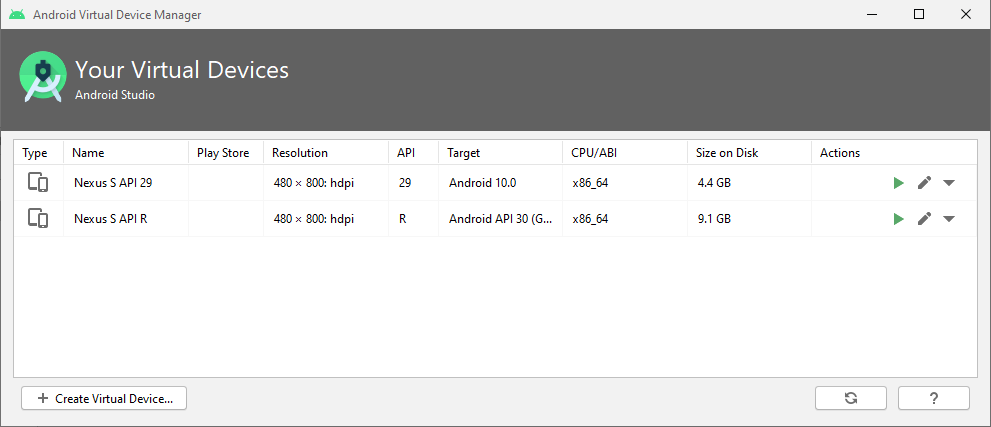
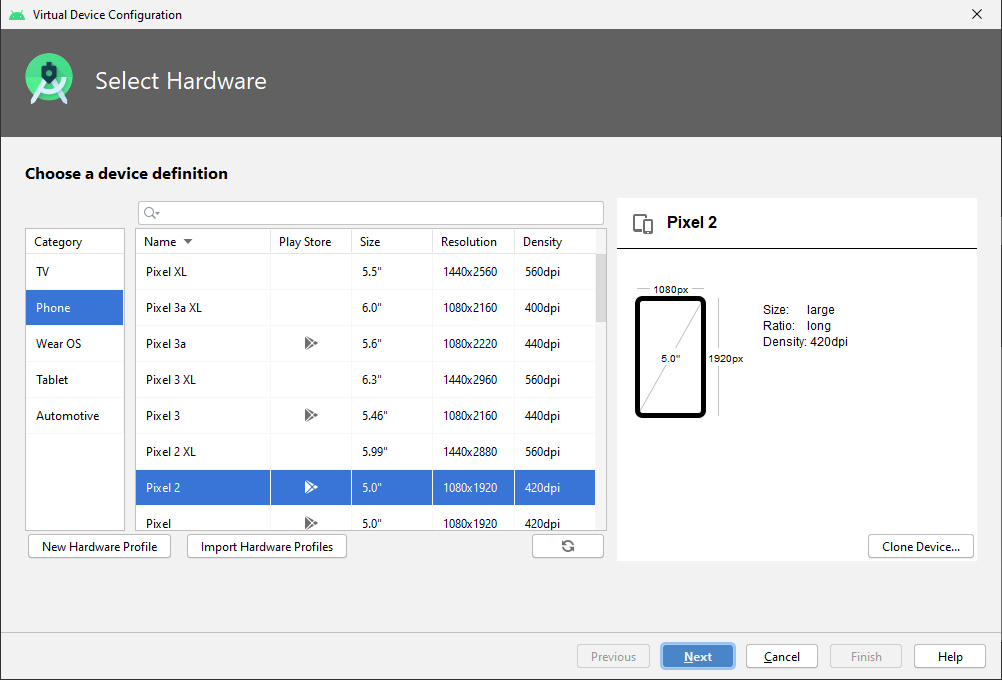
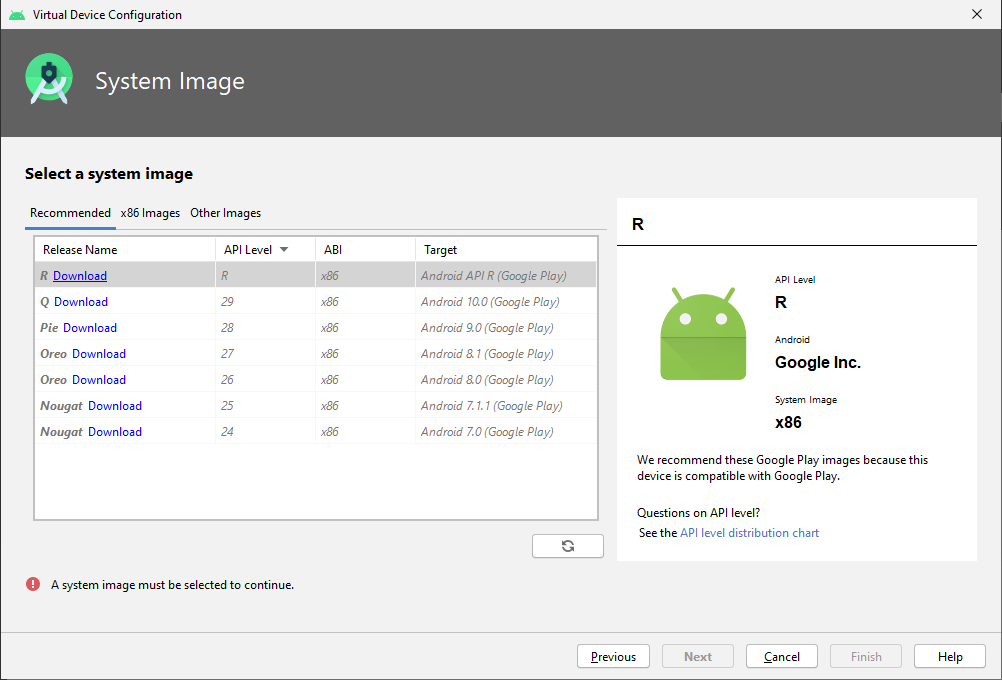
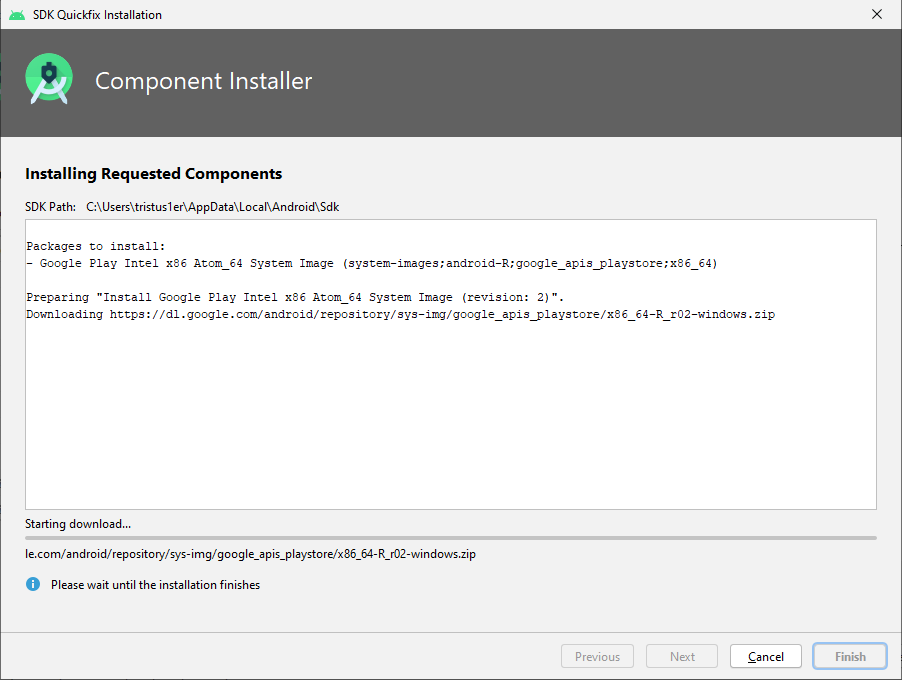
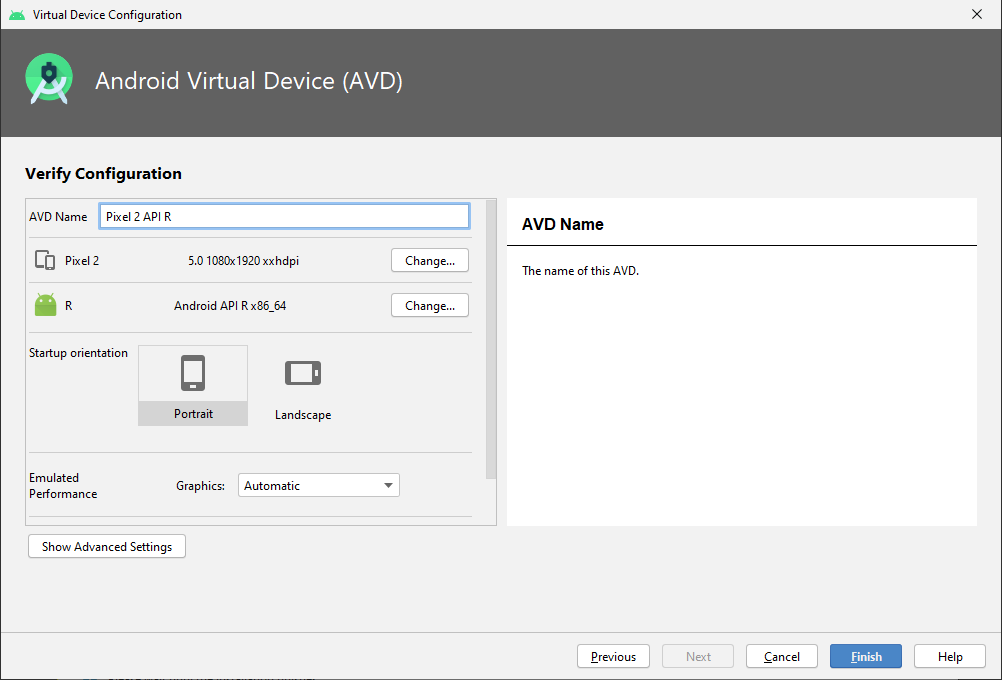
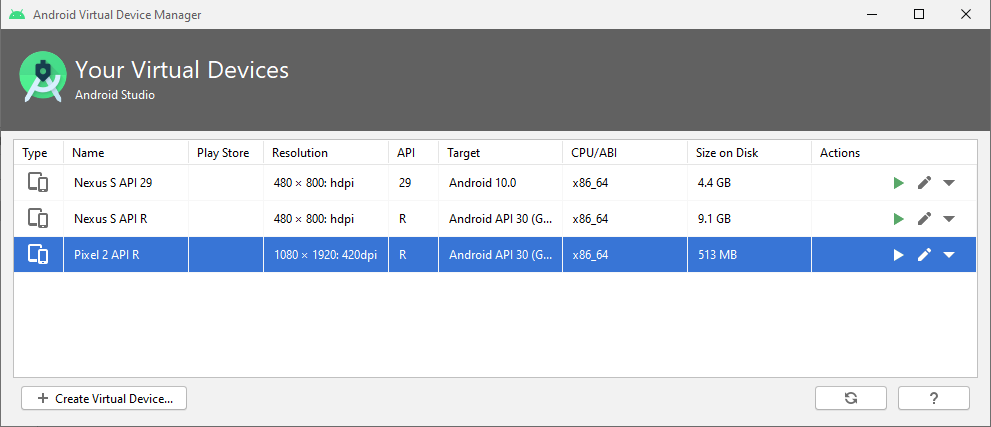
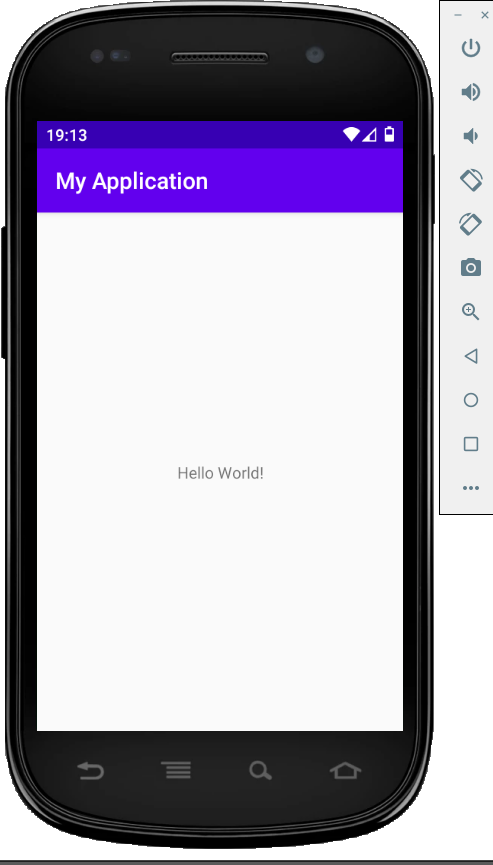
Cliquons sur les "..."
Gérer la position du device directement sur une carte (nouvelle fonctionnalité Android Studio 3.6) :
et envoyer des SMS :
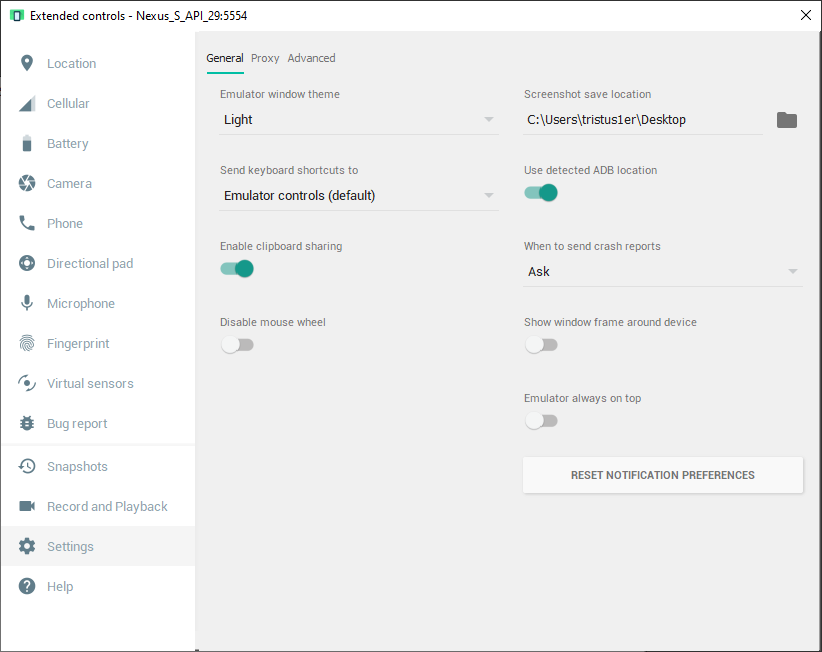
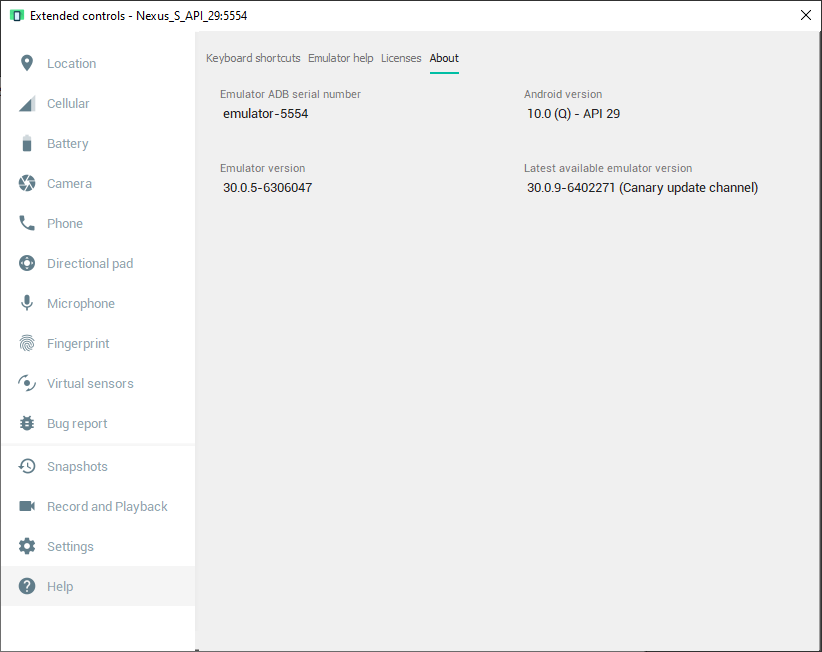
SDK
Tools/SDK Manager
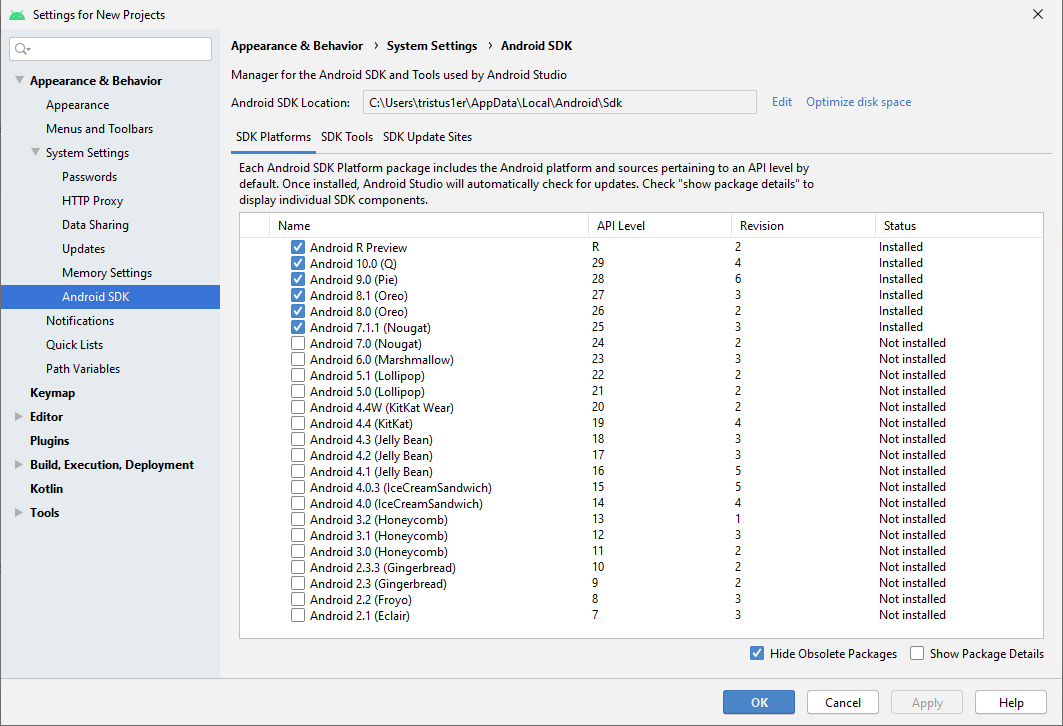
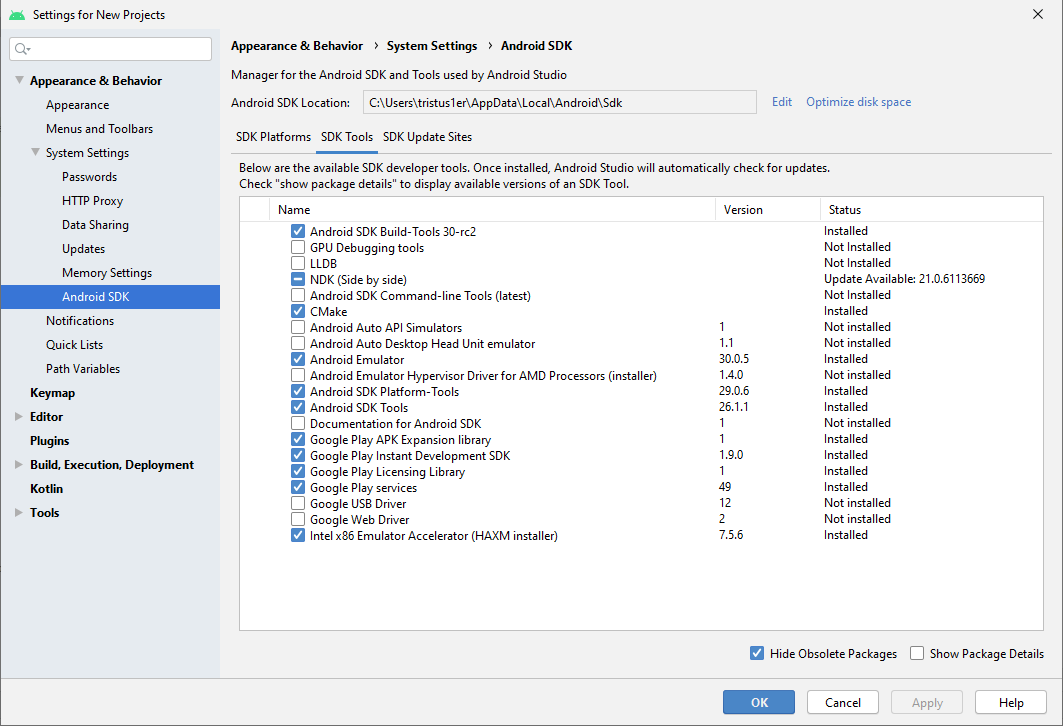
Le Manifest
- Les interfaces avec l'extérieur : les activities, les services, ...
- Les permissions que nous allons utiliser.
- Le matériel nécessaire à notre application (NFC, Bluetooth, ...).
Exemple
<?xml version="1.0" encoding="utf-8"?>
<manifest xmlns:android="http://schemas.android.com/apk/res/android" package="com.example.myapplication">
<application
android:allowBackup="true"
android:icon="@mipmap/ic_launcher"
android:label="@string/app_name"
android:roundIcon="@mipmap/ic_launcher_round"
android:supportsRtl="true"
android:theme="@style/AppTheme">
<activity android:name=".MainActivity">
<intent-filter>
<action android:name="android.intent.action.MAIN" />
<category android:name="android.intent.category.LAUNCHER" />
</intent-filter>
</activity>
</application>
</manifest>
La production de l'application, la publication
La production de l'application
Une fois développée, principalement via Android Studio (il existe d'autres moyens, par exemple via des outils de développement cross plate-forme), l'application est enregistrée dans un APK/App Bundle, qui contient :- Le code de l'application.
- Les ressources.
- Les assets.
- Les certificats/signatures (pour l'App Bundle, la signature est effectuée par Google).
- Le Manifest.
La publication
Une fois packagée, l'application est le plus souvent publiée sur la boutique de Google : Google Play. Il existe d'autres boutiques, des stores alternatifs, tels que :Les interfaces utilisateurs
Organisation générale du layout
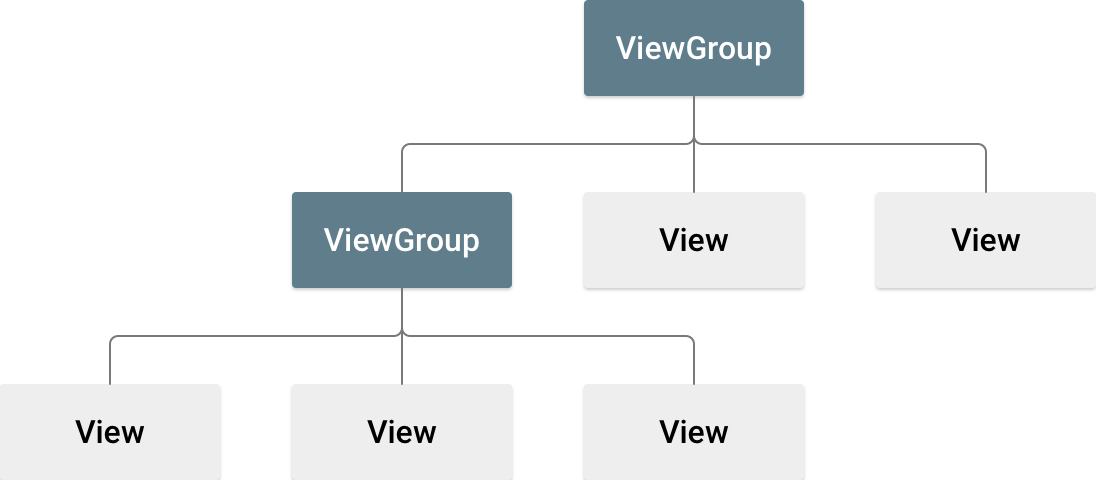
Source : https://developer.android.com/guide/topics/ui/declaring-layout
Pour chaque layout, des contraintes particulières peuvent être appliquées (nous allons voir plusieurs layouts dans les slides suivantes).
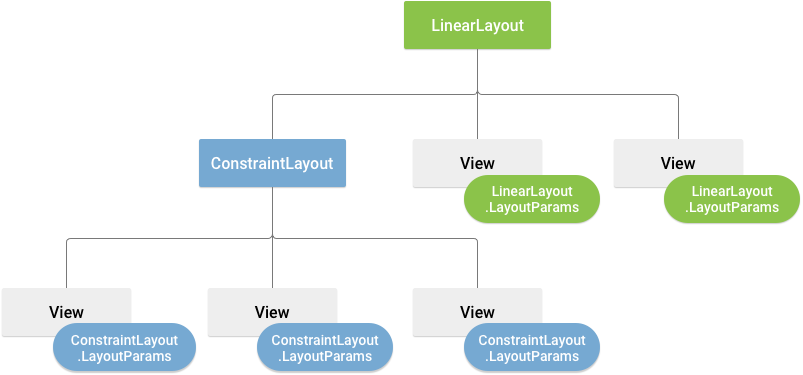
Source : https://developer.android.com/guide/topics/ui/declaring-layout
Exemple de layouts
Exercices sur les Layouts
Dans tous les prochains exercices, vous n'utiliserez qu'un seul layout par écran.LinearLayout Exercice 1
Les 2 boutons sont positionnés l'un au-dessous de l'autre, et prennent toute la largeur :
Solution
<?xml version="1.0" encoding="utf-8"?>
<LinearLayout xmlns:android="http://schemas.android.com/apk/res/android"
xmlns:tools="http://schemas.android.com/tools"
android:layout_width="match_parent"
android:layout_height="match_parent"
android:orientation="vertical"
tools:context=".MainActivity">
<Button
android:id="@+id/button"
android:layout_width="match_parent"
android:layout_height="wrap_content"
android:text="Premier button" />
<Button
android:id="@+id/button2"
android:layout_width="match_parent"
android:layout_height="wrap_content"
android:text="Second button" />
</LinearLayout>
LinearLayout Exercice 2
Le bouton prend toute la hauteur de l'écran :
Solution
<?xml version="1.0" encoding="utf-8"?>
<LinearLayout xmlns:android="http://schemas.android.com/apk/res/android"
xmlns:tools="http://schemas.android.com/tools"
android:layout_width="match_parent"
android:layout_height="match_parent"
android:orientation="vertical"
tools:context=".MainActivity">
<Button
android:id="@+id/button"
android:layout_width="wrap_content"
android:layout_height="match_parent"
android:text="Premier button" />
</LinearLayout>
LinearLayout Exercice 3
Les 2 boutons sont positionnés l'un au-dessous de l'autre, et prennent la largeur nécessaire à leur affichage :
Solution
<?xml version="1.0" encoding="utf-8"?>
<LinearLayout xmlns:android="http://schemas.android.com/apk/res/android"
xmlns:tools="http://schemas.android.com/tools"
android:layout_width="match_parent"
android:layout_height="match_parent"
android:orientation="vertical"
tools:context=".MainActivity">
<Button
android:id="@+id/button"
android:layout_width="wrap_content"
android:layout_height="wrap_content"
android:text="Premier button" />
<Button
android:id="@+id/button2"
android:layout_width="wrap_content"
android:layout_height="wrap_content"
android:text="Second button" />
</LinearLayout>
LinearLayout Exercice 4
Les 2 boutons sont positionnés l'un à côté de l'autre, centré verticalement, le premier prend la hauteur nécessaire à son affichage, et le second prend toute la hauteur :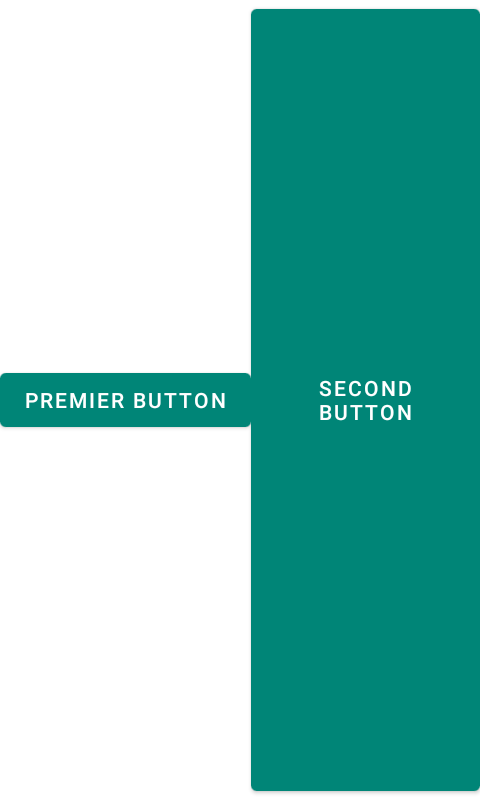
Solution
<?xml version="1.0" encoding="utf-8"?>
<LinearLayout xmlns:android="http://schemas.android.com/apk/res/android"
xmlns:tools="http://schemas.android.com/tools"
android:layout_width="match_parent"
android:layout_height="match_parent"
android:orientation="horizontal"
tools:context=".MainActivity">
<Button
android:id="@+id/button"
android:layout_width="wrap_content"
android:layout_height="wrap_content"
android:layout_gravity="center_vertical"
android:text="Premier button" />
<Button
android:id="@+id/button2"
android:layout_width="wrap_content"
android:layout_height="match_parent"
android:text="Second button" />
</LinearLayout>
LinearLayout Exercice 5
Les 3 boutons sont affichés les uns à côté des autres. Le bouton 1 est en bas, de largeur fixe : 120dp, celui du milieu prend la place disponible, et son texte est aligné en bas à droite. Le 3ième bouton est de largeur fixe : 120dp :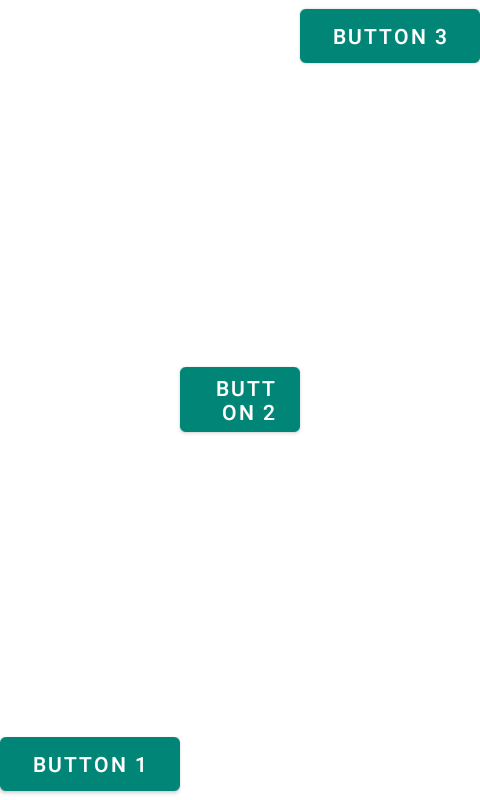
Solution
<?xml version="1.0" encoding="utf-8"?>
<LinearLayout xmlns:android="http://schemas.android.com/apk/res/android"
xmlns:tools="http://schemas.android.com/tools"
android:layout_width="match_parent"
android:layout_height="match_parent"
android:orientation="horizontal"
tools:context=".MainActivity">
<Button
android:id="@+id/button"
android:layout_width="120dp"
android:layout_height="wrap_content"
android:layout_gravity="bottom"
android:text="button 1" />
<Button
android:id="@+id/button2"
android:layout_width="0dp"
android:layout_height="wrap_content"
android:layout_gravity="center_vertical"
android:layout_weight="1"
android:gravity="end|bottom"
android:text="button 2" />
<Button
android:id="@+id/button3"
android:layout_width="120dp"
android:layout_height="wrap_content"
android:layout_gravity="top"
android:text="button 3" />
</LinearLayout>
LinearLayout Exercice 6
Les 2 boutons sont affichés l'un à côté de l'autre, et prennent exactement la moitié de la largeur de l'écran, avec 2 labels de taille très différente :
Solution
<?xml version="1.0" encoding="utf-8"?>
<LinearLayout xmlns:android="http://schemas.android.com/apk/res/android"
xmlns:tools="http://schemas.android.com/tools"
android:layout_width="match_parent"
android:layout_height="match_parent"
android:orientation="horizontal"
tools:context=".MainActivity">
<Button
android:id="@+id/button"
android:layout_width="0dp"
android:layout_height="wrap_content"
android:layout_marginRight="4dp"
android:layout_weight="1"
android:text="btn 1" />
<Button
android:id="@+id/button2"
android:layout_width="0dp"
android:layout_height="wrap_content"
android:layout_marginLeft="4dp"
android:layout_weight="1"
android:text="button 2 big label" />
</LinearLayout>
Afficher un contenu très grand
Dans le cas de l'utilisation d'une listview, verticale, permettant d'ajouter beaucoup d'éléments sur notre écran, il est préférable d'englober notre LinearLayout dans une ScrollView, par exemple :
<?xml version="1.0" encoding="utf-8"?>
<ScrollView xmlns:android="http://schemas.android.com/apk/res/android"
android:layout_width="match_parent"
android:layout_height="match_parent">
<LinearLayout
android:layout_width="match_parent"
android:layout_height="wrap_content"
android:orientation="vertical">
<Button
android:layout_width="match_parent"
android:layout_height="wrap_content"
android:text="BTN" />
<Button
android:layout_width="match_parent"
android:layout_height="wrap_content"
android:text="BTN" />
<Button
android:layout_width="match_parent"
android:layout_height="wrap_content"
android:text="BTN" />
<Button
android:layout_width="match_parent"
android:layout_height="wrap_content"
android:text="BTN" />
<Button
android:layout_width="match_parent"
android:layout_height="wrap_content"
android:text="BTN" />
<Button
android:layout_width="match_parent"
android:layout_height="wrap_content"
android:text="BTN" />
<Button
android:layout_width="match_parent"
android:layout_height="wrap_content"
android:text="BTN" />
<Button
android:layout_width="match_parent"
android:layout_height="wrap_content"
android:text="BTN" />
<Button
android:layout_width="match_parent"
android:layout_height="wrap_content"
android:text="BTN" />
<Button
android:layout_width="match_parent"
android:layout_height="wrap_content"
android:text="BTN" />
<Button
android:layout_width="match_parent"
android:layout_height="wrap_content"
android:text="BTN" />
<Button
android:layout_width="match_parent"
android:layout_height="wrap_content"
android:text="BTN" />
<Button
android:layout_width="match_parent"
android:layout_height="wrap_content"
android:text="BTN" />
<Button
android:layout_width="match_parent"
android:layout_height="wrap_content"
android:text="BTN" />
<Button
android:layout_width="match_parent"
android:layout_height="wrap_content"
android:text="BTN" />
<Button
android:layout_width="match_parent"
android:layout_height="wrap_content"
android:text="BTN" />
<Button
android:layout_width="match_parent"
android:layout_height="wrap_content"
android:text="BTN" />
</LinearLayout>
</ScrollView>
RelativeLayout Exercice 1
Les 3 TextView sont alignés de la manière suivante :- Centré horizontalement
- Centré verticalement
- Centré dans le parent
Solution
<?xml version="1.0" encoding="utf-8"?>
<RelativeLayout xmlns:android="http://schemas.android.com/apk/res/android"
xmlns:tools="http://schemas.android.com/tools"
android:layout_width="match_parent"
android:layout_height="match_parent"
tools:context=".MainActivity">
<TextView
android:layout_width="wrap_content"
android:layout_height="wrap_content"
android:layout_centerHorizontal="true"
android:text="Centré horizontalement" />
<TextView
android:layout_width="wrap_content"
android:layout_height="wrap_content"
android:layout_centerVertical="true"
android:text="Centré verticalement" />
<TextView
android:layout_width="wrap_content"
android:layout_height="wrap_content"
android:layout_centerInParent="true"
android:text="Centré dans le parent" />
</RelativeLayout>
RelativeLayout Exercice 2
Nous allons positionner les TextView suivant les paroles de la chanson (dans le même ordre dans le XML) :- En haut
- En bas
- A gauche
- A droite
- Ces soirées-là ! (centrée dans le parent)
- Bonus (en bas à droite du parent)
Solution
<?xml version="1.0" encoding="utf-8"?>
<RelativeLayout xmlns:android="http://schemas.android.com/apk/res/android"
xmlns:tools="http://schemas.android.com/tools"
android:layout_width="match_parent"
android:layout_height="match_parent"
tools:context=".MainActivity">
<TextView
android:layout_width="wrap_content"
android:layout_height="wrap_content"
android:layout_alignParentTop="true"
android:text="En haut" />
<TextView
android:layout_width="wrap_content"
android:layout_height="wrap_content"
android:layout_alignParentBottom="true"
android:text="En bas" />
<TextView
android:layout_width="wrap_content"
android:layout_height="wrap_content"
android:layout_alignParentLeft="true"
android:text="A gauche" />
<TextView
android:layout_width="wrap_content"
android:layout_height="wrap_content"
android:layout_alignParentRight="true"
android:text="A droite" />
<TextView
android:layout_width="wrap_content"
android:layout_height="wrap_content"
android:layout_centerInParent="true"
android:text="Ces soirées là !" />
<TextView
android:layout_width="wrap_content"
android:layout_height="wrap_content"
android:layout_alignParentEnd="true"
android:layout_alignParentBottom="true"
android:text="Ces soirées là !" />
</RelativeLayout>
RelativeLayout Exercice 3
Nous allons maintenant positionner les TextView suivant les consignes suivantes :- [I] En haut à gauche par défaut
- [II] En dessous de [I]
- [III] En dessous et à droite de [I]
- [IV] au-dessus de [V], bord aligné sur le bord gauche de [II]
- [V] En bas à droite
Solution
<?xml version="1.0" encoding="utf-8"?>
<RelativeLayout xmlns:android="http://schemas.android.com/apk/res/android"
xmlns:tools="http://schemas.android.com/tools"
android:layout_width="match_parent"
android:layout_height="match_parent"
tools:context=".MainActivity">
<TextView
android:id="@+id/ex_rel_3_textView_1"
android:layout_width="wrap_content"
android:layout_height="wrap_content"
android:layout_alignParentTop="true"
android:text="[I] En haut à gauche par défaut" />
<TextView android:id="@+id/ex_rel_3_textView_2"
android:layout_width="wrap_content"
android:layout_height="wrap_content"
android:layout_below="@id/ex_rel_3_textView_1"
android:text="[II] En dessous de [I]" />
<TextView
android:id="@+id/ex_rel_3_textView_3"
android:layout_width="wrap_content"
android:layout_height="wrap_content"
android:layout_below="@id/ex_rel_3_textView_1"
android:layout_toRightOf="@id/ex_rel_3_textView_1"
android:text="[III] En dessous et à droite de [I]" />
<TextView
android:id="@+id/ex_rel_3_textView_4"
android:layout_width="wrap_content"
android:layout_height="wrap_content"
android:layout_above="@id/ex_rel_3_textView_5"
android:layout_alignLeft="@id/ex_rel_3_textView_2"
android:gravity="start"
android:text="[IV] au dessus de [V], bord aligné sur le bord gauche de [II]" />
<TextView
android:id="@+id/ex_rel_3_textView_5"
android:layout_width="wrap_content"
android:layout_height="wrap_content"
android:layout_alignParentRight="true"
android:layout_alignParentBottom="true"
android:text="[V] En bas à droite" />
</RelativeLayout>
TableLayout Exercice 1
Le table layout nous permet de faire des alignements de type tableaux :
Solution
<?xml version="1.0" encoding="utf-8"?>
<TableLayout xmlns:android="http://schemas.android.com/apk/res/android"
xmlns:tools="http://schemas.android.com/tools"
android:layout_width="match_parent"
android:layout_height="match_parent"
android:padding="8dp"
android:stretchColumns="1"
tools:context=".MainActivity">
<TextView
android:layout_width="0dp"
android:layout_height="wrap_content"
android:layout_span="3"
android:text="Les items précédés d'un V ouvrent un sous-menu" />
<TableRow>
<View
android:layout_width="match_parent"
android:layout_height="2dp"
android:layout_span="3"
android:background="@color/colorPrimaryDark" />
</TableRow>
<TableRow>
<TextView
android:layout_width="wrap_content"
android:layout_height="wrap_content"
android:layout_column="1"
android:layout_weight="1"
android:text="N'ouvre pas un sous-menu" />
<TextView
android:layout_width="wrap_content"
android:layout_height="wrap_content"
android:text="Non !" />
</TableRow>
<TableRow>
<TextView
android:layout_width="wrap_content"
android:layout_height="wrap_content"
android:layout_marginEnd="8dp"
android:text="V" />
<TextView
android:layout_width="wrap_content"
android:layout_height="wrap_content"
android:text="Ouvre pas un sous-menu" />
<TextView
android:layout_width="wrap_content"
android:layout_height="wrap_content"
android:text="Là oui !" />
</TableRow>
<TableRow>
<View
android:layout_width="match_parent"
android:layout_height="2dp"
android:layout_span="3"
android:background="@color/colorPrimaryDark" />
</TableRow>
<TableRow>
<TextView
android:layout_width="wrap_content"
android:layout_height="wrap_content"
android:text="V" />
<TextView
android:layout_width="wrap_content"
android:layout_height="wrap_content"
android:text="Ouvre pas un sous-menu" />
</TableRow>
<TableRow>
<View
android:layout_width="match_parent"
android:layout_height="2dp"
android:layout_span="3"
android:background="@color/colorPrimaryDark" />
</TableRow>
<TableRow>
<TextView
android:layout_width="wrap_content"
android:layout_height="wrap_content"
android:layout_column="1"
android:layout_span="2"
android:text="Cet item s'étend sur 2 colonnes, il faut un très long texte." />
</TableRow>
</TableLayout>
ConstraintLayout Exercice 1
Le constraint layout est le dernier disponible. Il permet de réaliser des mises en forme complexes, tout en gardant une structure de layout plate (pas de layout imbriqué dans un autre layout) :
ConstraintLayout Exercice 1 (détails)
Le détail des contraintes mises en places pour réaliser cette mise en forme de l'écran :
Solution
<?xml version="1.0" encoding="utf-8"?>
<androidx.constraintlayout.widget.ConstraintLayout xmlns:android="http://schemas.android.com/apk/res/android"
xmlns:app="http://schemas.android.com/apk/res-auto"
xmlns:tools="http://schemas.android.com/tools"
android:layout_width="match_parent"
android:layout_height="match_parent"
tools:context=".MainActivity">
<androidx.constraintlayout.widget.Guideline
android:id="@+id/activity_edit_guideline_picture"
android:layout_width="wrap_content"
android:layout_height="wrap_content"
android:orientation="horizontal"
app:layout_constraintGuide_percent="0.2" />
<androidx.constraintlayout.widget.Guideline
android:id="@+id/activity_edit_guideline_col1"
android:layout_width="wrap_content"
android:layout_height="wrap_content"
android:orientation="vertical"
app:layout_constraintGuide_percent="0.5" />
<ImageButton
android:id="@+id/activity_edit_imageButton_favorit"
android:layout_width="wrap_content"
android:layout_height="wrap_content"
android:layout_marginTop="@dimen/vertical_margin"
android:layout_marginRight="@dimen/horizontal_margin"
android:src="@android:drawable/btn_star_big_off"
app:layout_constraintRight_toRightOf="parent"
app:layout_constraintTop_toTopOf="parent"
tools:src="@android:drawable/btn_star_big_on" />
<ImageView
android:id="@+id/activity_edit_imageView_picture"
android:layout_width="100dp"
android:layout_height="0dp"
android:layout_marginTop="@dimen/vertical_margin"
android:scaleType="centerCrop"
app:layout_constraintBottom_toBottomOf="@id/activity_edit_guideline_picture"
app:layout_constraintDimensionRatio="1:1"
app:layout_constraintEnd_toEndOf="parent"
app:layout_constraintStart_toStartOf="parent"
app:layout_constraintTop_toTopOf="@id/activity_edit_guideline_picture"
app:srcCompat="@mipmap/ic_launcher" />
<ImageView
android:id="@+id/activity_edit_imageView_edit_picture"
android:layout_width="40dp"
android:layout_height="40dp"
app:layout_constraintBottom_toBottomOf="@id/activity_edit_imageView_picture"
app:layout_constraintEnd_toEndOf="@id/activity_edit_imageView_picture"
app:srcCompat="@android:drawable/ic_menu_camera" />
<EditText
android:id="@+id/activity_edit_editText_firstname"
android:layout_width="0dp"
android:layout_height="wrap_content"
android:layout_marginHorizontal="@dimen/horizontal_margin"
android:hint="FirstName"
app:layout_constraintLeft_toLeftOf="parent"
app:layout_constraintRight_toRightOf="@id/activity_edit_guideline_col1"
app:layout_constraintTop_toBottomOf="@id/activity_edit_imageView_picture" />
<EditText
android:id="@+id/activity_edit_editText_name"
android:layout_width="0dp"
android:layout_height="wrap_content"
android:layout_marginEnd="@dimen/horizontal_margin"
android:hint="Name"
app:layout_constraintLeft_toLeftOf="@id/activity_edit_editText_firstname"
app:layout_constraintRight_toRightOf="@id/activity_edit_guideline_col1"
app:layout_constraintTop_toBottomOf="@id/activity_edit_editText_firstname" />
<RadioGroup
android:id="@+id/activity_edit_RadioGroup_gender"
android:layout_width="wrap_content"
android:layout_height="wrap_content"
android:orientation="horizontal"
app:layout_constraintLeft_toLeftOf="@id/activity_edit_editText_firstname"
app:layout_constraintRight_toRightOf="@id/activity_edit_guideline_col1"
app:layout_constraintTop_toBottomOf="@id/activity_edit_editText_name">
<RadioButton
android:id="@+id/activity_edit_radioButton_male"
android:layout_width="wrap_content"
android:layout_height="wrap_content"
android:text="H" />
<RadioButton
android:id="@+id/activity_edit_radioButton_female"
android:layout_width="wrap_content"
android:layout_height="wrap_content"
android:text="F" />
</RadioGroup>
<EditText
android:id="@+id/activity_edit_editText_birthday"
android:layout_width="0dp"
android:layout_height="wrap_content"
android:layout_marginRight="@dimen/horizontal_margin"
android:editable="false"
android:hint="Date naissance"
android:inputType="none"
app:layout_constraintLeft_toLeftOf="@id/activity_edit_guideline_col1"
app:layout_constraintRight_toRightOf="parent"
app:layout_constraintTop_toTopOf="@id/activity_edit_editText_firstname" />
<TextView
android:id="@+id/activity_edit_textView_age"
android:layout_width="wrap_content"
android:layout_height="wrap_content"
app:layout_constraintRight_toRightOf="@id/activity_edit_editText_birthday"
app:layout_constraintTop_toBottomOf="@id/activity_edit_editText_birthday"
tools:text="41 ans" />
<Spinner
android:id="@+id/activity_edit_spinner_phone_type"
android:layout_width="0dp"
android:layout_height="wrap_content"
android:layout_marginEnd="@dimen/horizontal_margin"
app:layout_constraintBottom_toBottomOf="@id/activity_edit_editText_phone"
app:layout_constraintLeft_toLeftOf="@id/activity_edit_editText_firstname"
app:layout_constraintRight_toRightOf="@id/activity_edit_guideline_col1"
app:layout_constraintTop_toTopOf="@id/activity_edit_editText_phone" />
<EditText
android:id="@+id/activity_edit_editText_phone"
android:layout_width="wrap_content"
android:layout_height="wrap_content"
android:layout_marginRight="@dimen/horizontal_margin"
android:hint="Phone number"
app:layout_constraintLeft_toRightOf="@id/activity_edit_guideline_col1"
app:layout_constraintTop_toBottomOf="@id/activity_edit_RadioGroup_gender" />
<Button
android:id="@+id/activity_edit_button_save"
android:layout_width="wrap_content"
android:layout_height="wrap_content"
android:text="SAVE"
app:layout_constraintBottom_toBottomOf="parent"
app:layout_constraintEnd_toEndOf="parent"
app:layout_constraintStart_toStartOf="parent" />
</androidx.constraintlayout.widget.ConstraintLayout>
Les ressources
Les différentes ressources
Les ressources peuvent être de plusieurs types :- anim : des animations que l'on peut utiliser pour animer des éléments de notre interface graphique.
- drawable : des images, bitmap ou vectorielles.
- layout : l'organisation de nos écrans.
- menu : la description des menus (des activités, des fragments, ...)
- mipmap : les icônes de notre application.
- raw : des données brutes (mp3 par exemple).
- xml : des données en XML.
Les différentes ressources
- values
- arrays : des tableaux (de chaînes de caractères ou d'entiers)
- colors : la définition de nos couleurs.
- bools : des booléens.
- dimens : des dimensions (tailles d'images, de texte, de marges, ...).
- integers : des valeurs numériques.
- plurials : des chaînes de caractères prenant en compte le pluriel.
- strings : nos chaînes de caractères.
- styles : pour afficher nos éléments.
Accéder aux valeurs en Java/Kotlin
Nous allons voir plus en détail l'utilisation d'une ressource. Dans un premier temps, pour les récupérer, en Java/Kotlin, nous utiliserons la syntaxe suivante :
[package.]R.type.nom
// Par exemple
R.string.app_name
Accéder aux valeurs en XML
En XML la syntaxe est similaire :
@[package:]type/nom
// Par exemple :
@string/app_name
Internationalisation
Voyons le fichier de ressourcestrings.xml et son utilisation pour internationaliser notre
application.
- Ajouter une langue.
- Ajouter des clés.
- Tester dans l'éditeur.
- Tester sur l'émulateur.
- Tester sur le téléphone.
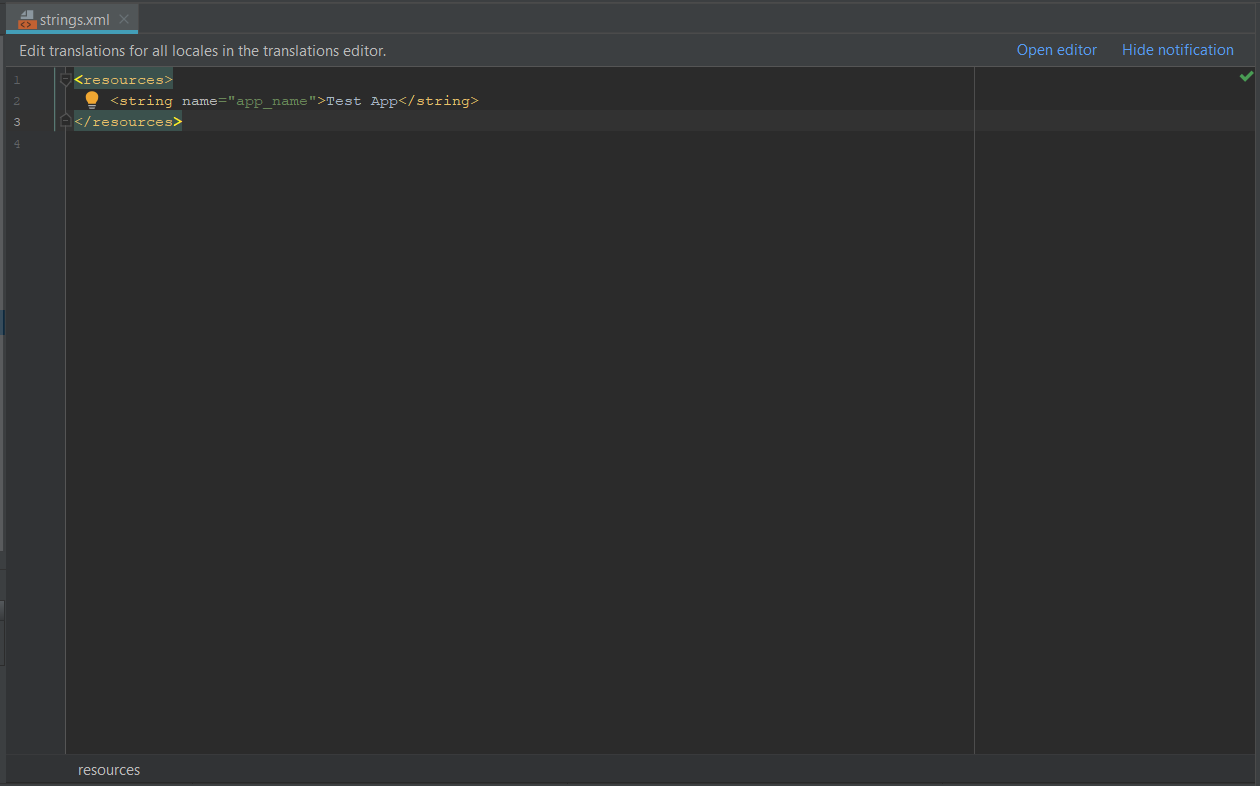
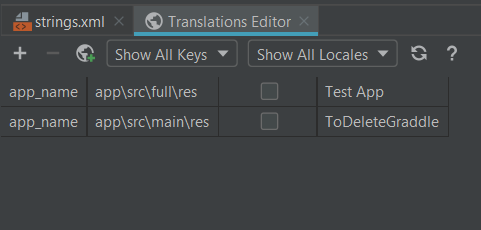
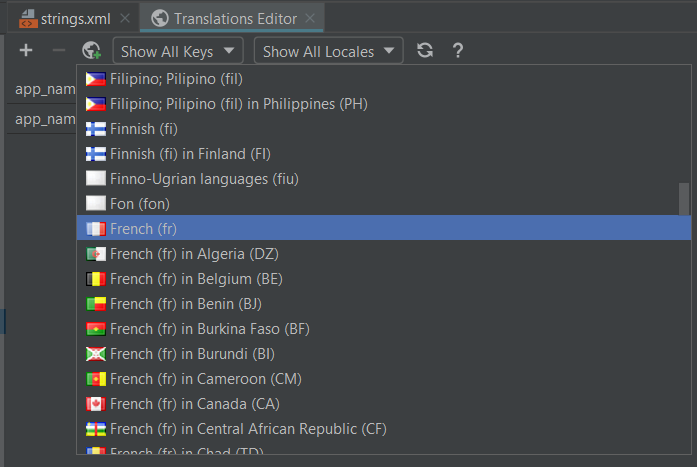
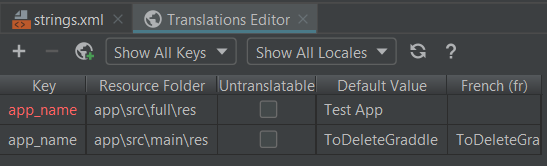
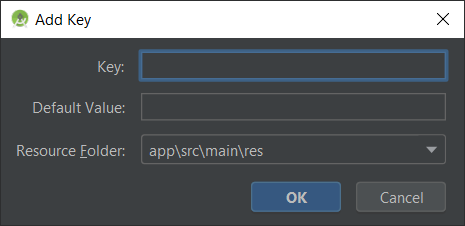
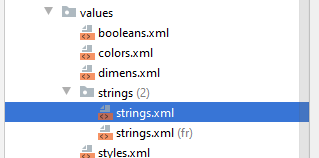
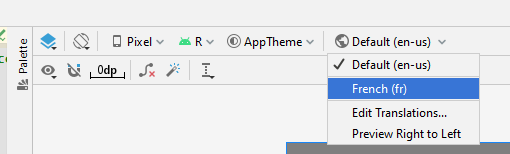
Apostrophes et guillemets
Le format XML nous impose des contraintes par rapport aux caractères ' et ", regardons comment nous pouvons gérer ces cas :
<string name="good_example">"This'll work"</string>
<string name="good_example_2">This\'ll also work</string>
<string name="bad_example">This doesn't work</string>
<string name="bad_example_2">XML encodings don't work</string>
Formatage valeurs
Nous pouvons ajouter des variables dans notre texte, qui seront remplacées par les valeurs passées en paramètre, par exemple :
<string name="welcome_messages">Hello, %1$s! You have %2$d new messages.</string>
Resources res = getResources();
String text = String.format(res.getString(R.string.welcome_messages), username, mailCount);
Le pluriel
Les ressources permettent aussi de gérer le pluriel :
<?xml version="1.0" encoding="utf-8"?>
<resources>
<plurals name="numberOfSongsAvailable">
<!– zero, one, two, few, many, other
As a developer, you should always supply "one" and "other"
strings. Your translators will know which strings are actually
needed for their language. Always include %d in "one" because
translators will need to use %d for languages where "one"
doesn't mean 1 (as explained above).
<item quantity="one">%d song found.</item>
<item quantity="other">%d songs found.</item>
</plurals>
</resources>
Exemple d'utilisation du pluriel
Il s'agit d'une valeur dynamique, nous utilisons donc du code pour définir la valeur de la chaîne de caractère, par exemple :
int count = getNumberOfsongsAvailable();
Resources res = getResources();
String songsFound = res.getQuantityString(R.plurals.numberOfSongsAvailable, count, count);
Mise en forme
Nous avons à disposition quelques outils de mise en forme de notre texte :
<b> for bold text.
<i> for italic text.
<u> for underline text.
<string name="welcome">Welcome to <b>Android</b>!</string>
Tableaux
Nous pouvons aussi définir des tableaux, par exemple :
<?xml version="1.0" encoding="utf-8"?>
<resources>
<string-array name="planets_array">
<item>Mercury</item>
<item>Venus</item>
<item>Earth</item>
<item>Mars</item>
</string-array>
</resources>
val planets = resources.getStringArray(R.array.planets_array)
Dimens
Le fichier dimens.xml contiendra des définitions de taille, par exemple la taille d'une image, d'une marge, d'un texte, ....Nous avons plusieurs types de dimensions disponibles :
- px : mesure en pixel, à bannir.
- dp : mesure qui s'adapte à la densité de pixel de l'écran.
- sp : mesure utilisée pour les textes, car elle prend en compte le paramétrage de l'utilisateur relatif à la taille de la police de caractère.
Colors
Nous pouvons définir toutes nos couleurs dans ce fichier. Par exemple :
<?xml version="1.0" encoding="utf-8"?>
<resources>
<color name="colorPrimary">#6200EE</color>
<color name="colorPrimaryDark">#3700B3</color>
<color name="colorAccent">#03DAC5</color>
</resources>
Styles
Les styles nous permettent de regrouper des caractéristiques d'affichage d'éléments (des titres, des entêtes, ...). Par exemple :
<style name="Counter" parent="AppTheme">
<item name="android:textColor">@color/l4e_counter_text</item>
<item name="android:background">@drawable/rounded_corner</item>
<item name="android:padding">@dimen/l4e_counter_padding</item>
</style>
<style name="DialogTitle" parent="AppTheme">
<item name="android:padding">@dimen/l4e_dialog_title_text_padding</item>
<item name="android:textSize">@dimen/l4e_dialog_title_text_size</item>
<item name="android:textStyle">bold</item>
</style>
La gestion événementielle
Ajout d'un bouton
Nous allons ajouter un bouton à notre interface, via l'éditeur graphique, ou via l'éditeur texte.Pour cela, nous avons 4 options que nous allons détailler :
- Par héritage
- Classe anonyme
- Attribut
- XML
Par héritage
Suivons les étapes suivantes :- Faisons étendre notre MainActivity de View.OnClickListener.
- Implémentons la méthode en utilisant l'ampoule rouge proposée par l'éditeur.
- Remplissons la méthode onClick générée.
- Associons notre listener à un bouton
Contenu de la méthode onClick :
when(v?.id){
R.id.activity_main_button_test -> Log.d(TAG, "onCreate click")
}
findViewById<Button>(R.id.activity_main_button_test).setOnClickListener(this@MainActivity)
Par attribut
Déclarons un attribut de classe :
private val btnListener: View.OnClickListener = View.OnClickListener {
when (it?.id) {
R.id.activity_main_button_test -> Log.d(TAG, "onCreate click")
}
}
findViewById<Button>(R.id.activity_main_button_test).setOnClickListener(btnListener)
Par lambda
C'est la méthode la plus courante :
findViewById<Button>(R.id.activity_main_button_test).setOnClickListener { Log.d(TAG, "onCreate click") }
Par XML
Dans le layout de notre activity, sur le bouton, ajoutons l'attribut onClick :
android:onClick="handleClick"
Les éléments graphiques
Éditeur : Code
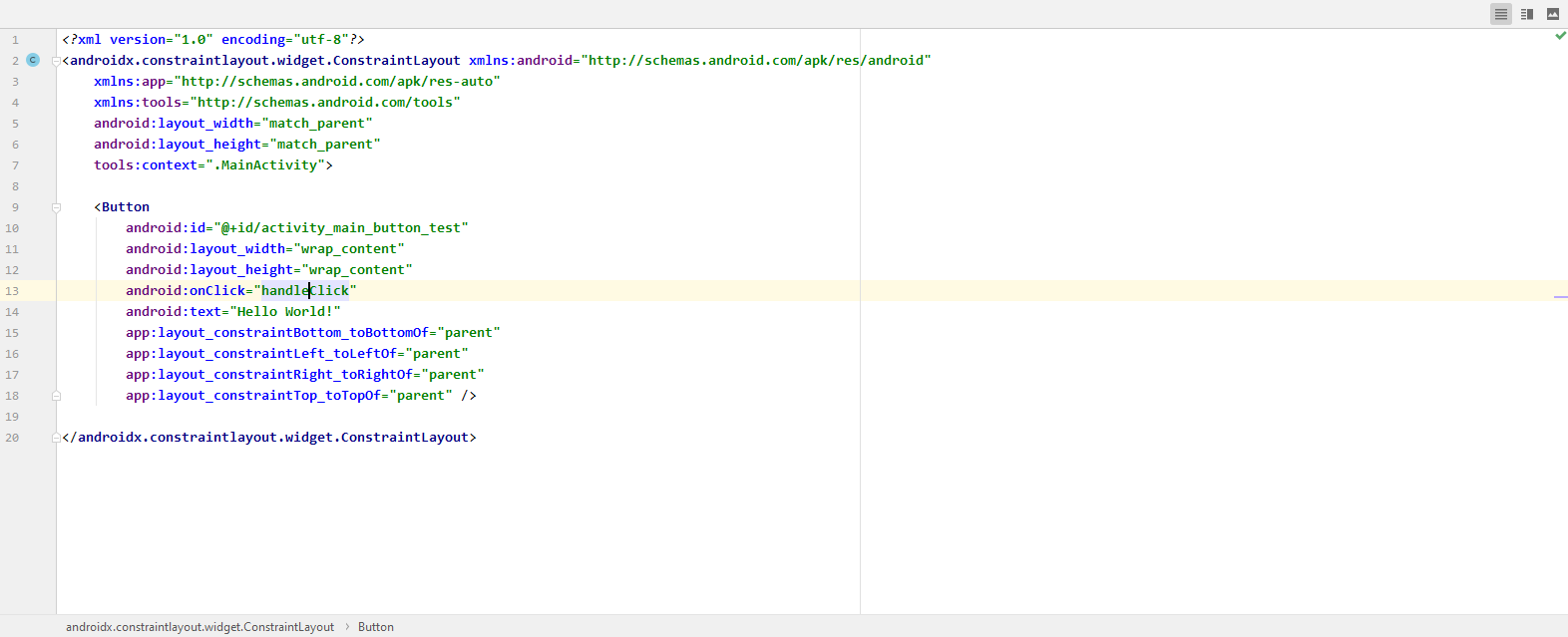
Éditeur : Split
Éditeur : Design
Button
<Button
android:id="@+id/activity_main_button_test"
android:layout_width="wrap_content"
android:layout_height="wrap_content"
android:onClick="handleClick"
android:text="Button"
app:layout_constraintBottom_toBottomOf="parent"
app:layout_constraintLeft_toLeftOf="parent"
app:layout_constraintRight_toRightOf="parent"
app:layout_constraintTop_toTopOf="parent" />
Texte affiché

<TextView
android:id="@+id/activity_main_textView_test"
android:layout_width="wrap_content"
android:layout_height="wrap_content"
android:text="Hello world."
app:layout_constraintBottom_toBottomOf="parent"
app:layout_constraintLeft_toLeftOf="parent"
app:layout_constraintRight_toRightOf="parent"
app:layout_constraintTop_toTopOf="parent" />
Champ texte
<EditText
android:id="@+id/activity_main_editText_test"
android:layout_width="wrap_content"
android:layout_height="wrap_content"
android:hint="Enter your first name"
android:inputType="textPersonName"
app:layout_constraintBottom_toBottomOf="parent"
app:layout_constraintLeft_toLeftOf="parent"
app:layout_constraintRight_toRightOf="parent"
app:layout_constraintTop_toTopOf="parent" />
Champ texte (Material design)
Nous pouvons aussi utiliser la version moderne du champ texte, avec le LiveTemplateand_material_design_edittext.Quelles différences notez vous ?
Case à cocher
<CheckBox
android:id="@+id/activity_main_checkBox_test"
android:layout_width="wrap_content"
android:layout_height="wrap_content"
android:hint="Is activated ?"
app:layout_constraintBottom_toBottomOf="parent"
app:layout_constraintLeft_toLeftOf="parent"
app:layout_constraintRight_toRightOf="parent"
app:layout_constraintTop_toTopOf="parent" />
Boutons de choix
<RadioGroup
android:layout_width="match_parent"
android:layout_height="wrap_content"
android:orientation="horizontal"
app:layout_constraintBottom_toBottomOf="parent"
app:layout_constraintLeft_toLeftOf="parent"
app:layout_constraintRight_toRightOf="parent"
app:layout_constraintTop_toTopOf="parent">
<RadioButton
android:layout_width="wrap_content"
android:layout_height="wrap_content"
android:layout_weight="1"
android:text="Thé" />
<RadioButton
android:layout_width="wrap_content"
android:layout_height="wrap_content"
android:layout_weight="1"
android:text="Café" />
</RadioGroup>
Liste de choix
 Dans la méthode onCreate de notre Activity utilisons le LiveTemplate : android_spinner_string_array.
Liste de choix encore plus rapide.
Gardons lestring-array contenant la liste des planètes, retirons tout le code pour gérer
le Spinner et ajoutons l'attribut
android:entries="@array/planets_array".
<Spinner
android:layout_width="match_parent"
android:layout_height="wrap_content"
android:entries="@array/planets_array" />
Barre de progression
<ProgressBar
android:id="@+id/activity_main_progressBar_test"
android:layout_width="wrap_content"
android:layout_height="wrap_content"
android:indeterminate="true"
app:layout_constraintBottom_toBottomOf="parent"
app:layout_constraintLeft_toLeftOf="parent"
app:layout_constraintRight_toRightOf="parent"
app:layout_constraintTop_toTopOf="parent" />
Notation (étoiles)

<RatingBar
android:id="@+id/activity_main_ratingBar_test"
android:layout_width="wrap_content"
android:layout_height="wrap_content"
android:numStars="5"
android:rating="4"
app:layout_constraintBottom_toBottomOf="parent"
app:layout_constraintLeft_toLeftOf="parent"
app:layout_constraintRight_toRightOf="parent"
app:layout_constraintTop_toTopOf="parent" />
Date
<DatePicker
android:id="@+id/activity_main_datePicker_test"
android:layout_width="wrap_content"
android:layout_height="wrap_content"
app:layout_constraintBottom_toBottomOf="parent"
app:layout_constraintLeft_toLeftOf="parent"
app:layout_constraintRight_toRightOf="parent"
app:layout_constraintTop_toTopOf="parent" />
Time
<TimePicker
android:id="@+id/activity_main_timePicker_test"
android:layout_width="wrap_content"
android:layout_height="wrap_content"
app:layout_constraintBottom_toBottomOf="parent"
app:layout_constraintLeft_toLeftOf="parent"
app:layout_constraintRight_toRightOf="parent"
app:layout_constraintTop_toTopOf="parent" />
Vue Web

<WebView
android:id="@+id/activity_main_webView_test"
android:layout_width="match_parent"
android:layout_height="match_parent" />
Vue Web (suite)
Pour fonctionner, nous allons préciser l'URL que nous souhaitons afficher dans la méthode onCreate de notre Activity :
var webView = findViewById<WebView>(R.id.activity_main_webView_test)
webView.loadUrl("http://light4events.fr")
Que remarque-t-on quand on clique sur un lien ? Comment résoudre le problème ?
Solution
Pour accéder à internet, nous devons demander la permission dans le manifest en ajoutant (en dessous de la balise manifest, mais avant la balise application) :
<uses-permission android:name="android.permission.INTERNET" />
webview.setWebViewClient(new WebViewClient());
Material design
Nous avons utilisé une forme de l'EditText en Material Design, nous avons d'autres
LiveTemplate à disposition, en voici la liste exaustive :
- and_material_design_divider
- and_material_design_edittext
- and_material_design_progress
- and_material_design_slider
- and_material_design_switch
Le modèle de composants
Les Intents et leur gestion par l'activité
Les messages sont de type Intent.
Les valeurs envoyées dans l'Intent sont contenues dans un Bundle (optionnel).
Les intentions décrivent quelle est l'opération qui devra être effectuée.
Plusieurs composants applicatifs peuvent répondre à un même Intent, dans ce cas, l'utilisateur aura alors le choix.
Nous allons tester plusieurs Intent simple pour mettre en œuvre ces principes.
LiveTemplates Intent
Nous avons à notre disposition plusieurs intents, entre autres :- and_intent_mail : pour envoyer un email avec les champs préremplis.
- and_intent_map : pour ouvrir l'application Maps affichant une coordonnée.
- and_intent_phone_call : pour lancer le numéroteur téléphonique.
- and_intent_sms : pour envoyer un SMS (pour lancer l'application de SMS, prête à envoyer le SMS).
- and_intent_web : pour lancer un navigateur web pour afficher une URL.
<intent-filter>
<action android:name="android.intent.action.MAIN" />
<category android:name="android.intent.category.LAUNCHER" />
</intent-filter>
La relation activité mère-fille
Lorsqu’on en lance une, celle précédemment ouverte se stoppe (pause). La nouvelle activité se retrouve au-dessus de la pile de type « last in, first out » c'est-à-dire « dernier arrivé, premier sorti ».
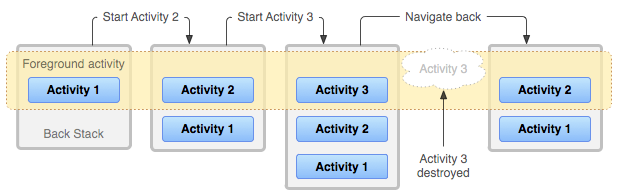
Référence.
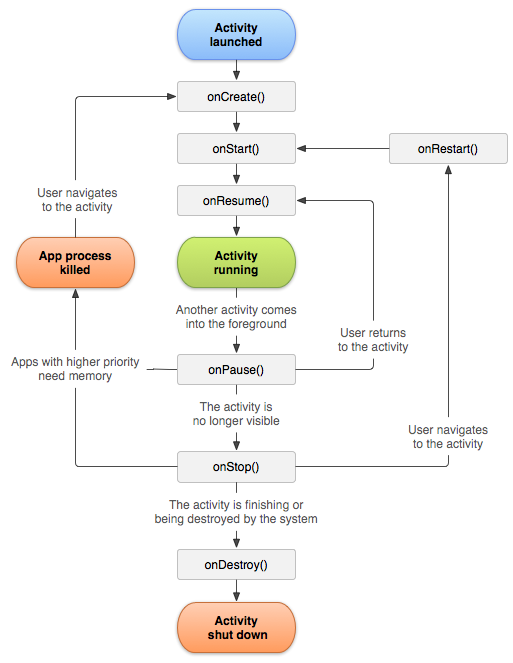
Référence.
Mise en oeuvre
Pour visualiser les principales étapes du cycle de vie de notre activity, utilisons le LiveTemplate : and_lifecycle_activity, dans la classe, mais en dehors d'une méthode.Au besoin, nous utilisons le LiveTemplate : and_tag pour définir la constante TAG au début de notre classe.
Démarrons notre application, regardons les logs et tournons l'écran.
Que remarquons-nous ?
Communication inter Activity
Nous allons maintenant voir comment lancer une nouvelle Activity, et lui envoyer des informations. Pour cela, nous allons passer par plusieurs étapes :- Ajoutons un champ texte à notre interface.
- Récupérons la valeur du texte saisie.
- Envoyons-la à notre Activity2.
- Affichons la dans l'Activity2.
<EditText
android:id="@+id/activity_main_editText_value"
android:layout_width="match_parent"
android:layout_height="wrap_content"
app:layout_constraintBottom_toBottomOf="parent"
app:layout_constraintEnd_toEndOf="parent"
app:layout_constraintStart_toStartOf="parent"
app:layout_constraintTop_toTopOf="parent" />
<Button
android:id="@+id/activity_main_button_send"
android:layout_width="match_parent"
android:layout_height="wrap_content"
android:text="Envoyer"
app:layout_constraintTop_toBottomOf="@id/activity_main_editText_value" />
Lançons cette activité lors du click bouton, avec en paramètre le texte de l'EditText : Nous déclarons une variable d'instance :
lateinit var etValue: EditText
etValue = findViewById<EditText>(R.id.activity_main_editText_value)
findViewById<Button>(R.id.activity_main_button_send).setOnClickListener() {
var intent = Intent(this@MainActivity, Main2Activity::class.java)
intent.putExtra(INTENT_PARAMS_EXTRA_VALUE, etValue.text.toString())
startActivity(intent)
}
var value = savedInstanceState?.getString(INTENT_PARAMS_EXTRA_VALUE) ?: intent.getStringExtra(INTENT_PARAMS_EXTRA_VALUE)
J'ajoute le même champ et bouton que la première activité, et j'affecte la valeur reçue à l'EditText :
findViewById<EditText>(R.id.activity_main2_editText_value).setText(value)
Pour cela, sur un click de bouton, par exemple, je vais lancer le code généré par le LiveTemplate and_intent_select_contact et suivre les instructions.
Retour de valeur
Voyons ensemble comment ce mécanisme fonctionne, je souhaite demander une information à une Activity, qui se lancera et me renverra une valeur (dans notre cas, une chaîne de caractère, mais cela peut être n'importe quel type d'information : un contact de notre répertoire, une image, ...).Pour cela 3 étapes sont nécessaires :
- Activity1 : lancer l'Activity2 avec la méthode : startActivityForResult
- Activity2 : effectuer notre traitement (dans notre cas, laisser l'utilisateur saisir un texte et valider avec un bouton).
- Activity1 : récupérer la valeur envoyée par l'Activity2.
const val REQUEST_CODE_GET_TEXT = 4567 // Arbitrary value
var intent = Intent(this@MainActivity, Main2Activity::class.java)
startActivityForResult(intent, REQUEST_CODE_GET_TEXT)
Pour cela, nous utilisons le LiveTemplate and_onActivityResult en dehors d'une méthode dans la classe MainActivity.
Les détails : Specify the input method type.
Par exemple pour un numéro de téléphone :
<EditText
android:id="@+id/phone"
android:layout_width="fill_parent"
android:layout_height="wrap_content"
android:hint="@string/phone_hint"
android:inputType="phone" />
Gestion du bouton OK
Nous pouvons aussi modifier le bouton OK/Valider du clavier pour refléter l'action à réaliser et déclencher le code directement depuis l'action sur le clavier, au lieu de passer par un bouton. Par exemple pour notre champ téléphone :
android:hint="@string/phone_hint"
android:inputType="phone"
android:imeOptions="actionSend"
etValue.setOnEditorActionListener(){v, actionId, event ->
if(actionId == EditorInfo.IME_ACTION_SEND){
Log.d(TAG, "Action send to be handled.")
true
} else {
false
}
}
Activités aller plus loin
- Être appelée depuis une autre application.
- Pourquoi
pas en plein écran (live template :
and_fullscreen_immersive, à l'extérieur d'une méthode). - Ou
encore en mote PIP (Picture In
Picture) (live template :
and_pip, à l'extérieur d'une méthode).
Intent filters
Il est possible de définir des filtres qui permettrons de lancer l'activité. Écrivons l'exemple qui va nous permettre de récupérer du texte. Nous allons suivre les étapes suivantes :- Création d'un bouton qui va partager du texte.
- Création d'une activité qui va afficher le texte reçu.
- Ajout d'un Intent Filter à cette seconde activité.
- Test du résultat.
Création du bouton
- On déclare le bouton dans le
Layout. - On ajoute un
OnClickListener. - On implémente le partage du texte.
// Create the text message with a string
Intent sendIntent = new Intent();
sendIntent.setAction(Intent.ACTION_SEND);
sendIntent.setType("text/plain");
sendIntent.putExtra(Intent.EXTRA_TEXT, "Un texte à partager");
// Start the activity
startActivity(sendIntent);
// Create the text message with a string
val sendIntent = Intent()
with(sendIntent){
action = Intent.ACTION_SEND
type = "text/plain"
putExtra(Intent.EXTRA_TEXT, "Un texte à partager")
}
// Start the activity
startActivity(sendIntent)
Création d'une nouvelle activité.
- File / New / Activity / Empty Views Activity (ReceiveTextActivity).
- Ajout du filtre dans le manifest
- Récupération et affichage du texte reçu.
<activity android:name=".ReceiveTextActivity">
<intent-filter>
<action android:name="android.intent.action.SEND" />
<category android:name="android.intent.category.DEFAULT" />
<data android:mimeType="text/plain" />
</intent-filter>
</activity>
Bundle extras = getIntent().getExtras();
String receivedText = (extras != null) ? extras.getString(Intent.EXTRA_TEXT) : "";
Log.d(TAG, "onCreate received text = " + receivedText);
val receivedText = intent.extras?.getString(Intent.EXTRA_TEXT) ?: ""
Log.d(TAG, "onCreate received text = $receivedText")
Vérification de l'intent.
Si vous changez la valeur de l'action par une valeur quelconque (voir ci-dessous), que se passe-t-il, et pourquoi ?
sendIntent.setAction("aaa");
Comment y remédier ?
Il est préférable de vérifier que l'Intent pourra être récupéré avec le code suivant :
// Verify that the intent will resolve to an activity
if (sendIntent.resolveActivity(getPackageManager()) != null) {
startActivity(sendIntent);
}
Chooser (Java).
Lors du choix de l'application à lancer, choisissez : Toujours (Always).Comment faire si l'on veut proposer le choix à chaque fois ?
On va forcer le lancement du chooser, avec le code suivant :
// Always use string resources for UI text.
// This says something like "Share this photo with"
String title = getResources().getString(R.string.chooser_title);
// Create intent to show the chooser dialog
Intent chooser = Intent.createChooser(sendIntent, title);
// Verify the original intent will resolve to at least one activity
if (sendIntent.resolveActivity(getPackageManager()) != null) {
startActivity(chooser);
}
Chooser (Kotlin).
Lors du choix de l'application à lancer, choisissez : Toujours (Always).Comment faire si l'on veut proposer le choix à chaque fois ?
On va forcer le lancement du chooser, avec le code suivant :
// Always use string resources for UI text.
// This says something like "Share this photo with"
val title = resources.getString(R.string.chooser_title)
// Create intent to show the chooser dialog
val chooser = Intent.createChooser(sendIntent, title)
// Verify the original intent will resolve to at least one activity
if (sendIntent.resolveActivity(packageManager) != null) {
startActivity(chooser)
}
Ouverture depuis un lien.
Nous pouvons avoir besoin de lancer notre application depuis un lien sur le web, pour cela, nous allons utiliser un Intent Filter :
<intent-filter>
<action android:name="android.intent.action.VIEW"/>
<category android:name="android.intent.category.DEFAULT"/>
<category android:name="android.intent.category.BROWSABLE"/>
<data android:scheme="http"/>
<data android:host="test.link.com"/>
</intent-filter>
Tous les détails dans la documentation.
Les fragments, les services, les IntentServices
Fragments
Étudions les templates :- click droit / New / Activity / Primary/Detail Flow
- click droit / New / Activity / Tabbed Activity
Intent service
Créons un IntentService en utilisant le template :File / New / Service / Service (IntentService)
Service
Créons un Service en utilisant le template :File / New / Service / Service
Pour cela dans notre service, utilisons dans la classe de service un LiveTemplate pour écrire l'implémentation du service.
and_service_implementation
TODO.
and_service_calling
NDK
Présentation du développement natif avec NDK. JNI.
- C/C++.
- Performances.
- Réutilisation de code.
Création d'un projet.
Nous allons étudier le fonctionnement d'une application simple faisant appel à du code C/C++.Pour cela, nous allons suivre plusieurs étapes :
- Installation du NDK.
- Création d'un projet C/C++.
- Test.
Installation du NDK.
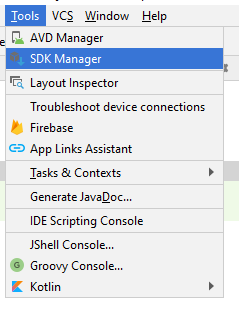
Installation du NDK.
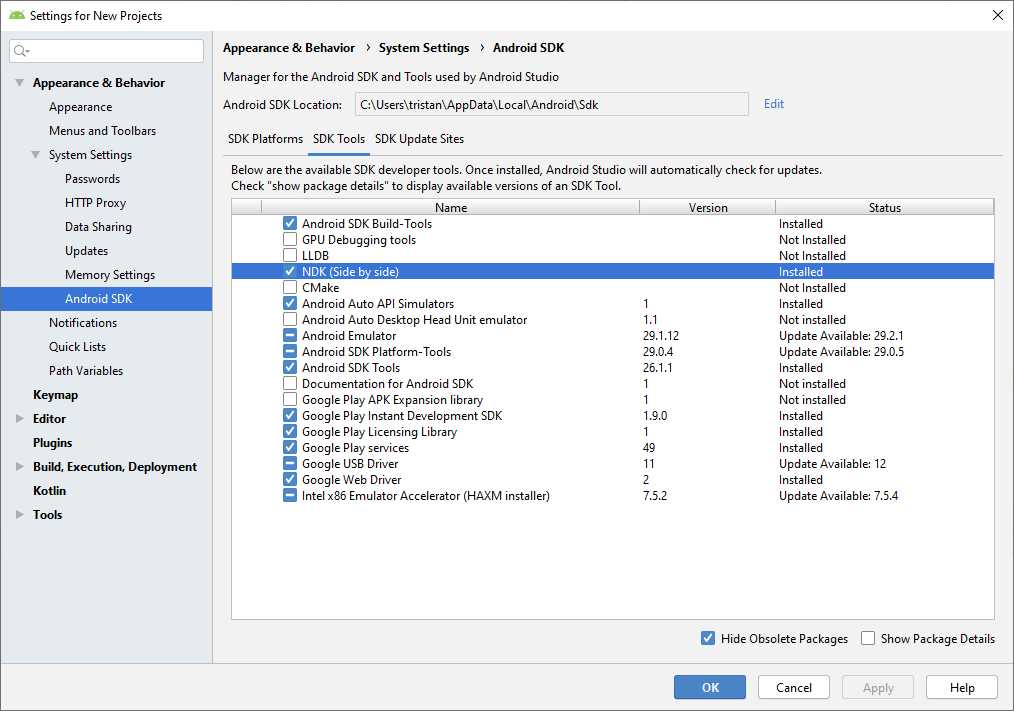
Création d'un projet.
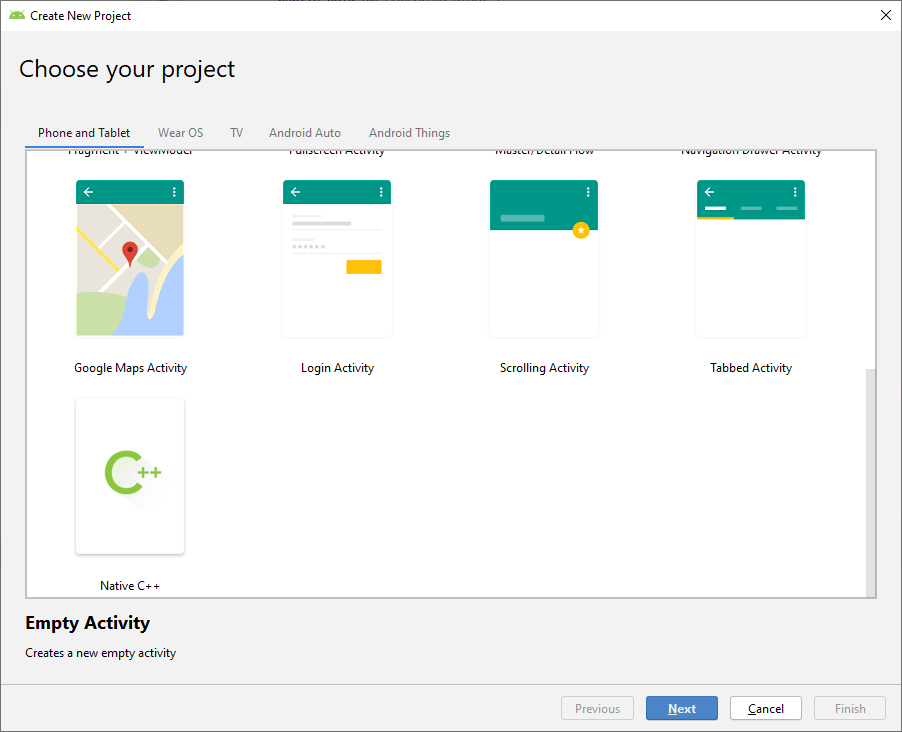
Nommage du projet.
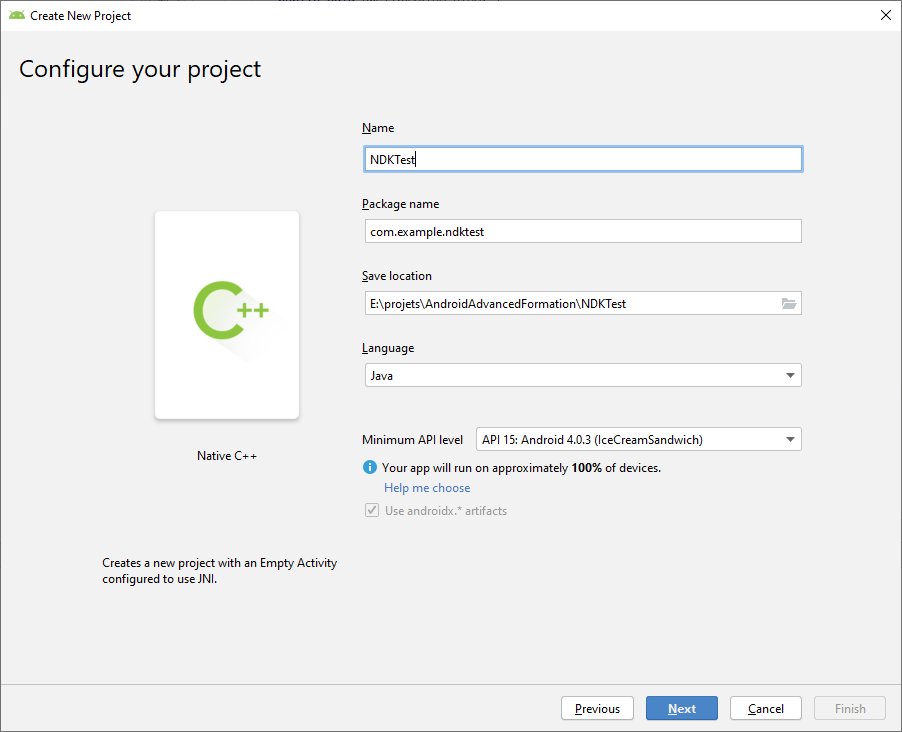
Sélection de la toolchain.
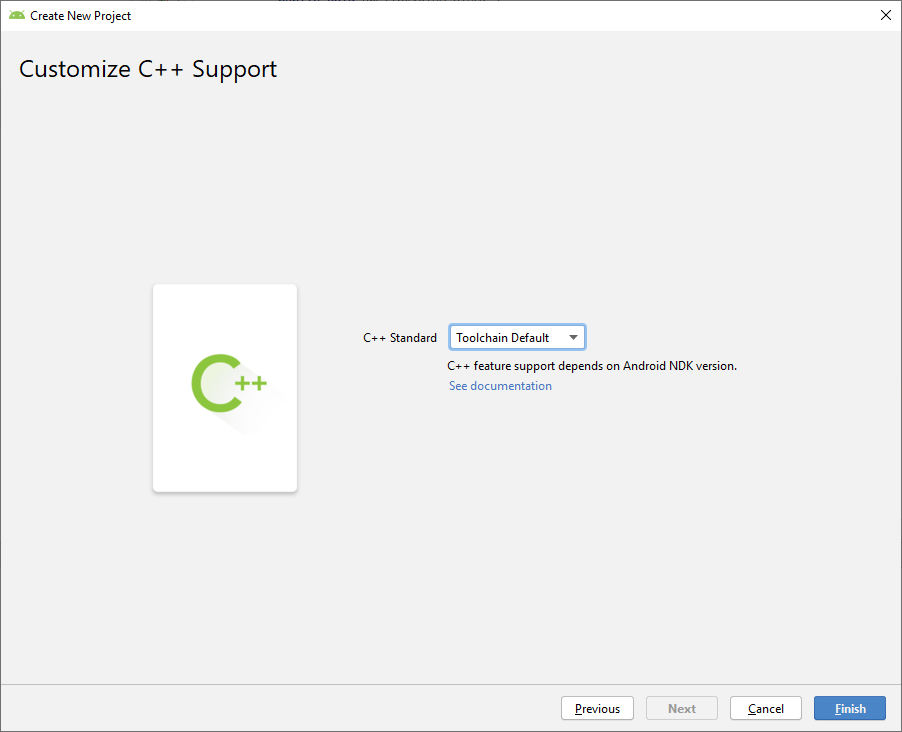
Gestion erreur CMAKE.

CMAKE Installé.
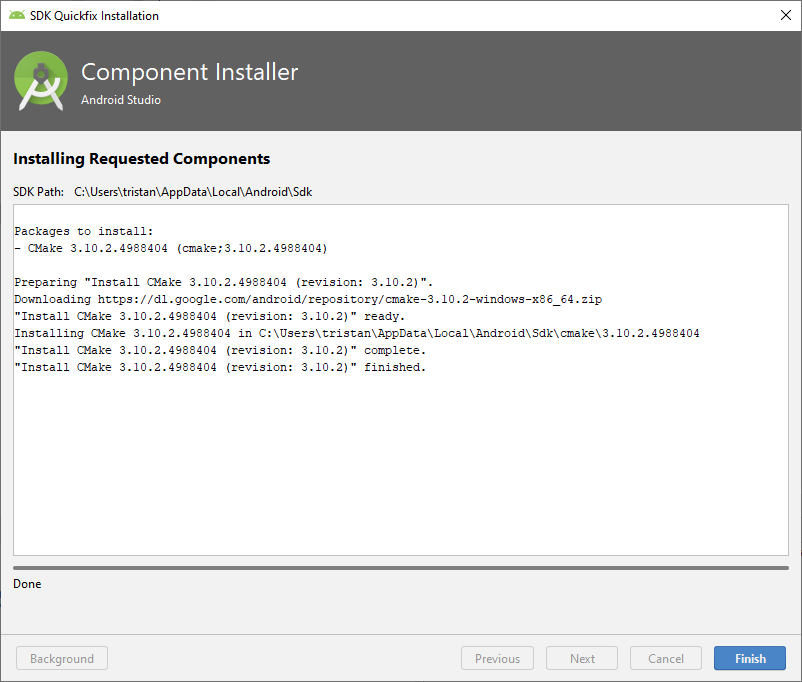
Ajout CMAKE dans le path.

Test.
Il ne reste plus qu'à tester le code, et voir les points les plus importants ensemble.Notifications
Les Toasts
Avons-nous besoin de revoir les Toasts ?Note, en Android 13+ il est nécessaire de demander une permission d'affichage des notifications (avec un channel vide par exemple) pour afficher des Toasts en arrière-plan.
Notification
Les notifications, sont bien plus puissantes qu'il n'y parait, voyons un peu plus en détail leur fonctionnement.Le template n'étant plus disponible, nous allons utiliser directement la documentation officielle.
Create a Notification
Permissions 6.0
Apports du SDK 6.0. Les permissions à la demande.
- Plus de protection de la vie privée.
- Granularité des permissions.
- Permissions à l'exécution.
Type de permissions
- Normal permissions.
- Signature permissions.
- Dangerous permissions.
- Special permissions (SYSTEM_ALERT_WINDOW et WRITE_SETTINGS).
Exemple d'utilisation
Nous voulons pouvoir passer un appel téléphonique, nous allons avoir besoin de la permissionCALL_PHONE.Pour cela, nous allons passer par plusieurs étapes :
- Ajout dans le manifest.
- Vérification de l'accord.
- Gestion du retour.
- Mise en place rapide.
- Mise en place encore plus rapide.
- Solution alternative.
Ajout dans le manifest.
<manifest xmlns:android="http://schemas.android.com/apk/res/android"
package="com.example.phonecall">
<uses-permission android:name="android.permission.CALL_PHONE"/>
<application ...>
...
</application>
</manifest>
Vérification de la permission.
if (ContextCompat.checkSelfPermission(thisActivity, Manifest.permission.CALL_PHONE)
!= PackageManager.PERMISSION_GRANTED) {
// Permission is not granted
}
Demande de la permission.
// Here, thisActivity is the current activity
if (ContextCompat.checkSelfPermission(thisActivity,
Manifest.permission.CALL_PHONE)
!= PackageManager.PERMISSION_GRANTED) {
// Permission is not granted
// Should we show an explanation?
if (ActivityCompat.shouldShowRequestPermissionRationale(thisActivity,
Manifest.permission.CALL_PHONE)) {
// Show an explanation to the user *asynchronously* -- don't block
// this thread waiting for the user's response! After the user
// sees the explanation, try again to request the permission.
} else {
// No explanation needed; request the permission
ActivityCompat.requestPermissions(thisActivity,
new String[]{Manifest.permission.CALL_PHONE},
MY_PERMISSIONS_REQUEST_CALL_PHONE);
// MY_PERMISSIONS_REQUEST_CALL_PHONE is an
// app-defined int constant. The callback method gets the
// result of the request.
}
} else {
// Permission has already been granted
}
Gestion de la réponse
@Override
public void onRequestPermissionsResult(int requestCode, String[] permissions, int[] grantResults) {
switch (requestCode) {
case MY_PERMISSIONS_REQUEST_CALL_PHONE: {
// If request is cancelled, the result arrays are empty.
if (grantResults.length > 0
&& grantResults[0] == PackageManager.PERMISSION_GRANTED) {
// permission was granted, yay! Do the job you need to do.
} else {
// permission denied, boo! Disable the functionality that depends on this permission.
}
return;
}
// other 'case' lines to check for other
// permissions this app might request.
}
}
Mise en place rapide.
Afin de mettre en place un code similaire, je vous propose d'utiliser un live template.- En dehors d'une méthode, utiliser le live template :
and_permission_single. - Choisir CALL_PHONE.
- Suivre les instructions dans les commentaires.
- Implémenter le code dans
actionToBeCalled(). - Ajouter
@SuppressLint("MissingPermission")sur cette méthode pour supprimer le warning. - Appeler la méthode
callAction().
Mise en place encore plus rapide
Nous allons cette fois-ci utiliser une méthode plus moderne de la classe Activity (Version 1.2.0 du 10 février 2021) :Utiliser le contrat
RequestPermission.Pour cela utilisons au choix le Live Template
and_request_permission_single ou and_request_permission_multiple
en fonction des besoins.
Solution alternative.
Utiliser un intent qui n'a pas besoin d'une permission particulière, dans notre cas, utiliser :
String url = "tel:"+"0612345678";
Intent callIntent = new Intent(Intent.ACTION_DIAL, Uri.parse(url));
startActivity(callIntent);
Autres exemples
Dans d'autres cas, nous pouvons nous passer des permissions :- Accès à Internet (intent, et intent filter pour le retour).
- Accès aux contacts (application de SMS, ...) : mode dégradé.
- Enregistrement dans la mémoire privée au lieu de la mémoire externe.
Outils avancés de développement
Gradle
Paramètres de base
Détaillons un fichier gradle de base :
android {
compileSdkVersion 29
buildToolsVersion "29.0.2"
defaultConfig {
applicationId "com.example.services"
minSdkVersion 15
targetSdkVersion 29
versionCode 1
versionName "1.0"
testInstrumentationRunner "androidx.test.runner.AndroidJUnitRunner"
}
buildTypes {
release {
minifyEnabled false
proguardFiles getDefaultProguardFile('proguard-android-optimize.txt'), 'proguard-rules.pro'
}
}
}
dependencies {
implementation fileTree(dir: 'libs', include: ['*.jar'])
implementation 'androidx.appcompat:appcompat:1.1.0'
implementation 'androidx.constraintlayout:constraintlayout:1.1.3'
testImplementation 'junit:junit:4.12'
androidTestImplementation 'androidx.test:runner:1.2.0'
androidTestImplementation 'androidx.test.espresso:espresso-core:3.2.0'
}
Types de build
Par défaut, nous avons le typedebug qui est définis. Un second type release
est aussi définis.
Flavors
Nous pouvons définir plusieurs dérivés de notre application principale, via lesflavors.Tous les détails ici :
https://developer.android.com/studio/build/build-variants#product-flavors.
Ajoutons le code suivant :
buildTypes {
// ...
}
flavorDimensions "version"
productFlavors {
demo {
dimension "version"
}
full {
dimension "version"
}
}
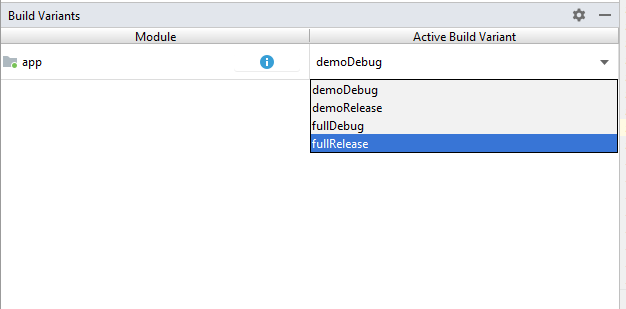
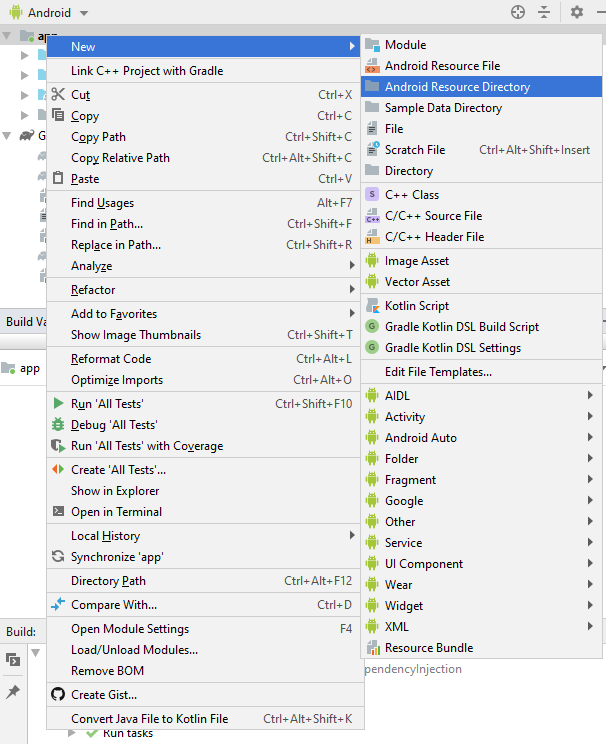
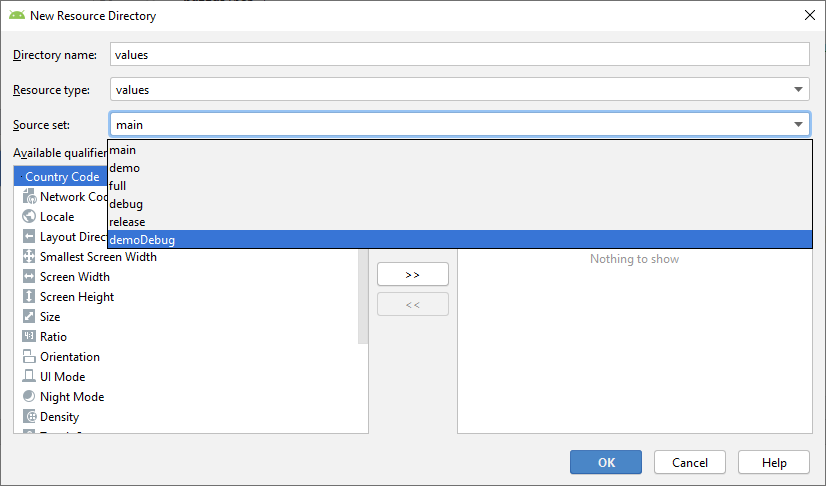
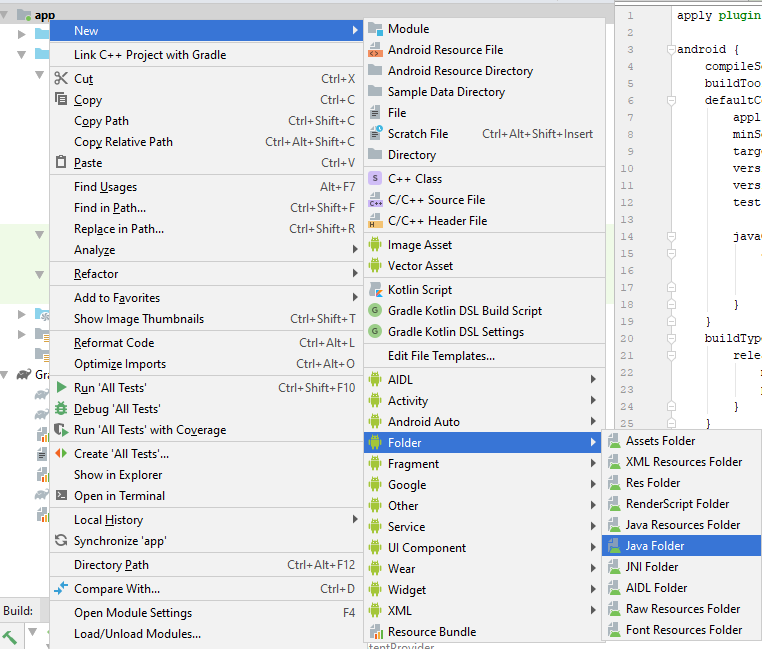
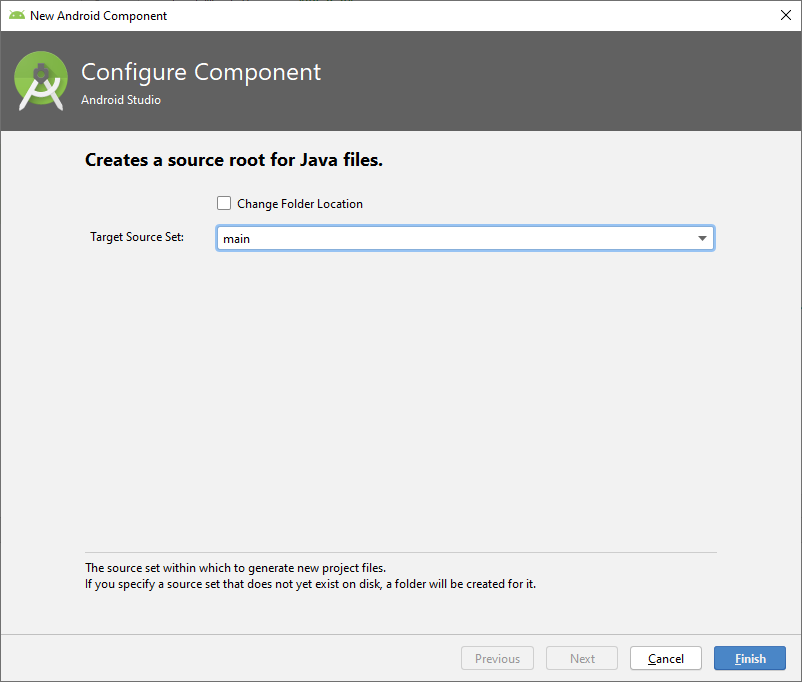
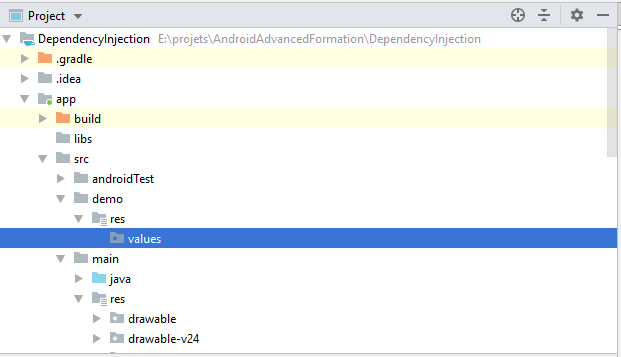
Dépendances
Nous verrons plus en détails dans la partie ajout des librairies, la gestion des dépendances.Mise en variable des versions
ext {
appcompatVersion = '1.1.0'
constraintLayoutVersion = '1.1.3'
junitVersion = '4.12'
runnerVersion = '1.2.0'
espressoVersion = '3.2.0'
}
dependencies {
implementation fileTree(dir: 'libs', include: ['*.jar'])
implementation "androidx.appcompat:appcompat:$appcompatVersion"
implementation "androidx.constraintlayout:constraintlayout:$constraintLayoutVersion"
testImplementation "junit:junit:$junitVersion"
androidTestImplementation "androidx.test:runner:$runnerVersion"
androidTestImplementation "androidx.test.espresso:espresso-core:$espressoVersion"
}
Lint
Améliorer son code source avec Lint
Lancer lint manuellement :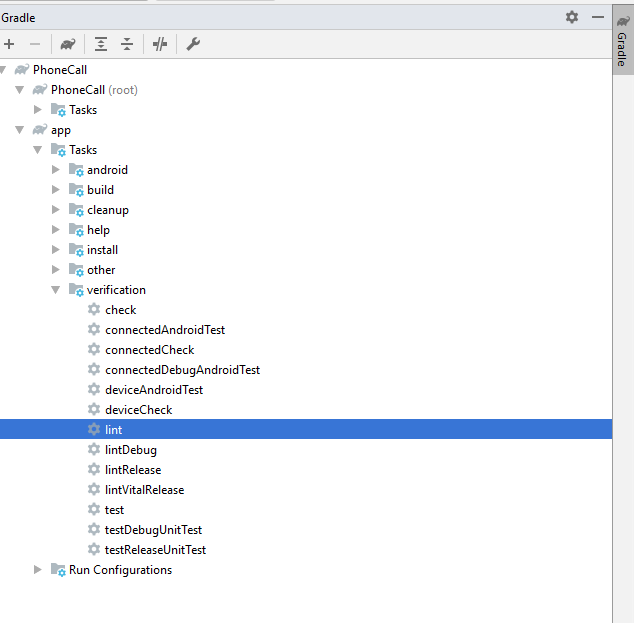
Ouvrez le rapport.
Analyse du code
Nous pouvons aussi lancer l'analyse du code :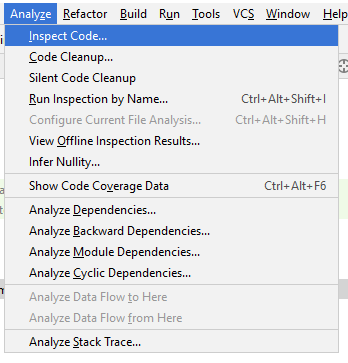
Configurer Lint
Nous avons plusieurs méthodes pour configurer Lint :- Utiliser l'ampoule jaune ou rouge.
- Créer un fichier
lint.xmlà la racine du projet. - Utiliser l'annotation
@SuppressLint.
Exemple de fichier lint.xml
<?xml version="1.0" encoding="UTF-8"?>
<lint>
<!-- Disable the given check in this project -->
<issue id="IconMissingDensityFolder" severity="ignore" />
<!-- Ignore the ObsoleteLayoutParam issue in the specified files -->
<issue id="ObsoleteLayoutParam">
<ignore path="res/layout/activation.xml" />
<ignore path="res/layout-xlarge/activation.xml" />
</issue>
<!-- Ignore the UselessLeaf issue in the specified file -->
<issue id="UselessLeaf">
<ignore path="res/layout/main.xml" />
</issue>
<!-- Change the severity of hardcoded strings to "error" -->
<issue id="HardcodedText" severity="error" />
</lint>
Optimisation
Mettre au point et profiler/monitorer une application.
Nous pouvons étudier la consommation en mémoire, énergie, ... de notre application en utilisant les différents volets du profiler. Il est aussi possible d'utiliser les outils présents directement sur le téléphone en mode développeur.Optimisation de l'APK avec ProGuard.
Nous allons suivre le tutoriel suivant : Getting Started with ProGuard.Certains ajustements sont à faire :
- Il faut penser à ajouter le repository
maven { url "https://jitpack.io" }(Page du projet). - L'erreur
Can’t find referenced class org.sl4jne semble plus être d'actualité.
Aller un peu plus loin avec le Material Design.
La base du design de nos applications est décrite ici : Material DesignNous allons voir un peu plus en détails certains éléments.
- Les polices de caractères.
- TextView ajustable.
- Résumé des bonnes pratiques.
Fonts externes
Nous allons utiliser une "font" externe pour afficher un texte. Pour cela sélectionnons unTextView,
All Attributes,
fontFamilly
et sélectionnons par exemple smokum.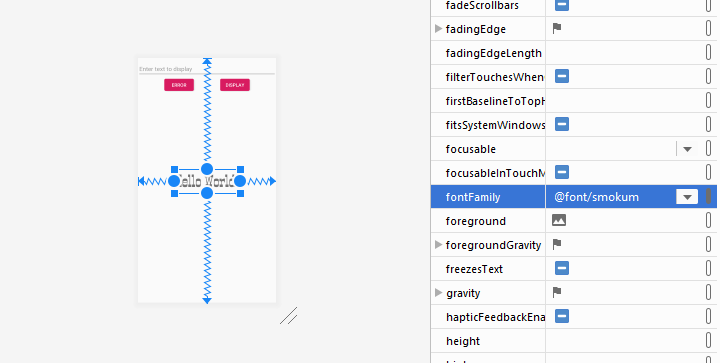
SeekBar
Ajoutons une barre pour sélectionner la taille de notre texte : uneSeekBar.Exemple de tutoriel.
TextView automatique
Ajoutons maintenant un listener sur notre champ texte qui va afficher le texte avec la font, et la taille sera automatique, pour occuper le plus de place possible sur l'écran.TextView automatique
var outputText = findViewById<TextView>(R.id.outputText)
findViewById<EditText>(R.id.inputText).addTextChangedListener {
outputText.text = it
}
Example :
<TextView
android:layout_width="match_parent"
android:layout_height="200dp"
android:autoSizeTextType="uniform" />
Bouton flottant
Ajoutons un bouton flottant : RéférenceUtilisation des styles
Nous allons voir comment bien organiser la présentation de ses écrans, à travers les fichiers ressources :colors.xmldimens.xmlstyles.xml
Déclaration des couleurs
Nous allons déclarer des couleurs dans le fichierscolors.xml afin de regrouper ce type de
ressources.
Déclaration des tailles
Le fichierdimens.xml nous permet de déclarer les différentes tailles (taille du texte,
marge, ...) afin de regrouper ce type de ressources.Les différentes unités de mesure :
- dp
- sp
- px, in, ...
Déclaration des styles
Nous allons déclarer des styles, qui feront référence aux couleurs et tailles, définies dans les autres fichiers de ressources, et regrouperons toutes les caractéristiques d'affichage des éléments. Il est même possible de faire des héritages de styles, comme en CSS.
<style name="DialogTitle" parent="AppTheme">
<item name="android:padding">@dimen/dialog_title_text_padding</item>
<item name="android:textSize">@dimen/dialog_title_text_size</item>
<item name="android:textStyle">bold</item>
</style>
Aller plus loin
Nous allons voir plus en détails les ConstraintLayouts, voir le PDF ici.Les ressources graphiques sont disponibles ici.
Nous pouvons suivre les tutoriels suivants pour perfectionner notre technique :
Le matérial design
Pour tous les détails sur le Material Design 3.Il s'agit d'une évolution du Material Design 2.
Mécanismes des widgets
Nous allons développer un widget qui permet d'afficher la date courante.Créons un nouveau projet
Widget.
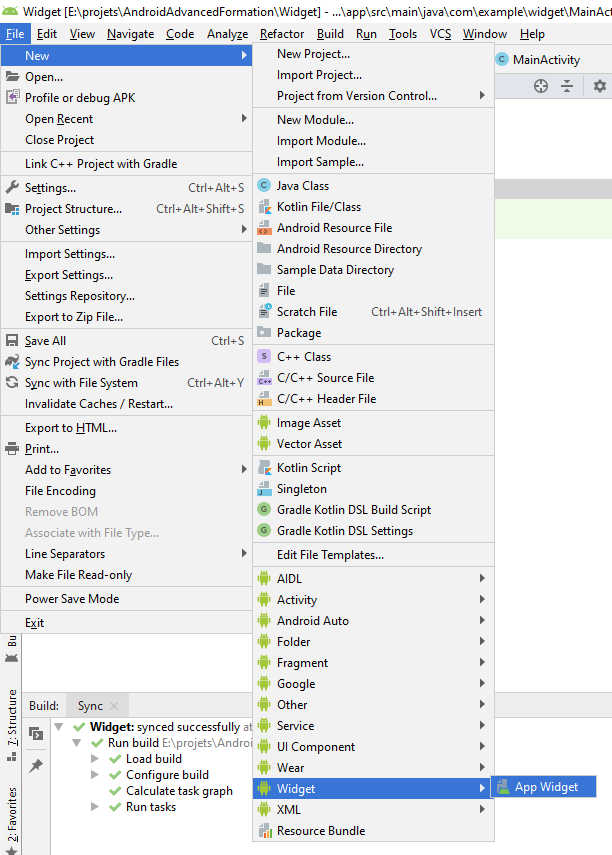
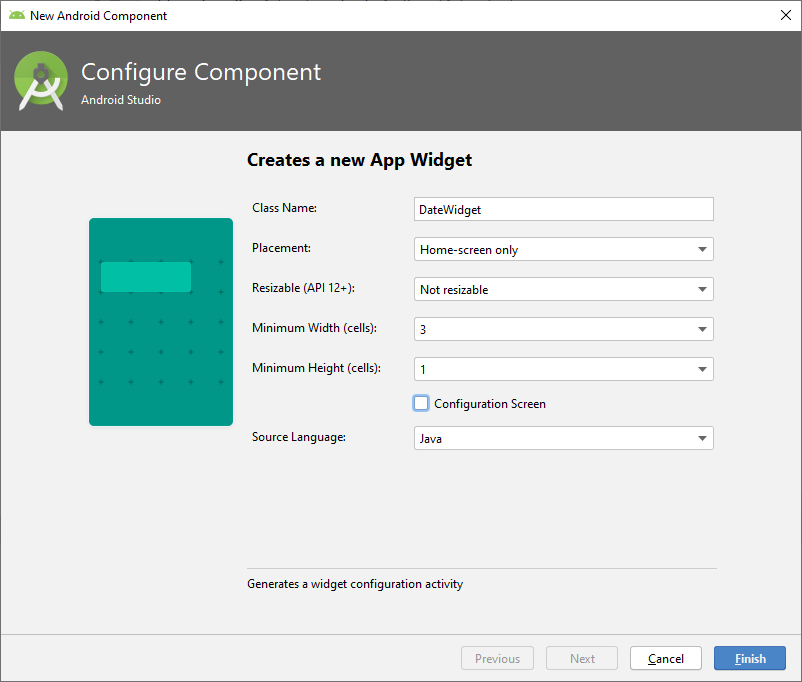
CharSequence widgetText = context.getString(R.string.appwidget_text);
Date current = new Date();
SimpleDateFormat dateFormat = new SimpleDateFormat("dd MMM yyy");
String widgetText = dateFormat.format(current);
Présentation OpenGL/ES.
Pour réaliser des applications graphiques, 3D, ... nous pouvons utiliser OpenGL.Pour plus de détails, un tutoriel d'initiation en français, et un exemple un peu plus complexe en anglais.
Ajout d'animations
Nous pouvons ajouter facilement une animation à nos layouts, pour cela, créons le projet suivant :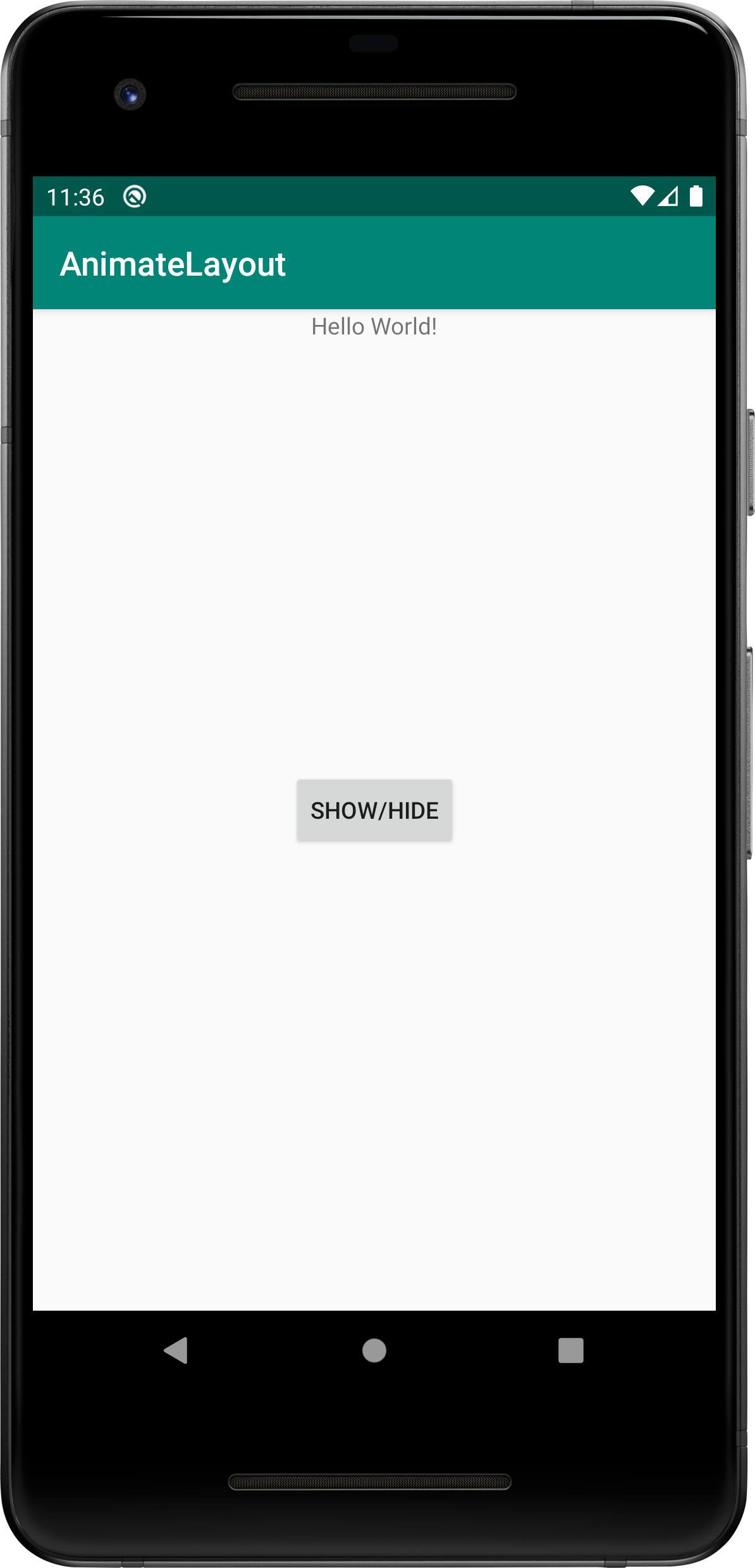
TextView tvText;
tvText = findViewById(R.id.text);
findViewById(R.id.button).setOnClickListener(new View.OnClickListener() {
@Override
public void onClick(View v) {
tvText.setVisibility(tvText.getVisibility() == View.VISIBLE ? View.GONE : View.VISIBLE );
}
});
android:animateLayoutChanges="true"
Ajout d'un fond en dégradé
Créons un drawable :background.xml :
<?xml version="1.0" encoding="utf-8"?>
<shape xmlns:android="http://schemas.android.com/apk/res/android">
<gradient
android:angle="90"
android:endColor="#FFF"
android:startColor="#CCC" />
</shape>
Transition entre les activités
Il est possible d'ajouter des animations lors du lancement d'une activité, mais il est encore plus parlant pour l'utilisateur d'avoir des animations faisant correspondre les éléments d'un écran, vers le second. Voyons cela en détail : ici.Haut niveau d'animation
Un exemple d'interface animée : Application de pizza.tools
Dans un layout, il est possible de changer le prefix android par le préfix
tools ce qui impactera seulement l'affichage dans l'IDE, mais
sera ignoré dans
l'application. Testons par exemple en changeant la visibilité d'un élément :
tools:visibility="gone"
region
Dans notre code, il est possible d'utiliser le commentaire // region nomDeNotreRegion puis
// endregion
pour regrouper des blocs de code, afin de mieux les organiser.Pour visualiser l'effet, utilisons l'onglet
Structure présent à gauche de notre interface.
Dernière version d'une librairie
Il arrive régulièrement de trouver un tutoriel utilisant une librairie, mais la version n'est plus d'actualité.Pour déterminer la dernière version utilisable dans notre projet, le plus facile est de consulter le serveur de ressources MVN repository.
Librairies et services
- Google Maps
- Géolocalisation
- LeaderBoard
Utiliser les Google Play Services.
Nous allons par exemple mettre en place une Google Maps.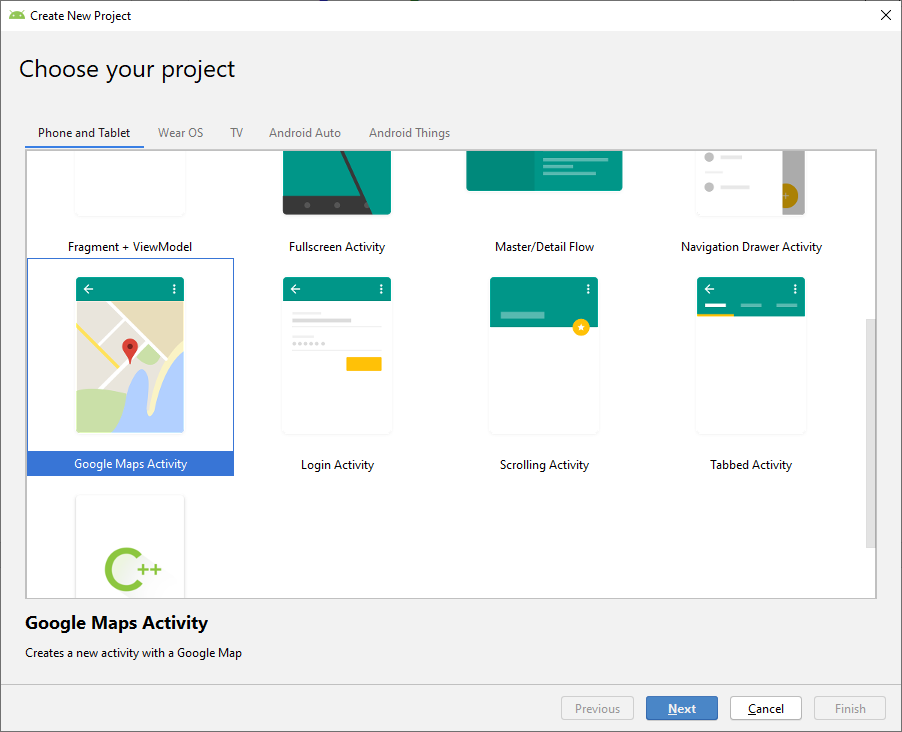
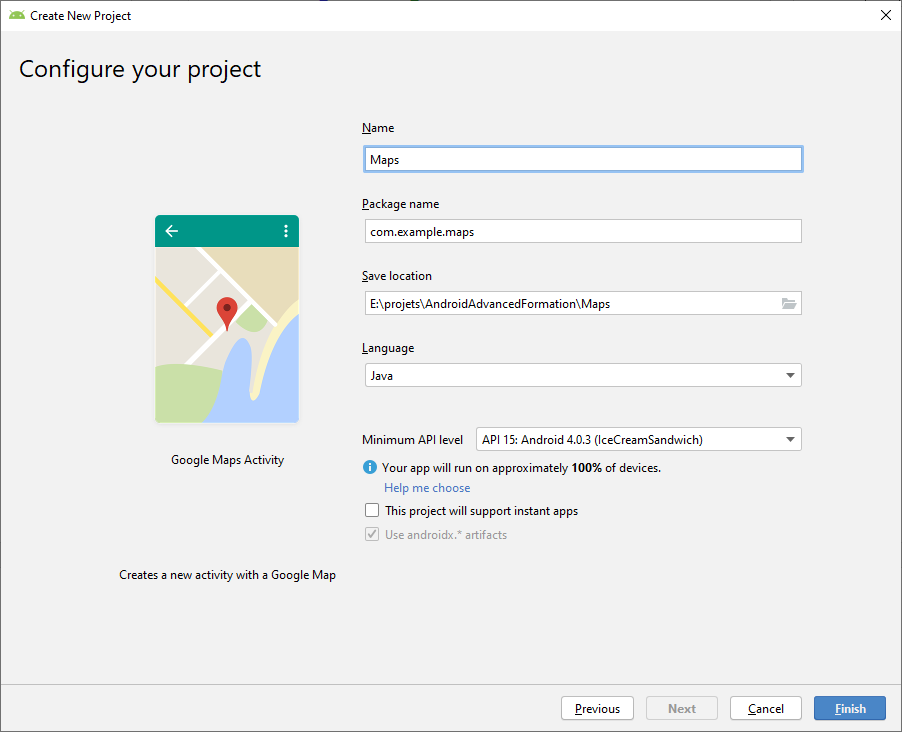
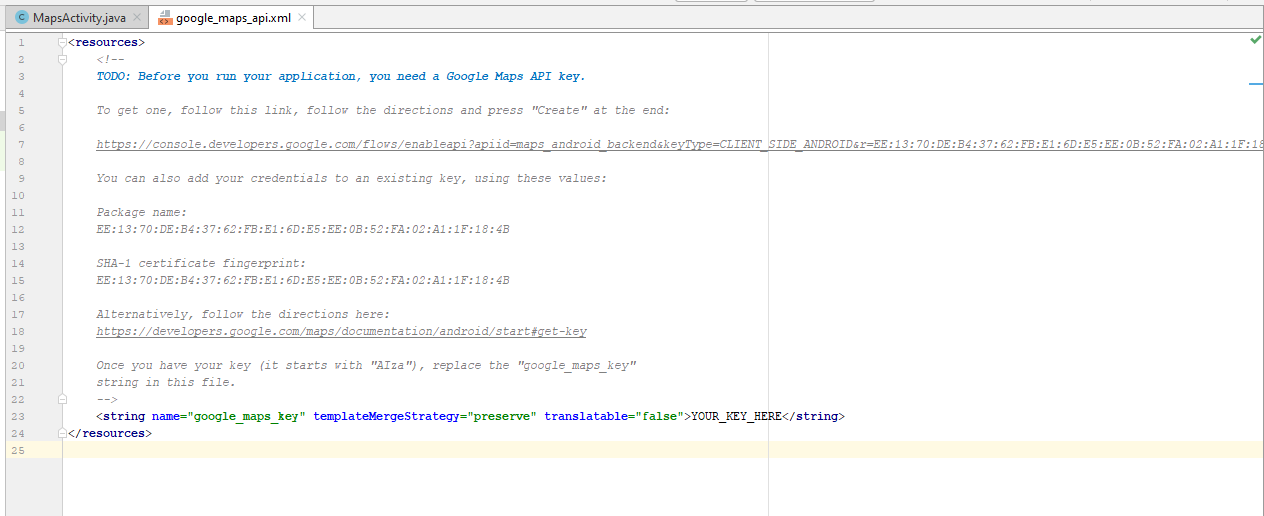
@Override
public void onMapReady(GoogleMap googleMap) {
mMap = googleMap;
// Add a marker in Startup Marseille and move the camera
LatLng startupMarseille = new LatLng(43.291590, 5.378210);
mMap.addMarker(new MarkerOptions().position(startupMarseille).title("Marker at Startup Marseille."));
mMap.moveCamera(CameraUpdateFactory.zoomTo(19));
mMap.moveCamera(CameraUpdateFactory.newLatLng(startupMarseille));
}
Affichage position courante
Nous allons maintenant afficher la position courante de l'utilisateur en utilisant le GPS. Pour cela, nous allons suivre les étapes suivantes :Ajouter la librairie à notre graddle :
implementation 'com.google.android.gms:play-services-location:17.0.0'
Marker pour garder une référence sur le marker de la position
courante :
private Marker currentPosition;
FusedLocationProviderClient client = LocationServices.getFusedLocationProviderClient(this);
// Get the last known location
client.getLastLocation().addOnCompleteListener(this, new OnCompleteListener<Location>() {
@Override
public void onComplete(@NonNull Task<Location> task) {
// TODO
}
});
Affichage du marker
Complétons le code :
LatLng currentLocation = new LatLng(task.getResult().getLatitude(), task.getResult().getLongitude());
currentPosition = mMap.addMarker(new MarkerOptions().position(currentLocation).title("Current position").icon(BitmapDescriptorFactory.defaultMarker(BitmapDescriptorFactory.HUE_GREEN)));
Gestion des autorisations
Nous avons l'erreur suivante :
com.google.android.gms.tasks.RuntimeExecutionException: java.lang.SecurityException: Client must have ACCESS_COARSE_LOCATION or ACCESS_FINE_LOCATION permission to perform any location operations.
- Activer directement dans les paramètres de l'application (pour tester).
- Demander la permission dynamiquement.
Erreur de position sur l'émulateur
Si vous rencontrez un problème avec la localisation, lancez l'application Maps, et le problème devrait être corrigé.LeaderBoard
Nous pouvons utiliser le système de gestion des scores, des accomplissements proposé par Google, tous les détails : ICI.Récapitulatif des services
La liste des services disponibles est accessible ICI.Intégrer des bibliothèques tierces à un projet Android.
Nous allons installer et utiliser une bibliothèque tierce dans un projet. Par exemple un sélecteur de couleur.Suivez les consignes de la librairie, avec les instructions supplémentaires suivantes :
- Déclenchez le sélecteur sur le click d'un bouton.
- Nous modifierons la couleur de fond de l'application.
- La couleur initiale du sélecteur doit être la couleur du fond de l'application.
int color = Color.RED;
Drawable background = rootView.getBackground();
if (background instanceof ColorDrawable)
color = ((ColorDrawable) background).getColor();
Intégration d'un scanner de QRCode
Voir le PDF ici.Une façon plus moderne de réaliser cette tâche est d'utiliser la librairie de Google qui permet de faire de la reconnaissance d'image. Par exemple un scanner de QRCode.
Tous les détails, ici.
L'application de démo, ici.
Intégration d'une push notification
Nous allons utiliser les services de OneSignal, pour cela, nous allons créer un compte sur OneSignal, et suivre les étapes suivantes ...
Maîtriser le chargement des images avec Picasso.
Nous allons intégrer la librairie Picasso à notre projet.- Ajoutons une
ImageViewà notre projet. - Ajoutons la librairie dans le gradle.
- Ajoutons la permission INTERNET.
- Utilisons la librairie comme indiqué dans la documentation.
ImageView imageView = findViewById(R.id.image);
Picasso.get().setLoggingEnabled(true);
Picasso.get().setIndicatorsEnabled(true);
Picasso.get().load("https://upload.wikimedia.org/wikipedia/commons/d/da/Internet2.jpg").into(imageView);
Glide
Procédons de la même manière avec la librairie Glide.Ce qui nous donnera le code suivant :
Glide.with(this).load("https://upload.wikimedia.org/wikipedia/commons/d/da/Internet2.jpg").into(imageView);
L'injection de dépendances (Dagger).
Nous allons mettre en place une librairie permettant l'injection de dépendances : Dagger.Dans un premier temps, pour bien comprendre l'injection de dépendances, nous allons suivre le tutoriel suivant :
https://developer.android.com/training/dependency-injection.
Dans un second temps, nous allons suivre le tutoriel suivant :
Using Dagger 2 for dependency injection in Android.
D'autres tutoriels sont disponibles : ici, ou ici.
Ma préférence va à Koin.
Custom View
Définition
Nous pouvons définir des vues que nous allons dessiner sur unCanvas. Pour cela, nous
allons suivre les étapes suivantes :
- Création d'une custom view à partir du template.
- Personnalisation du modèle.
Création du modèle
Pour créer le modèle, nous allons utiliser le menu :File / New / Ui Component / Custom View
Utilisation du modèle
Nous allons suivre les étapes suivantes :- Utilisation de la vue custom.
- Détail des attributs.
- Détail du code.
La vue à obtenir
Nous souhaitons obtenir la vue suivante :
Exercice
Écrivez le code qui permet de dessiner la vue.Nous utiliserons les éléments suivants :
Paint.translate.rotate.setColor.Path.drawArc.
Solution (Java)
On définit l'attribut suivant :
private int mAngle = 0;
public void setmAngle(int mAngle) {
this.mAngle = mAngle;
invalidate();
}
Solution (Java)
Et enfin le code pour dessiner la vue :
protected void onDraw(Canvas canvas) {
super.onDraw(canvas);
int cx = getWidth() / 2;
int cy = getHeight() / 2;
Paint paint = new Paint();
// Définir la flèche
Path northPath = new Path();
northPath.moveTo(0, -cy);
northPath.lineTo(-10, 0);
northPath.lineTo(10, 0);
northPath.close();
// Dessiner le cercle de fond
// Définir le rectangle contenant le cercle que l'on va dessiner
RectF pitchOval = new RectF(0, 0, getWidth(), getHeight());
paint.setColor(Color.BLACK);
canvas.drawArc(pitchOval, 0, 360, false, paint);
canvas.translate(cx, cy);
canvas.rotate(mAngle);
paint.setColor(Color.RED);
canvas.drawPath(northPath, paint);
}
Solution complète (Java)
public class MyView extends View {
private int mAngle = 0;
public MyView(Context context) {
super(context);
}
public MyView(Context context, AttributeSet attrs) {
super(context, attrs);
}
public MyView(Context context, AttributeSet attrs, int defStyle) {
super(context, attrs, defStyle);
}
protected void onDraw(Canvas canvas) {
super.onDraw(canvas);
int cx = getWidth() / 2;
int cy = getHeight() / 2;
Paint paint = new Paint();
// Définir la flèche
Path northPath = new Path();
northPath.moveTo(0, -cy);
northPath.lineTo(-10, 0);
northPath.lineTo(10, 0);
northPath.close();
// Dessiner le cercle de fond
// Définir le rectangle contenant le cercle que l'on va dessiner
RectF pitchOval = new RectF(0, 0, getWidth(), getHeight());
paint.setColor(Color.BLACK);
canvas.drawArc(pitchOval, 0, 360, false, paint);
canvas.translate(cx, cy);
canvas.rotate(mAngle);
paint.setColor(Color.RED);
canvas.drawPath(northPath, paint);
}
public void setmAngle(int mAngle) {
this.mAngle = mAngle;
invalidate();
}
}
La gestion des données
Les préférences
Charger une préférence
Pour récupérer la valeur stockée, nous utilisons :
val sharedPref = PreferenceManager.getDefaultSharedPreferences(applicationContext)
val defaultValue = resources.getInteger(R.string.value_default)
sharedPref.getInt(SHARED_PREFS_VALUE, defaultValue)
Nous pouvons bien entendu mutualiser l'objet
sharedPref.La version plus moderne consiste à utiliser un datastore.
Les fichiers
@file:JvmName("FileTools")
package com.example.myapplication
import android.content.Context
import java.io.File
fun readFile(context: Context, isExternal: Boolean, path: String, fileName: String): String {
val currentFile = getFile(context, isExternal, path, fileName)
// READ
// val inputAsString = FileInputStream(currentFile).bufferedReader().use { it.readText() }
var sb = StringBuilder()
currentFile?.forEachLine { sb.append( "$it\n") }
return sb.toString()
}
fun writeFile(
context: Context,
isExternal: Boolean,
path: String,
fileName: String,
content: String,
append: Boolean
): Boolean {
val currentFile = getFile(context, isExternal, path, fileName)
if (currentFile == null) {
return false
}
// WRITE
// FileOutputStream(currentFile).use {
// it.write(content.toByteArray())
// }
// TODO check if write is OK
if(append){
currentFile?.appendText(content)
} else {
currentFile?.writeText(content)
}
return true
}
fun getFile(context: Context, isExternal: Boolean, path: String, fileName: String): File? {
val rootPath: File?
if (isExternal) {
//<uses-permission android:name="android.permission.WRITE_EXTERNAL_STORAGE" />
rootPath = context.getExternalFilesDir(null)
} else {
rootPath = context.getFilesDir()
}
// In case of error while opening, then return.
if (rootPath == null) {
return null
}
val currentPath = File(rootPath, path)
if (!currentPath.exists()) {
var success = currentPath.mkdirs()
if (!success) {
return null
}
}
val file = File(currentPath, fileName)
return file
}
Utilisation
Utilisons les méthodes que nous venons d'écrire :
var isExternal = false
var path = "trs"
var fileName = "test.txt"
var append = true
writeFile(this@MainActivity, isExternal, path, fileName, "AAAAA\n", append)
val stringContent = readFile(this@MainActivity, isExternal, path, fileName)
if (BuildConfig.DEBUG) {
Log.d(TAG, "onCreate $stringContent")
}
SQLite / Room
Voyons un peu plus en détail la mise en œuvre de cette base de donnée. Nous allons étudier 2 méthodologies différentes (utilisant 2 outils différents) :
- En utilisant la documentation officielle : ROOM.
- En utilisant des LivesTemplates (and_db_room_00_documentation) (En JAVA uniquement).
Aller plus loin
Les bases de données ne pouvant pas être appelées dans le thread graphique et pouvant évoluer dans le temps, il est recommandé d'utiliser les LiveData pour gérer l'affichage des données. Nous pouvons suivre le tutoriel suivant : Android Room with a View - Kotlin.Les Content Provider
Définition
Le content provider permet de partager avec d'autres applications des données, de manière standardisée.Plus de détails, ici.
Utilisation d'un content provider
Nous allons utiliser un content provider, par exemple le MediaStore. Créons un nouveau projet ContentProviderClient, et listons les sons disponibles sur notre téléphone :
Uri media = MediaStore.Audio.Media.EXTERNAL_CONTENT_URI;
String[] projection = { MediaStore.Audio.Media._ID, // 0
MediaStore.Audio.Media.ARTIST, // 1
MediaStore.Audio.Media.TITLE, // 2
MediaStore.Audio.Media.ALBUM_ID, // 3
MediaStore.Audio.Media.ALBUM, // 4
MediaStore.Audio.Media.DATA, // 5
MediaStore.Audio.Media.DISPLAY_NAME, // 6
MediaStore.Audio.Media.DURATION }; // 7
String selection = MediaStore.Audio.Media.IS_MUSIC + " != 0";
Cursor cursor = getContentResolver().query(media,projection,selection,null,null);
while(cursor.moveToNext()){
if(BuildConfig.DEBUG){
Log.d(TAG, "onCreate " +
cursor.getString(0) + " " +
cursor.getString(1) + " " +
cursor.getString(2) + " " +
cursor.getString(3) + " " +
cursor.getString(4) + " " +
cursor.getString(5) + " " +
cursor.getString(6) + " " +
cursor.getString(7) + " ");
}
}
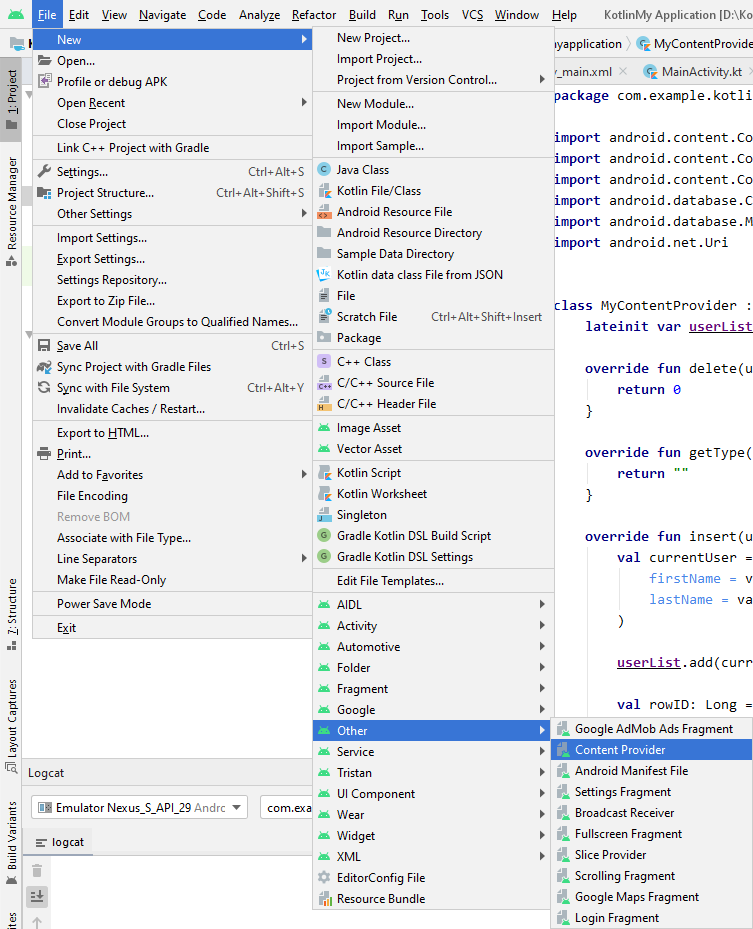
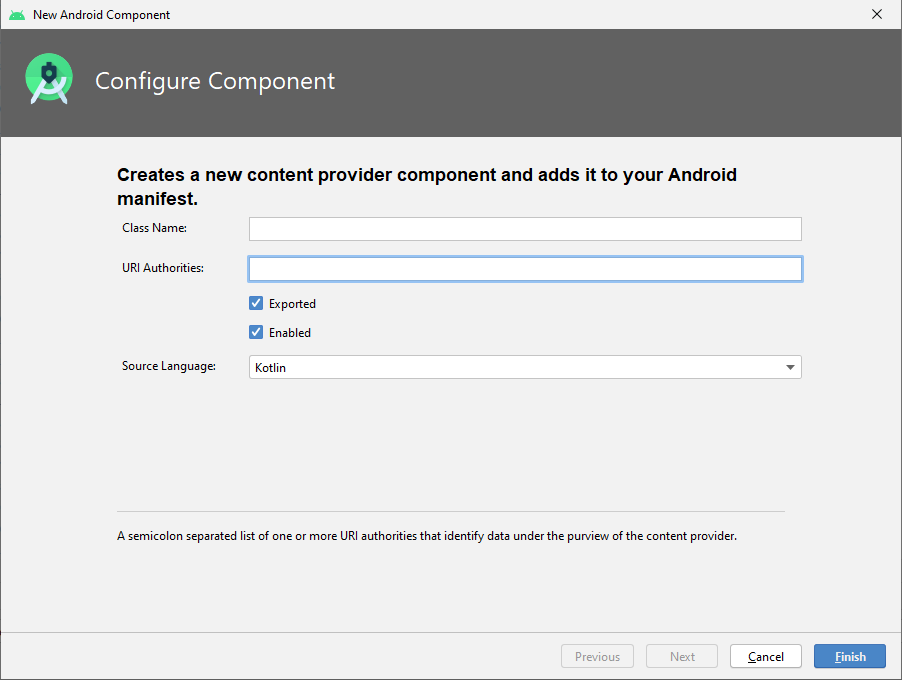
POJO : La classe User
Déclarons une nouvelle classe qui va contenir nos données, la classeUser :
data class User(var firstName: String, var lastName: String)
Query
Pour commencer, nous allons simplement retourner une liste en dur via le code :
override fun query(
uri: Uri, projection: Array<String>?, selection: String?,
selectionArgs: Array<String>?, sortOrder: String?
): Cursor? {
val cursor = MatrixCursor(arrayOf("name", "firstname"))
cursor.newRow()
.add("name", "SALAUN")
.add("firstname", "Tristan")
cursor.newRow()
.add("name", "SNOW")
.add("firstname", "John")
return cursor
}
ArrayList
Afin d'avoir une certaine persistance et aller plus rapidement, dans l'implémentation du ContentProvider, nous allons utiliser une ArrayList.Déclarons une variable de classe :
lateinit var userList: ArrayList<User>
override fun onCreate(): Boolean {
// Init some values at the create
userList = arrayListOf(User("Tristan", "SALAUN"))
return true
}
override fun query(
uri: Uri, projection: Array<String>?, selection: String?,
selectionArgs: Array<String>?, sortOrder: String?
): Cursor? {
val cursor = MatrixCursor(arrayOf("name", "firstname"))
for (curentUser in this.userList) {
cursor.newRow()
.add("name", curentUser.lastName)
.add("firstname", curentUser.firstName)
}
// cursor.newRow()
// .add("name", "SALAUN")
// .add("firstname", "Tristan")
//
// cursor.newRow()
// .add("name", "SNOW")
// .add("firstname", "John")
return cursor
}
override fun insert(uri: Uri, values: ContentValues?): Uri? {
val currentUser = User(
firstName = values?.getAsString(UserContract.MyDatas.KEY_COL_FIRSTNAME),
lastName = values?.getAsString(UserContract.MyDatas.KEY_COL_NAME)
)
userList.add(currentUser)
val rowID: Long = userList.size.toLong()
val _uri =
ContentUris.withAppendedId(UserContract.MyDatas.CONTENT_URI, rowID)
context!!.contentResolver.notifyChange(_uri, null)
return _uri
}
Partager notre Content Provider
L'objectif étant que notre Content provider soit utilisable par d'autres applications, il est d'usage de définir une classe Contrat, dans notre cas la classe UserContract :
import android.net.Uri
import android.provider.BaseColumns
class UserContract {
companion object {
// The Authority
private const val AUTHORITY = "com.exemple.contentprovider.provider"
// The path to the data… and explain
private const val PATH_TO_DATA = "users" //Vous pouvez déclarer plusieurs paths (les paths utilisent les /)
}
interface MyDatas : BaseColumns {
companion object {
// The URI and explain, with example if you want
val CONTENT_URI: Uri = Uri.parse("content://${UserContract.AUTHORITY}/${UserContract.PATH_TO_DATA}")
// My Column ID and the associated explanation for end-users
const val KEY_COL_ID = BaseColumns._ID // Mandatory
// My Column Name and the associated explanation for end-users
const val KEY_COL_NAME = "name"
// My Column First Name and the associated explanation for end-users
const val KEY_COL_FIRSTNAME = "firstName"
// The index of the column ID
const val ID_COLUMN = 1
// The index of the column NAME
const val NAME_COLUMN = 2
// The index of the column FIRST NAME
const val FIRSTNAME_COLUMN = 3
}
}
}
Création de ContentProviderClient
C'est la classe UserContract que nous utilisons aussi dans le projet client de notre ContentProvider : ContentProviderClient.Créons le projet
ContentProviderClient.
Lecture dans ContentProviderClient
Ouvrons le projetContentProviderClient, et ajoutons le code pour interroger notre nouveau
ContentProvider :
Cursor cursor = getContentResolver().query(Uri.parse("content://com.exemple.contentprovider.provider"), null, null, null, null);
if(cursor.moveToFirst()) {
StringBuilder strBuild=new StringBuilder();
while (!cursor.isAfterLast()) {
strBuild.append("\n"+cursor.getString(0)+ "-"+ cursor.getString(1));
cursor.moveToNext();
}
if(BuildConfig.DEBUG){
Log.d(TAG, "onCreate " + strBuild);
}
}
Insertion dans ContentProviderClient
Ajoutons maintenant un appel pour insérer une donnée dans leContentProvider :
// Defines an object to contain the new values to insert
val newValues = ContentValues().apply {
/*
* Sets the values of each column and inserts the data. The arguments to the "put"
* method are "column name" and "value".
*/
put(UserContract.MyDatas.KEY_COL_FIRSTNAME, "John")
put(UserContract.MyDatas.KEY_COL_NAME, "Doe")
}
val newUri = contentResolver.insert(
UserContract.MyDatas.CONTENT_URI, // The UserDictionary content URI
newValues // The values to insert
)
La gestion réseau
Connectivité et HTTP
NetworkTool :
import android.content.Context
import android.net.ConnectivityManager
import android.net.NetworkCapabilities
import android.net.NetworkInfo
import android.os.Build
class NetworkTool {
companion object {
// NEED : <uses-permission android:name="android.permission.ACCESS_NETWORK_STATE"/>
private fun isNetworkAvailable(context: Context): Boolean {
val connectivityManager = context.getSystemService(Context.CONNECTIVITY_SERVICE) as ConnectivityManager
if (Build.VERSION.SDK_INT >= Build.VERSION_CODES.M) {
val nw = connectivityManager.activeNetwork ?: return false
val actNw = connectivityManager.getNetworkCapabilities(nw) ?: return false
return when {
actNw.hasTransport(NetworkCapabilities.TRANSPORT_WIFI) -> true
actNw.hasTransport(NetworkCapabilities.TRANSPORT_CELLULAR) -> true
//for other device who are able to connect with Ethernet
actNw.hasTransport(NetworkCapabilities.TRANSPORT_ETHERNET) -> true
//to check internet over Bluetooth
actNw.hasTransport(NetworkCapabilities.TRANSPORT_BLUETOOTH) -> true
else -> false
}
} else {
return connectivityManager.activeNetworkInfo?.isConnectedOrConnecting ?: false
}
}
fun isConnected(ni: NetworkInfo?): Boolean {
return ni != null && ni.isConnectedOrConnecting
//ni!=null && ni.getState()==NetworkInfo.State.CONNECTED
}
fun isBroadband(ni: NetworkInfo?): Boolean {
if (ni == null) return false
var isBroadband = false
when (ni.type) {
ConnectivityManager.TYPE_BLUETOOTH -> {}
ConnectivityManager.TYPE_ETHERNET -> isBroadband = true
ConnectivityManager.TYPE_MOBILE -> {}
ConnectivityManager.TYPE_WIFI -> isBroadband = true
ConnectivityManager.TYPE_WIMAX -> isBroadband = true
else -> {}
}
return isBroadband
}
}
}
NetworkStateReceiver
import android.content.BroadcastReceiver
import android.content.Context
import android.content.Intent
import android.net.ConnectivityManager
import android.net.NetworkInfo
import android.util.Log
import java.lang.Boolean
class NetworkStateReceiver: BroadcastReceiver() {
companion object {
private const val TAG = "NetworkStateReceiver"
}
// post event if there is no Internet connection
override fun onReceive(context: Context?, intent: Intent) {
Log.d(TAG, "onReceive $intent")
if (intent.extras != null) {
val ni = intent.extras!![ConnectivityManager.EXTRA_NETWORK_INFO] as NetworkInfo?
Log.d(TAG, "onReceive DetailedState = " + ni!!.detailedState.name)
Log.d(TAG, "onReceive State = " + ni.state.name)
Log.d(TAG, "onReceive ExtraInfo = " + ni.extraInfo)
Log.d(TAG, "onReceive Reason = " + ni.reason)
Log.d(TAG, "onReceive isAvailable = " + Boolean.toString(ni.isAvailable))
Log.d(TAG, "onReceive isConnected = " + Boolean.toString(ni.isConnected))
Log.d(TAG, "onReceive isConnectedOrConnecting = " + Boolean.toString(ni.isConnectedOrConnecting))
Log.d(TAG, "onReceive isFailover = " + Boolean.toString(ni.isFailover))
Log.d(TAG, "onReceive isRoaming = " + Boolean.toString(ni.isRoaming))
Log.d(TAG, "onReceive describeContents = " + ni.describeContents())
Log.d(TAG, "onReceive ExtraInfo = " + ni.extraInfo)
Log.d(TAG, "onReceive Subtype = " + ni.subtype)
Log.d(TAG, "onReceive SubtypeName = " + ni.subtypeName)
Log.d(TAG, "onReceive Type = " + ni.type)
Log.d(TAG, "onReceive TypeName = " + ni.typeName)
Log.d(TAG, "onReceive EXTRA_EXTRA_INFO = " + intent.getStringExtra(ConnectivityManager.EXTRA_EXTRA_INFO))
Log.d(
TAG,
"onReceive EXTRA_IS_FAILOVER = " + Boolean.toString(intent.getBooleanExtra(ConnectivityManager.EXTRA_IS_FAILOVER, Boolean.FALSE))
)
Log.d(TAG, "onReceive EXTRA_NETWORK_TYPE = " + intent.getIntExtra(ConnectivityManager.EXTRA_NETWORK_TYPE, -1))
Log.d(
TAG,
"onReceive EXTRA_NO_CONNECTIVITY = " + Boolean.toString(
intent.getBooleanExtra(
ConnectivityManager.EXTRA_NO_CONNECTIVITY,
Boolean.FALSE
)
)
)
val ni2 = intent.extras!![ConnectivityManager.EXTRA_OTHER_NETWORK_INFO] as NetworkInfo?
if (ni2 != null) {
Log.d(TAG, "onReceive EXTRA_OTHER_NETWORK_INFO DetailedState = " + ni2.detailedState.name)
Log.d(TAG, "onReceive EXTRA_OTHER_NETWORK_INFO State = " + ni2.state.name)
Log.d(TAG, "onReceive EXTRA_OTHER_NETWORK_INFO ExtraInfo = " + ni2.extraInfo)
Log.d(TAG, "onReceive EXTRA_OTHER_NETWORK_INFO Reason = " + ni2.reason)
Log.d(TAG, "onReceive EXTRA_OTHER_NETWORK_INFO isAvailable = " + Boolean.toString(ni2.isAvailable))
Log.d(TAG, "onReceive EXTRA_OTHER_NETWORK_INFO isConnected = " + Boolean.toString(ni2.isConnected))
Log.d(TAG, "onReceive EXTRA_OTHER_NETWORK_INFO isConnectedOrConnecting = " + Boolean.toString(ni2.isConnectedOrConnecting))
Log.d(TAG, "onReceive EXTRA_OTHER_NETWORK_INFO isFailover = " + Boolean.toString(ni2.isFailover))
Log.d(TAG, "onReceive EXTRA_OTHER_NETWORK_INFO isRoaming = " + Boolean.toString(ni2.isRoaming))
Log.d(TAG, "onReceive EXTRA_OTHER_NETWORK_INFO describeContents = " + ni2.describeContents())
Log.d(TAG, "onReceive EXTRA_OTHER_NETWORK_INFO ExtraInfo = " + ni2.extraInfo)
Log.d(TAG, "onReceive EXTRA_OTHER_NETWORK_INFO Subtype = " + ni2.subtype)
Log.d(TAG, "onReceive EXTRA_OTHER_NETWORK_INFO SubtypeName = " + ni2.subtypeName)
Log.d(TAG, "onReceive EXTRA_OTHER_NETWORK_INFO Type = " + ni2.type)
Log.d(TAG, "onReceive EXTRA_OTHER_NETWORK_INFO TypeName = " + ni2.typeName)
}
Log.d(TAG, "onReceive EXTRA_REASON = " + intent.getStringExtra(ConnectivityManager.EXTRA_REASON))
if (NetworkTool.isConnected(ni)) {
// there is Internet connection
if (BuildConfig.DEBUG) {
Log.d(TAG, "onReceive CONNECTED")
Log.d(TAG, "onReceive BROADBAND " + if (NetworkTool.isBroadband(ni)) "TRUE" else "FALSE")
}
} else {
if (BuildConfig.DEBUG) {
Log.d(TAG, "onReceive NOT CONNECTED")
}
// no Internet connection, send network state changed
}
}
}
}
private val networkStateReceiver = NetworkStateReceiver()
onCreate on enregistre le listenner :
registerReceiver(networkStateReceiver, IntentFilter(ConnectivityManager.CONNECTIVITY_ACTION))
onStop :
unregisterReceiver(networkStateReceiver)
Parser du JSON
Nous allons suivre les étapes suivantes :
- Ajouter une référence à la librairie dans nos dépendances.
- Générer du JSON à partir d'objets.
- Parser du JSON pour instancier des objets.
Ajout de la dépendance.
Ajoutons une dépendance dans notre fichier build.gradle (Module: app) :
dependencies {
...
// JSon parser
implementation 'com.google.code.gson:gson:2.10.1'
}
Générer du JSON à partir d'un objet.
Créons l'objet Book :
data class Book(var id: String, var name: String, var author: String, var genre: String, var numpages: Int, var releaseDate: String, var cover: String)
var list = arrayListOf(
Book(
id = "01fsEF", name = "1984",
author = "George Orwell",
genre = "Fiction dystopique",
numpages = 376,
releaseDate = "1949",
cover = "1984.png"
),
Book(
id = "3H1J0n",
name = "Le Meilleur des mondes",
author = "Aldous Huxley",
genre = "Science-fiction",
numpages = 285,
releaseDate = "1932",
cover = "meilleur-des-mondes.jpg"
),
Book(
id = "MbtsI7",
name = "Malevil",
author = "Robert Merle",
genre = "Littératures de l'imaginaire",
numpages = 541,
releaseDate = "1972",
cover = "malevil.jpg"
)
)
val gson = Gson()
val listType = object : TypeToken<ArrayList<Book?>?>() {}.type
val jsonResult: String = gson.toJson(list, listType)
Log.d(TAG, "onCreate jsonResult = $jsonResult")
Bonus
Une fonction pour faire un formatage "pretty print" :
private fun jsonToPrettyFormat(jsonString: String?): String? {
val json = Gson().fromJson(jsonString, JsonElement::class.java)
val gson = GsonBuilder()
.serializeNulls()
.disableHtmlEscaping()
.setPrettyPrinting()
.create()
return gson.toJson(json)
}
Log.d(TAG, "onCreate jsonResult = ${jsonToPrettyFormat(jsonResult)}")
JSON vers objet
Nous allons maintenant réaliser l'opération inverse, consistant à passer du JSON (format texte) vers des objets :
// Deserialization
val bookList2: ArrayList<Book> = Gson().fromJson(jsonResult, listType)
Log.d(TAG, "onCreate bookList2 = $bookList2")
Autres librairies
Nous avons vu l'usage de GSON, mais il existe d'autres librairies (liste non exhaustive) :Un article comparant les solutions (2019)
Un article comparant les solutions (2020)
Un article comparant les solutions (2022)
Les accès aux Web Services
- HttpURLConnection (sans librairie).
- Volley (sur GitHub).
- Android Asynchronous Http Client.
- Retrofit.
Application de news
Nous allons écrire une application nous permettant d'afficher des nouvelles, en provenance d'un site proposant une API gratuitement (pour les développeurs). Les étapes que nous allons suivre sont :- Création du compte sur le site.
- Ajout de la librairie à notre projet.
- Écriture des fichiers POJO.
- Écriture de l'interface avec l'API.
- Instantiation du client.
- Lancement d'une requête.
Points techniques
Dans cette application, nous verrons les points suivants :- LiveData.
- La librairie GSON.
- La librairie Retrofit.
- Le service en ligne JSON => POJO.
- Le service de news par API : News API.
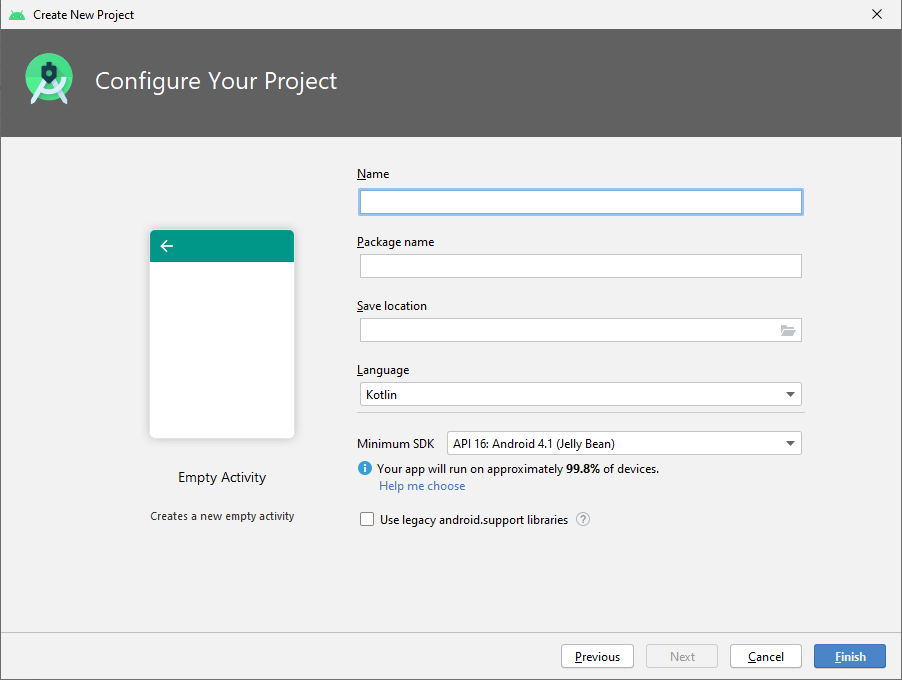
Ajout des librairies à notre projet
// JSon parsing
implementation 'com.google.code.gson:gson:2.10.1'
// Network calls
implementation 'com.squareup.retrofit2:retrofit:2.8.1'
implementation 'com.squareup.retrofit2:converter-gson:2.8.1'
// handle recyclerview
implementation "androidx.recyclerview:recyclerview:1.3.2"
// handle livedata life cycle in fragments
implementation "androidx.fragment:fragment-ktx:1.8.0"
// Handle images loading (choose one)
// implementation 'com.squareup.picasso:picasso:2.71828'
implementation 'com.github.bumptech.glide:glide:4.15.1'
Écriture des fichiers POJO
Pour écrire les fichiers qui correspondent à notre API de news, nous allons suivre les étapes suivantes :- Nous allons installer le plugin JSON To Kotlin.
- Nous allons utiliser le JSON renvoyé par le site web.
- Nous allons le copier/coller dans le plugin JSON To Kotlin.
- Renseigner le champ Class Name: avec : NewsResponse.
- Il ne reste qu'à cliquer sur Generate.
Installons le plugin JSON to Kotlin
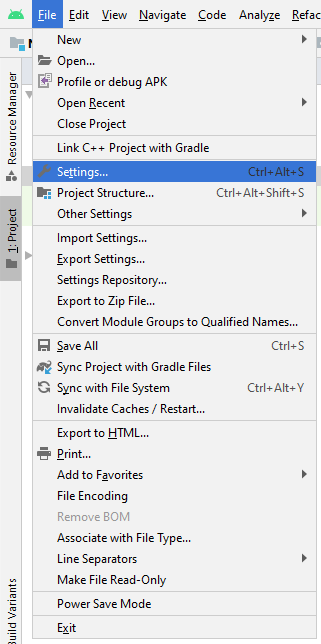
Installons le plugin JSON to Kotlin
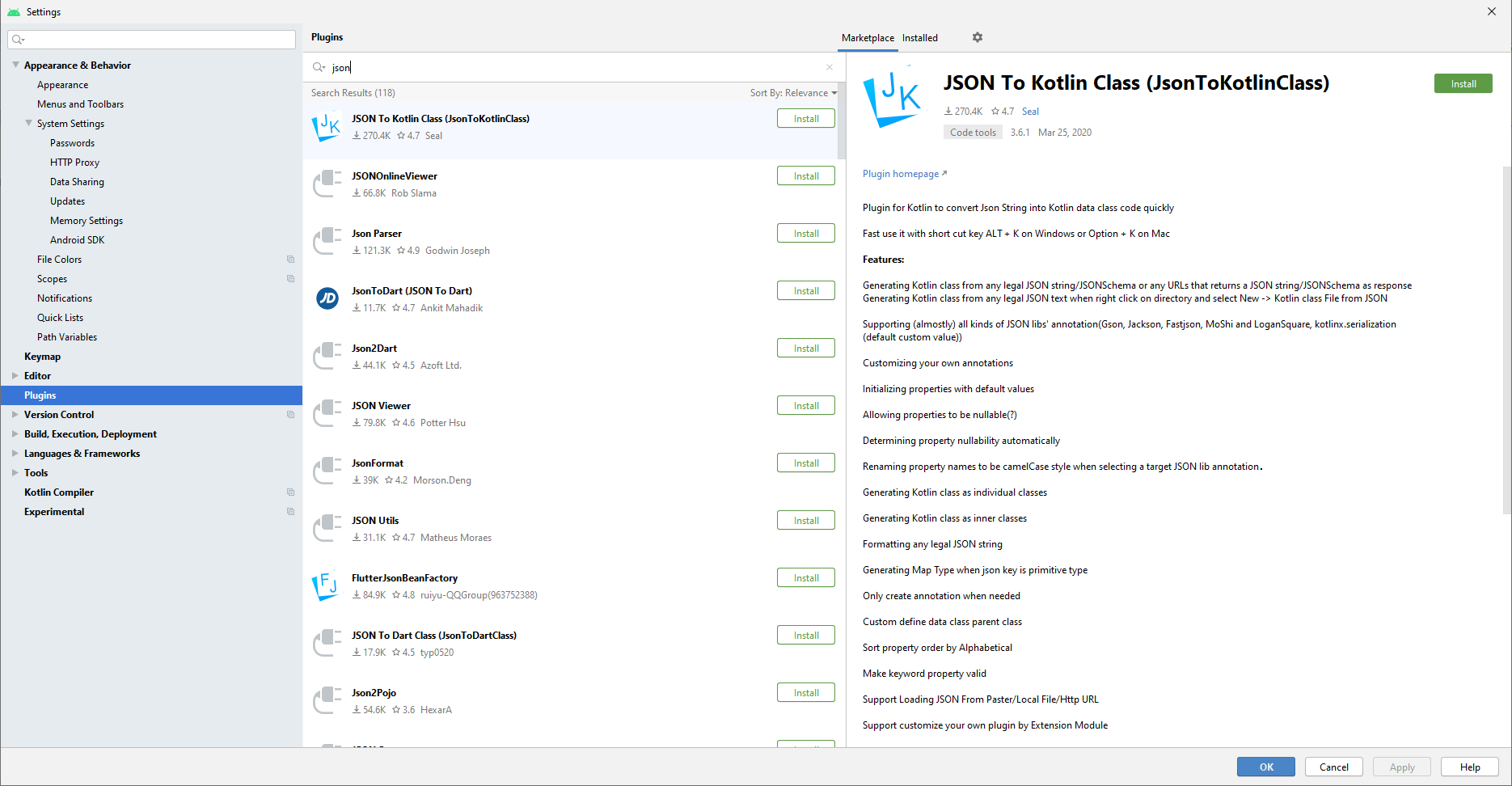
Utilisons JSON to Kotlin
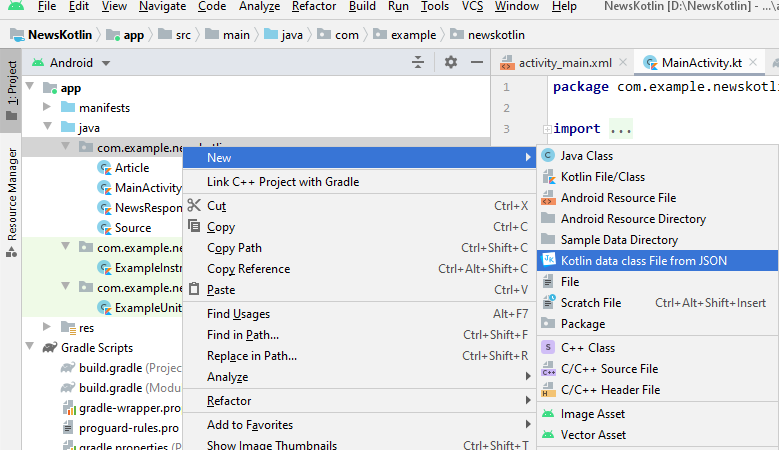
Création du compte sur le site de news
Afin d'accéder à l'API de News, nous allons suivre les étapes suivantes :- Créer un compte (gratuit) sur le site News API : https://newsapi.org/.
- Aller dans la section : "News sources" (tout en bas), puis France.
- Copier l'URL de l'API (par exemple : http://newsapi.org/v2/top-headlines?country=fr&apiKey=API_KEY)
- Récupérer le contenu du message (click droit, code source de la page => view-source:http://newsapi.org/v2/top-headlines?country=fr&apiKey=API_KEY (sur chrome).
- Générer les POJO (détail page suivante).
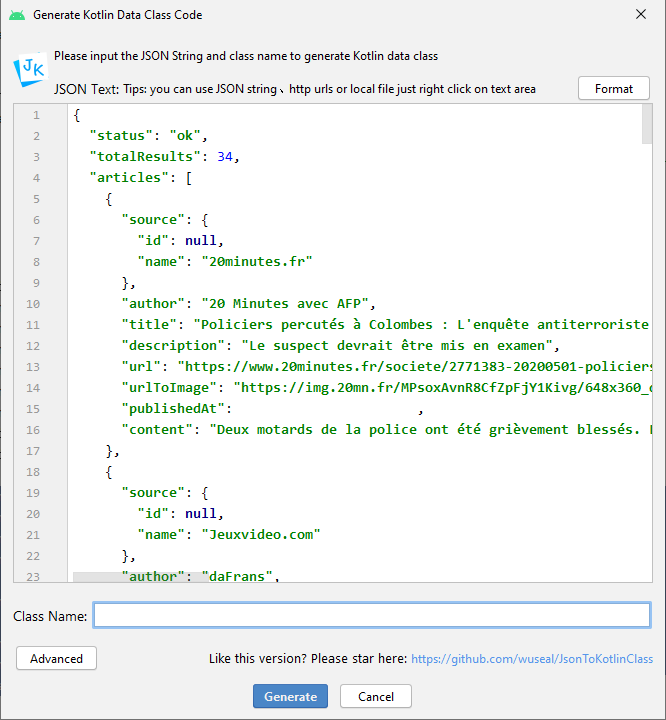
Paramétrage avancé
Il est possible de configurer le générateur avec le bouton "Advanced". Nous allons par exemple activer l'Annotation Gson.Nous avons donc maintenant 3 nouvelles classes :
- NewsResponse.
- Article.
- Source.
String.
Écriture de l'interface avec l'API
Créons une nouvelle interface : NewsApi contenant le code suivant :
import retrofit2.Call
import retrofit2.http.GET
import retrofit2.http.Query
interface NewsApi {
@GET("top-headlines")
fun getNewsList(
@Query("country") newsSource: String?,
@Query("apiKey") apiKey: String?
): Call<NewsResponse?>?
}
Creation de la classe de service
import retrofit2.Retrofit
import retrofit2.converter.gson.GsonConverterFactory
class RetrofitService {
private val retrofit = Retrofit.Builder()
.baseUrl("https://newsapi.org/v2/")
.addConverterFactory(GsonConverterFactory.create())
.build()
fun <S> createService(serviceClass: Class<S>): S {
return retrofit.create(serviceClass)
}
}
NewsRepository
import android.util.Log
import androidx.lifecycle.MutableLiveData
import retrofit2.Call
import retrofit2.Callback
import retrofit2.Response
object NewsRepository {
private const val TAG = "NewsRepository"
private var newsApi: NewsApi? = null
init {
newsApi = RetrofitService().createService(NewsApi::class.java)
}
fun getNews(country: String?, key: String?): MutableLiveData<NewsResponse?> {
val newsData = MutableLiveData<NewsResponse?>()
newsApi?.getNewsList(country, key)?.enqueue(object : Callback<NewsResponse?> {
override fun onResponse(call: Call<NewsResponse?>, response: Response<NewsResponse?>) {
if (response.isSuccessful) {
newsData.setValue(response.body())
} else {
if (BuildConfig.DEBUG) {
Log.d(TAG, "onResponse $response")
}
}
}
override fun onFailure(call: Call<NewsResponse?>, t: Throwable) {
newsData.value = null
if (BuildConfig.DEBUG) {
Log.d(TAG, "onFailure $t")
}
}
})
return newsData
}
}
NewsViewModel
import androidx.lifecycle.LiveData
import androidx.lifecycle.MutableLiveData
import androidx.lifecycle.ViewModel
class NewsViewModel : ViewModel() {
private var mutableLiveData: MutableLiveData<NewsResponse?>? = null
fun init() {
if (mutableLiveData != null) {
return
}
mutableLiveData = NewsRepository.getNews("fr", "96c6792fdad6434fbc3a893daba40e0f")
}
fun getNewsRepository(): LiveData<NewsResponse?>? {
return mutableLiveData
}
}
Ajout d'un fragment
Nous allons ajouter un fragmentNewsFragment à notre projet, et dans le layout du fragment,
ajouter une RecyclerView :
<?xml version="1.0" encoding="utf-8"?>
<FrameLayout xmlns:android="http://schemas.android.com/apk/res/android"
xmlns:tools="http://schemas.android.com/tools"
android:layout_width="match_parent"
android:layout_height="match_parent"
tools:context=".NewsFragment">
<androidx.recyclerview.widget.RecyclerView
android:id="@+id/rvNews"
android:layout_width="match_parent"
android:layout_height="match_parent" />
</FrameLayout>
Modification du layout
Nous allons ajouter ce fragment au layout de notreactivity_main.xml :
<?xml version="1.0" encoding="utf-8"?>
<FrameLayout xmlns:android="http://schemas.android.com/apk/res/android"
xmlns:tools="http://schemas.android.com/tools"
android:layout_width="match_parent"
android:layout_height="match_parent"
tools:context=".MainActivity">
<fragment android:id="@+id/news_fragment"
android:name="com.example.todeletenetwork.NewsFragment"
android:layout_width="match_parent"
android:layout_height="match_parent" />
</FrameLayout>
Création du layout pour afficher une news
Nous allons par exemple écrire un layout : item_news.xml :
<?xml version="1.0" encoding="utf-8"?>
<androidx.constraintlayout.widget.ConstraintLayout xmlns:android="http://schemas.android.com/apk/res/android"
xmlns:app="http://schemas.android.com/apk/res-auto"
xmlns:tools="http://schemas.android.com/tools"
android:layout_width="match_parent"
android:layout_height="wrap_content"
android:layout_margin="5dp">
<TextView
android:id="@+id/item_news_textView_title"
android:layout_width="0dp"
android:layout_height="wrap_content"
android:transitionName="title"
app:layout_constraintEnd_toStartOf="@id/item_news_imageView_image"
app:layout_constraintStart_toStartOf="parent"
app:layout_constraintTop_toTopOf="parent"
tools:text="Title title title title title title title title title title title title title title title title title title title title title title title title title title title title title" />
<TextView
android:id="@+id/item_news_textView_description"
android:layout_width="0dp"
android:layout_height="wrap_content"
android:transitionName="description"
app:layout_constraintEnd_toStartOf="@id/item_news_imageView_image"
app:layout_constraintStart_toStartOf="parent"
app:layout_constraintTop_toBottomOf="@id/item_news_textView_title"
tools:text="description description description description description description description description description description description description description description description description description description description description description description description description description description description description description description description description description description description description description description description description description description description description description description description description description description description description description description description description description description description description description description description description description description description description description description description" />
<ImageView
android:id="@+id/item_news_imageView_image"
android:layout_width="100dp"
android:layout_height="wrap_content"
android:scaleType="fitCenter"
android:src="@mipmap/ic_launcher"
android:transitionName="image"
app:layout_constraintEnd_toEndOf="parent"
app:layout_constraintTop_toTopOf="parent" />
<androidx.constraintlayout.widget.Barrier
android:id="@+id/barrier"
android:layout_width="wrap_content"
android:layout_height="wrap_content"
app:barrierDirection="bottom"
app:constraint_referenced_ids="item_news_textView_description,item_news_imageView_image" />
<TextView
android:id="@+id/item_news_textView_publishedAt"
android:layout_width="wrap_content"
android:layout_height="wrap_content"
app:layout_constraintStart_toStartOf="parent"
app:layout_constraintTop_toBottomOf="@id/barrier"
tools:text="14 minutes ago" />
<TextView
android:id="@+id/item_news_textView_author"
android:layout_width="wrap_content"
android:layout_height="wrap_content"
app:layout_constraintEnd_toEndOf="parent"
app:layout_constraintTop_toBottomOf="@id/barrier"
tools:text="by author" />
</androidx.constraintlayout.widget.ConstraintLayout>
Création de l'adapter : NewsAdapter
import android.content.Context
import android.view.LayoutInflater
import android.view.View
import android.view.ViewGroup
import android.widget.ImageView
import android.widget.TextView
import androidx.recyclerview.widget.RecyclerView
import androidx.recyclerview.widget.RecyclerView.ViewHolder
import com.bumptech.glide.Glide
class NewsAdapter(val context: Context, val myDataset: List<Article>):
RecyclerView.Adapter<NewsAdapter.MyViewHolder>() {
private var mDataset: List<Article>? = null
private var mInflater: LayoutInflater? = null
init {
mInflater = LayoutInflater.from(context)
mDataset = myDataset
}
class MyViewHolder(v: View): ViewHolder(v) {
// each data item is just a string in this case
var tvTitle: TextView
var tvDescription: TextView
var tvPublishedAt: TextView
var tvAuthor: TextView
var imageView: ImageView
init {
tvTitle = v.findViewById(R.id.item_news_textView_title)
tvDescription = v.findViewById(R.id.item_news_textView_description)
tvPublishedAt = v.findViewById(R.id.item_news_textView_publishedAt)
tvAuthor = v.findViewById(R.id.item_news_textView_author)
imageView = v.findViewById(R.id.item_news_imageView_image)
}
}
override fun onCreateViewHolder(parent: ViewGroup, viewType: Int): MyViewHolder {
// create a new view
val v = mInflater!!.inflate(R.layout.item_news, parent, false)
return MyViewHolder(v)
}
override fun getItemCount(): Int = if(mDataset == null) 0 else mDataset!!.size
override fun onBindViewHolder(holder: MyViewHolder, position: Int) {
// - get element from your dataset at this position
// - replace the contents of the view with that element
mDataset?.let {safeDataset ->
holder.tvTitle.setText(safeDataset[position].title)
holder.tvDescription.setText(safeDataset[position].description)
holder.tvPublishedAt.setText(safeDataset[position].publishedAt)
holder.tvAuthor.setText(safeDataset[position].author)
Glide.with(holder.imageView).load(safeDataset[position].urlToImage).into(holder.imageView)
}
}
}
Appel dans notre fragment
Déclarons les variables de classes suivantes :
private var newsAdapter: NewsAdapter? = null
private val newsViewModel: NewsViewModel by viewModels()
private var rvHeadline: RecyclerView? = null
private var articleArrayList = arrayListOf<Article>()
Appel dans notre fragment
Déclarons la fonction suivante :
private fun setupRecyclerView(context: Context) {
if (newsAdapter == null) {
newsAdapter = NewsAdapter(context, articleArrayList)
rvHeadline?.layoutManager = LinearLayoutManager(context)
rvHeadline?.adapter = newsAdapter
//rvHeadline?.setItemAnimator(DefaultItemAnimator())
//rvHeadline?.setNestedScrollingEnabled(true)
} else {
newsAdapter?.notifyDataSetChanged()
}
}
Appel dans notre fragment
Remplaçons le corps de notre méthodeonCreateView :
// Inflate the layout for this fragment
val rootLayout = inflater.inflate(R.layout.fragment_news, container, false)
context?.let { safeContext ->
rvHeadline = rootLayout.findViewById(R.id.rvNews)
newsViewModel.init()
newsViewModel.getNewsRepository()?.observe(viewLifecycleOwner) {
val newsArticles = it?.articles
if (newsArticles != null) {
articleArrayList.addAll(newsArticles)
newsAdapter?.notifyDataSetChanged()
}
}
setupRecyclerView(safeContext)
}
return rootLayout
Erreurs possibles
Si vous avez l'erreur :
java.lang.NoSuchMethodError: No static method metafactory(Ljava/lang/invoke/MethodHandles
android {
...
compileOptions {
sourceCompatibility JavaVersion.VERSION_1_8
targetCompatibility JavaVersion.VERSION_1_8
}
kotlinOptions {
jvmTarget = "1.8"
}
}
Erreurs possibles
Si vous avez l'erreur, sur l'émulateur :
java.net.SocketException: socket failed: EPERM (Operation not permitted)
Erreurs possibles
Si nous avons une SocketTimeoutException, il suffit d'allonger la durée du Timeout.Dans la classe : RetrofitService remplaçons
private val retrofit = Retrofit.Builder()
.baseUrl("https://newsapi.org/v2/")
.addConverterFactory(GsonConverterFactory.create())
.build()
var client = OkHttpClient.Builder()
.connectTimeout(100, TimeUnit.SECONDS)
.readTimeout(100, TimeUnit.SECONDS).build()
private val retrofit = Retrofit.Builder()
.baseUrl("https://newsapi.org/v2/").client(client)
.addConverterFactory(GsonConverterFactory.create(Gson()))
.build()
Erreurs possibles
Si nous avons l'erreur suivante :
Caused by: java.lang.IllegalArgumentException: Binary XML file line #11: Must specify unique android:id, android:tag, or have a parent with an id for com.example.todeletenetwork.NewsFragment
fragment dans le layout de notre activity.
Compléments
Utilisation des capteurs
Mise en œuvre de capteurs.
Nous allons développer une application qui va éteindre l'écran quand on est proche de l'écran, et le rallumer quand on est à distance. Pour cela plusieurs étapes :- Nous allons lister les capteurs.
- Récupérer le capteur de proximité.
- S'enregistrer sur les changements.
- Réagir aux changements.
Liste des capteurs (Java).
Pour lister tous les capteurs disponibles sur notre smartphone, utilisons le code suivant :
SensorManager sensorManager = (SensorManager) getSystemService(Context.SENSOR_SERVICE);
List<Sensor> liste = sensorManager.getSensorList(Sensor.TYPE_ALL);
if (BuildConfig.DEBUG) {
for (Sensor currentSensor : liste) {
Log.d(TAG, "onCreate sensor " + currentSensor);
}
}
Liste des capteurs (Kotlin).
Pour lister tous les capteurs disponibles sur notre smartphone, utilisons le code suivant :
val sensorManager = getSystemService(Context.SENSOR_SERVICE) as SensorManager
var liste = sensorManager.getSensorList(Sensor.TYPE_ALL)
if (BuildConfig.DEBUG) {
for (currentSensor in liste) {
Log.d(TAG, "onCreate sensor $currentSensor")
}
}
Récupérons le capteur de proximité (Java).
private Sensor mProximitySensor = null; // En attribut de classe.
mProximitySensor = sensorManager.getDefaultSensor(Sensor.TYPE_PROXIMITY);
Récupérons le capteur de proximité (Kotlin)
var mProximitySensor:Sensor? = null // En attribut de classe.
mProximitySensor = sensorManager.getDefaultSensor(Sensor.TYPE_PROXIMITY)
Enregistrons-nous, sur les changements (Java).
Dans un premier temps, nous récupérons le manager des capteurs :
private SensorManager mSensorManager = null; // En attribut de classe.
mSensorManager = (SensorManager) getSystemService(Context.SENSOR_SERVICE);
@Override
protected void onResume() {
super.onResume();
mSensorManager.registerListener(mSensorEventListener, mProximitySensor, SensorManager.SENSOR_DELAY_NORMAL);
}
@Override
protected void onPause() {
super.onPause();
mSensorManager.unregisterListener(mSensorEventListener, mProximitySensor);
}
Le listener (Java).
Le listener qui va réagir aux changements est définis par :
final SensorEventListener mSensorEventListener = new SensorEventListener() {
public void onAccuracyChanged(Sensor sensor, int accuracy) {
// Que faire en cas de changement de précision ?
}
public void onSensorChanged(SensorEvent sensorEvent) {
if(BuildConfig.DEBUG){
Log.d(TAG, "onSensorChanged " + sensorEvent.values.length);
Log.d(TAG, "onSensorChanged " + sensorEvent.values[0]);
}
}
};
Exemple plus poussé d'utilisation du capteur de proximité pour éteindre l'écran.
Enregistrons-nous, sur les changements (Kotlin)
Dans un premier temps, nous récupérons le manager des capteurs :
var mSensorManager: SensorManager? = null // En attribut de classe.
mSensorManager = getSystemService(Context.SENSOR_SERVICE) as SensorManager
override fun onResume() {
super.onResume()
mSensorManager?.registerListener(
mSensorEventListener,
mProximitySensor,
SensorManager.SENSOR_DELAY_NORMAL
)
}
override fun onPause() {
super.onPause()
mSensorManager?.unregisterListener(mSensorEventListener, mProximitySensor)
}
Le listener (Kotlin)
Le listener qui va réagir aux changements est définis par :
val mSensorEventListener: SensorEventListener = object : SensorEventListener {
override fun onAccuracyChanged(sensor: Sensor, accuracy: Int) {
// Que faire en cas de changement de précision ?
}
override fun onSensorChanged(sensorEvent: SensorEvent) {
if (BuildConfig.DEBUG) {
Log.d(TAG, "onSensorChanged ${sensorEvent.values.size}")
Log.d(TAG, "onSensorChanged ${sensorEvent.values[0]}")
}
}
}
Exemple plus poussé d'utilisation du capteur de proximité pour éteindre l'écran.
Exemple complet de jeux
Un exemple plus complet de jeux utilisant les capteurs est disponible ici.Un exemple reprenant la base de ce que l'on a vu ici.
Un exemple simple pour afficher les valeurs de l'accéléromètre ici.
Paramétrage dans le simulateur des capteurs.
Paramétrage dans le simulateur des capteurs.
Paramétrage dans le simulateur des capteurs.
Tester une application Android
Présentation des outils
Il existe plusieurs outils adaptés aux différents types de tests. Les différents types de tests :Tests monkey
Un des tests le plus simple à mettre en œuvre et qui remonte souvent des bugs est le test du singe (monkey). On le lance de la manière suivante :
adb shell monkey -p your.package.name -v 500
monkeyrunner
Nous pouvons écrire des tests simples, par exemple pour automatiser la génération de captures
d'écrans avec un script monkeyrunner qui va installer
l'application, réaliser des actions (tout en effectuant des captures d'écran), pour enfin effacer
l'application testée.Voyons tout cela en détail dans le script
screenshot_app.py :
# -*- coding: utf-8 -*-
# https://developer.android.com/studio/test/monkeyrunner
# https://medium.com/@soonsantos/guide-to-run-monkeyrunner-e9363f36bca4
# Imports the monkeyrunner modules used by this program
from com.android.monkeyrunner import MonkeyRunner, MonkeyDevice
# Connects to the current device, returning a MonkeyDevice object
device = MonkeyRunner.waitForConnection()
MonkeyRunner.alert(u"\n\nMonkeyRunnerScript\nMerci de vérifier que :\n\
\t - Le téléphone est bien installé.\n\
\n\n\n\n\n\
Appuyez sur 'Continuer' POUR REPENDRE L'EXECUTION...","MonkeyRunner","Continuer");
print("Start")
# Presses the Home button
device.press('KEYCODE_HOME',MonkeyDevice.DOWN_AND_UP)
# sets a variable with the package's internal name
package = 'fr.salaun.tristan.todelete'
# sets a variable with the name of an Activity in the package
activity = 'fr.salaun.tristan.todelete.MainActivity'
apk_path = device.shell('pm path ' + package)
if apk_path.startswith('package:'):
print "XXXYY already installed."
else:
print "XXXYY app is not installed, installing APKs..."
device.installPackage('D:/path to apk/yourapp.apk')
# sets the name of the component to start
runComponent = package + '/' + activity
# Runs the component
device.startActivity(component=runComponent)
# Wait a bit
MonkeyRunner.sleep(1)
# Takes a screenshot
print("Take screenshot of screen")
result = device.takeSnapshot()
# Writes the screenshot to a file
result.writeToFile('screenshot.png','png')
# ==================================================
# Go out of the application
device.press("KEYCODE_BACK", MonkeyDevice.DOWN_AND_UP)
Tests unitaires
Ils permettent de tester les méthodes de chaque classe, séparément.Fonctions spéciales
setupappelée avant chaque testtearDownappelée après chaque test
Assertions
- assertEquals(a,b)
- assertTrue(a) et assertFalse(a)
- assertSame(a,b) et assertNotSame(a,b)
- assertNull(a) et assertNotNull(a)
- fail(message)
Bonnes pratiques
- Écrire les tests en même temps que le code.
- Tester uniquement ce qui peut vraiment provoquer des erreurs.
- Exécuter ses tests aussi souvent que possible, idéalement après chaque changement de code.
- Écrire un test pour tout bogue signalé (même s’il est corrigé).
- Ne pas tester plusieurs méthodes dans un même test : JUnit s’arrête à la première erreur.
- Attention, les méthodes privées ne peuvent pas être testées !
Simulation d'interactions utilisateur avec Espresso.
Nous allons voir plus en détails la mise en place des tests.AndroidJUnit4 déprécié
Pour corriger le message :
Ajoutons la librairie :
androidTestImplementation 'androidx.test.ext:junit:1.1.1'
Test Content provider
Regardons plus en détail le projetContentProvider et mettons en place des tests
relatifs à notre base de donnée.
Mocker
Les références
Lorem ipsum.TODO
Les tests unitaires graphiques
Lorem ipsum.TODO
Les test IHM (UI Automator)
Tests enregistrés
Nous pouvons mettre en place des tests de manière graphique sans avoir besoin d'écrire de code.
uiautomatorviewer
Afin de nous aider à rédiger un test, nous pouvons utiliseruiautomatorviewer.bat
(dans C:\Users\USER_NAME\AppData\Local\Android\Sdk\tools\bin pour identifier les
id
des éléments composants l'interface graphique des applications tierces.
Cloud Test
Utilisation de Cloud Test Lab.
Nous allons suivre le tutoriel iciLa référence est disponible ici : https://firebase.google.com/docs/test-lab.
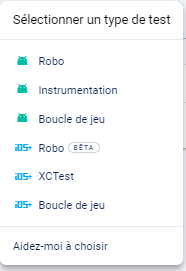
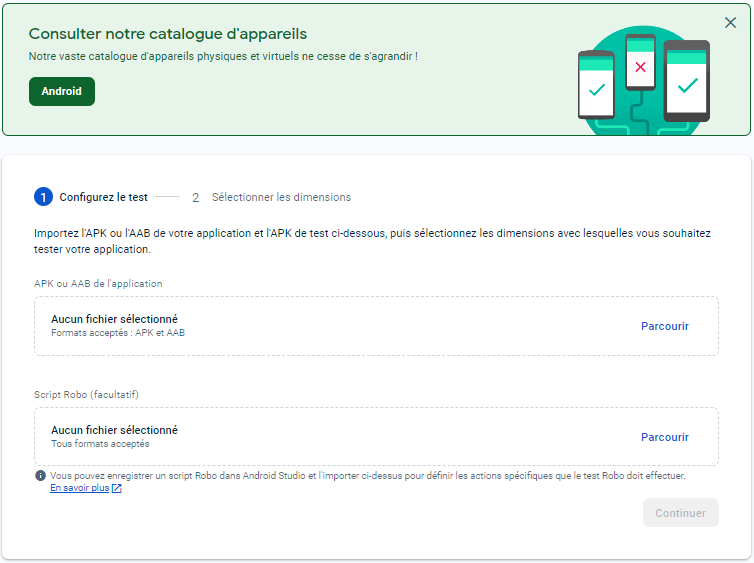
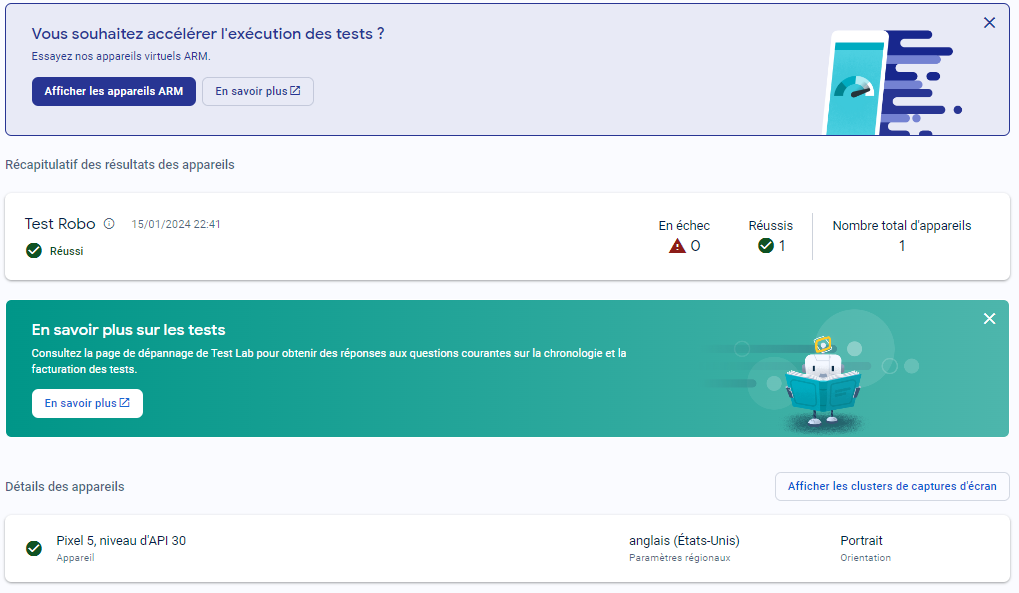
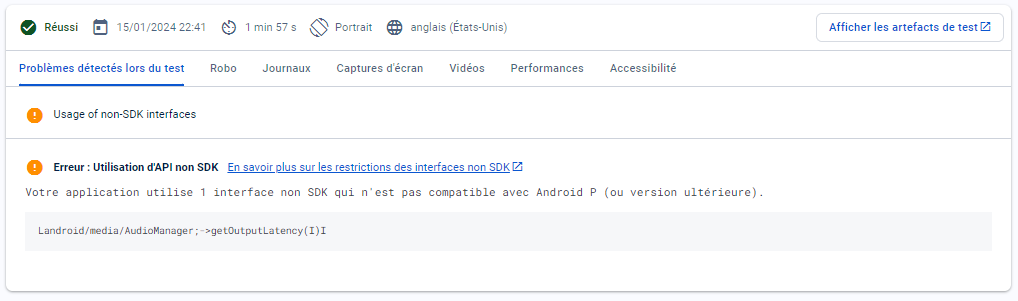
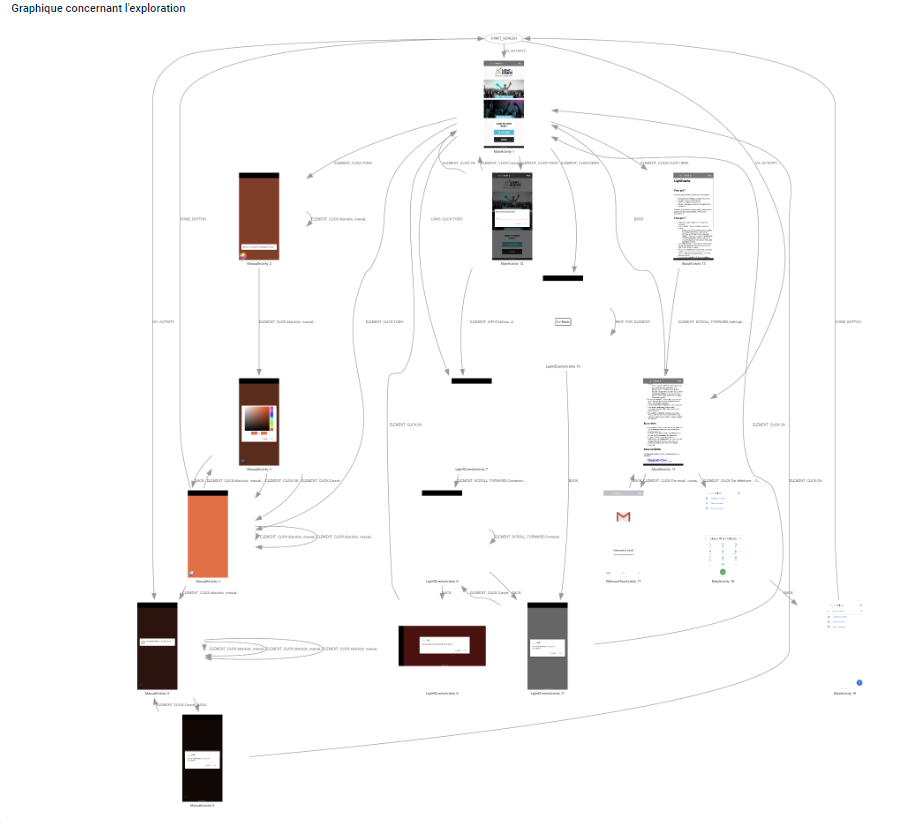
Les tests
Les tests mécaniques
Send SMS
Présentation
Revoyons certains principes vu dans la formation, nous allons réaliser une application qui permet d'envoyer des SMS, et informer l'utilisateur de l'état d'avancée des envois/réceptions. Nous allons encore une fois grandement nous aider des Live Templates mis à disposition.GUI
Mettons en place au minimum, l'interface suivante :
Contact picker
Implémentons la sélection des contacts, en deux étapes :- L'implémentation du click pour sélectionner le contact.
- La récupération du contact lors du retour de la sélection.
and_intent_select_contact
pour implémenter la méthode.Suivons les instructions.
Send SMS
Implémentons l'envoi des SMS, en suivant les étapes suivantes :- Récupération des références vers les
EditText. - Implémentation du click pour envoyer le SMS.
- Ajoutons la permission pour envoyer les SMS.
- Implémentation des classes de BroadcastReceiver.
Récupération des EditText
Déclarons nos deux variables d'instances de classe :
private EditText editTextNumber, editTextText;
editTextNumber = findViewById(R.id.activity_main_editText_number);
editTextText = findViewById(R.id.activity_main_editText_message);
Implémentation du code
Implémentons le code pour envoyer les SMS : utilisons, hors d'une méthode, le Live Template :and_send_sms_01_method.Suivons les instructions.
Implémentons le callback pour le click du bouton avec :
sendSMS(getApplicationContext(), editTextNumber.getText().toString(), editTextText.getText().toString());
Permissions
Utilisons le Live Templateand_permission_single.Déplaçons le code situé dans le click du bouton, vers la méthode
actionToBeCalled(), et
remplaçons-le par l'appel à la méthode actionToBeCalled().Testons notre code.
Correction des erreurs
Si nous avons l'erreur :
java.lang.SecurityException: Sending SMS message: uid XXXXX does not have android.permission.SEND_SMS.
- Soit oublié d'ajouter la permission dans le
Manifest.xml. - Soit oublié de demander la permission dynamiquement (Android 6.0+).
Allons plus loin
Améliorons l'UX de notre application :- Passons au Material design sur les
EditTextet lesButtons. - Effectuons des tests sur les valeurs des champs.
- Mémorisons les dernières valeurs utilisées.
- Mettons en place un EventBus pour communiquer des
BroadcastReceivers vers laMainActivity.
Le support avec les solutions
Le support en PDF.Le support avec les solutions
Le support en PDF.Le support avec les solutions
Le support en PDF.Le support avec les solutions
Le support en PDF.Annexes
Raccourcis claviers utiles
| Touches | Action |
|---|---|
| Shift deux fois rapidement. | Ouvrir la recherche. |
| F2 | Aller jusqu'à la prochaine erreur. |
| Ctrl + Y | Effacer une ligne. |
| Shift + F6 | Renommer. |
| Shift + Ctrl + Flèche haut/bas | Déplacer une ligne de code. |
| Ctrl + Alt + L | Indenter le code. |
| Alt + F7 | Find usage. |
| Ctrl + Alt + O | Organiser les imports. |
| Ctrl (maintenu) + click souris | Ouvrir la source cliquée. |
| Ctrl + D | Dupliquer la ligne. |
Le mode démo
Sur le téléphone, allons dans le menu développeur, Mode de démonstration de l'interface du système et activons le mode démonstration et affichons-le :
Quels changements observons nous ?
LivesTemplates
Nous avons à notre disposition plusieurs LiveTemplates, tels que :and_tts: pour activer une synthèse vocale.and_intent_voice_recognition: pour activer une reconnaissance vocale.
TODO / FIXME
En commentaires, les mots clés TODO et FIXME sont interprétés par l'éditeur :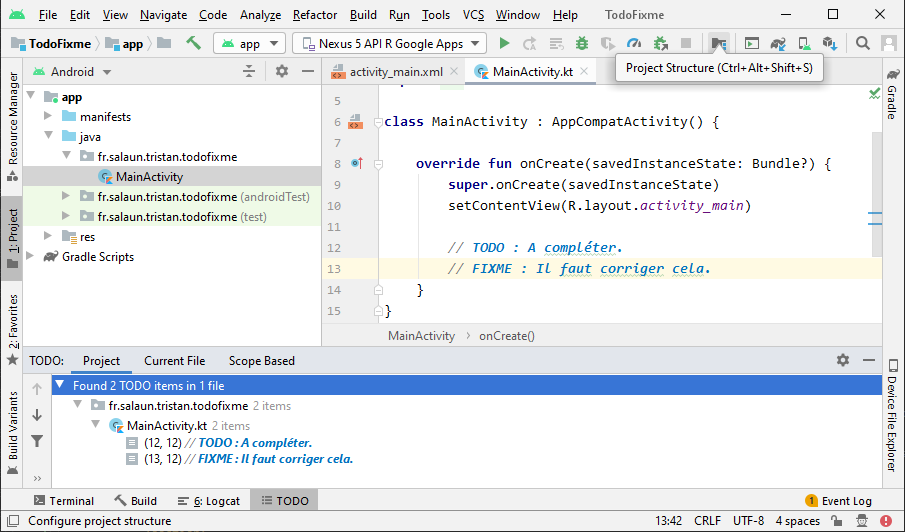
Universal ADB Drivers
Un outil indispensable sous Windows pour installer les drivers manquants pour que le système reconnaisse son téléphone/tablette :Universal ADB Drivers
Les gestures
Nous pouvons mettre en place la reconnaissance de gesture (motifs) définies par le développeur.Le swipe
Nous pouvons aussi réagir à des mouvements simples : le swipe (haut, bas, droite et gauche).Références utiles
Jetpack Compose
La passerelle Web et JS
Nous pouvons mettre en place une passerelle JS pour appeler du code natif Android depuis une page Web affichée dans une webview :Contact Picker
Exemple de sélection d'un contact dans notre répertoire téléphonique.Dans le clickListener d'un bouton, nous allons utiliser le LiveTemplate suivant :
and_intent_select_contact,
et suivre les instructions.
Scripts batch/bash
Voyons ensemble sur les prochaines diapositives des scripts qui vont nous aider à développer/tester/installer plus rapidement nos applications.clear.bat, pour effacer les données d'une application :
echo Waiting for device on USB
adb wait-for-usb-device
echo Device found
echo Clear APP Tristan
adb shell pm clear fr.salaun.tristan.android.myapplication
delete.bat, pour effacer une application :
echo Waiting for device on USB
adb wait-for-usb-device
echo Device found
echo "Delete APP Tristan"
adb uninstall fr.salaun.tristan.android.myapplication
Scripts batch/bash
install.sh, pour installer plusieurs applications d'un répertoire :
#!/bin/bash
# example : ./install_all_apk.sh /c/apk/
echo Waiting for device on USB
adb wait-for-usb-device
echo Device found
echo "The path to use : $1"
for filename in $1/*.apk; do
echo "installing $filename"
adb install -r -d -g $filename
done
Scripts batch/bash
install_apk_all_devices.bat, pour installer une application sur plusieurs devices :
@echo off
SETLOCAL ENABLEDELAYEDEXPANSION
:: INSTALL ON ALL ATTACHED DEVICES ::
FOR /F "tokens=1,2 skip=1" %%A IN ('adb devices') DO (
start "Sub" install_apk_all_devices_installer.bat %%A
)
ENDLOCAL
:EOF
Scripts batch/bash
install_apk_all_devices_installer.bat, qui est appelé par le script précédent :
@echo off
SET ARGUMENTS=%~1
if "%ARGUMENTS%" == "" (
GOTO EOF
)
adb -s %ARGUMENTS% uninstall fr.salaun.tristan.android.myapplication
echo Waking up the device %ARGUMENTS%.
adb -s %ARGUMENTS% shell input keyevent KEYCODE_WAKEUP
REM Sleep for 2 seconds
echo Wait a bit
ping -n 5 127.0.0.1>nul
echo Unlock the screen
adb -s %ARGUMENTS% shell input keyevent 82
echo Install the application.
adb -s %ARGUMENTS% install -r -t D:\apk\debug\fr.salaun.tristan.android.myapplication-debug.apk
if errorlevel 1 goto performdeletebefore
echo Install Success!
goto launch
:performdeletebefore
echo Something bad happened during install.
echo Try to uninstall first.
adb -s %ARGUMENTS% uninstall fr.salaun.tristan.android.myapplication
adb -s %ARGUMENTS% install -r -t D:\apk\debug\fr.salaun.tristan.android.myapplication-debug.apk
if errorlevel 1 goto ERROR
:launch
echo Launch the application.
adb -s %ARGUMENTS% shell am start -n fr.salaun.tristan.android.myapplication/fr.salaun.tristan.android.myapplication.MainActivity
:EOF
exit
:ERROR
echo "Exit with error"
Utilisation du JSON avec GSON.
Créons le projet suivant :com.example.jsonmyapplication.Ajoutons la dépendance dans le
build.graddle (app) :
implementation 'com.google.code.gson:gson:2.8.6'
data class Book(var id: String, var name: String, var author: String, var genre: String, var numpages: Int, var releaseDate: String, var cover: String)
data class BookList (val bookList: List<Book>)
var list = arrayListOf(
Book(
id = "01fsEF", name = "1984",
author = "George Orwell",
genre = "Fiction dystopique",
numpages = 376,
releaseDate = "1949",
cover = "1984.png"
),
Book(
id = "3H1J0n",
name = "Le Meilleur des mondes",
author = "Aldous Huxley",
genre = "Science-fiction",
numpages = 285,
releaseDate = "1932",
cover = "meilleur-des-mondes.jpg"
),
Book(
id = "MbtsI7",
name = "Malevil",
author = "Robert Merle",
genre = "Littératures de l'imaginaire",
numpages = 541,
releaseDate = "1972",
cover = "malevil.jpg"
)
)
var bookList = BookList (list)
Utilisation du JSON avec GSON (suite).
Définissons une méthode utilitaire pour formater le JSON :
fun jsonToPrettyFormat(jsonString: String?): String? {
val json = JsonParser.parseString(jsonString).asJsonObject
val gson = GsonBuilder()
.serializeNulls()
.disableHtmlEscaping()
.setPrettyPrinting()
.create()
return gson.toJson(json)
}
Utilisation du JSON avec GSON (suite et fin).
Mettons en place la "Serialization" :
// Serialization
val gson = Gson()
val listType: Type = object : TypeToken<BookList?>() {}.type
val jsonResult: String = gson.toJson(bookList, listType)
Log.d(TAG, "onCreate jsonResult = $jsonResult")
Log.d(TAG, "onCreate jsonResult = ${jsonToPrettyFormat(jsonResult)}")
// Deserialization
val bookList2: BookList = Gson().fromJson(jsonResult, listType)
Log.d(TAG, "onCreate bookList2 = ${bookList2}")
Utiliser le presse-papier
Créons un projet simple (en Java ou Kotlin), donnons un id au TextView déjà présent, et dans le code de l'Activity principale :En Java :
TextView tvDemo = (TextView) findViewById(R.id.textview);
tvDemo.setOnLongClickListener(new View.OnLongClickListener() {
@Override
public boolean onLongClick(View v) {
copyContentToClipboard("content", ((TextView)v).getText().toString());
return true;
}
});
findViewById<TextView>(R.id.textview).setOnLongClickListener(View.OnLongClickListener {
copyContentToClipboard("label", (it as TextView).text.toString())
return@OnLongClickListener true
})
copyContentToClipboard.
App streaming
Proposons maintenant à l'utilisateur de tester notre application, sans avoir besoin de l'installer, pour cela, nous allons mettre en place le streaming d'application :TODO.
RenderScript
MVVM
Live data, ViewModel, Retrofit Android Architecture ComponentRecyclerView
Gestion du click en Kotlin.Sources
handleUncaughtException
Timber
Décompiler un APK
Récupération de l'APK en utilisant par exemple : ES Explorateur de Fichiers ou le backup android.Koin
Injection de dépendances faciles :run-as
Récupération de fichiers dans une application débuggable :Le plus simple étant d'utiliser le
View / Tool Windows / Device File Explorer.Un seul fichier
adb exec-out run-as debuggable.app.package.name cat databases/file > file
adb exec-out run-as debuggable.app.package.name tar c databases/ > databases.tar
adb exec-out run-as debuggable.app.package.name tar c shared_prefs/ > shared_prefs.tar
> adb shell
shell $ run-as com.example.package
shell $ chmod 666 databases/file
shell $ exit ## exit out of 'run-as'
shell $ cp /data/data/package.name/databases/file /sdcard/
shell $ run-as com.example.package
shell $ chmod 600 databases/file
> adb pull /sdcard/file .
Backup
Backup complet :
adb backup -apk -shared -all -f <filepath>/backup.ab
adb restore <filepath>/backup.ab
adb backup -f "“"D:\myfolder\myapp.ab" -apk <package name>
Pour extraire facilement les fichiers d'un backup, utiliser : adbextractor.
java -jar "C:\ADB\android-backup-tookit\android-backup-extractor\android-backup-extractor-20180203-bin\abe.jar" unpack c:\adb\backup2.ab backup-extracted.tar (You’ll be asked to enter the password)
Tools pour Android Studio
Il est possible de définir des attributs qui seront uniquement utilisés dans Android Studio. Pour cela, nous allons non plus utiliser android:... mais tools:... :
TODO Attribute value Description of placeholder data @tools:sample/full_names Full names that are randomly generated from the combination of @tools:sample/first_names and @tools:sample/last_names. @tools:sample/first_names Common first names. @tools:sample/last_names Common last names. @tools:sample/cities Names of cities from across the world. @tools:sample/us_zipcodes Randomly generated US zipcodes. @tools:sample/us_phones Randomly generated phone numbers with the following format: (800) 555-xxxx. @tools:sample/lorem Placeholder text that is derived from Latin. @tools:sample/date/day_of_week Randomized dates and times for the specified format. @tools:sample/date/ddmmyy @tools:sample/date/mmddyy @tools:sample/date/hhmm @tools:sample/date/hhmmss @tools:sample/avatars Vector drawables that you can use as profile avatars. @tools:sample/backgrounds/scenic Images that you can use as backgrounds.
La rétro ingénierie (reverse engineering)
La rétro ingénierie
Les outils
Les exemples pratiques
Annexe
Mode développeur
Pour mettre son téléphone Android en mode développeur :- Allons dans les paramètres.
- À propos du téléphone.
- Cliquons plusieurs fois sur le numéro de build.
- Une fois débloqué, nous pouvons activer le mode débugger, et la connexion USB.
Erreur classique
Une erreur :Unsupported major.minor version 52.0 nous indique, que nous avons compilé
le code avec une version de JDK 1.8 et que nous
essayons de le lancer avec une version antérieure :
Références
Les références
- La référence : https://kotlinlang.org/docs/reference
- La source : https://github.com/JetBrains/kotlin
- Autre ressource très complète en FR : https://riptutorial.com/Download/kotlin-fr.pdf
- Rappels des bases : https://kotlinlang.org/docs/reference/basic-syntax.html
Cours en ligne
- Sur Openclassrooms : https://openclassrooms.com/fr/courses/5353106-initiez-vous-a-kotlin
- Sur CodinGame : https://www.codingame.com/playgrounds/28826/formation-kotlin/les-bases-de-kotlin
- Kotlin Koans : https://play.kotlinlang.org/koans/overview
Tests/Challenges
Articles sur des points précis
Livres
Liste des mots clés
Kotlin pour les applications Backend
Kotlin pour Android
- https://www.udacity.com/course/ud9012
- https://blog.ippon.fr/2017/12/11/introduction-a-kotlin-pour-android/
- https://kotlinlang.org/docs/reference/android-overview.html
- https://developer.android.com/kotlin
- https://codelabs.developers.google.com/codelabs/android-room-with-a-view-kotlin/#0
- https://codelabs.developers.google.com/codelabs/kotlin-coroutines/#0